Recently, we needed to just add a few NIC ports to a machine. We did not need anything fast or fancy. We just needed to get a few ports of connectivity. The Intel i350-am4 has been around for so long that it seemed like a decent idea to ensure that no matter which OS we used, this card would work. So we purchased one just to give it a try and report back.
Here is an Amazon affiliate link where we purchased this card.
10Gtek Intel i350 Quad Port 1GbE NIC Hardware Overview
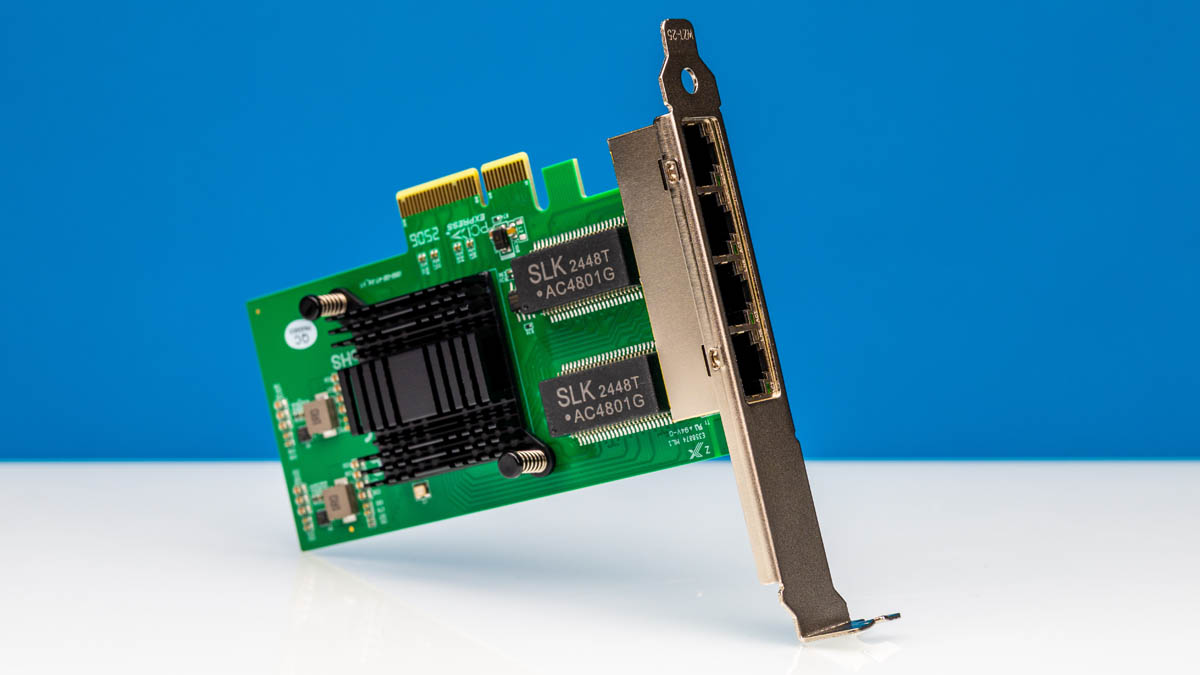
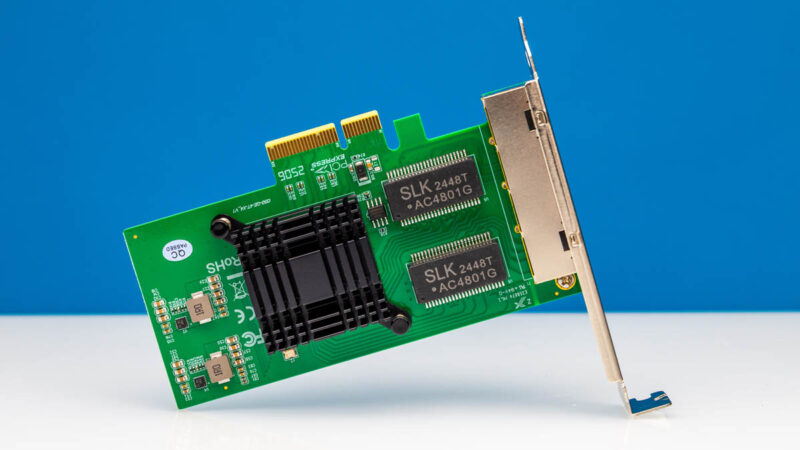
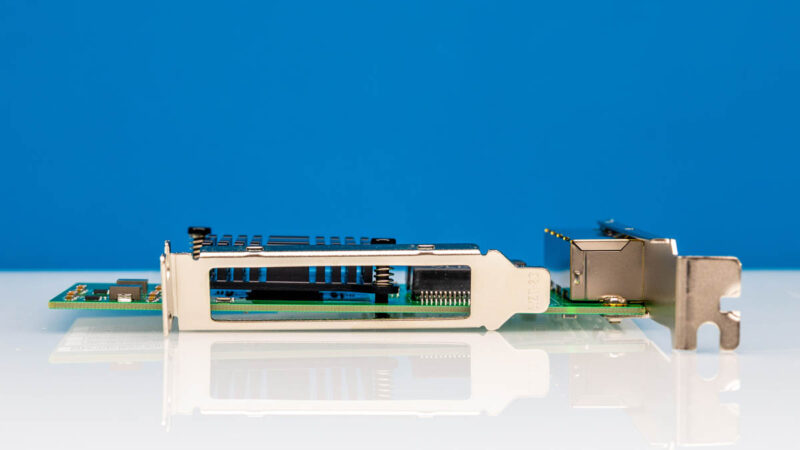
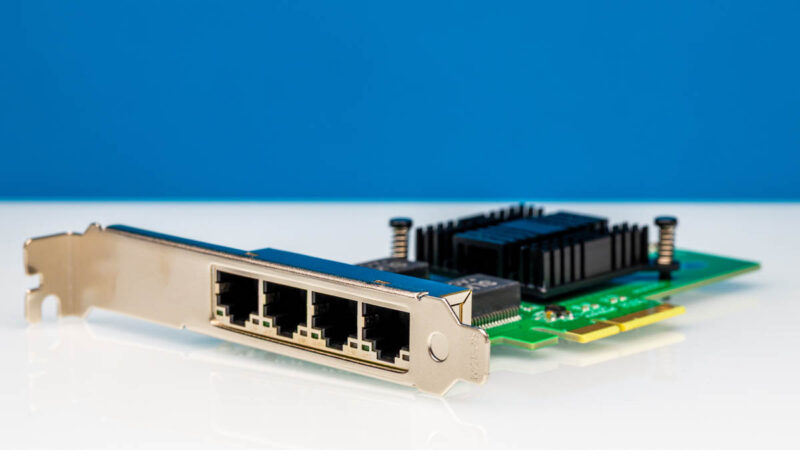
The card itself is small. One notable item here is that the I/O bracket is held on by a single screw, and then clips above the top of the ports.
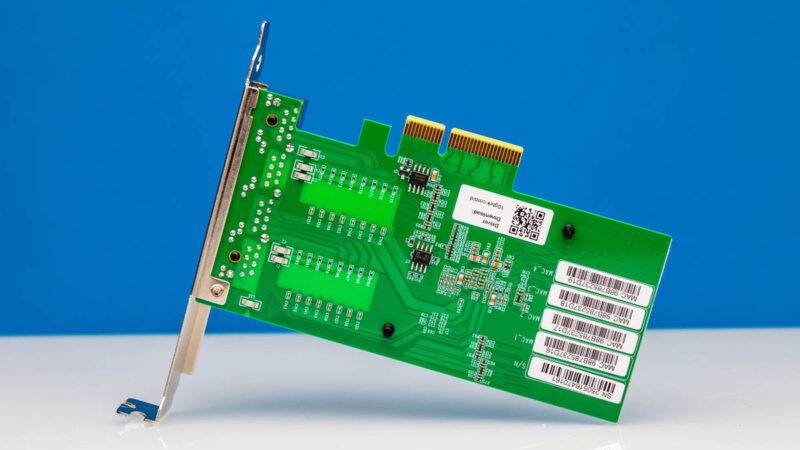
On the back, there is not much going on except the labels.
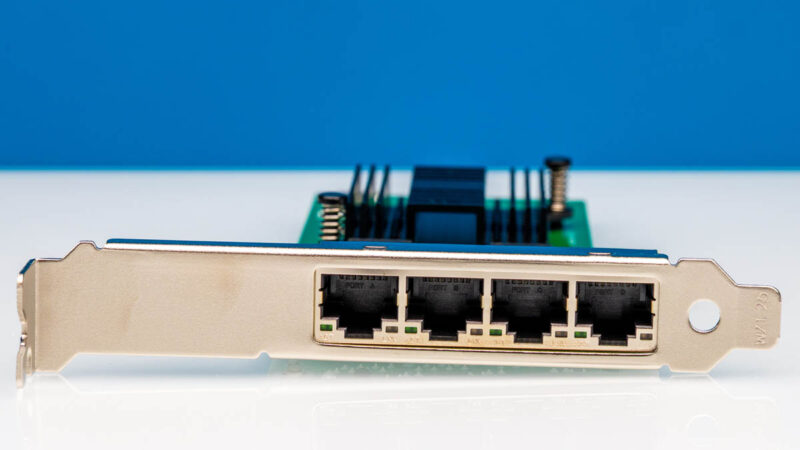
On the port side, there are four 1GbE ports.
Connectivity is via a PCIe Gen2.1 x4 connector.
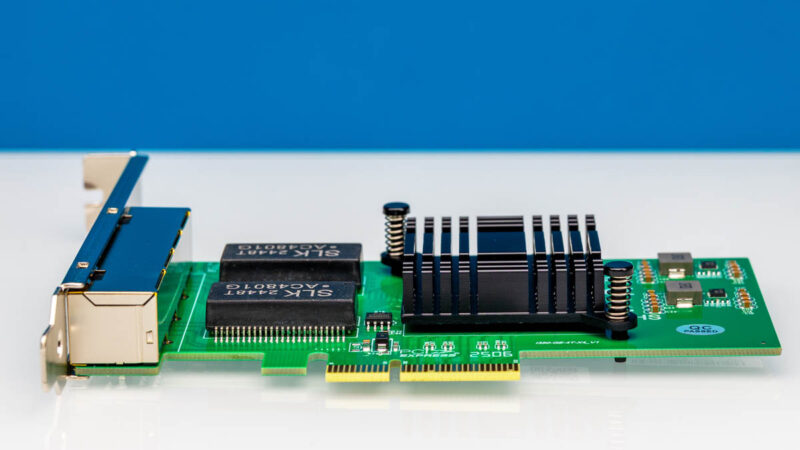
There is a small heatsink on the NIC. The Intel i350-am4 uses something like 4W, so it does not need an enormous thermal solution.
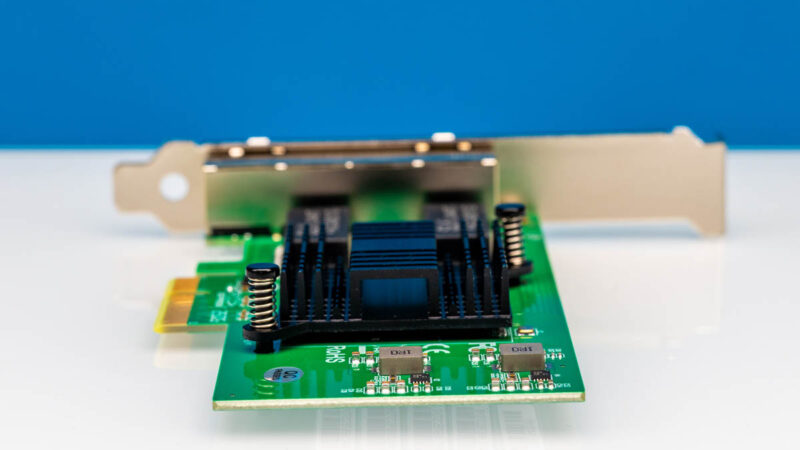
We needed a low-profile bracket, and one was included in the package.
When we plugged in the adapter, we saw all four 1GbE NICs in the OS.
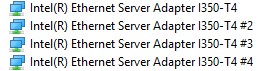
Something that was a bit strange was that we plugged the NIC in and plugged in one of the end ports, we saw that instead of the fourth port (or possibly the first port if the enumeration was reversed), we got the third port enumerated in the OS to connect.

That is just a bit of a pain. You would always want the OS and physical port enumeration to align.
10Gtek Intel i350 Quad Port 1GbE NIC Performance
In terms of performance, we saw just about what we would expect with iperf3:
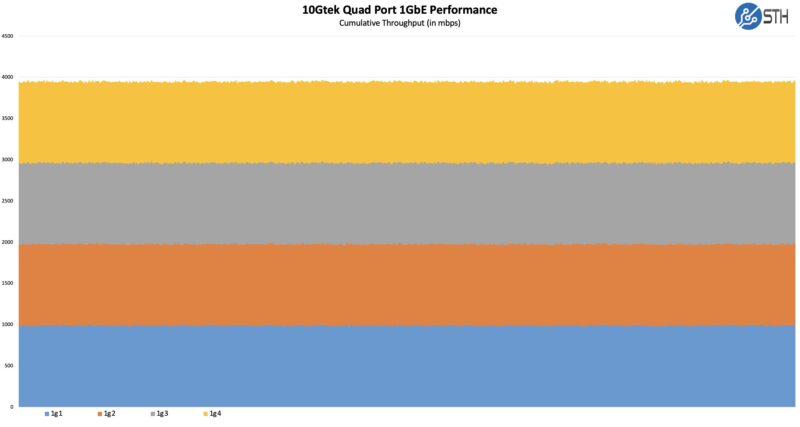
We achieved speeds in the 1Gbps range on all four ports. The Intel i350 has been around for a long time, so we know what to expect.
Final Words
On the one hand, this is a bit of a “boring” card. It is an Intel i350-am4 on a card that is about three-quarters of the way through the NIC’s 20-year lifecycle. This one was $55-60, so we just gave it a shot. It probably would have been less expensive to get a used genuine Intel i350-T4, but this arrived overnight, which is why we ordered it.
I guess the summary is that the card arrived and has worked as expected, but we have some very established expectations since it is a new card based on a 15-year old NIC. Sometimes, you just need four ports in a low-profile form factor.
Where to Buy
Here is an Amazon affiliate link where we purchased this card.