Tag Archive | "Server"

Supermicro CSE-502L-200B mITX/ mATX 1U Atom Server Chassis Review

Supermicro CSE-502L-200B mITX/ mATX 1U Atom Server Chassis Review


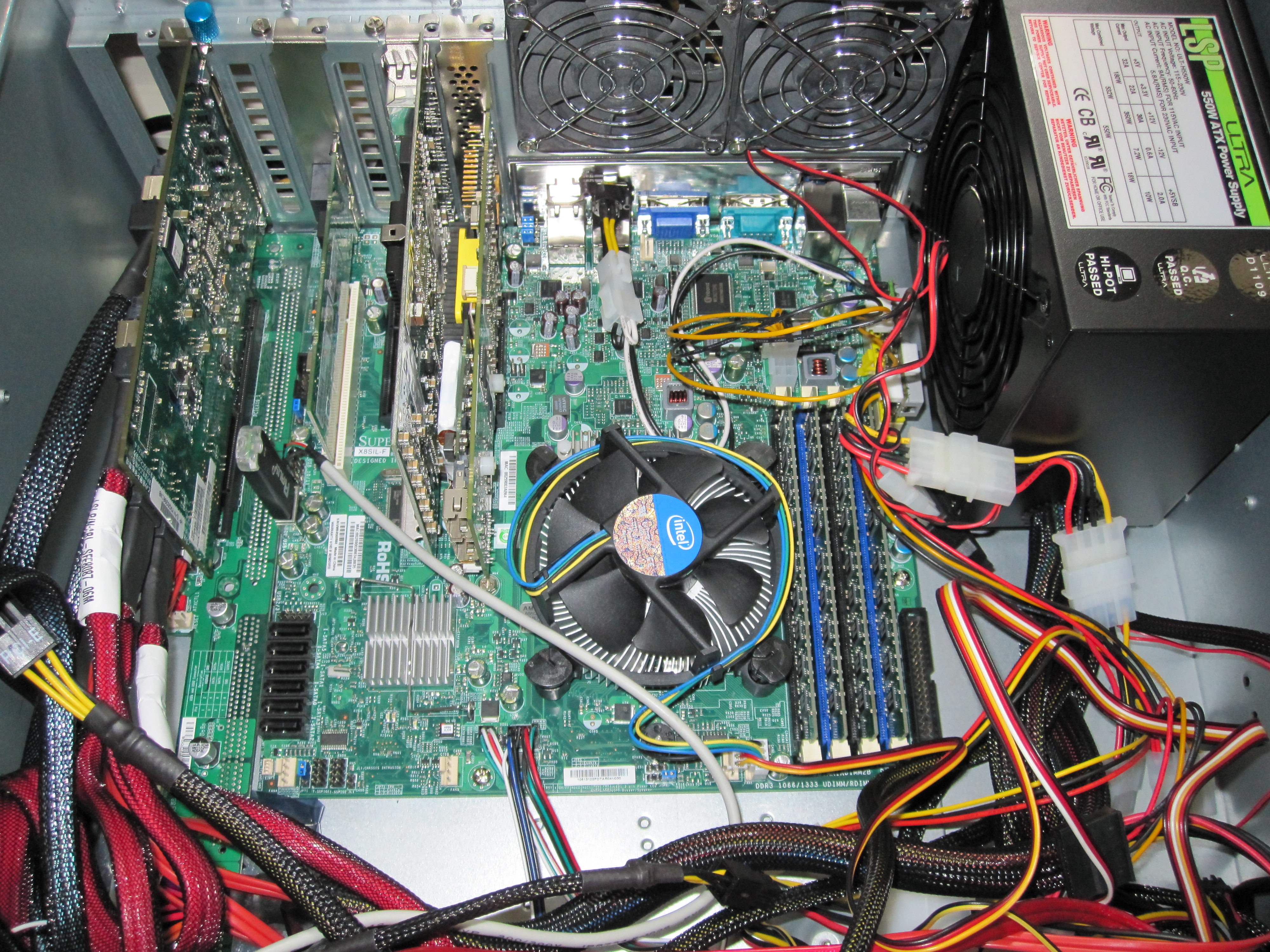
For the Supermciro X7SPE-HF-D525 pfSense appliance I discussed in the linked post I of course wanted a chassis for my appliance and decided to purchase the CSE-502L-200B for just under $70 (see ebay and NewEgg). Oftentimes one does not need a massive chassis for a server. Frankly, with all of the mITX and mATX form factor boards out there, and all of the onboard features the boards have, there are a lot of applications where people do not need a large/ deep chassis. Using a shallower rackmount chassis allows one to use much smaller lightweight wall mounted network rack or telco post rack which saves a lot of space. As a result, for my Atom based pfSense appliance, I purchased a Supermicro CSE-502L-200B. Read the full story

Posted in Server ChassisComments (2)

Mid-range DIY Storage Server Buyer’s Guide, October 2011

Mid-range DIY Storage Server Buyer’s Guide, October 2011

This mid-range guide was originally intended to have an AMD Bulldozer based build and an Intel E3 series based build. I have been playing quite a bit with the Bulldozer CPUs and frankly, it is very difficult to do at this point. On the plus side, the desktop AMD FX series Bulldozer CPUs support ECC so long as the motherboard can. Frankly, I wish Intel just did away with the Xeon E3 versus Core i5/ i7 designation and just allowed Core i5 and i7 series CPUs support ECC. AMD’s efforts here are commendable. Now, here is the issue, Windows Home Server 2011, Windows 7, and Windows 2008 Server R2 all seem to have the scheduler that keeps more Bulldozer nodes active than one would want. Microsoft has said that the Windows 8 generation kernel will support the Bulldozer architecture, but Windows 8 generation products are probably a year away. Read the full story

Posted in Buyer's GuidesComments (8)

Redundant Power Supply Units (PSUs) – How They Work – An Overview

Redundant Power Supply Units (PSUs) – How They Work – An Overview

After the December 2010 High-end and Mid-range Buyer’s guides, I received a lot of questions asking how redundant power supplies, and why I would recommend them over high-end enthusiast power supplies in many cases. This article will cover an overview of basic redundant power supplies, not n+1 units (that will be another piece soon). Read the full story

Posted in Non-drive ComponentsComments (5)

Kingston KVR133D3E9SK2 4G Module Sizes

Kingston KVR1333D3E9SK2/4G 4GB (2x2GB) ECC Unbuffered UDIMM Kit Changes

Regular readers of my site know that I am a fan of the Kingston KVR1333D3E9SK2/4G 4GB (2x2GB) ECC Unbuffered DIMM kit. It works in Intel 3400 chipset motherboards that are picky about memory. Two major changes have been happening with regard to this memory. Read the full story

Posted in Non-drive ComponentsComments (2)

How to remove a drive in Windows Home Server

Sometimes you may want to uninstall a drive that you have connected to your Windows Home Server. WHS makes this easy and this guide and video tutorial will take you through the necessary steps to remove a drive without losing data. I had a colleague ask me how to do this so I figured that I would update the guide for others seeking help.

Please note: If you are passing disks through to a Hyper-V virtual machine or a RAID controller, this guide only covers the WHS portion, not extracting the drive from the virtual machine or RAID array.

The video:

Read the full story

Posted in Windows Home ServerComments (4)

PE-2SD1-R10-1 PCMIG 1U Backplane with PCIe Slot

SAS Expanders, Build Your Own JBOD DAS Enclosure and Save – Iteration 2 – A Better Solution

After completing the first DAS/ SAS Expander JBOD enclosure project I realized that there was a major area of improvement. Using less than 30% of a large 4U case’s volume for useful purposes seemed like the key area to improve upon. As I was completing that build I soon realized that I wanted a secondary server to be able to access some of the drives for EXSi or Hyper-V virtual machines. Further, NAS operating systems that run poorly in virtual machines, such as unRaid require dedicated server for testing. I could have built another server in another enclosure, but I decided that I could improve upon the original design and access drives that are housed in the Big WHS ecosystem through a simple cable swap. This eliminates the need to physically move drives from enclosure to enclosure. The following is a slightly (approximately $20) more expensive version of the original Build Your Own JBOD DAS Enclosure with a HP SAS Expander iteration.

Read the full story

Posted in Non-drive Components, The Big WHSComments (12)

Bottom of modified PCMIG board and simple fan controller in RPC-4220 DAS Enclosure

The Big WHS: May Update 60TB Edition

The Big WHS was originally supposed to house approximately 30TB of storage when the plans were first detailed on an Excel spreadsheet BOM in December 2009. This was a big upgrade to my first DIY Windows Home Server box that had well under 20TB. About five months later, the storage capacity has crested 60TB, with further room to expand. The Big WHS now spans two 4U Norco cases (using a total of 8U of rackspace and another 4U chassis is in the works) has over 60TB of storage, and requires well over a dozen ports on the gigabit switch.

Read the full story

Posted in The Big WHSComments (18)

TheBigWHS-Hyper-V

The Big WHS: It Multi-tasks! (Thanks to Hyper-V Virtualization)

Things have been progressing on the Big WHS front. First off, my main PC is now is using the WHS Connector software and has back-ups scheduled on the new WHS. The old WHS is still assembled, but it is not powered on at this point, just in case something goes wrong with the current setup. I also decided to play around with some other popular NAS/SAN solutions while I was at it.

Here’s a quick screen shot of the Windows Server 2008 R2 hosting Hyper-V virtual machines with Windows Home Server, OpenFiler, and FreeNAS:

Windows Server 2008 R2 with WHS, FreeNAS, and Openfiler in Virtual Machines

Read the full story

Posted in Operating Systems, Server Software, The Big WHSComments (2)

New WHS 060

The Big WHS: First (Big) Pictures

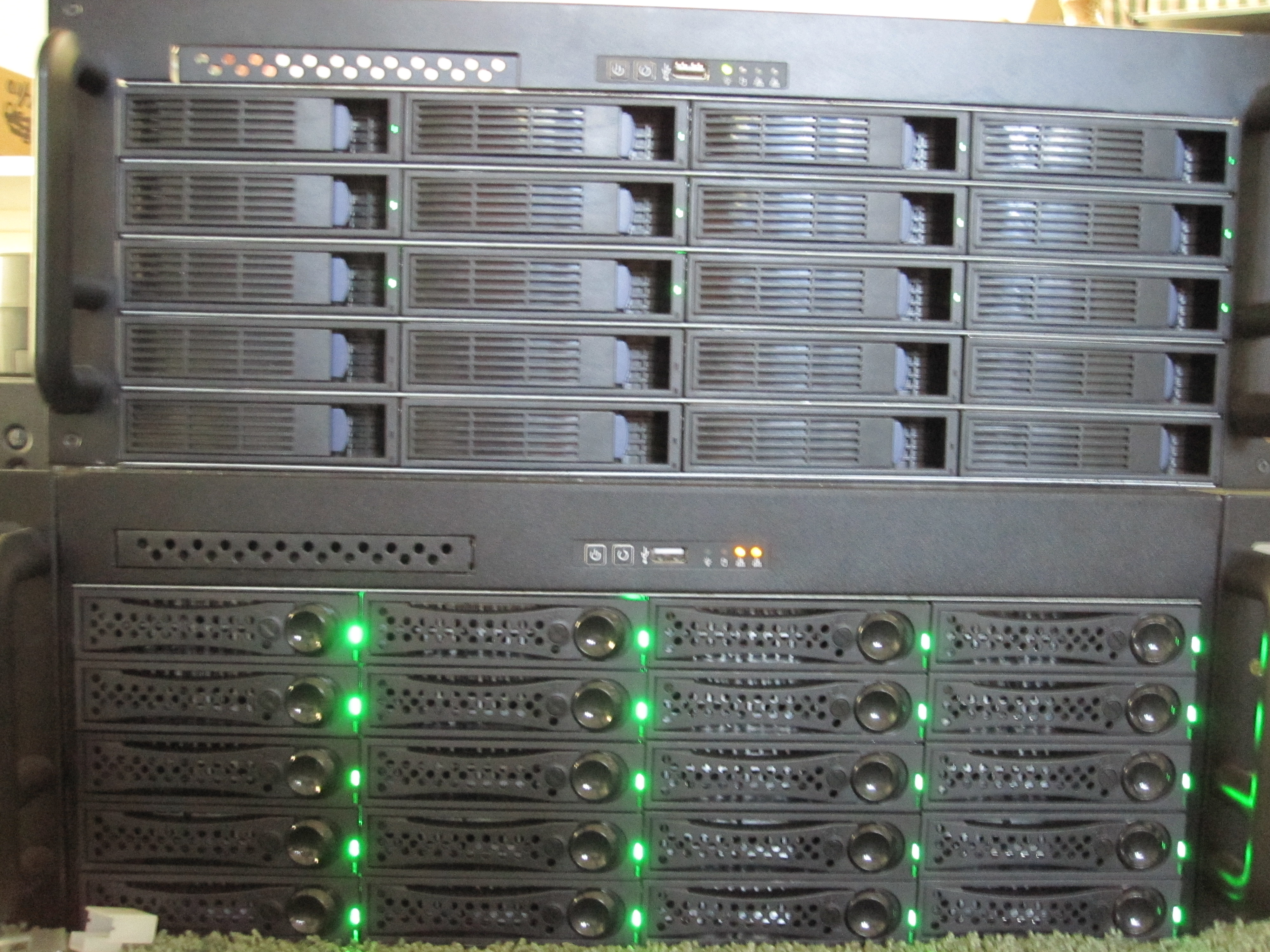
Since there are some requests here are the servers side by-side. The New WHS is on burn-in duty while the old WHS has had 9.5TB removed thus far. I moved the cases to somewhere that is more comfortable for me to work from in anticipation of the “final” build this week. Also placing them next to each other made it really easy to segment the two servers on a dedicated switch for doing the file transfer.

Old WHS Being dismantled on the left, new WHS doing burn-in on right, IBM power supply in middle.

Read the full story

Posted in The Big WHSComments (6)

Old WHS 6.65TB/7.07TB

The Big WHS Update: Prepping the Old System and New Parts

Just as an update. I installed the second Adaptec 31605 today, filling all 16 ports with 8x WD Greens, 6x Hitachi 2TB, and 2x Hitachi 1TB drives. There is an additional 1.5TB Seagate 7200.11 being used as an OS drive. That’s 27.5TiB raw capacity.

Here’s a view of all the drives currently in The Big WHS. Note, I may have killed yet another WD Green. A single SMART error so I’m making quadruple sure that something isn’t wrong.

17 Drives, 27.5TiB Raw installed for testing

Read the full story

Posted in The Big WHSComments (11)

Page 1 of 212

Server Parts by Amazon.com

Image of Hitachi Deskstar 3.5 inch 3TB 7200RPM SATA III 6Gbps 64MB Cache Internal Hard Drive 0S03086 Hitachi 3TB
Image of Xeon Qc E3-1235 Processor Intel Xeon E3-1235
Image of Western Digital 2 TB Caviar Green SATA II Intellipower 64 MB Cache Bulk/OEM Desktop Hard Drive - WD20EARS WD Green 2TB