

Ubiquiti UniFi USW-Pro-XG-10-PoE Internal Hardware Overview
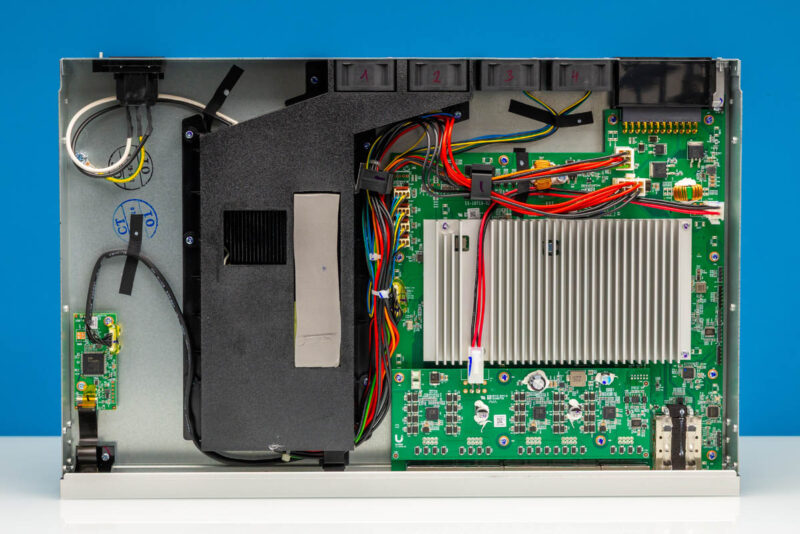
Popping off the cover, here is the inside of the switch.
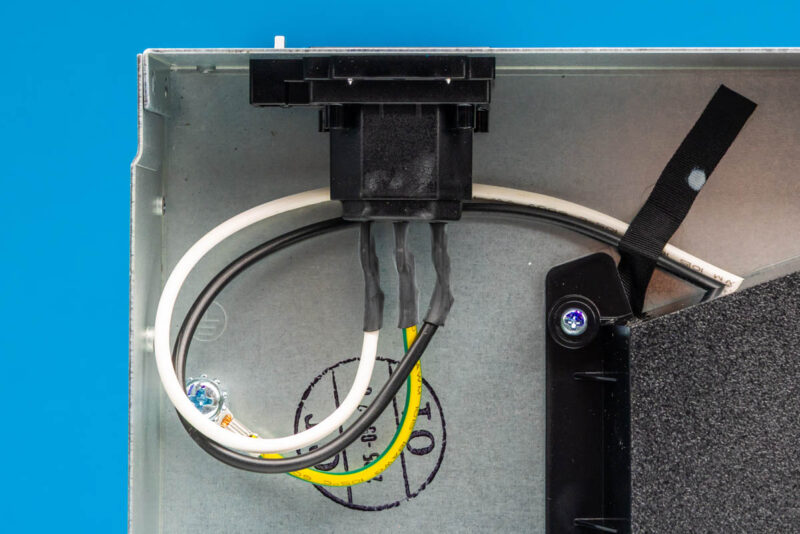
Here is the AC input.
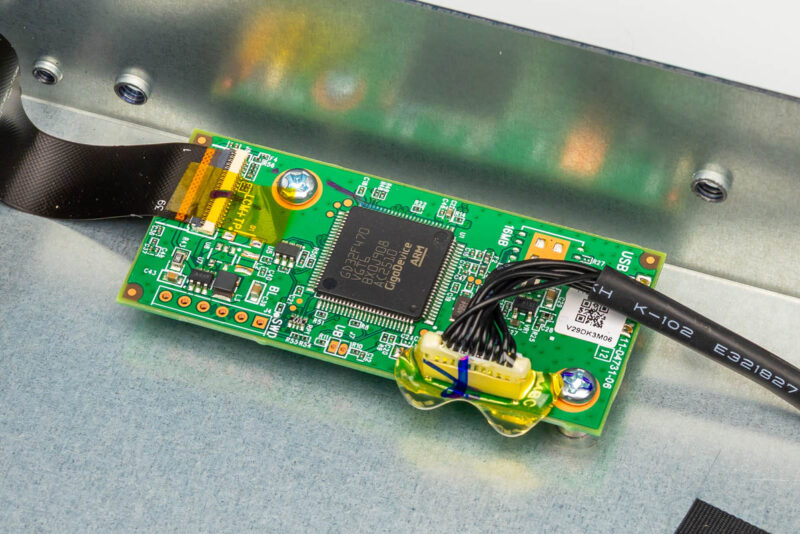
Next, here is the GD32F470 GigaDevice, and we can see this is running an Arm processor. This is for the front display.
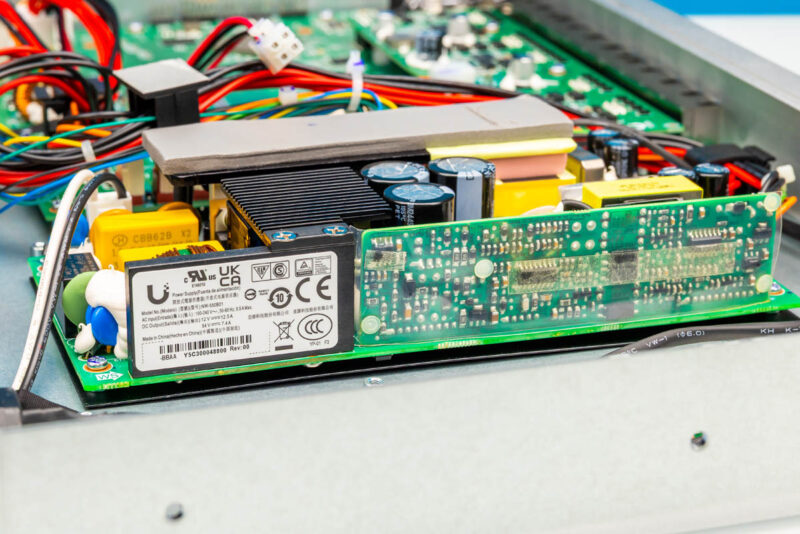
Here is the internal power supply, which is larger than we see on many 12-port 10GbE switches since it is also providing PoE+++ output.
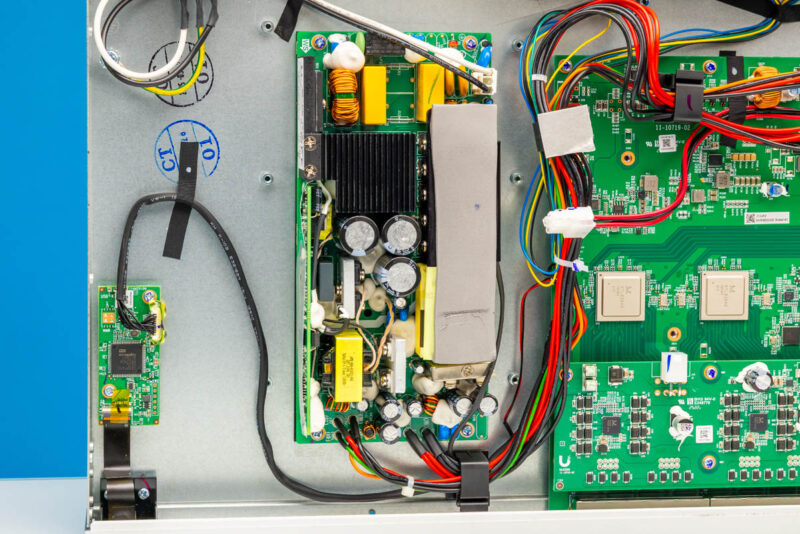
Here is another look at the PSU, which has a Ubiquiti brand label.
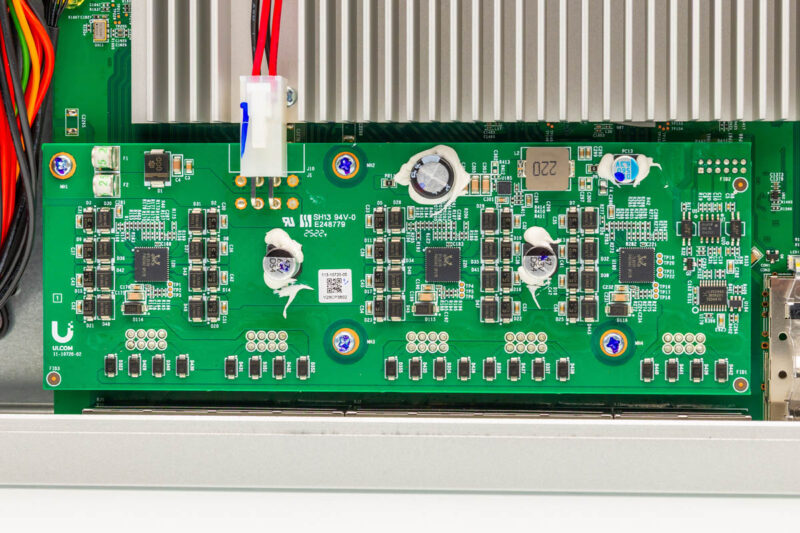
As is fairly common in PoE switches (although notably the Cisco Catalyst C1300-8FP-2G did not do this), we have a PoE hat sitting above the ports with Realtek ICs.
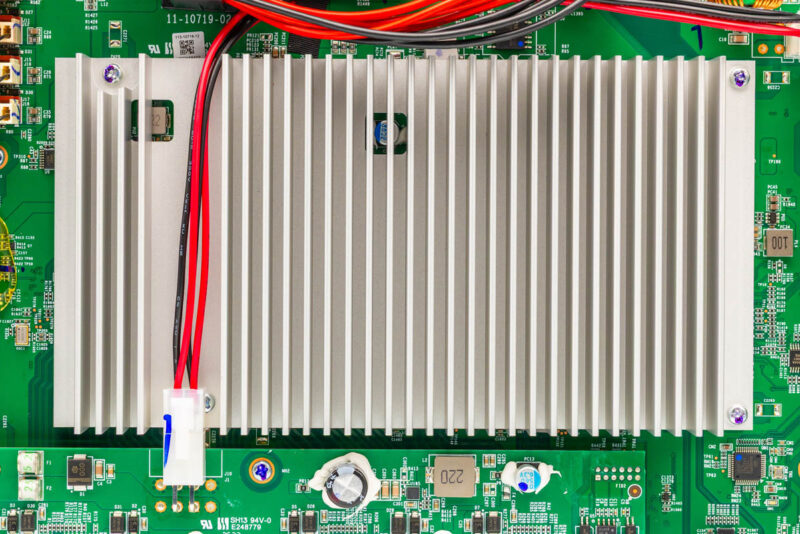
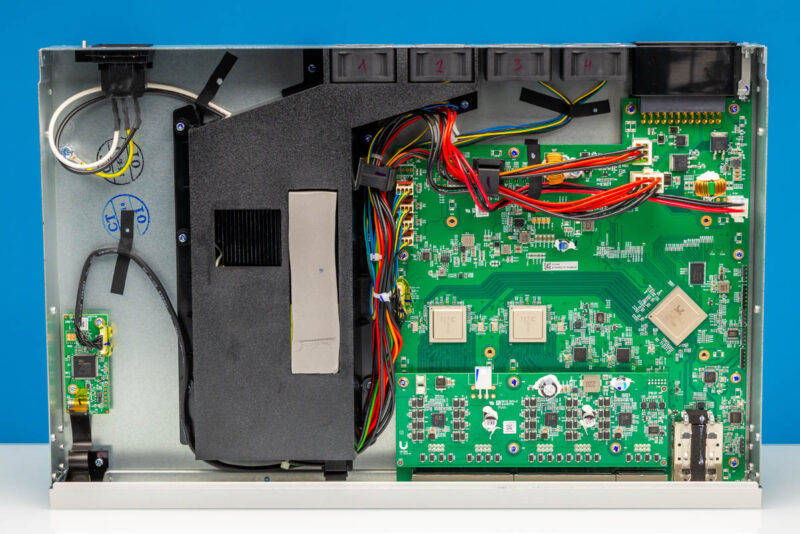
Next, there is a big heatsink in the middle of the switch.
That heatsink has a few thermal pads on it.
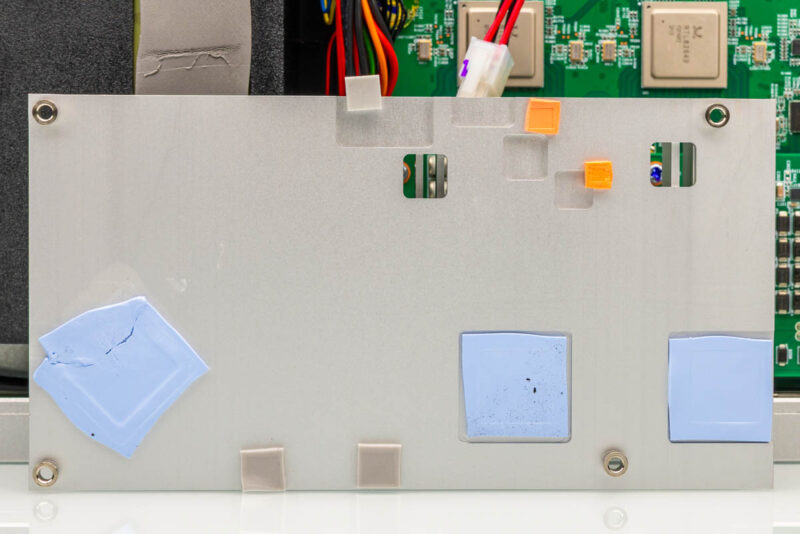
Underneath, we can see the main chips.
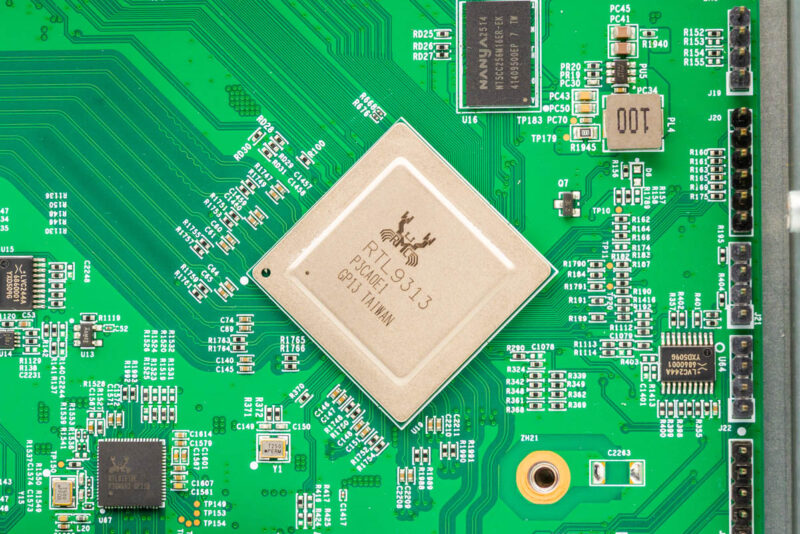
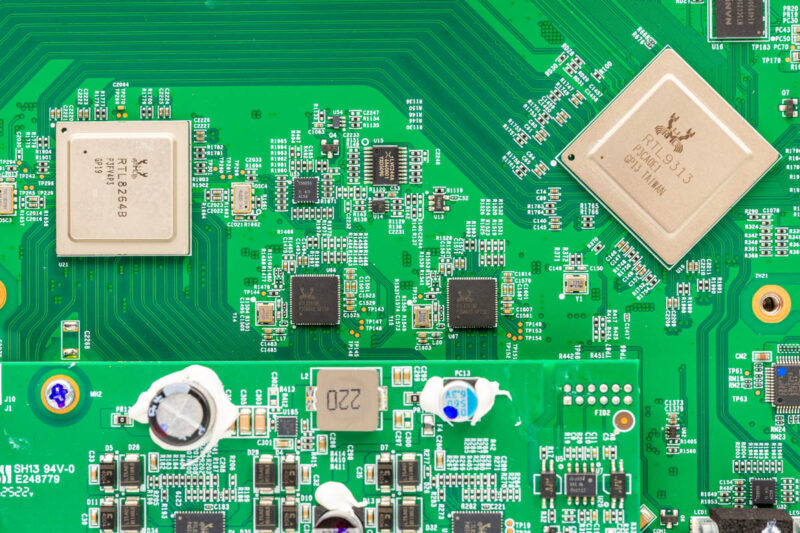
First, there is a Realtek RTL9313. This is the same switch chip used in the Ubiquiti UniFi USW-Pro-XG-8-PoE and even low-cost switches like the $205 Sodola SL-SWTGW2C48NS 12-port Combo 10GbE Switch. Usually, these are a step down from the Marvell Prestera switches that a company like Cisco would use in this segment, but it also keeps costs much lower.
Then we have two PHYs. These are Realtek RTL8264B chips. We need these since we have 10Gbase-T ports, and this is one of the reasons that 10Gbase-T switches use more power and cost more.
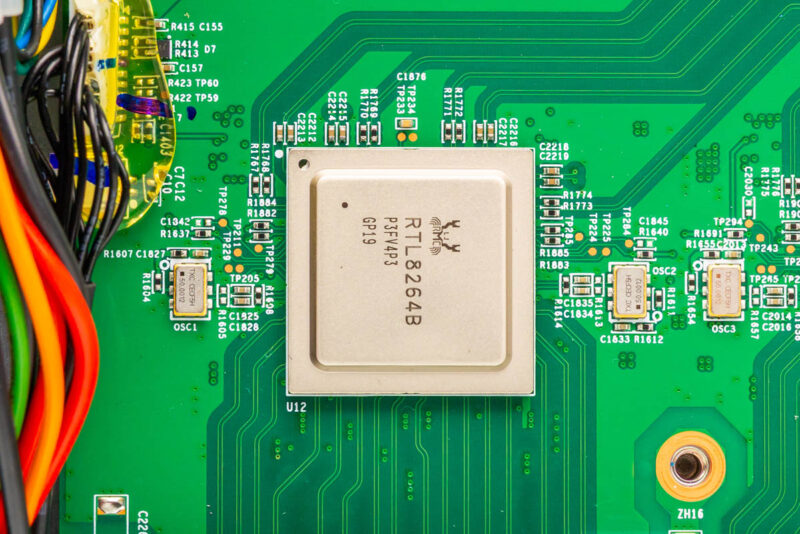
This is a very common low-cost chip combination. Users in our forums have found the same combinations in other Realtek switches. Usually, you see these Realtek PHYs paired with Realtek switch chips. On the Marvell side, you would generally see Marvell Prestera switch chips paired with Marvell Alaska PHYs. Generally, vendors pick from one of the ecosystems.
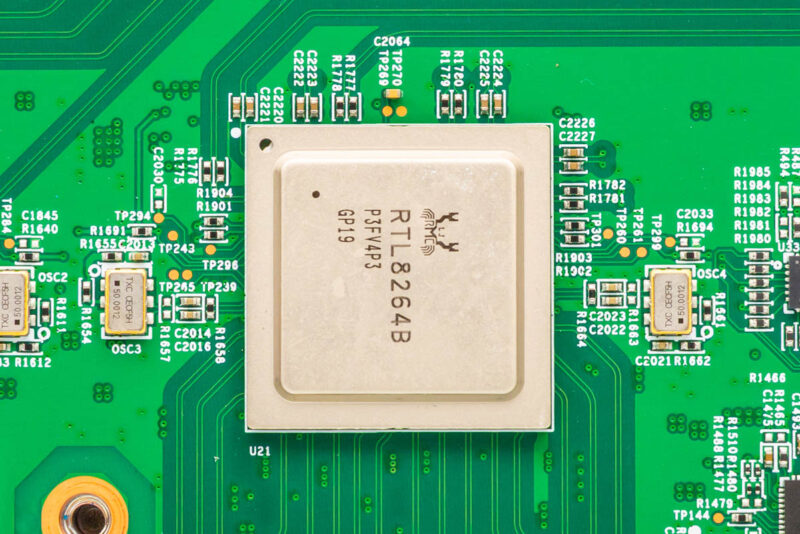
We also see two Realtek RTL8261BE chips here, likely for the final two 10Gbase-T ports.
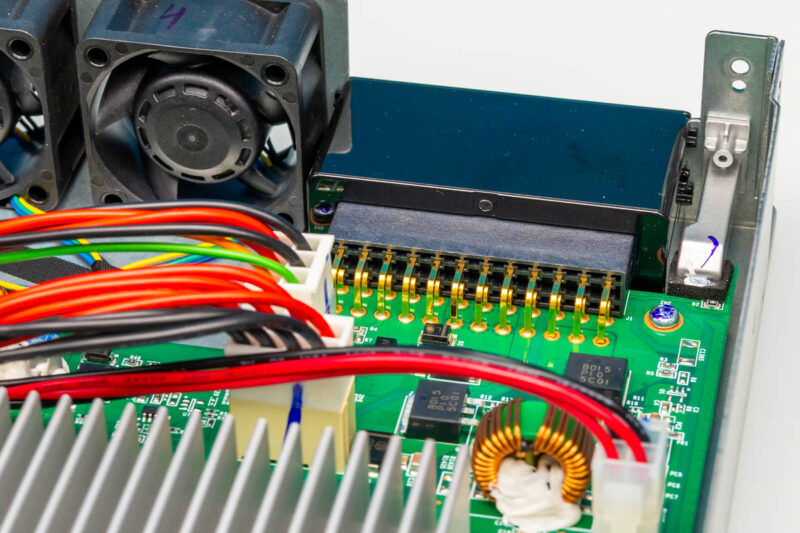
Here is a quick look at the 1U 40mm fan array and the DC power input from inside the chassis.
Next, let us put the switch back together and get it online.
Ubiquiti UniFi USW-Pro-XG-10-PoE Management
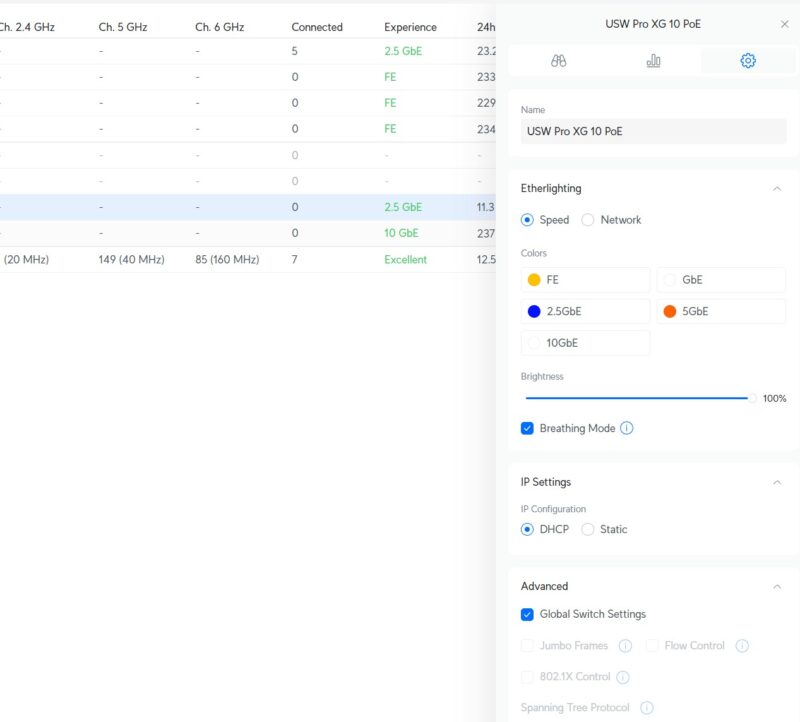
We are not going to go deep into this, but one of the biggest value-adds of the switch is that it integrates with Ubiquiti UniFi. Instead of managing the switch locally, you will generally manage it from the UniFi controller.
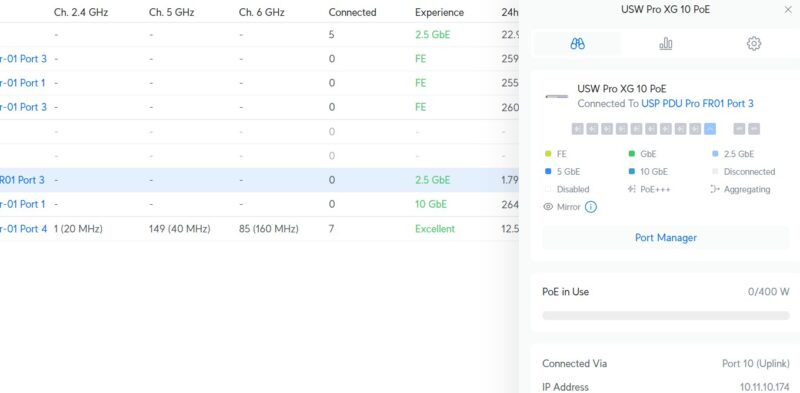
There you can see the switch and its configurations along with other UniFi devices.
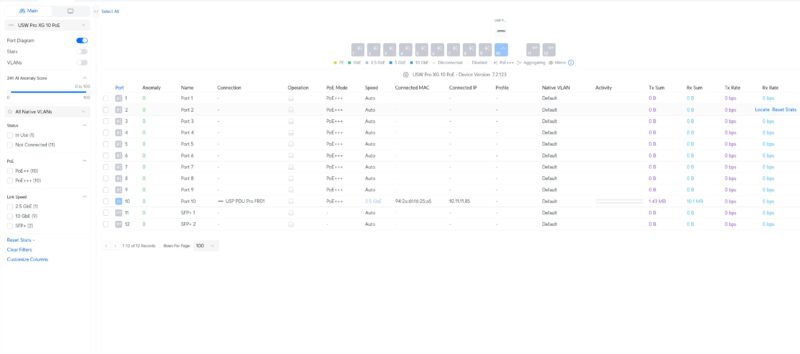
You can also change neat features like the Etherlighting.
Next, let us get to the power consumption.

Thanks for that, but you said you’d review the noise level: the fans mist have run up during your throughput testing, even if you were not hammering the PoE.
The ugly side:
https://militarnyi.com/en/news/investigation-80-of-russian-troops-linkups-on-the-front-line-produced-by-u-s-company-ubiquiti/
https://leave-russia.org/ubiquiti
https://theins.press/en/news/289602
Just bought this switch a couple months ago, the noise is very reasonable. Outright quiet when not using the PoE. I use about a 1/3 of the PoE budget from this switch, and you can hear it, but it isn’t something you would notice in a room running other computers at all.
I have one of these too. Used for me 2 x E7 APs which are POE and a couple of DGX GB 10 boxes. Quiet and obviously ties into the rest of the stack. Bought it when it first came out. So well over a year ago.
@Drello
nobody cares brainlet.
bought mine a few months back on an offer with a AI Pro camera. Both devices are not cheap but excellent. Future proofs the whole network for those hungry Wifi APs.
@Drello That is super disappointing.
@Kikelensky you are mistaken.
@John
It’s hypocritical to single out one company when, by that logic, you shouldn’t buy from any of them, since they’re all “””evil””” in the end.
How loud are the fans? Could you have this outside of a server closet?
@Drello
much better to go to Russia than Ukraine or Israel both of which are backed by the Synagogue of Satan. Do your research and enlighten yourself.
@Drello I was under the impression the Ubiquiti didn’t operate in Russia and that there are several different Russian entities that use Ubiquiti’s brand and logo without permission. This is based on reporting last year that detailed how Ubiquiti equipment was used by the Russian military in the war with Ukraine. A lot of the equipment seemed to be smuggled into Russia if I recall correctly, similarly to how people there still have access to high-end cars etc. from countries that no longer deliver to Russia directly. Essentially, my understanding is that you see a lot of Ubiquiti equipment simply because it’s very cost effective, not because Ubiquiti is actively selling it there.
With that said, I would also like Ubiquiti to stop selling to distributors that are shown to violate sanctions whenever new ones are identified.