

Ubiquiti Cloud Key Gen2 Plus UCK-G2-SSD Management
Turning the unit on, we found the IP address on the front status screen. We also tried this on a few different networks just to see if it would pick up a DHCP address each time and it did.
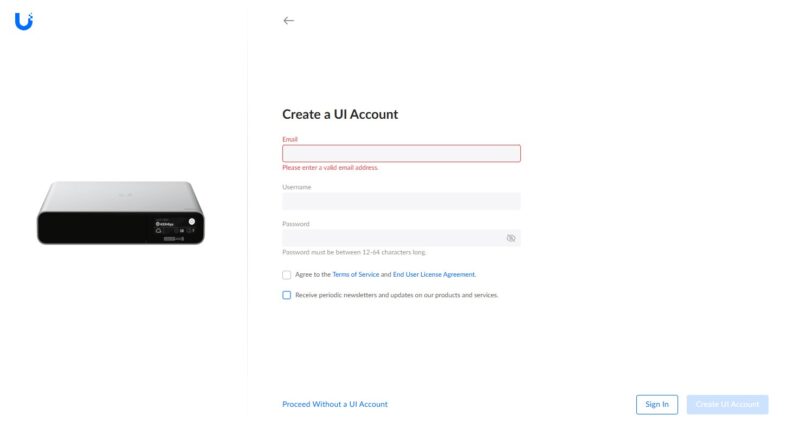
Once we set up a password, we were able to get into the dashboard.
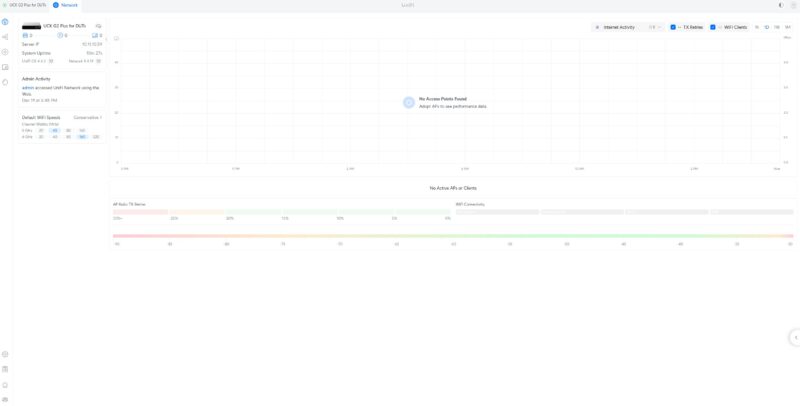
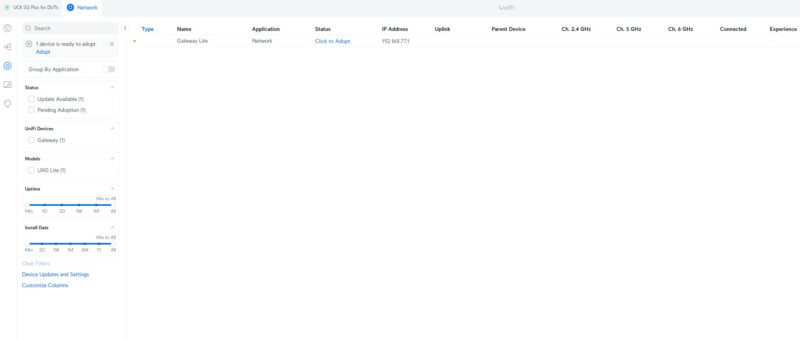
We hooked up a Ubiquiti UXG-Lite to the network, and it showed up for adoption by the Cloudkey.
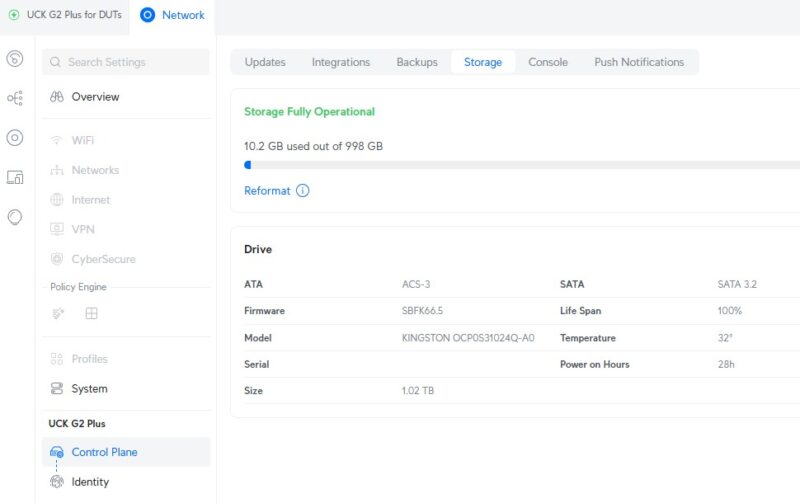
Another feature is the ability to see the 1TB storage. This can be used for features, such as if you get Ubiquiti cameras and need a place to record.
Here you can see the services. By default, the network side is installed, but if you do get cameras or have other Ubiquiti gear, you will want to install the other services.
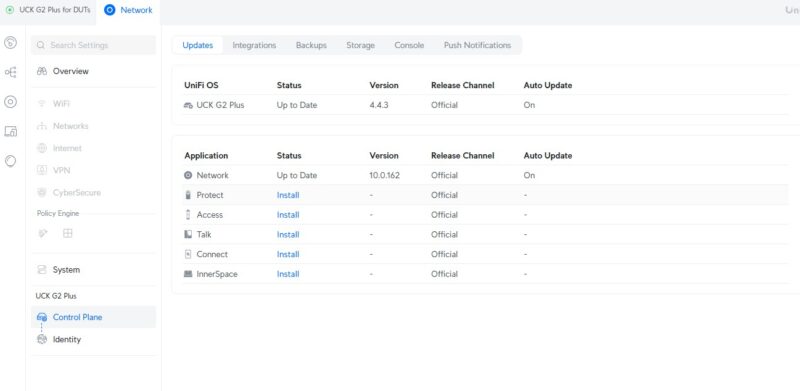
Overall, this interface is almost identical to the one we showed in our Ubiquiti UniFi Cloud Gateway Fiber UCG-Fiber review.
Ubiquiti Cloud Key Gen2 Plus UCK-G2-SSD Power Consumption
In terms of power, we found a USB Type-C adapter and hit 3.6W at idle.
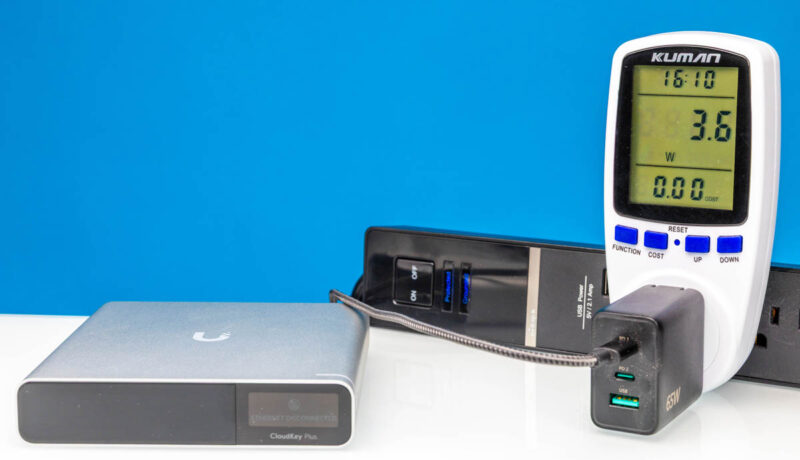
We saw up to 5.2W while we had it connected. Ubiquiti says this is a maximum of 9.6W device, and we could imagine a case getting there between higher CPU utilization and utilizing that 1TB SATA SSD.
Final Words
Most of our longtime STH readers will understand why this is a bit different than our standard review format. This is not a switch or a gateway we can really send traffic through. Instead, we are primarily using this device just so we can test UXG devices, as we have received a lot of requests to do so. That led us to purchase several, and we wanted a controller we could use on our test network. We needed this to streamline testing devices like the UXG-Lite shown above. As we were setting up the test harness for turning on IDS as an example, having the UCK-G2-SSD made everything much easier. If you have the UCG-Fiber, a Dream Machine, or another similar gateway, or if you either self-host or use the Ubiquiti cloud-managed option, then you do not really need this device. On the other hand, it is nice that Ubiquiti offers this as an option. This became apparent when we needed a UniFi controller to sit on our test network. It is like an easy button for adding a UniFi controller.
Many of our readers may wonder why we did not just self-host. This was just easy, even if it costs more. For those who want to have a physical box that is the UniFi controller, this is a fast way to get online. After all, ease of use is part of Ubiquiti’s value proposition, and the UCK-G2-SSD certainly was easy to use.
Where to Buy
If you want to buy one of these, here is a B&H affiliate link.




I have the older model with a 500GB HDD for years now. Somehow the drive hasn’t died yet :-)
I do wonder what other hardware changed there are to this model. If any?
I think that in this review should be also mentoined, that Self Host Controller cannot run Protect.
Self hosted is JUST the Network app as a standalone or just Network on UnifiOS. Protect, Access and the rest of the apps must be on a Cloud Gateway or “Official” hosted.
Thank you to the ones that’s got my back***
I have a Noctua fan blowing air over mine because the heatsink is inadequate. Previously the dashboard would show high temp and the SSD would disconnect.
Wait is this the same old Hardware which they used for the HDD one? If so that thing is slower than the Pi 3 and can’t handle well the Video Streaming and Downloading. I also replaced the HDD with a SSD still the same issues.
Just Run the Software on a NAS or Pi much better than wasting Money for that old Hardware which is underpowered.