

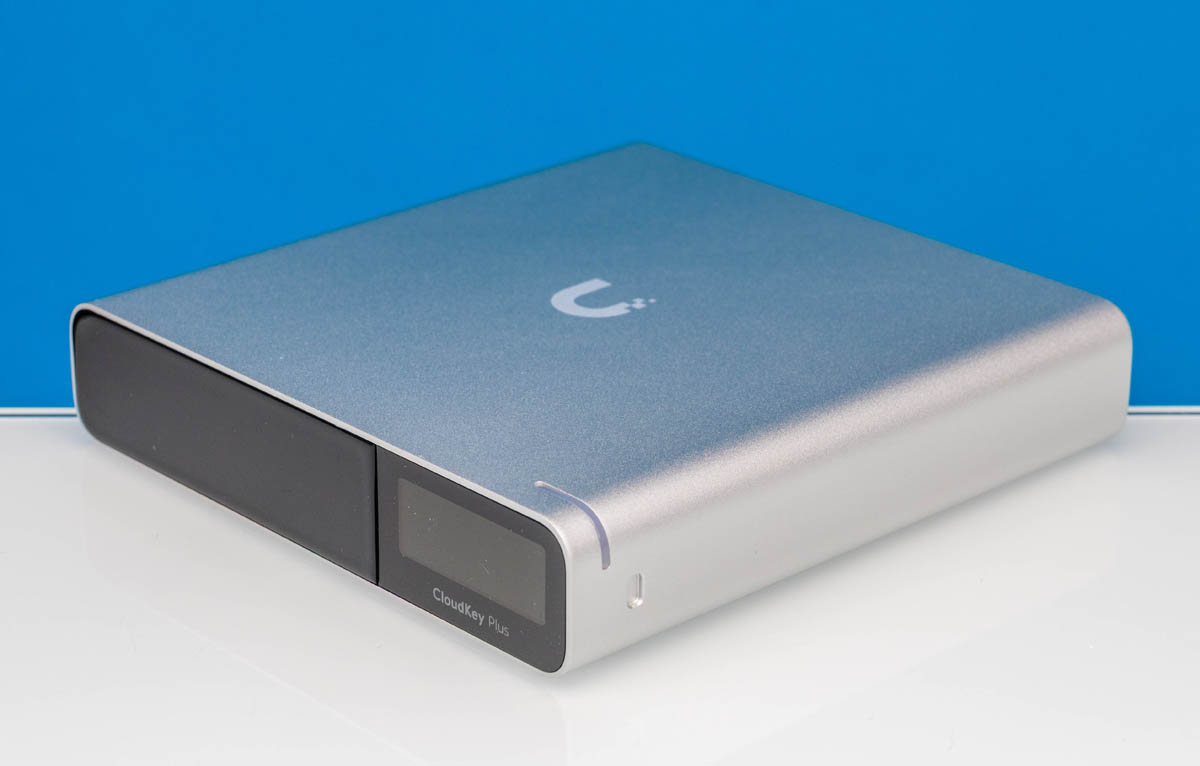
We have a number of Ubiquiti devices that we wanted to test that do not have the UniFi controller built in. The options were to use Ubiquiti’s hosted controller, run a self-hosted controller, or get a Ubiquiti CloudKey+ Gen2/ Cloud Key Gen2 Plus/ UCK-G2-SSD. Since we have a lot of units going through the test environment, we thought, “Why not just get a Cloud Key so that it would be easy to see the physical networks we were using for testing?” So we purchased one that we just wanted to do a quick overview of. This will be a bit different, as it is more of a controller box with a 1TB SSD rather than a switch or gateway.
As a bit of context for some folks, if you are completely lost on what this device is, it is likely because you have mostly used locally managed or fully cloud-managed devices. Ubiquiti’s management software can run on a dedicated device like this in an local network. So instead of logging into a switch, then an AP, then a NVR system, and managing each directly, everything can be managed through the UniFi controller software running on this CloudKey.
If you want to buy one of these, here is a B&H affiliate link.
Ubiquiti Cloudkey Gen2 Plus UCK-G2-SSD Hardware Overview
The box itself is small, at 131.2×27.1×134.2 mm or 5.2×1.1×5.3 in.
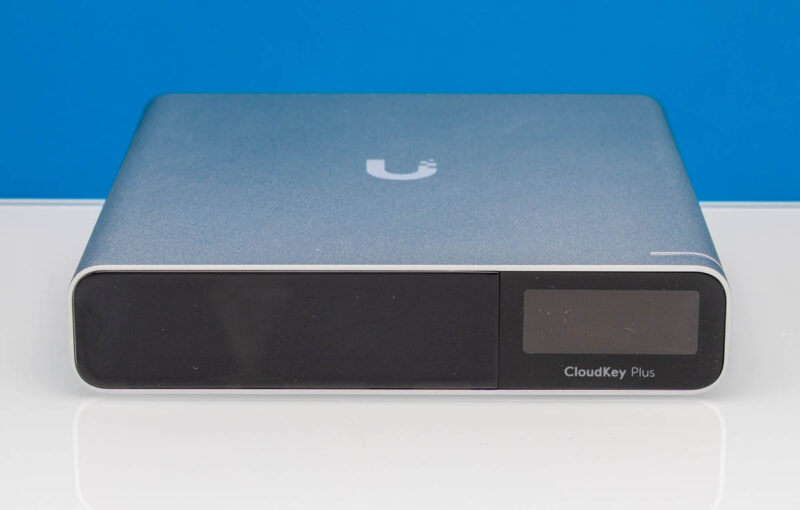
On the front, there is a little status display and a status LED.
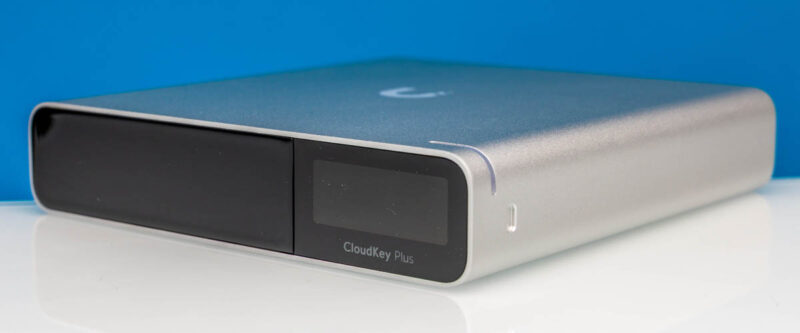
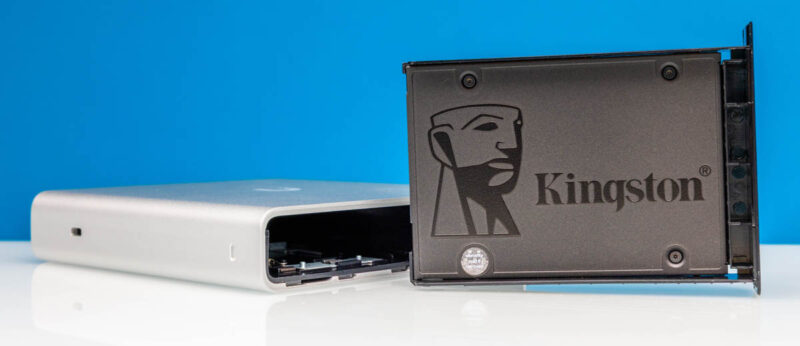
The other side has the SSD tray.
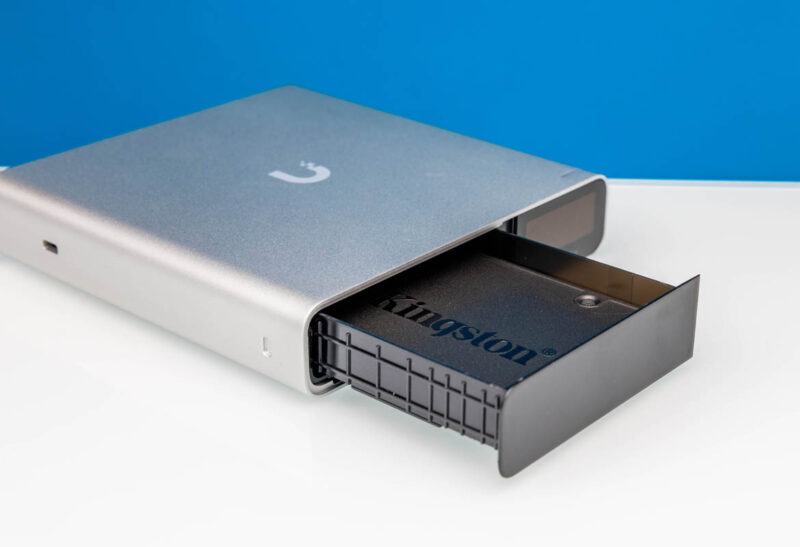
Inside, there was a 1TB 2.5″ SATA SSD.
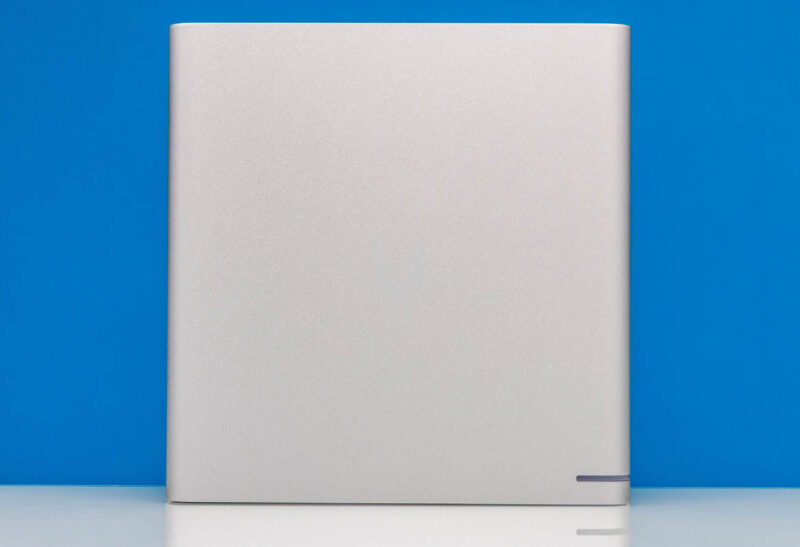
On the top, there is metal.
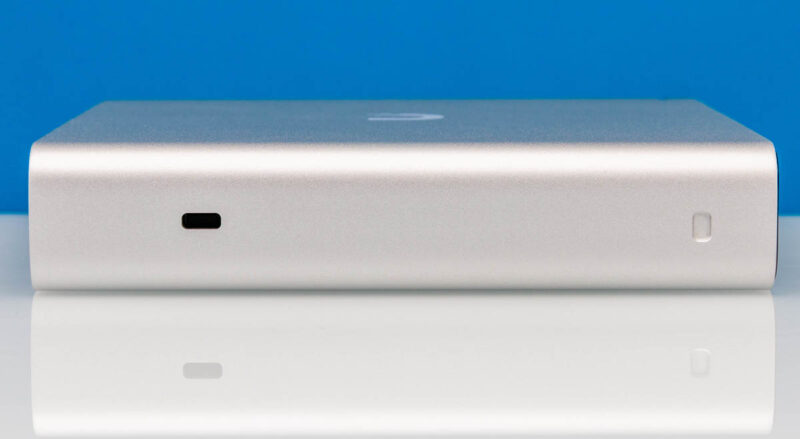
On the side, there is a Kensington security slot. That actually makes a lot of sense for a device like this. If you think about this being the controller for a network and a few security cameras at a small business, then sometimes it is nice to lock the IT equipment up.
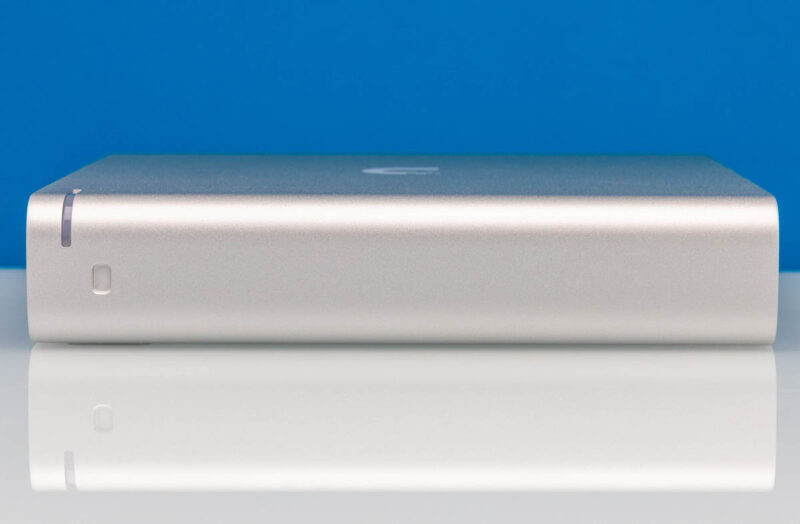
Here is the other side.
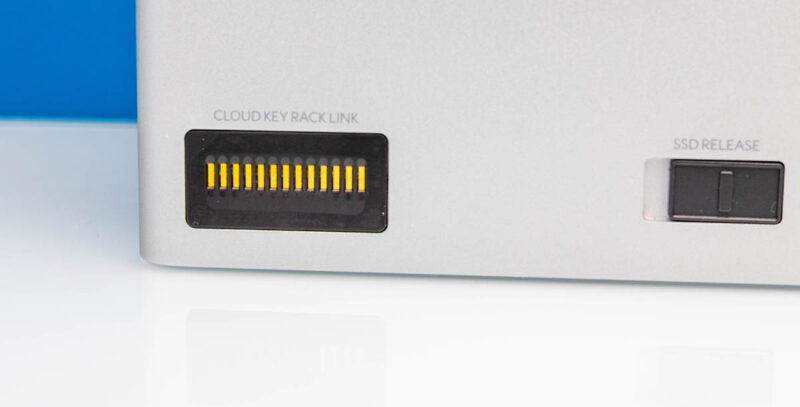
The bottom is not just a simple metal face.
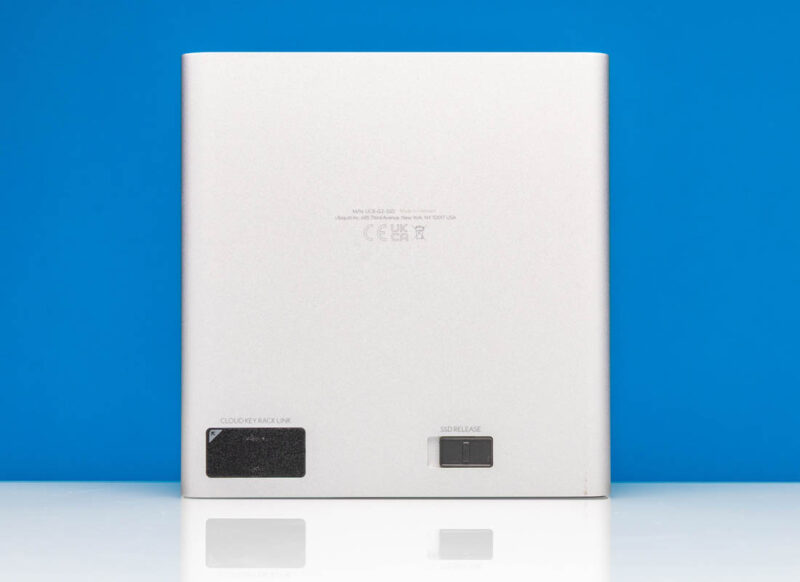
Instead, there is the Cloudkey Rack Link and the SSD release latch.
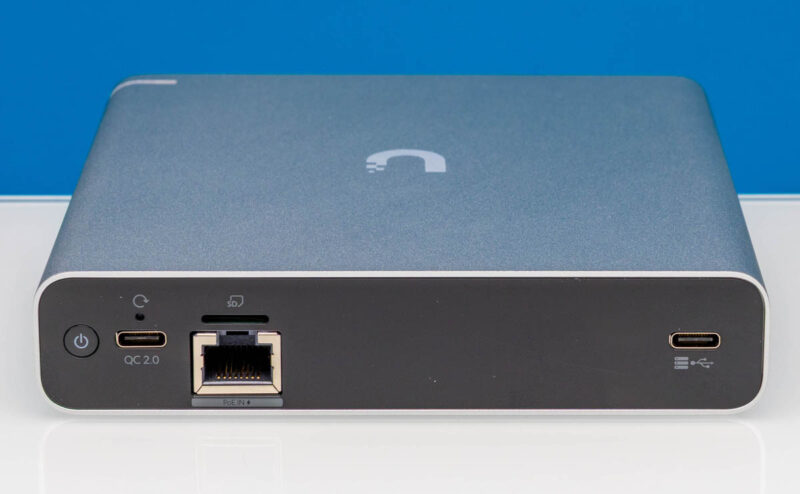
On the rear, we get a plastic face with most of the connectivity.
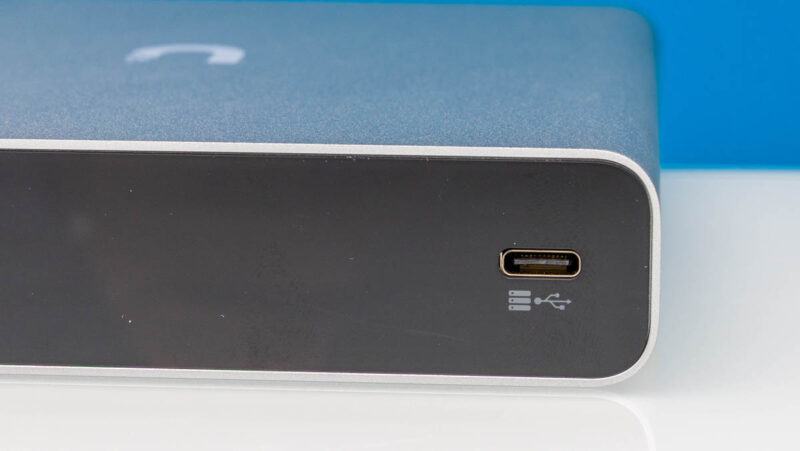
There is a USB Type-C port.
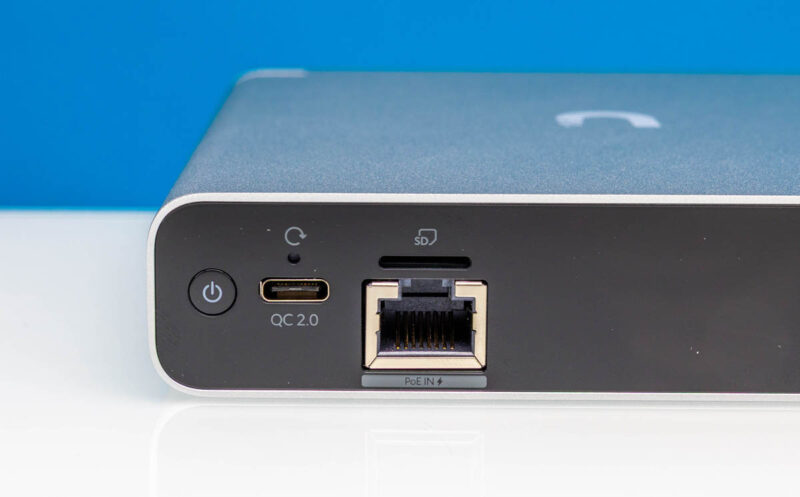
On the left rear, we get a power button, a USB-C power input, a microSD card slot, and a 1GbE port with PoE in. This device did not come with a power adapter, so it is expected that you just use a PoE input for the power and data connection. If you do not have a PoE switch or injector, you can use a USB Type-C power adapter.
Next, let us quickly get to the management.




I have the older model with a 500GB HDD for years now. Somehow the drive hasn’t died yet :-)
I do wonder what other hardware changed there are to this model. If any?
I think that in this review should be also mentoined, that Self Host Controller cannot run Protect.
Self hosted is JUST the Network app as a standalone or just Network on UnifiOS. Protect, Access and the rest of the apps must be on a Cloud Gateway or “Official” hosted.
Thank you to the ones that’s got my back***
I have a Noctua fan blowing air over mine because the heatsink is inadequate. Previously the dashboard would show high temp and the SSD would disconnect.
Wait is this the same old Hardware which they used for the HDD one? If so that thing is slower than the Pi 3 and can’t handle well the Video Streaming and Downloading. I also replaced the HDD with a SSD still the same issues.
Just Run the Software on a NAS or Pi much better than wasting Money for that old Hardware which is underpowered.