

The GL.iNet Flint 3 BE9300 is a powerful WiFi 7 router with OpenWRT roots and many features. A few months ago, we looked at the GL.iNet Flint 2, so now, it is time to review the updated Flint 3 model that adds WiFi 7 and more to the package. These usually sell in the $199-219 range at the time of this writing, making them a notable ($50-60) price upgrade over the Flint 2 as well. We thought we would run this one through our tests to see how it performs.
If you just want to check this out, here is an Amazon Affiliate link to what we purchased.
GL.iNet Flint 3 BE9300 Hardware Overview
Like many integrated WiFi gateways, the Flint 3 has an antenna array and a chassis that looks like something out of a SciFi novel landed in 2026.
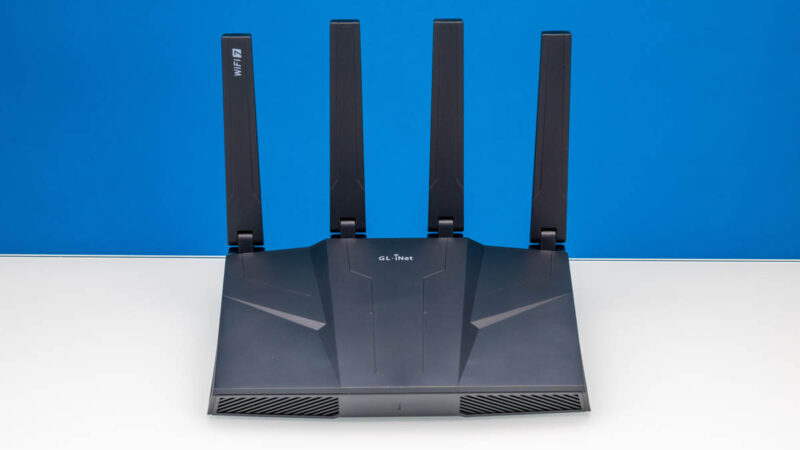
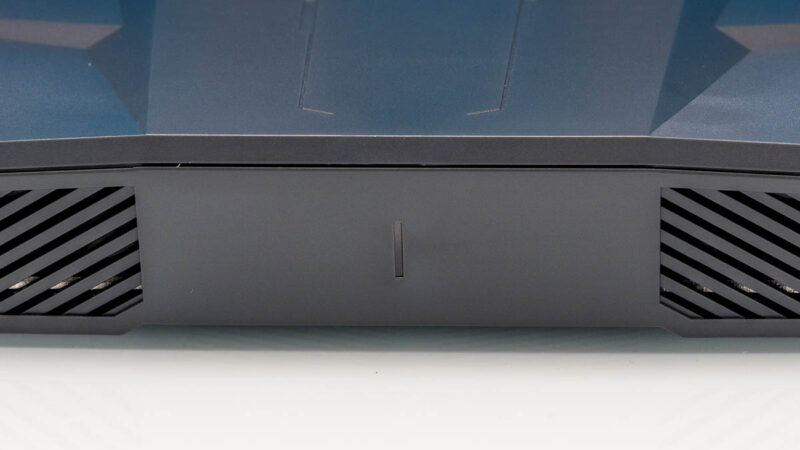
One fun feature is that there is a status LED at the front of the unit.
The four antenna masts fold down to make it more compact if you need to move it around.

On the sides, there are vents.
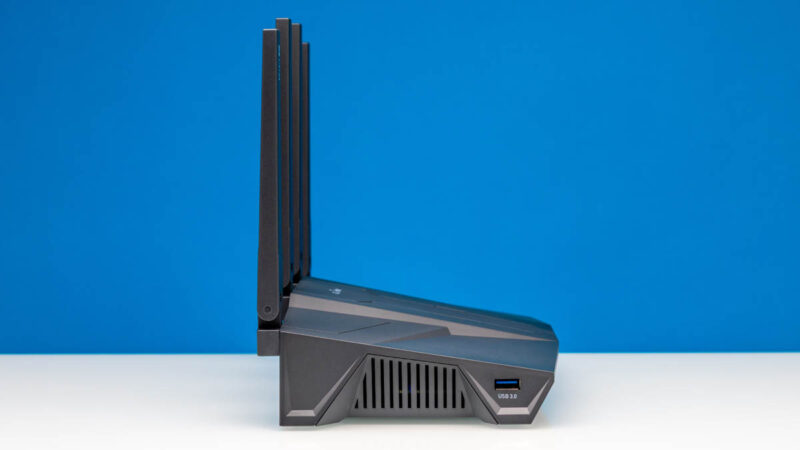
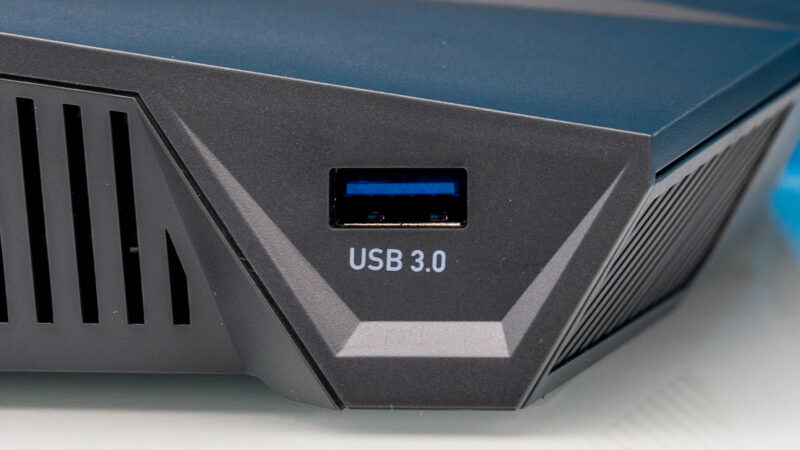
On one side, there is a USB 3 Type-A port.
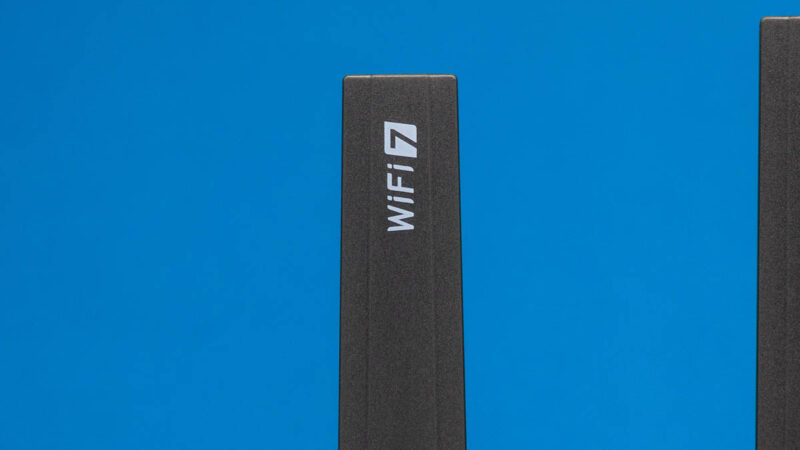
As the name suggests, this is a WiFi 7 device. That “BE9300” tells us this offers in the 9.2–9.3Gbps of aggregate tri-band speeds. It also features Multi-Link Operation (MLO), 320 MHz channels, and 4K-QAM for enhanced, low-latency performance. Of course, performance varies on the application, but the idea is that this is a higher-end device.
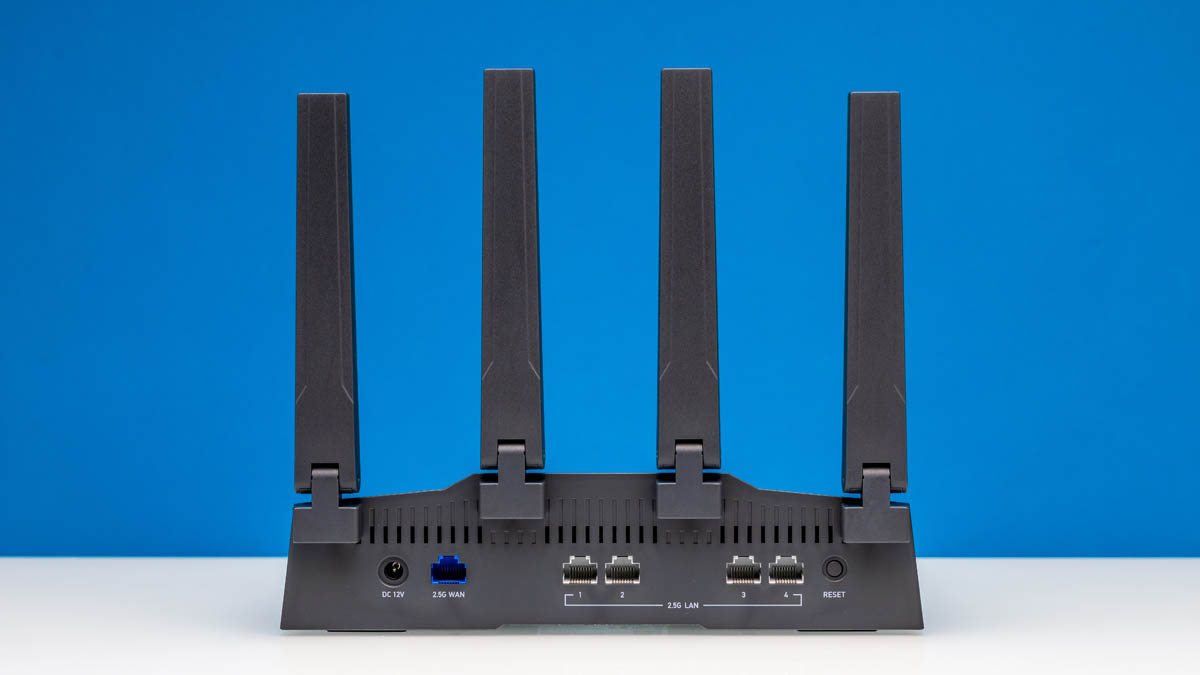
On the back, we get the wired networking ports.
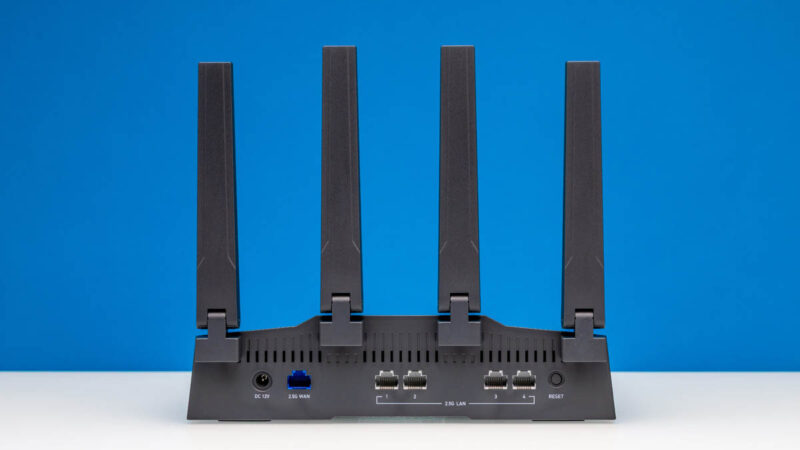
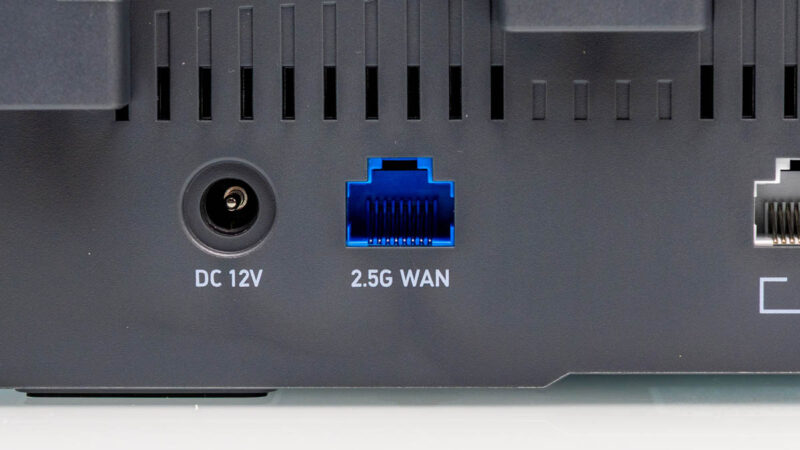
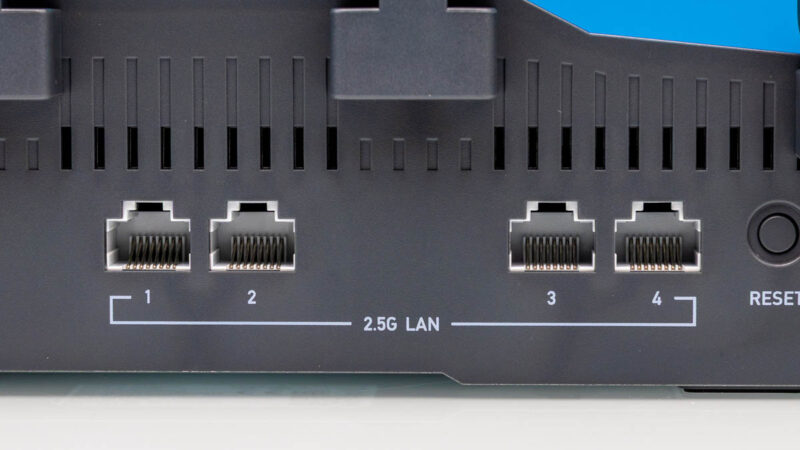
On the left rear, we get a DC 12V input, then a 2.5GbE WAN port.
There are then four 2.5GbE LAN ports and a reset button.
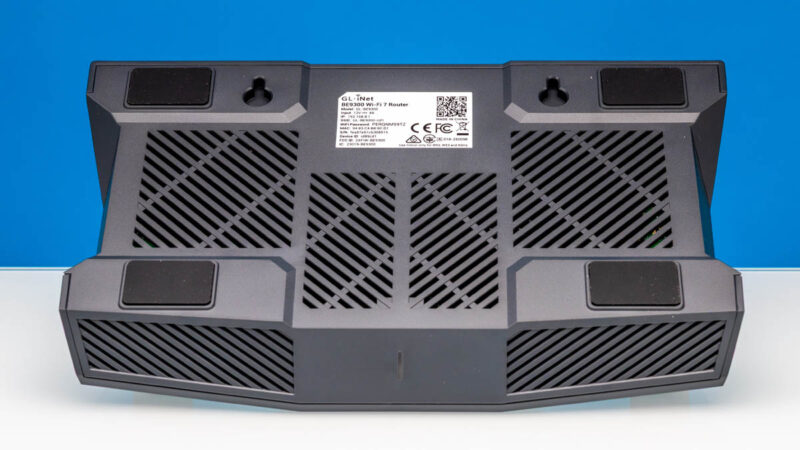
On the bottom, we get a lot of vents, mounting holes, and big rubber feet.
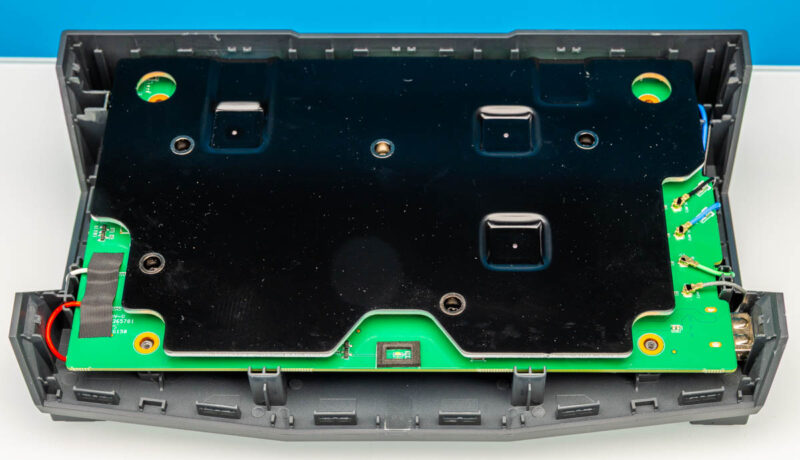
Taking the bottom cover off, we were a bit worried about breaking this unit.
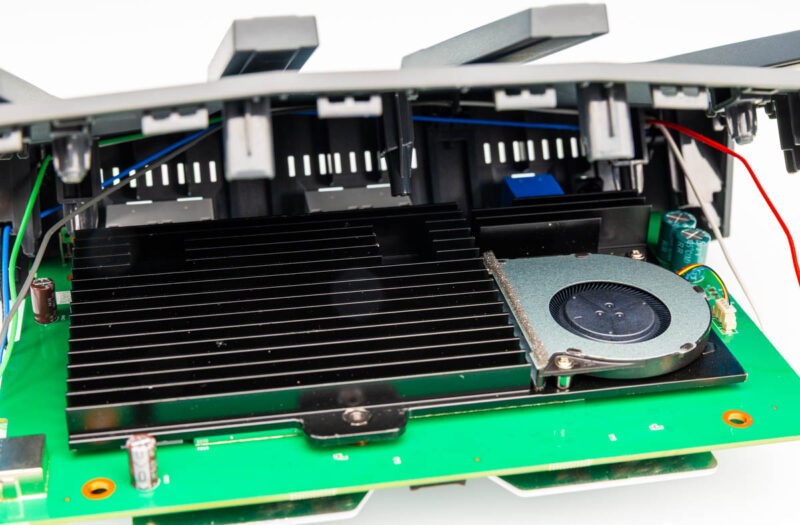
Still, with so many vents, we wanted to know if there was a fan inside. As we pulled the PCB out, we saw the fan inside. This would be a bit of a pain to service.
Next, before we get to the management, we wanted to discuss LuCI.
GL.iNet Flint 3 BE9300 OpenWRT LuCI
If you go to the advanced settings in the management interface, you will see the option to install LuCI.
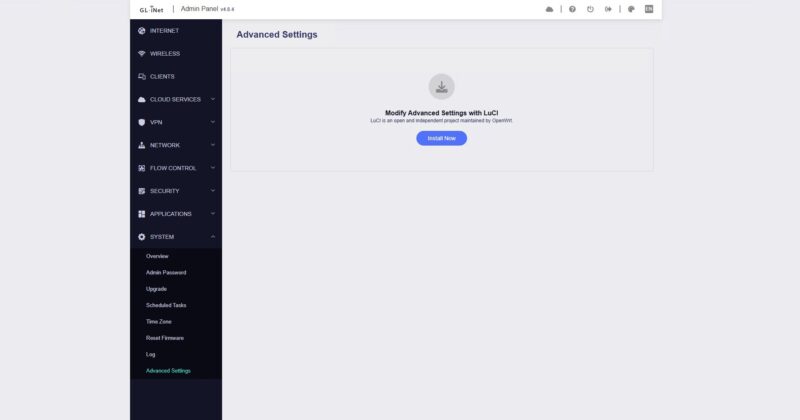
For folks who are accustomed to OpenWRT, this is the web interface you have probably seen many times. The reason for this is that GL.iNet is using OpenWRT under the hood. Since it is a Qualcomm IPQ5332 device, this is unlikely to be a device you can just install OpenWRT on. Instead, it is more of a fork from GL.iNet, which is a bit of a bummer.
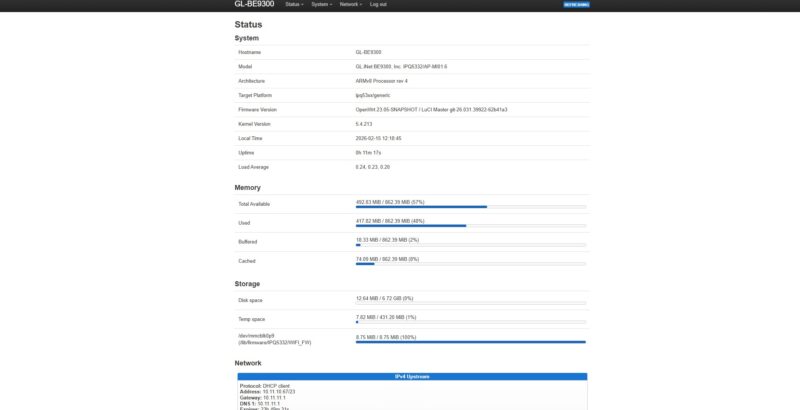
Still, with LuCI you can do many things, like setup firewall rules.
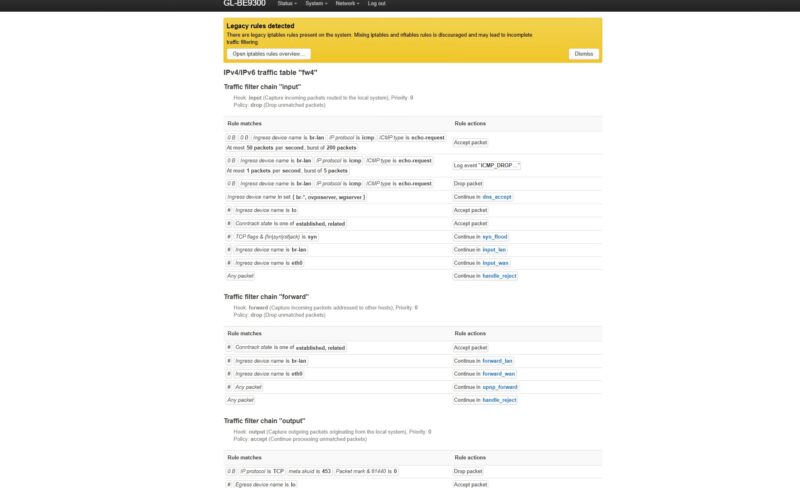
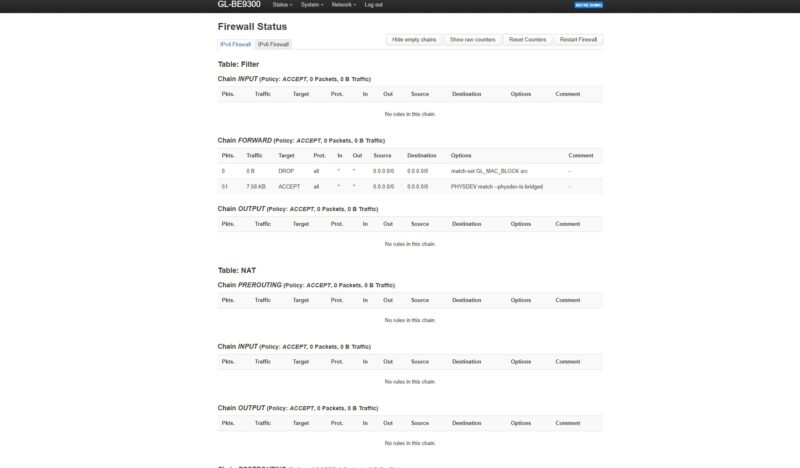
Here is the Firewall Status of the default installation, which does not have too much going on.
Perhaps the biggest point here is that, at some level, it is actually based on OpenWRT.



Just a suggestion; Since you have a common test harness now for network and WiFi devices with your Keysight CyPerf , perhaps you can build a persistent chart on your website that reflects your test results.
Maybe I want to compare the number of sessions this GL.iNet or a recent Netgear or TP-Link model supports with a common test profile.
Or even with your LAN switches, NIC’s or IPS device tests. This way people don’t have to keep bouncing back and forth between the reviews to see who did what and when. OK, so a NICGIGA NIC can do 5Gbps, but what happens when it saturates? How do Marvell Aquantia AQC compare to Realtek RTL with the same speeds and the same test profile?
Some real opportunities to exploit your new found toolset.
Just a thought.
Peeve: The trademark is “OpenWrt” not “OpenWRT”.
Someone on staff may know a former website with a Bench section.
I believe this is one of the routers that RTINGS has found to have alternating MLO (that is, it can only use one band at a time instead of all of them together); would you be able to confirm that? You did note that you only tested wired networking, which I figure is fair.
Wi-Fi 7 doesn’t mean it’s faster than Wi-Fi 6 and you guys are making some very flawed assumptions here. The Flint 2 is a 4×4 router, whereas this is a 2×2 router. The Flint 2 will perform better with two devices connected to it, whereas the Flint 3 will suffer with performance degradation on the wireless side. Maybe don’t make blanket statements when you clearly don’t know what you’re writing?
China garbage, do not buy.