

GL.iNet Comet PoE 4K Remote KVM GL-RM1PE Hardware Overview
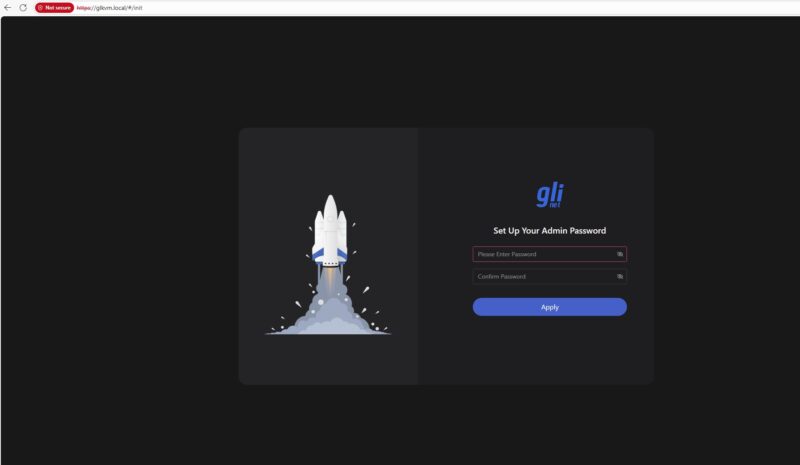
The basic setup step is to connect the cables, then go to glkvm.local and it will prompt you for a password. As a quick note, it is only prompting for a password, not a username.
Something we decided to do was immediately upgrade the firmware.
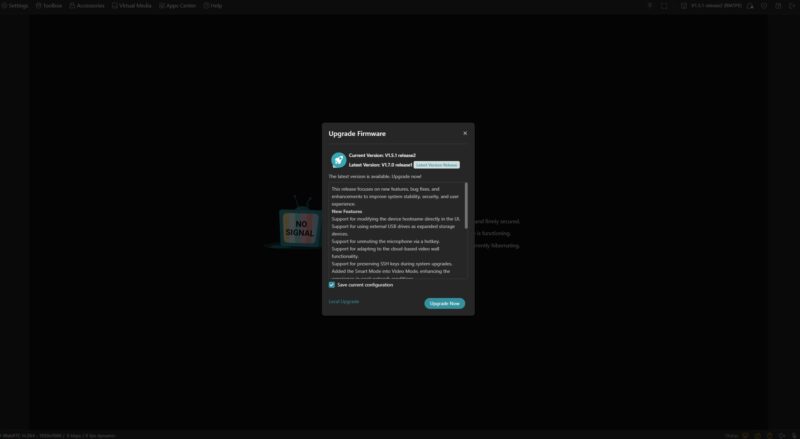
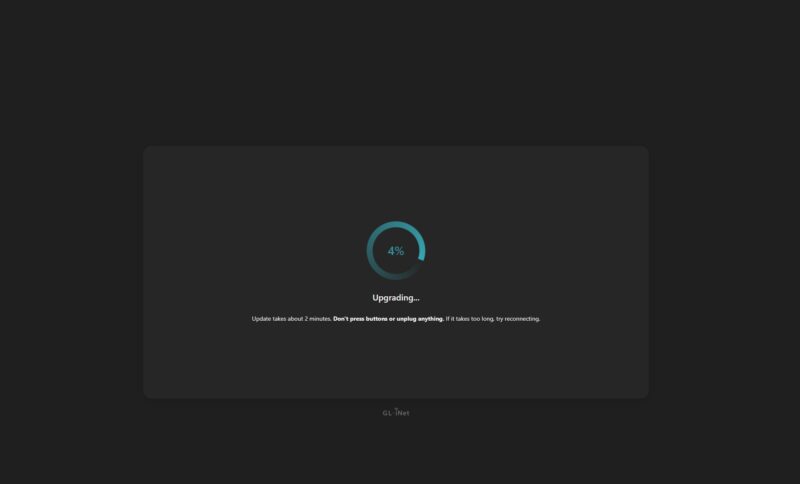
This took a few minutes and a reset.
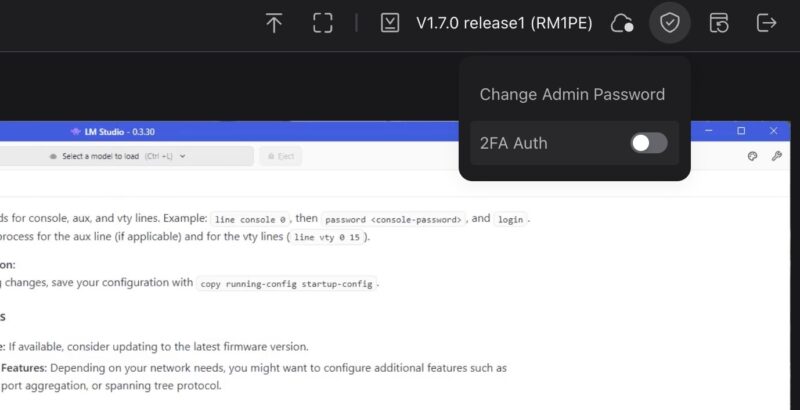
We are using V1.7.0 Release1 for this mini review, which has features like the ability to add 2FA, but not the ability to manage additional users.
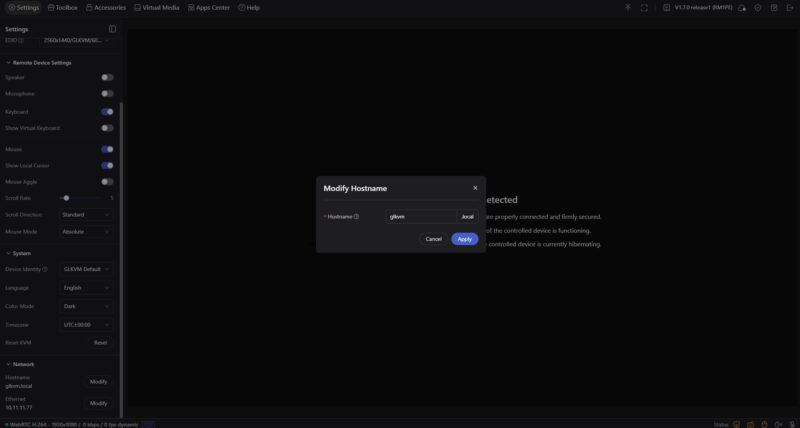
One huge feature that this enabled, compared to our previous non-PoE version review, was the ability to change the hostname directly from the GUI. While that may seem small, if you have several of these on your network, then having this capability will make life considerably better.
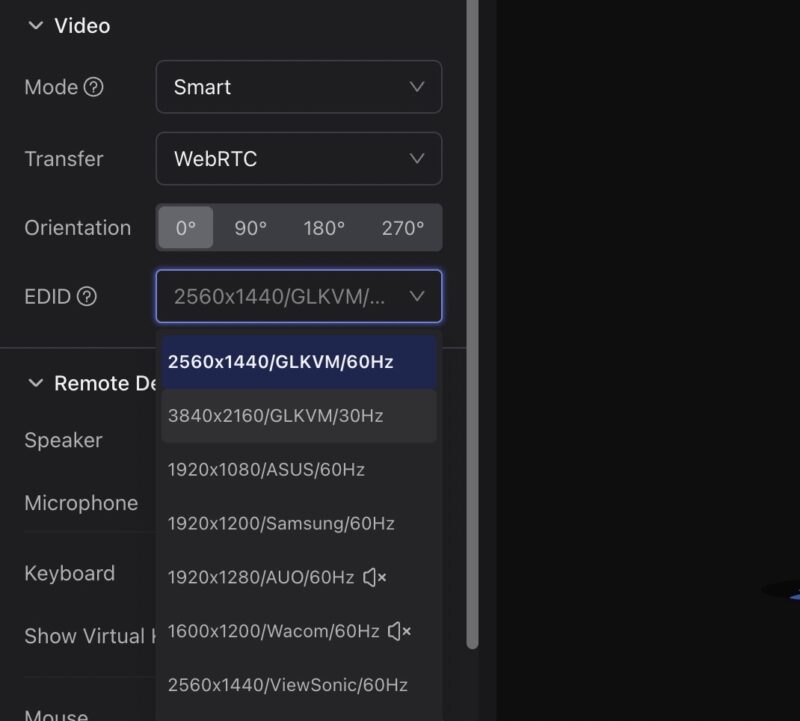
One of the better features of the device is the ability to handle many resolutions and types of input/ output devices. GL.iNet allows you to select even 2560×1440 at 60Hz or 3840×2160 at 30Hz. Many older solutions limit you to 1080p, but this allows you to capture 4K outputs.
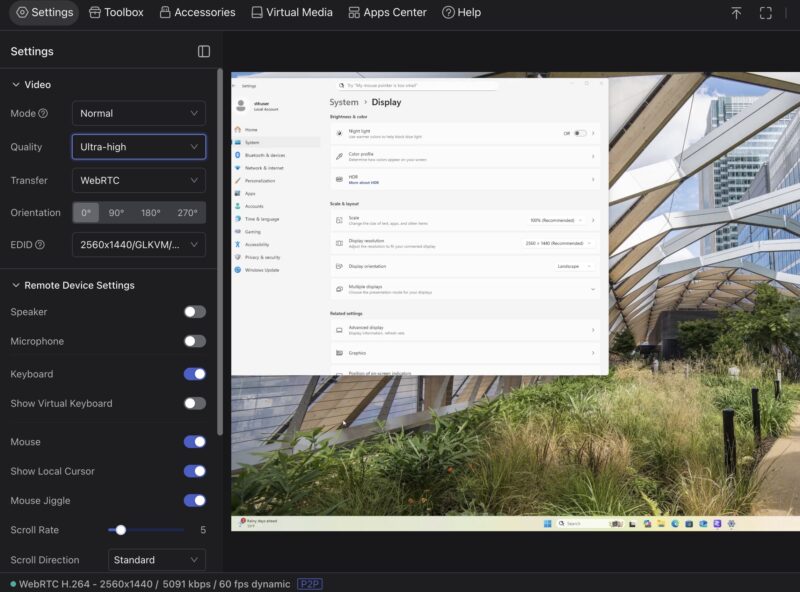
If you are using the right combinations of emulated hardware and encoding, you can also get a speaker and a microphone on this device. We also tried changing between resolutions and it worked reasonably well.
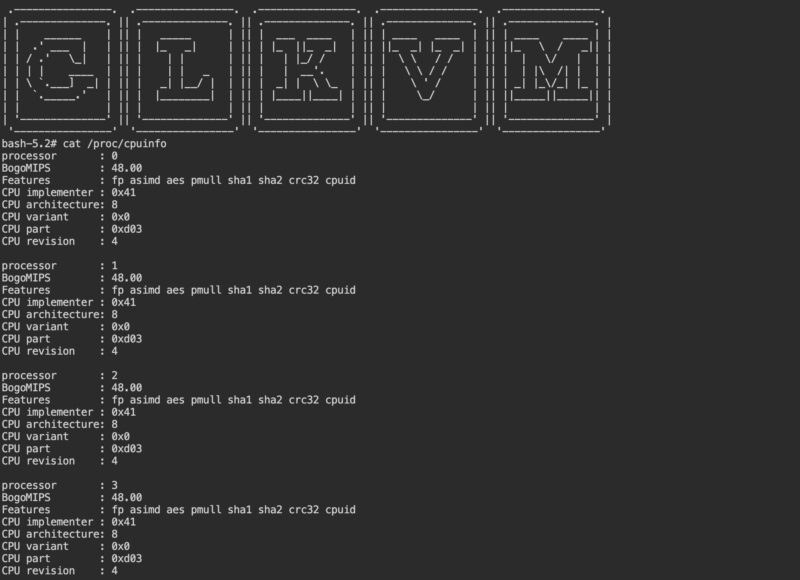
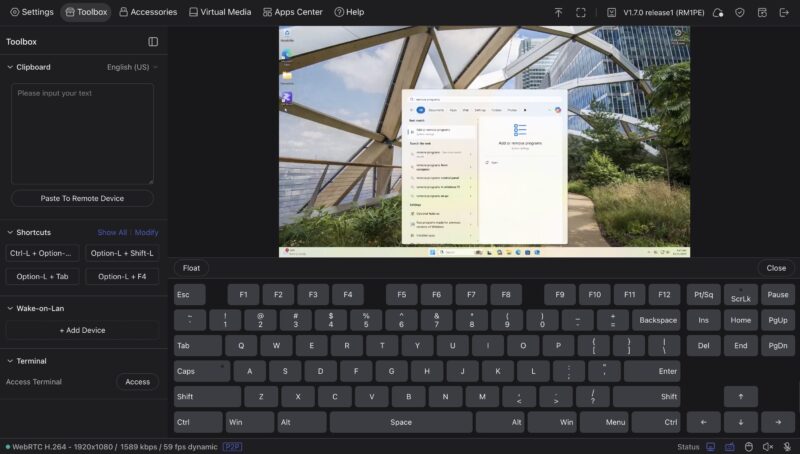
If you want to copy/ paste, it is a little different than a RDP session for example. The Comet PoE has a clipboard in the toolbox, and it allows some terminal access from here. Here is the quad core CPU info:
You can also enable a virtual keyboard if you are on a tablet or phone that can be handy.
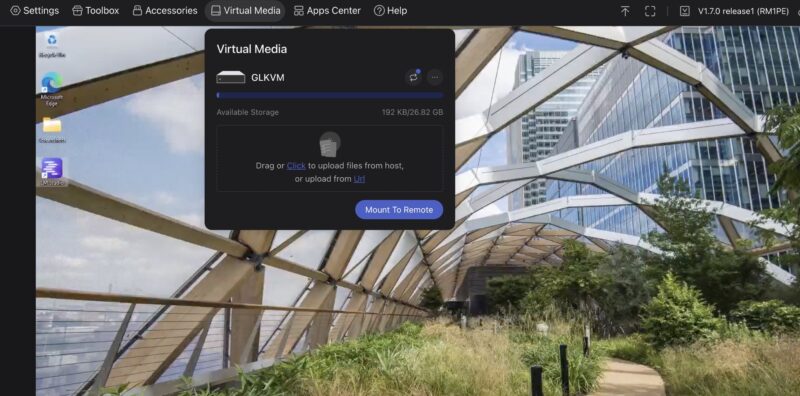
For the remote media, you can either upload to the local eMMC, or also use a USB drive.
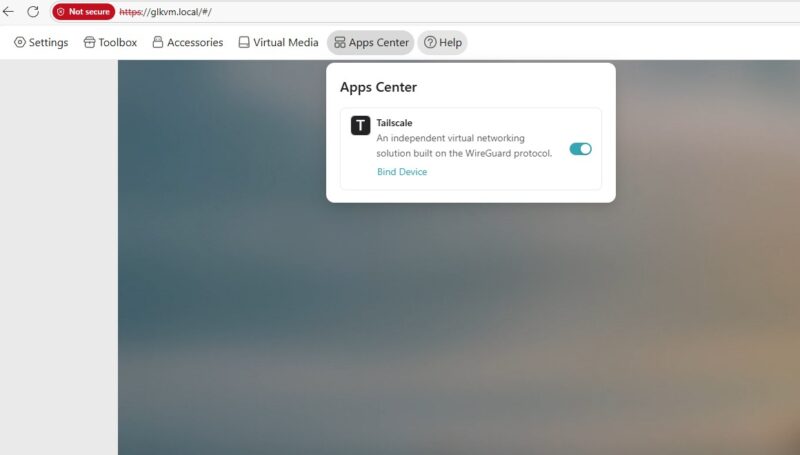
We have been using these with Tailscale for access, which is awesome. You can just connect these to your Tailscale network, then access the machines remotely using Comet devices.
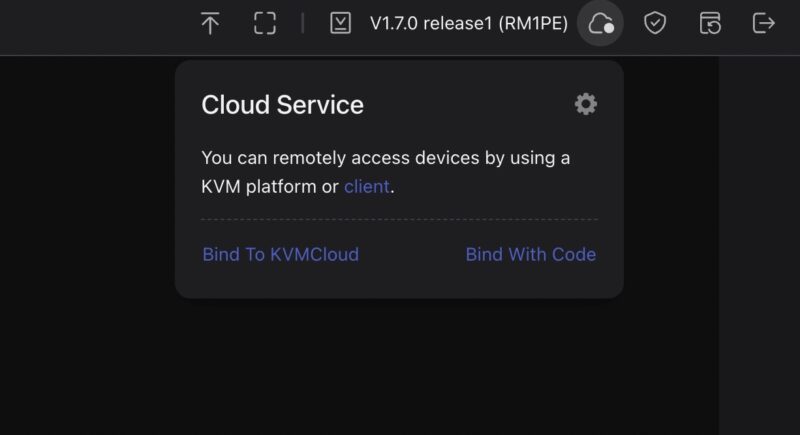
GL.iNet also has its KVMCloud that you can use for remote access, and there is a self-hosted version on GitHub.
For organizations like STH, having the ability to hook one of these up and have a single machine that anyone on the team can access remotely is great. Unlike previous solutions we have used, we are not limited to 1080p resolution. We do not use the audio much, but the higher resolutions we certainly use.
Powering the GL.iNet Comet GL-RM1PE
Powering the GL.iNet Comet GL-RM1PE is simple. Most using the Comet PoE will elect to hook this up to a PoE port and save the additional power strip port and power cable.
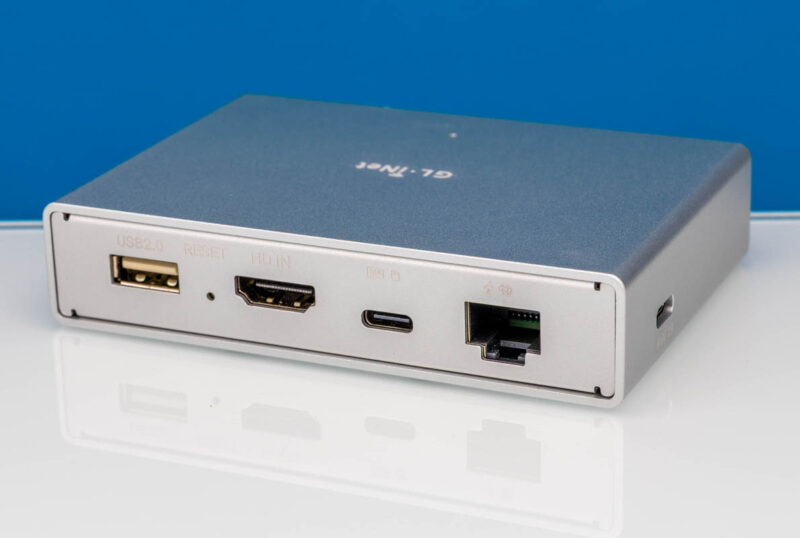
At the same time, there is a 5V 2A power input. You can use a USB power input (although you do not want a USB PD input) to power this device. That helps if you end up needing it in an area where you have something like an Anker power strip (Amazon Affiliate link) with two USB Type-A power ports and without PoE available. That use case came to mind, as that is exactly what we had to use in one instance.
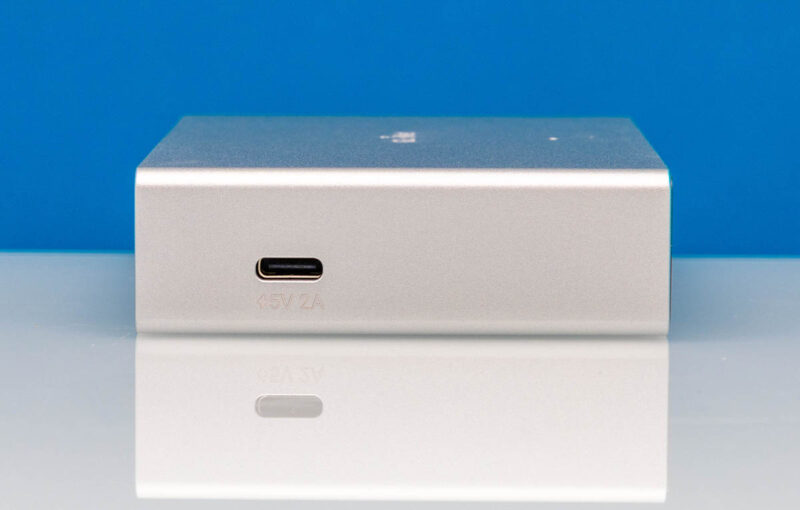
While this unit can be powered via PoE, unlike the GL-RM1, there is another difference. The PoE version does not come with the 5V 2A power supply. 5V USB power supplies are not exactly hard to find, and as mentioned above, compatible ports can often be found on power strips, battery backups, and more these days. On the other hand, this unit does not have the feature.
Final Words
While this is fairly simple hardware from a design standpoint, it is ultra-useful. We have used it on the Acemagic F3A, ASUS GX10, Beelink GTR9 Pro, Dell Pro Max with GB10, Framework Desktop, GMKtec EVO-X2, Minisforum MS-R1 and S1-Max, NVIDIA DGX Spark, and a few more systems at this point, and it has worked well. Perhaps better said, and more useful for these KVM devices, if it has not worked out of the box, there has been a setting on the side, like changing the EDID/ device identity, that has let us get the unit working.
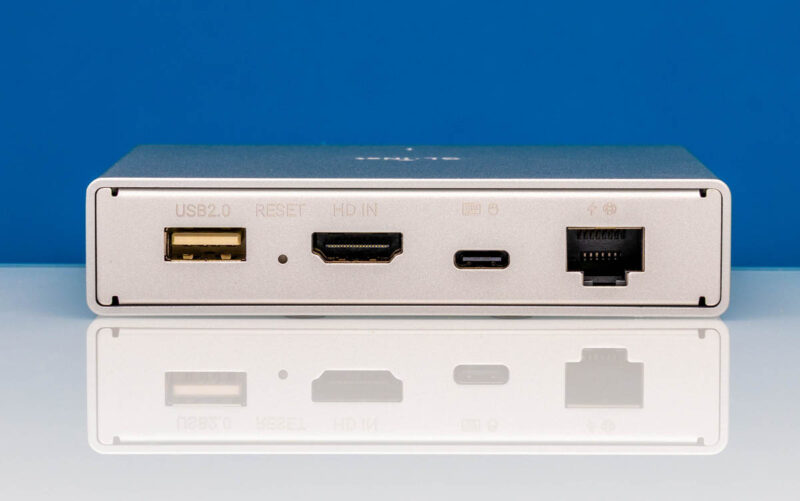
To us, the reason to get these is that there are multiple avenues to manage devices with up to 4k30 resolution remotely. You can just go directly to the web interface. You can use either GL.iNet’s cloud service or the GitHub self-hosted version. Another option is that you can connect this to Tailscale and use it that way. Although this is often priced at $109, a substantial premium to the non-PoE version, we purchased a few more today for $88 or only a $16 premium over the non-PoE version.
To be clear, we have now purchased several of each version. A small pro tip is to use the new hostname change in the UI feature, and then label them using a label maker to make managing several of them easier when you have many of them.
Where to Buy
Here is a link to the PoE version that we reviewed here Amazon Affiliate link. Here is a link to the non-PoE version we reviewed previously Amazon Affiliate link.


Hey look, another chinese IP KVM review where you don’t bother looking at who the KVM phones home to.
This is just flat out negligent at this point.
Didn’t someone already do the packet? I saw it in the comments of the other review and remembered reading it then https://medium.com/engineering-iot/remote-control-done-right-reviewing-the-comet-pro-remote-kvm-b3f2141fb84a
You might want to run a packet capture when powering this thing up. It ping floods public DNS servers, and bombards NTP servers.
I wouldn’t be surprised if it doesn’t have a key logger built it.
Whoever operates such devices without an isolated VLAN is insane.
I prefer JetKVM to this. But it is hilarious to see people making negative assertions about a vendor without process with their neurons.
The other review mentioned by @cheecho71 says “the vendor has chosen to facilitate cloud service functionality by broadcasting sensitive device information in plaintext on the local network” because its DNS-SD traffic includes these fields: model name, device ID, firmware version and base64 encoded MAC address. This really made me lmao.