

GL.iNet Beryl AX GL-MT3000 Management
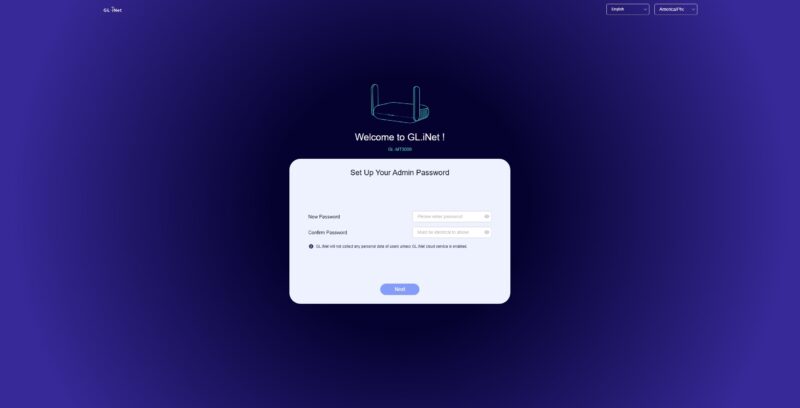
Given this is built on a well-known platform, it has its own OpenWRT Wiki page where you can find more information. Logging in (the default IP is 192.168.8.1) you are immediately asked ot change the admin password.
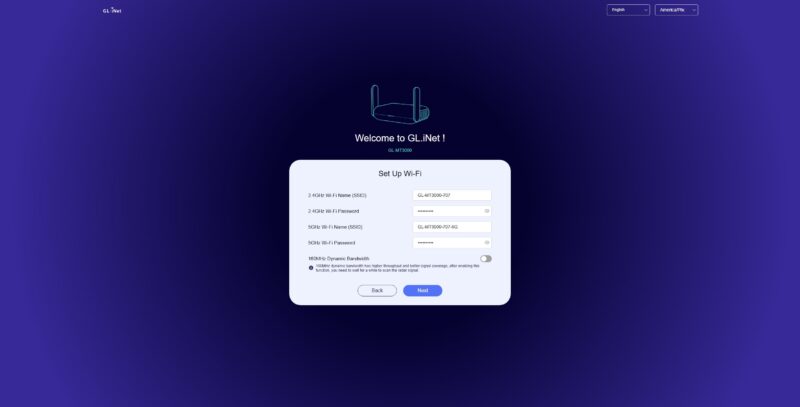
Then you are prompted to setup WiFi.
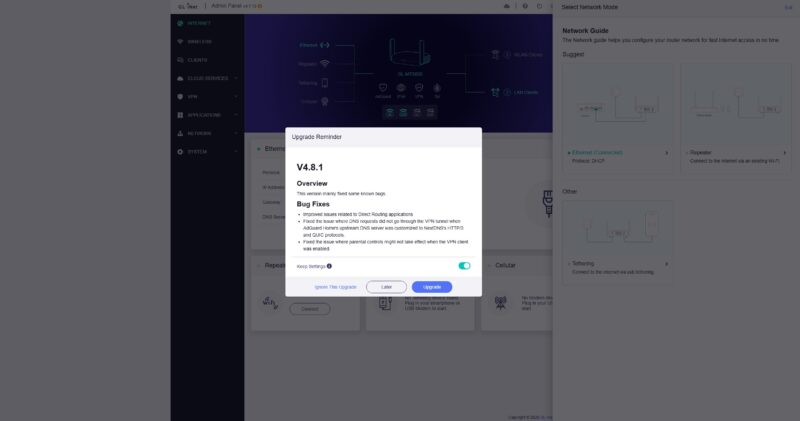
We then were prompted to update to the latest version.
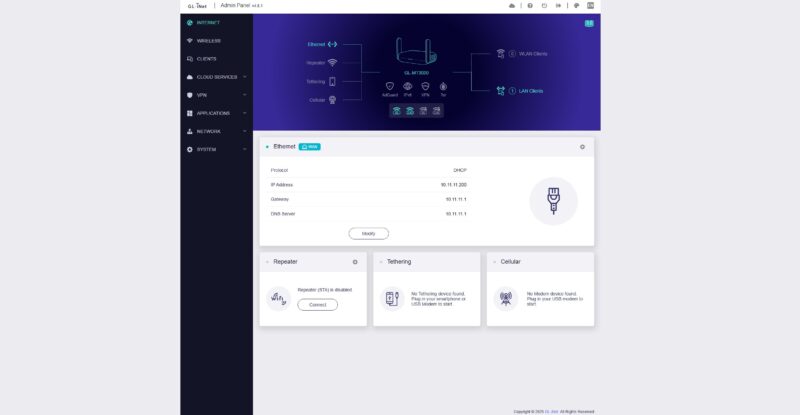
Here is the dashboard view.
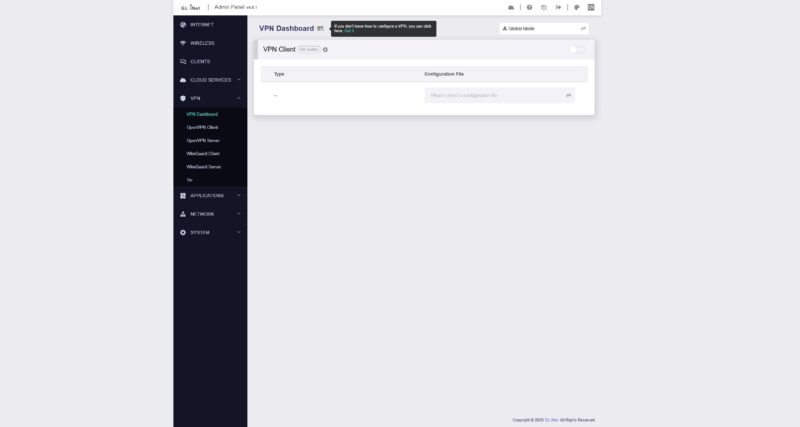
We took a bit of a meandering path through the management interface, as we have looked at the GL.iNet interface a few times recently. There is a VPN dashboard as a common feature in these travel routers is the ability to set up a VPN at the gateway device.
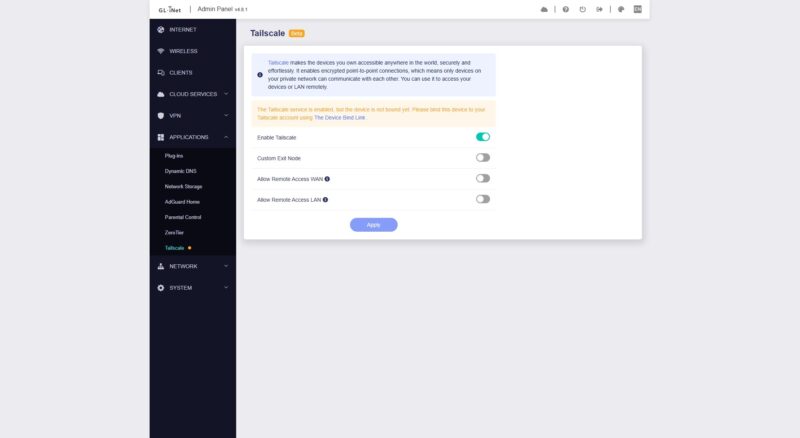
One item we really like is the ability to use Tailscale, albeit that is not under the VPN but it is instead under the Applications tab. This is super useful if you use Tailscale.
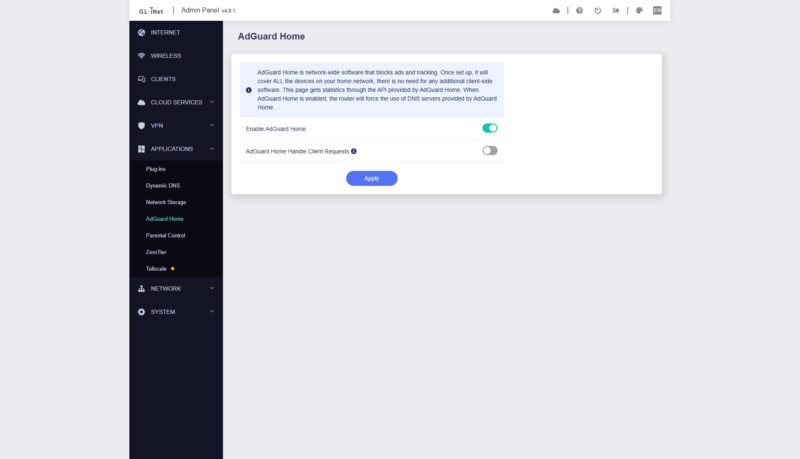
There are other applications like AdGuard.
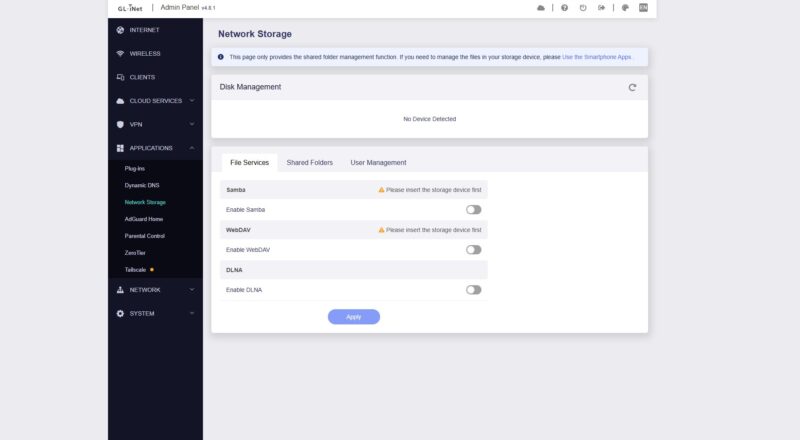
If you recall the USB port on the rear of the device, you can hook a drive up and turn it into a network share.
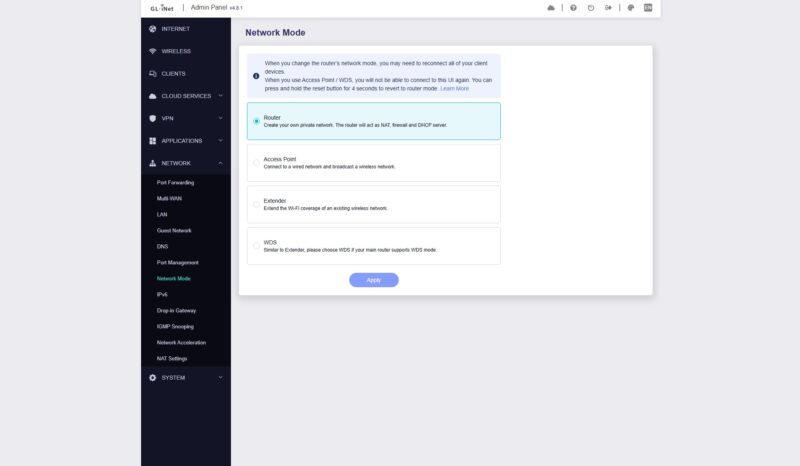
These devices have the ability to be used as gateways, but they can also be used in other manners, such as access points or WiFi range extenders.
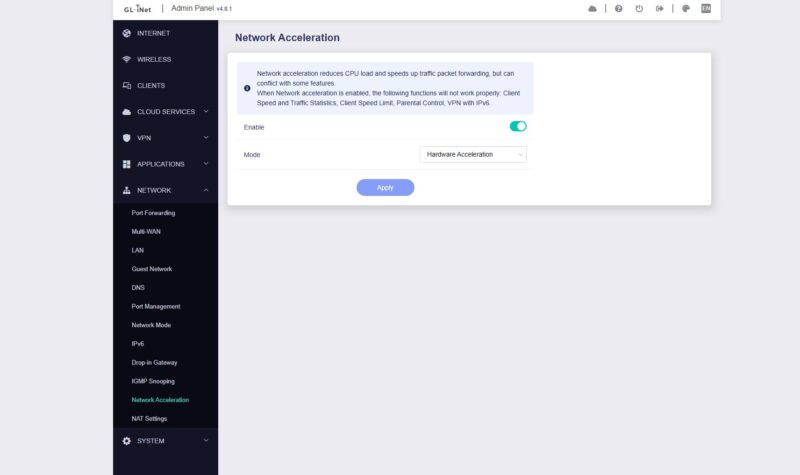
We found the toggle for hardware acceleration which was on by default.
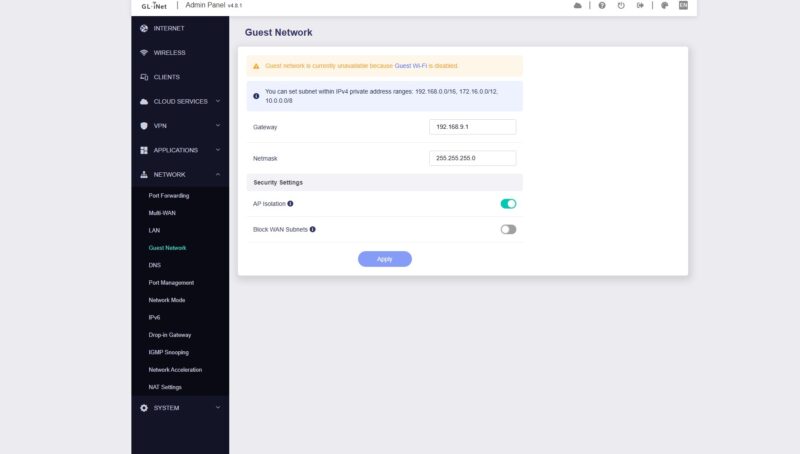
You can set up guest networks.
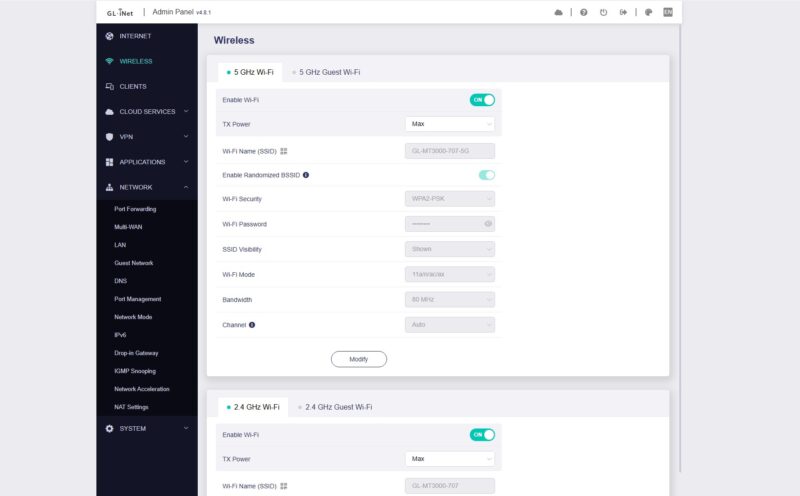
In the WiFi settings you can manage the 2.4GHz and 5GHz networks, but also setup a guest WiFi network on either or both.
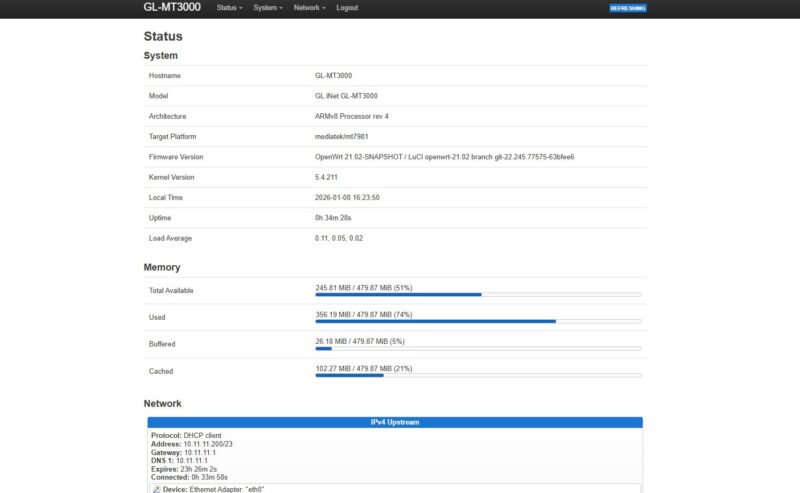
Under advanced settings, there is an option to enable the OpenWRT LuCI interface.

Here we can see OpenWRT 21.02 which is behind the current 24.10.5 version (as we are reviewing this.) Still, having access here means we can manage this like an OpenWRT device.
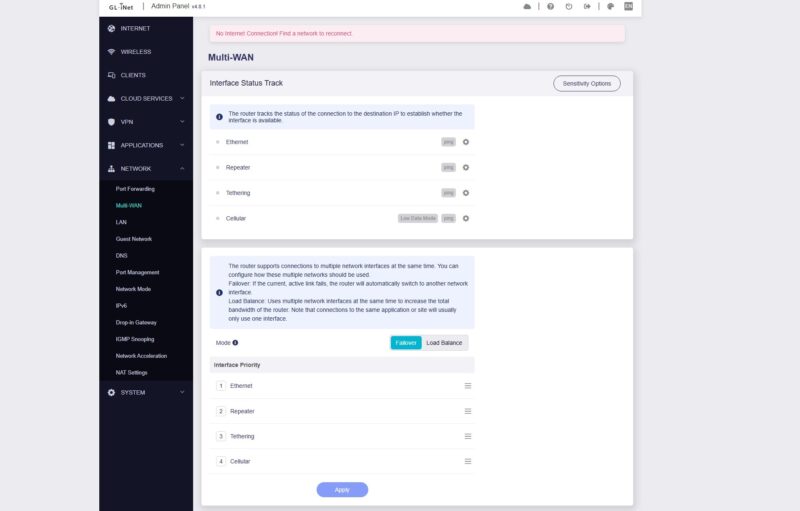
You can setup multi-WAN.
There are also simple LAN settings and DHCP server settings.

Next, let us get to the performance.

I have one of these, it’s great for traveling. It would be nice to see some of the travel features reviewed since this is advertised as a travel router.
Our primary use case is when staying in hotels with the kids. I am able to connect this device to hotel’s captive portal and then re-broadcast the same SSID and security we use at home.
This way everyone’s electronics don’t need to be manually connected to the hotel WiFi. It makes it especially easy for smart devices that are app managed and can’t support the captive portal logins usually required (kids have a smart alarm clock/white noise sound machine).
The switch on the side is configure to enable or disable the WireGuard VPN back to my home so traffic is tunneled through a secure connection and everyone is still under the DNS filtering and ad blocking at my home router level. The kids get access to the NAS at home and can watch their downloaded shows on their tablets.
There is an iOS app ( I assume android too) so I don’t need to pull out my laptop or struggle with the browser on my phone to connect it when we arrive.
I use the same device when traveling for work to client sites and have to give presentations and need to connect multiple devices to guest WiFi.
Easily one of the pieces of technology I didn’t know I needed but use it quite a bit.
I own this model for more than 2 years already. Used it mostly when on the trips and it worked without any issues.
I have two of these, a perfect replacement of a TL-WR902AC.
Flashing upstream OpenWRT is so easy on this device that I don’t understand that SetveTheHome doesn’t test this in their review.
A second 2.5gbps port is still missed – I don’t do NAT with it, but use it as a dumb AP + WDS extender for wired ethernet devices.
and this need WiFi
As Frank mentioned, this device has good upstream OpenWRT support (the article did mention this as an alternative to OpenWRT One).
An updated device (GL-MT3600BE) was announced (at CES, I believe), and that is on a similar MediaTek chip and should be well supported by upstream as well; that won’t happen before people get their hands on them first, though.
Can you put a disclaimer on products when they are manufactured in China?
jon it will be easier to mention when a product is NOT made in China…
I have one of these, and I don’t like it. At first I did. But my use case is to keep it connected to a neighbors wifi as WAN to create a new network. That worked for the first few days, then it stopped. It claims it is connected, but it doesn’t get data. After restarting a couple of times it might work for an hour or two, then it’s gone again. Resetting the whole device may work for a day or two, but then, gone again. Tried multiple official firmwares, same issue. Another router, a 10 year old ASUS with OpenWRT on it, works. Now it barely gets a signal unlike the GL.inet, and the signal strength is hardly enough to cover the place, but that thing works like a champ.
I’ve used the gl.inets for years as a travel router and they are fantastic for that. Like George mentioned they are great for WiFi Bridging to a hotel or other wifi. Very few travel routers can do that. Also the various vpn features are great too. Another lesser known feature is that under OpenWRT you can install the cake traffic shaping module that can make a 50-200mbps internet connection feel silky smooth by traffic shaping and QOS’ing different flows. Quite powerful for such a small form factor.