

Framework Desktop External Hardware Overview
The chassis is a 4.5L design at 96.8 x 205.5 x 226.1mm. That makes it larger than most of the other AMD Ryzen AI Max+ 395 systems we have tested.
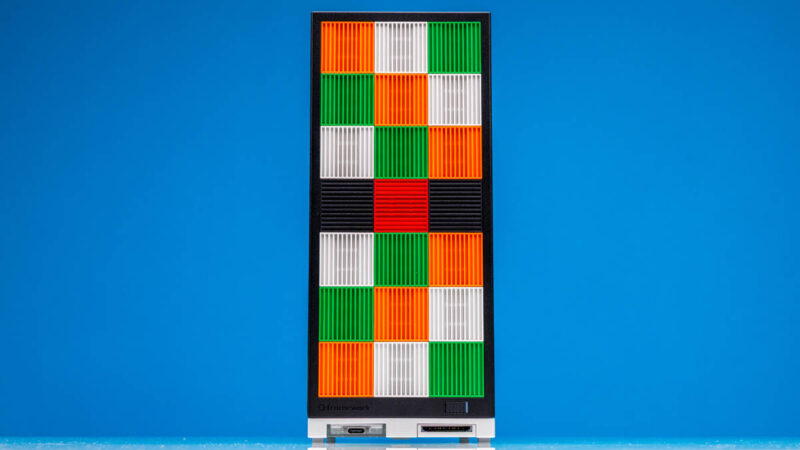
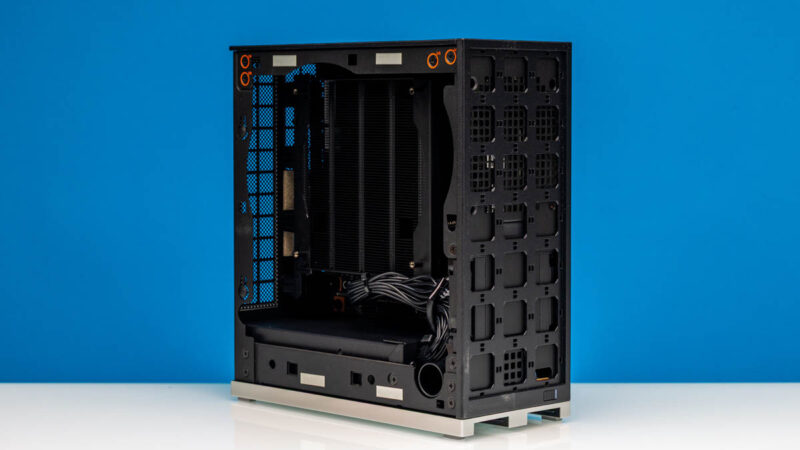
To be clear, the base desktop package comes with a mITX motherboard with the CPU, memory, and the heatsink installed.
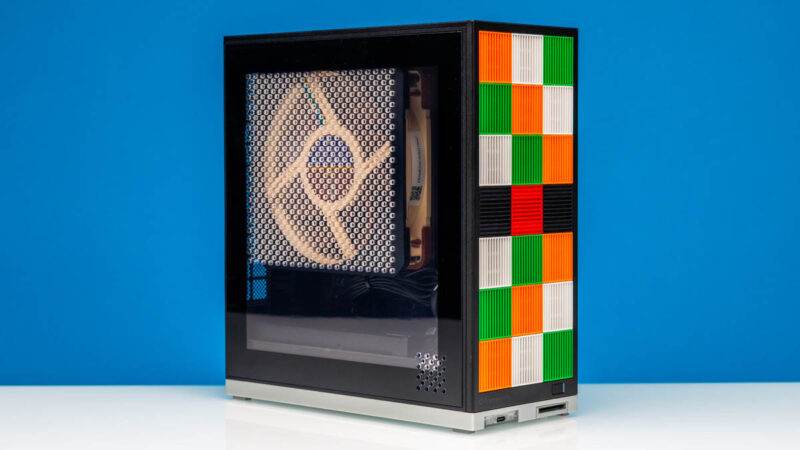
You then add tiles to the front to personalize the design.
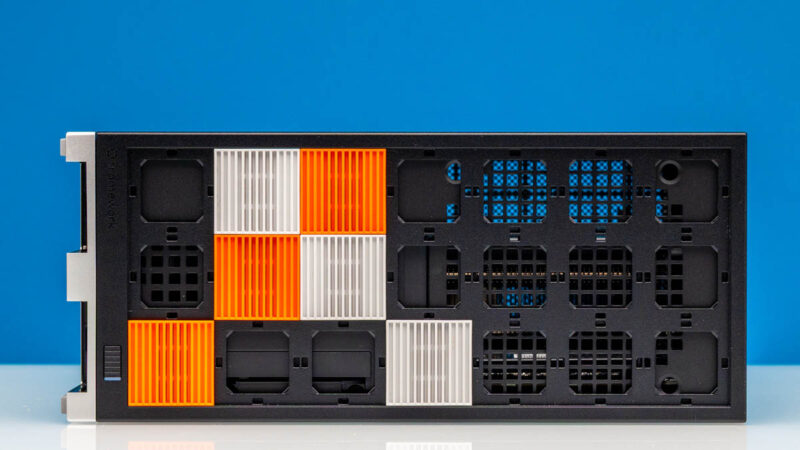
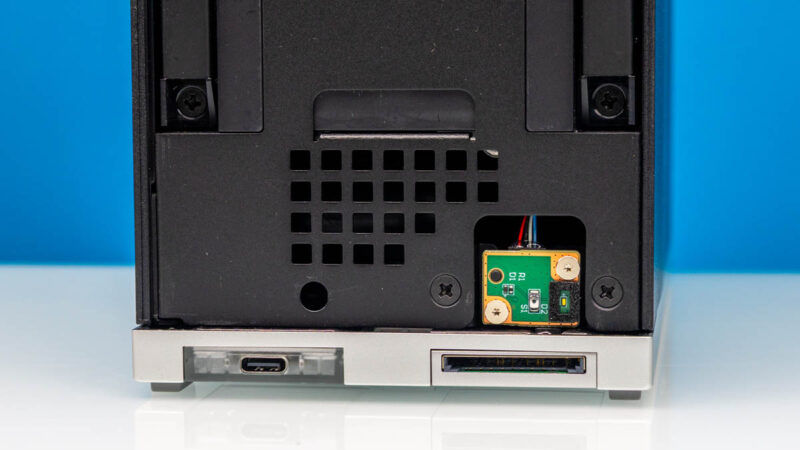
On the bottom, we have two expansion module ports. Framework has a locking mechanism to ensure these stay connected. This can be handy, for example, because some may want an SD card reader like an Apple Mac Studio or the Beelink GTR9 Pro, but others may not want that and prefer another USB Type-A or Type-C port.
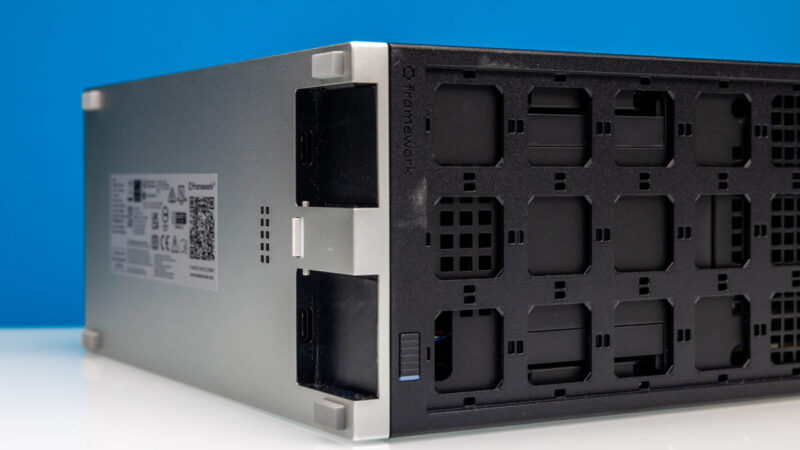
Here is a Type-C and a SD card reader installed.
On top, there are two screws that keep the top on and the side panels locked in place.
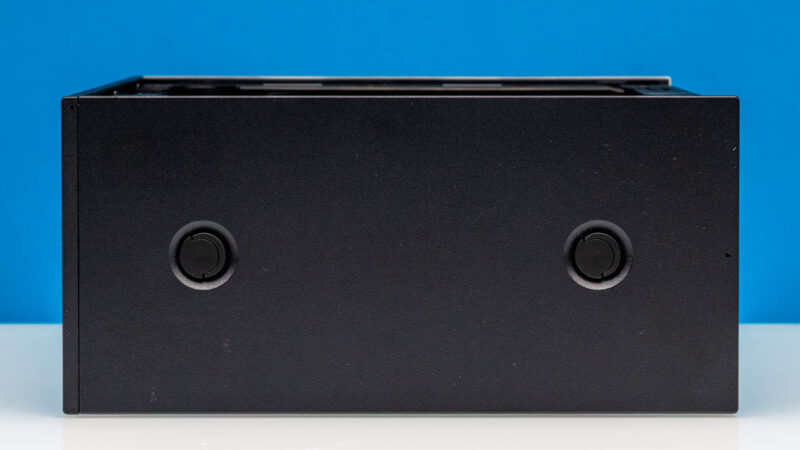
On the side opposite the CPU, we get a black panel.
On the bottom, we get rubber feet. We have the unit on its side to show in horizontal pictures, but it feels more natural as a tiny tower.
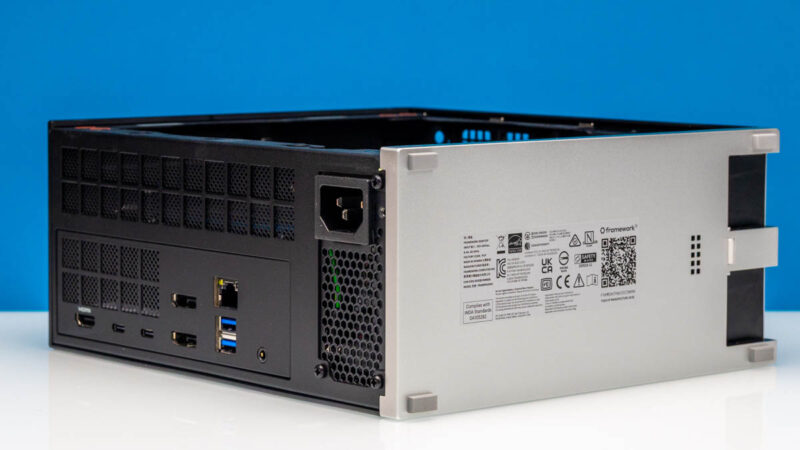
The back is where most of the magic happens.
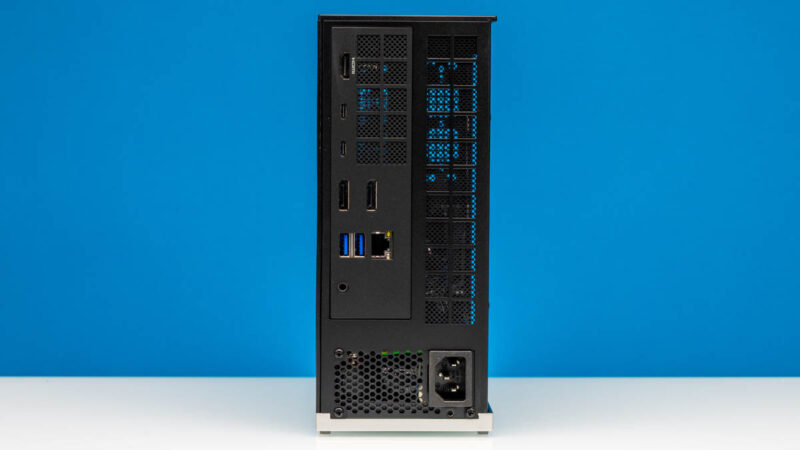
Here is the rear I/O. Something that we are not really sure about is why there is an inconsistent aversion to labels. The HDMI port is labeled, perhaps because there is some requirement to use the license. Then the rest of the ports are not labeled. We generally prefer labeled ports, but the idea of labeling one of the nine ports seems odd.
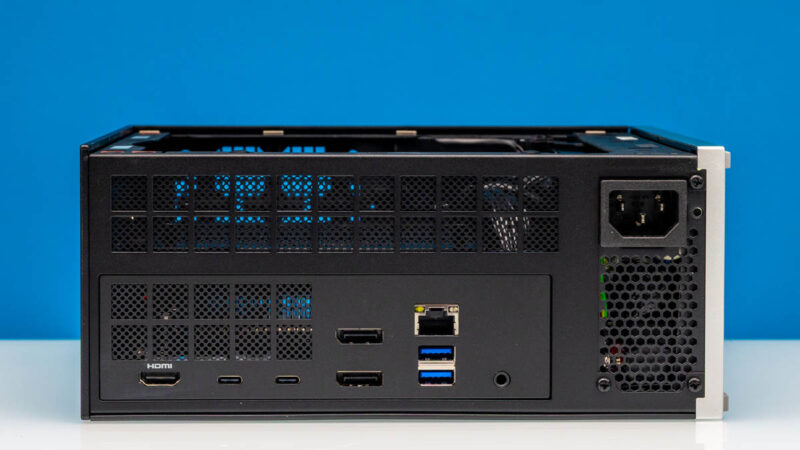
Here is the HDMI 2.1 port.
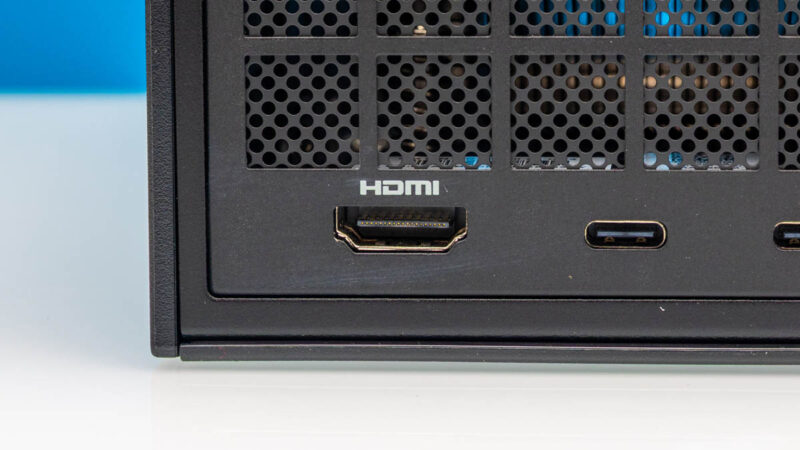
Next, we get two USB Type-C ports. You might be wondering if these are slow 5Gbps or 10Gbps ports, but they are actually USB4 ports, a great feature.
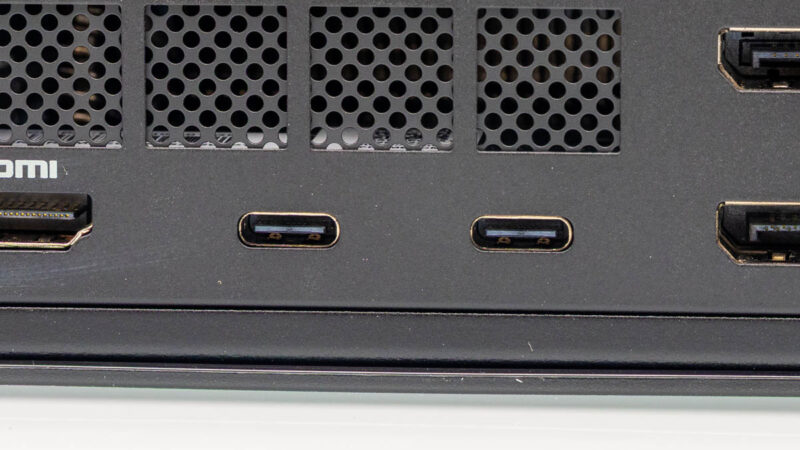
Next to those, we get two DisplayPort 2.1 ports.
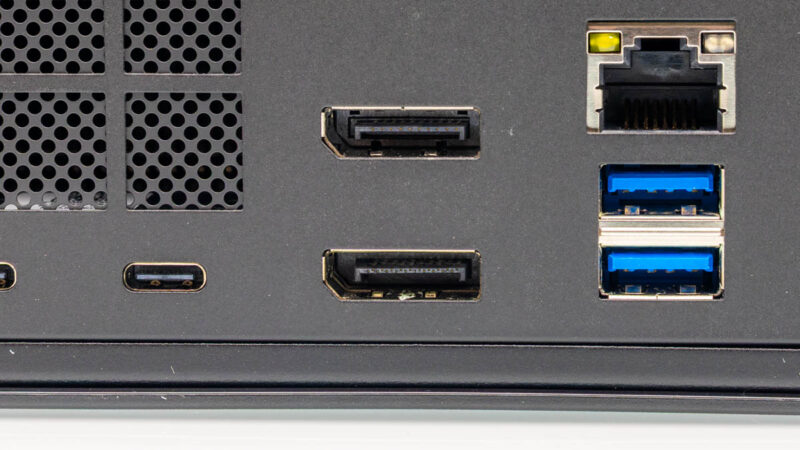
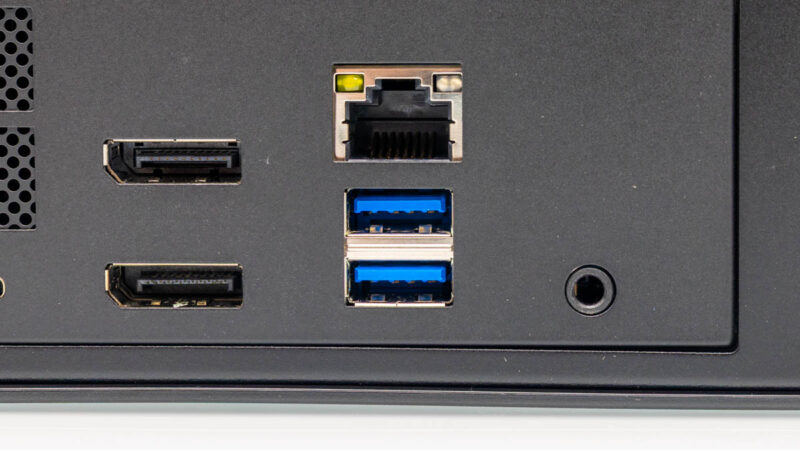
Next, we get a Realtek RTL8126-powered 5GbE port and two USB 3.2 Gen2 Type-A ports. There is also a lone audio jack.
We have the translucent side panel, which looks neat, but it would have saved us $40 to get the opaque black panel instead.
Another important note is that this has an internal 400W FlexATX PSU. That is plenty for this system.
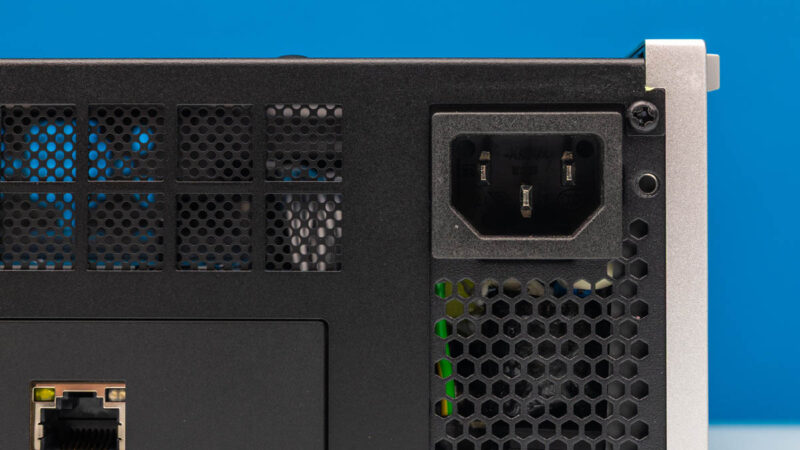
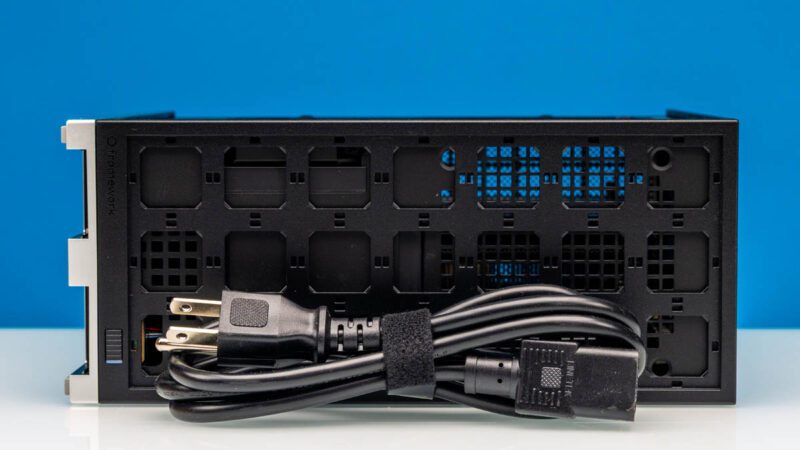
Here is the $5 power cable.
Next, let us get inside the system and show that quickly.

 performs and compares to others we reviewed)
One thing about the framework desktop that I really appreciated was that it came with the nvme heatsinks/mounting items even if those weren’t populated. My HP system didn’t have the heatsink for the slot that didn’t have a drive, which seemed pretty insulting for a system that was close to 3k USD.
Out of curiosity, and because it seems likely to be important for this ‘size’ of system; how good is the state of TB/USB4 ‘multiple connection’ networking?
Obviously not a good option if you want to throw a real switch in there; but if you only need a quite small cluster and TB networking actually works fairly well there are a variety of systems with deeply underwhelming NICs that become a lot more viable than they appear(mac minis, this and other Strix Halo units); while if TB networking is actually kind of terrible beyond ‘hey, I guess it’s nice that you can do a crossover connection between two devices; and it doesn’t cost extra’ then the NICs on the Nvidia units start to look like a much, much, more compelling feature.
Framework Desktop USB4 and mDP ports have been super flaky for me. It really hates driving 2 monitors where one is HDMI and the other mDP. Under every Linux distribution I’ve tried this combo is unusably flake.
This box also has a very nice BIOS which is all but impossible to access from a boot. USB keyboard handling to BIOS is also very flaky.
#fuzzyfuzzyfungus
TB Networking is good, but it really is just a point-to-point connection at anywhere between 18-25Gbps. You could potentially daisy-chain multiple of them or set them up in a ring topology. However, as you said, there is no proper switching. Perhaps if you had a storage server with Thunderbolt it might make sense.
A other caveat for the Framework Desktop is it’s availability – 90% of the world’s population are unable to buy a Framework, due to their draconic shipping policies (limited shipping + banning parcel forwarders + banning commercial resale). As a result, Frameworks are not an option for most folks unfortunately.
Another really solid and balanced review STH. I’m also liking the new MLPerf Client benchmarks. You didn’t cover it but 1.5 came out just about a week ago so those are recent
Kind of a silly question, but did you enable the 160W profile in windows? It’s not on by default with these. I ask because I did get slightly higher results than you do here.
The new MS-S1 looks appealing but it’s more of a 1-trick pony for the money. By the time you add 128gb of ram and a gpu – it’s way more expensive.
I went and built a custom mini its cube with dual 10gbe using the FW board and it was significantly cheaper.
Happy thanksgiving to STH. I’m dropping in just to say I liked this review. Thanks for using an industry standard MLPerf not just a roll-your-own that we can’t use to compare. I know it doesn’t really use big enough models to stress this with so much memory but it’s nice to see that being included
I think the fact that you can buy just the mainboard and supply the rest on your own makes this one an interessting choice.
The lack of top-tier networking is a bit of a shame though.
“A few weeks ago, many would consider $1999 for the base price of a 128GB memory system to be high. Now given the spike in DDR5 pricing that feels quite reasonable.”
If anything I think it may actually represent tremendous value, though perhaps only at this exact moment in time.
The pricing of future batches will almost definitely be increased at some point to account for the volatility of DDR5 cost/availability, but until that happens- given how severe the RAM shortage is portending to be (eg. with HP going on record as planning to curtail the amount of memory included with their systems, or how Nvidia is requiring some board partners to supply their own VRAM), if those supply issues start to drag from 2026 into 2027 or longer and begin impacting the release timing of the Steam Machine, or PlayStation 6 in the longer-term, etc. then one of the Framework Desktop SKUs with the Radeon 8060 could be a rather shrewd investment.
Full disclosure: I preordered one, and have laid down ~$3600 (Australian/AUD) for a full build of the Ryzen 395+ 128GB RAM model, after I worked out it would cost me ~$3100 to assemble a roughly equivalent SFF gaming PC without compromising too much on build size or the quality of the components.
[CPU] AMD Ryzen 9 9950X ($960)
[HSF] Noctua NH-L9a ($83)
[Case] Lian Li A4-H20 X4 ($199)
[PSU] Cooler Master 650W Gold SFX ($169)
[MB] * ($468)
[RAM] Corsair Vengeance 2x48GB DDR5-6000 CL36 kit ($720)
[GPU] Asus DUAL OC V2 GeForce RTX 4060 ($469)
*here I just picked the median price among the 13 in-stock results on PCPartPicker
To avoid using FSR/DLSS for gaming I would need to double my GPU budget to buy a 9700XT or 5070 Ti, and then also spend ~$220 on a better PSU, to end up with something that costs as much as the Framework anyway and is much worse for AI workloads. And all this is with Black Friday sales factored in.
With the economy the way it is, ie. how the top 10% of earners are now accounting for >50% of consumer spending, it’s likely that gaming PCs will become unaffordable to anyone other than the wealthiest of enthusiasts. And if that happens, I feel the Switch 2, PS5 (with its large install base and the PS6 delayed by the V/RAM shortage) ± the Steam Machine will become the main targets of developers for optimising performance vs. graphical fidelity – and to tie all this together, with where the Strix Halo APU’s performance is situated among those benchmarks it will benefit indirectly and remain relevant for several years.
My experience with FW Desktop is that it suffers from AMD TPM issues. The problem is that TPM becomes unavailable after some sleep&wake cycles forcing you to reboot your PC.
Hoping that guys fix that problem, because it makes this PC very annoying device.
So Patrick&Team please test this device with sleep&wake and Windows Hello / Windows Hello for Business.