Dell Pro Rugged 12 Keyboard Hardware Overview
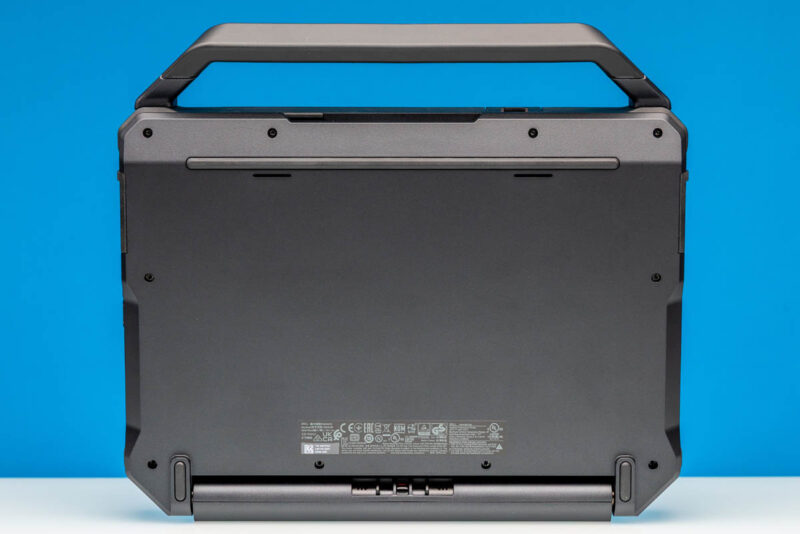
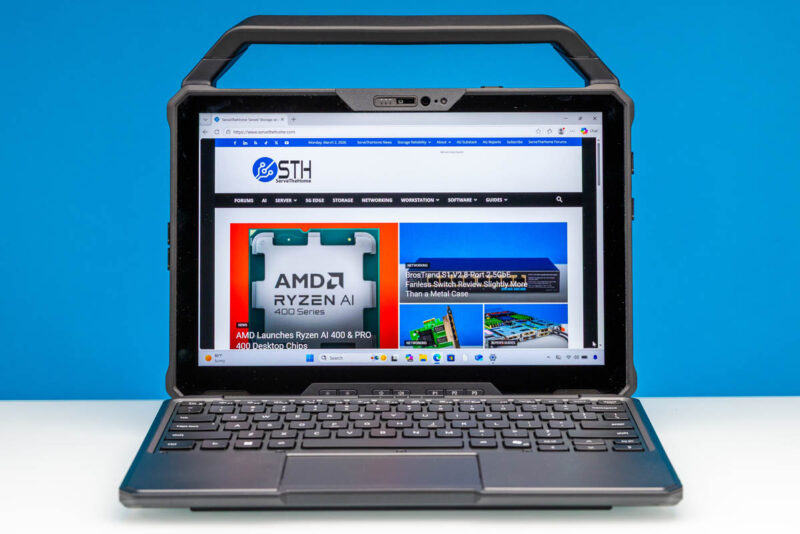
Besides the Rugged 12 Tablet itself, Dell also offers a matching optional keyboard dock for the tablet. This effectively turns it into a 2-in-1 device, with the keyboard pulling triple duty as an input device, additional I/O ports, and protection for the tablet screen when it is not in use.
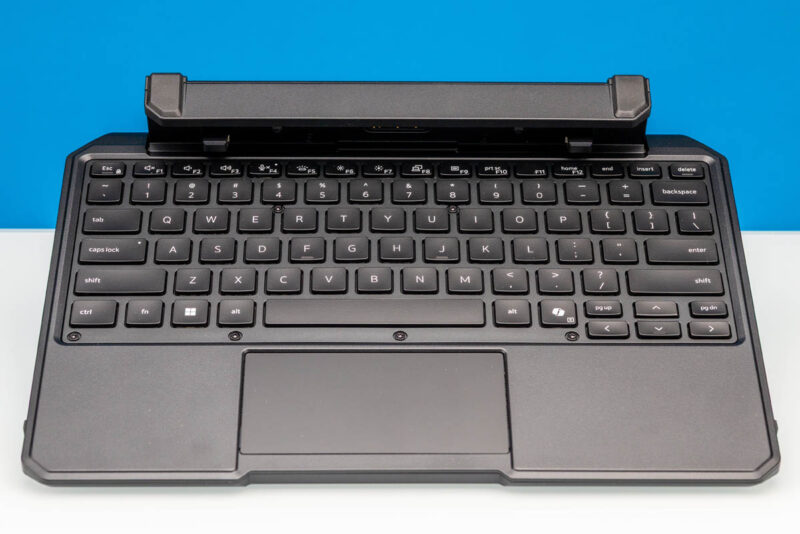
As a keyboard, Dell’s Rugged 12 Keyboard is functional, though largely unremarkable. Keeping in mind that this is functionally a 12-inch laptop with the keyboard attached, this is a pretty typical laptop compact (60%) keyboard layout, with cursor keys packed in where Dell can find room. As for mouse control, there is a single surface touchpad near the bottom of the keyboard attachment. And though this is difficult to grab a good photo of, Dell has even included full RGB backlighting with the keyboard dock.
The Rugged 12 Keyboard Is similarly boxy and armored as its tablet companion, measuring in at 298x220x56mm (11.73×8.66×2.2in), making it even thicker than the tablet itself. Officially, it is not quite as rugged as the tablet itself, as Dell only rates the keyboard for IP65 – one step down from IP66 for the tablet – meaning that while it is rated to resist water jets, it is not rated to resist “powerful” water jets.
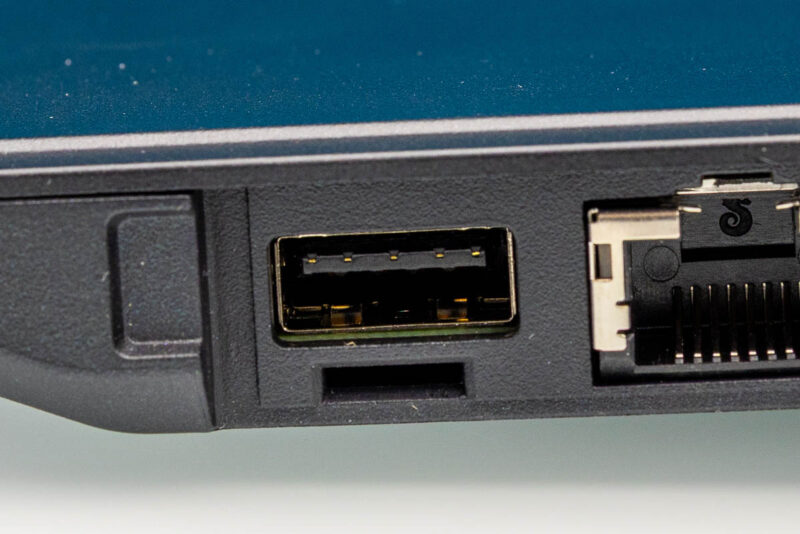
Despite its thick size, the keyboard does not include any battery capacity of its own. So it is strictly there for input and connectivity purposes. On the latter feature, it offers a few different ports so that it can be used as a docking station for the tablet. Dell has built three 5Gbps USB-A ports into the keyboard – two on the left side and one on the right – as well as a 1Gb Ethernet adapter with a full size RJ45 connector.
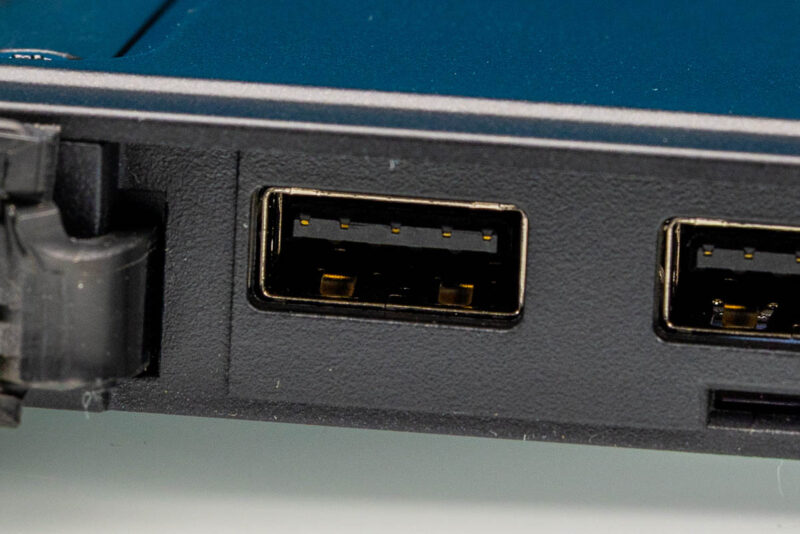
Connectivity for all of this is provided via the Dell docking connector we saw earlier, with the reciprocal end integrated into the hinge of the keyboard. Speaking of the hinge, this is rated for 180 degrees of motion, so while the complete Rugged 12 Tablet plus Keyboard setup will not be doing any yoga, it has a larger range of motion than most conventional laptops.
Otherwise, when folded up, the body of the keyboard serves to protect the tablet. Notably, the keyboard does not lock in place when closed in this fashion. Rather, Dell relies on the tight hinge of the keyboard itself to keep everything closed. This does seem like an odd choice as first glance, as it is ultimately only as useful as the hinge is tight, but that keyboard hinge is in fact very good; if anything, the amount of force required to move the hinge for desktop usage is going to catch more than a few people off-guard.