

Cisco Catalyst C1300-8FP-2G Management
Normally, we go into the web interfaces since they look better in pictures. We often get folks who ask if the switch has a Cisco-like CLI. We will just stay that indeed, the CLI is Cisco. Instead, turning to the web interface, it was actually tougher to get into than you might think. Cisco has a Day Zero setup guide, but it is missing an important fact: what the default IP address is to get to the interface. To make everyone’s lives easier, it is 192.168.1.254. Once you navigate there, you are greeted with a login.
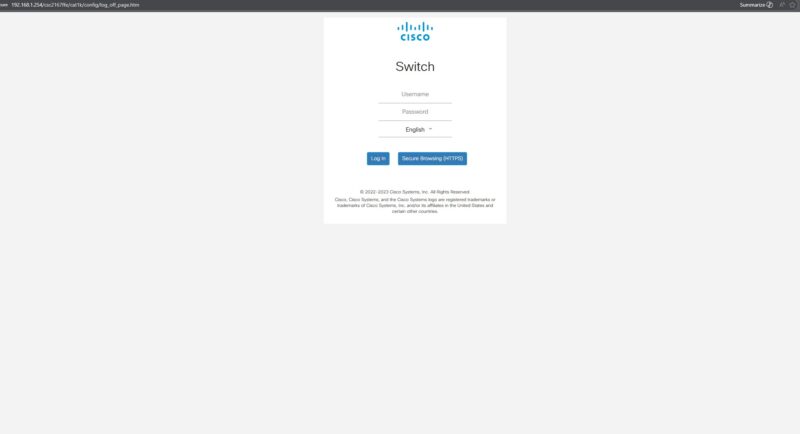
The default username and password are cisco and cisco.
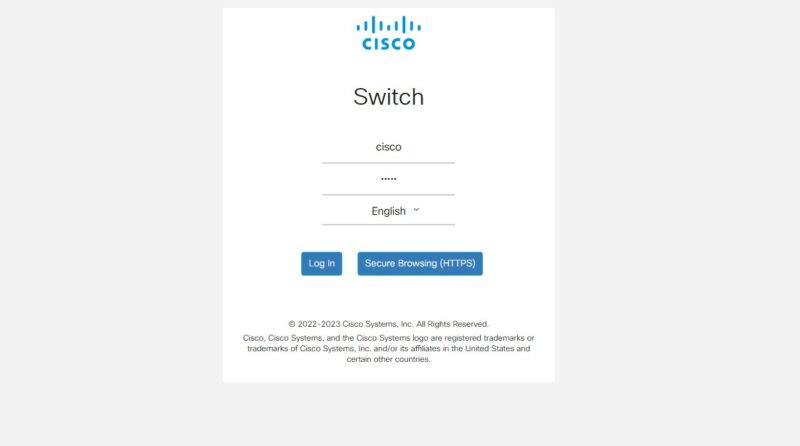
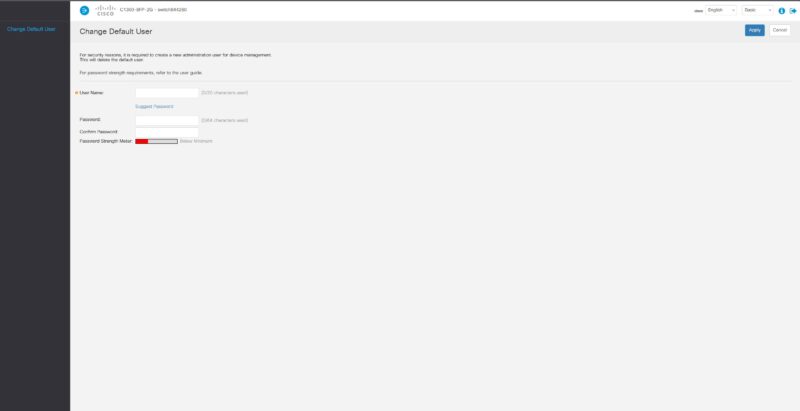
Just after logging in, you need to set a new password, which is common. You also need to set up a new user, which is less common. Sadly, sthuser and sthuser did not work since it enforces password rules.
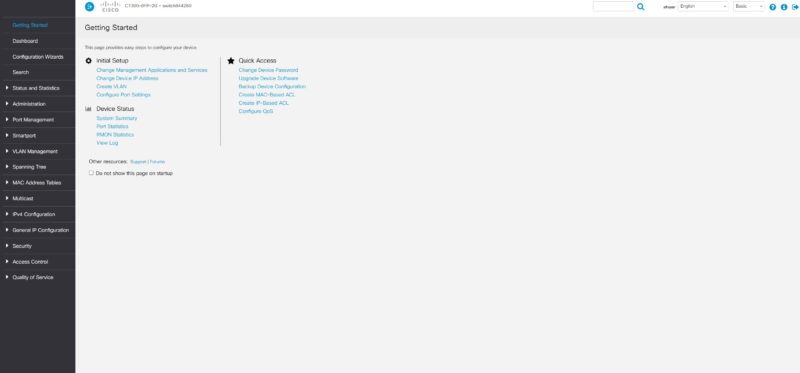
Something neat is that instead of going directly to a dashboard, we are brought to a Getting Started page.
Another really nice feature here are the configuration wizards.
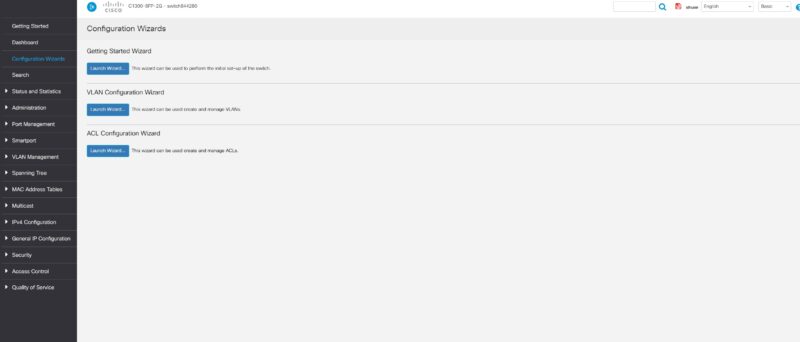
For example, if you want to set up VLANs, then you get a nice little wizard to walk you through that. At this point, the Cisco CLI folks will likely be confused about why this is a thing. On the other hand, if you are a small business and have a switch like this just to run a few APs and cameras, you may not have much experience with CLIs. Cisco has gone a long way to make it easy for novice users.
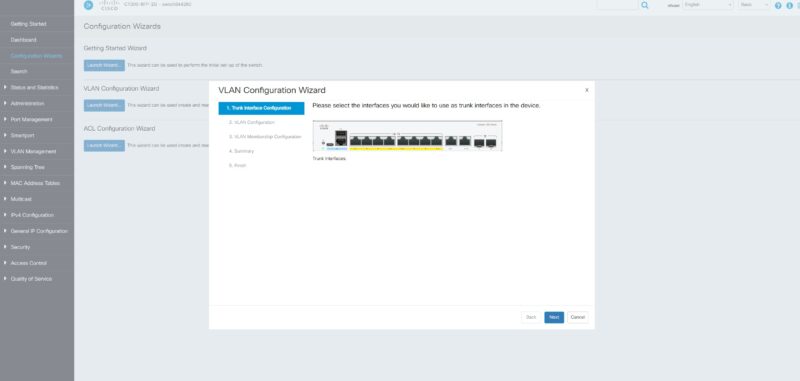
There is a dashboard that has surprisingly little information compared to some others we have seen.
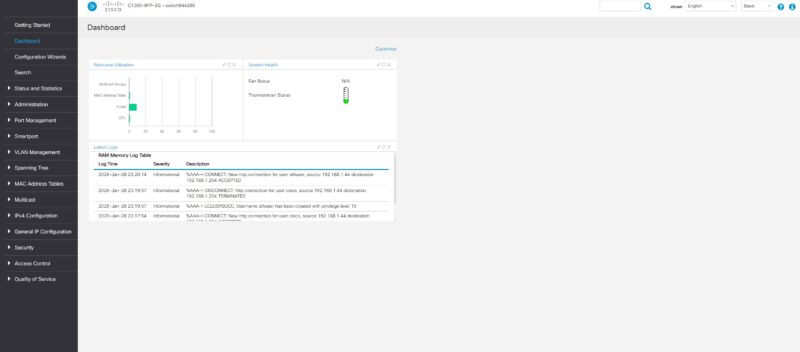
You can see Green Ethernet savings and more on the Health and Power screen.
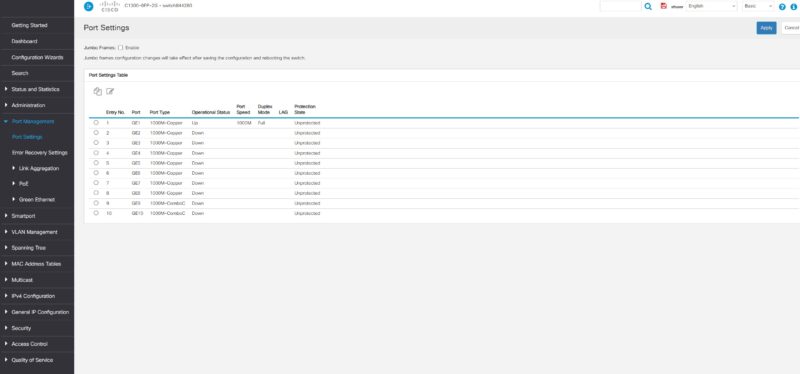
You can go to the Port Settings which is fairly standard.
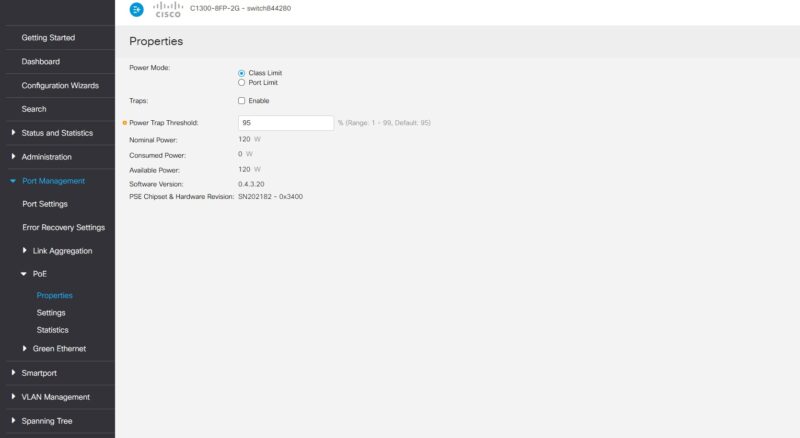
Here you can also go into PoE and set power limits and see the overall power used by devices compared to the 120W PoE budget.
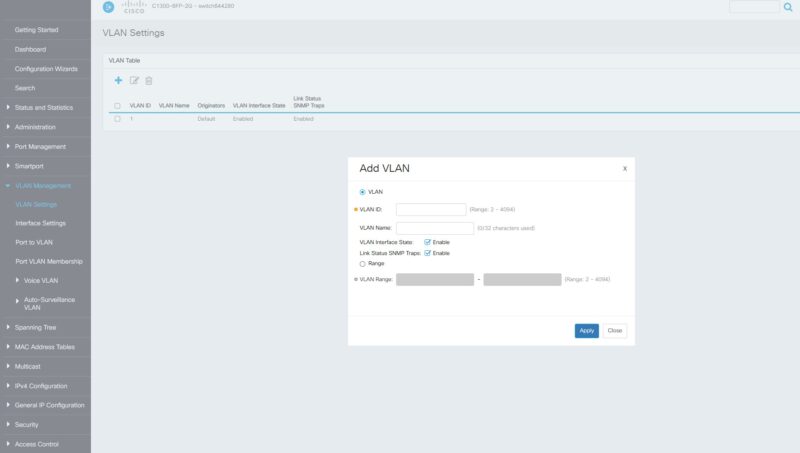
Here is the VLAN screen when you are not in the Wizard.
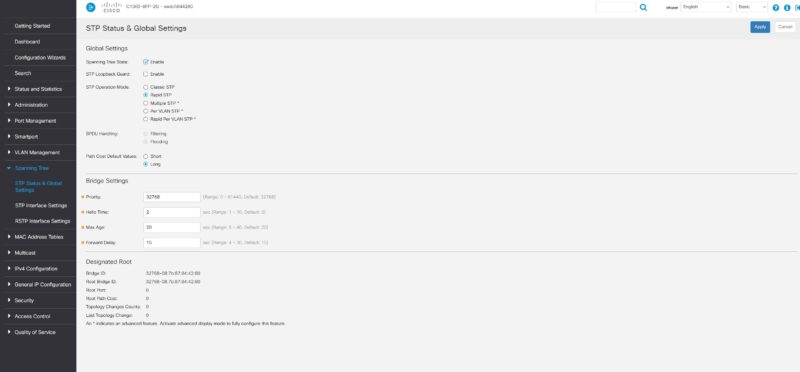
Unlike some cheaper switches, Cisco has a relatively solid STP setup.
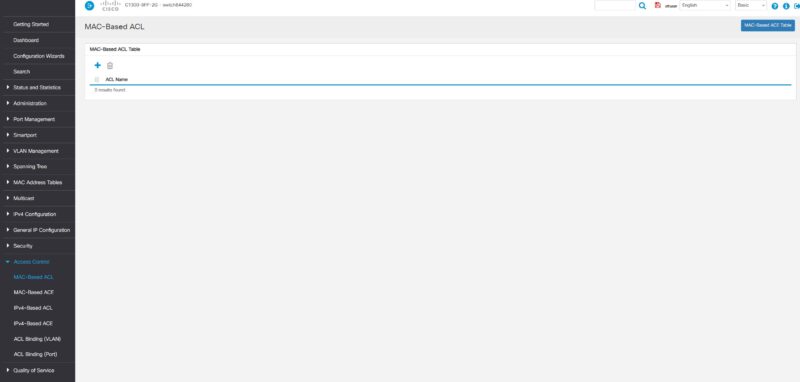
There are many ACL options.
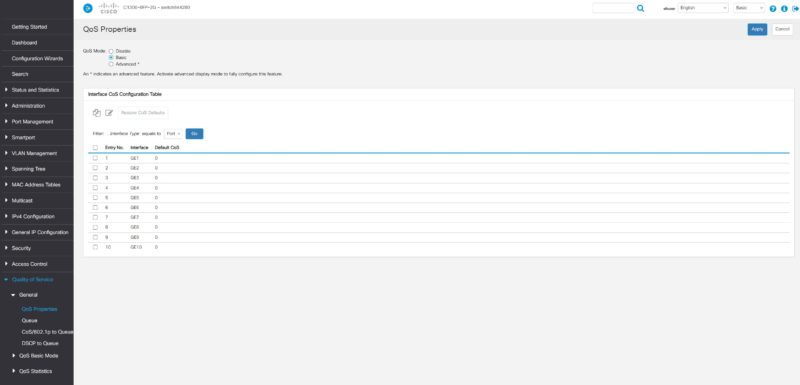
You can also set QoS in the management interface.
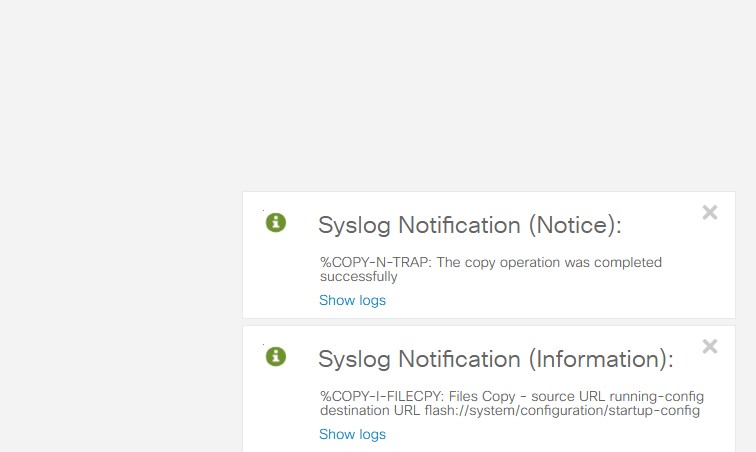
When you change settings, you often get pop-ups to tell you that something has changed. One important feature is that you need to not just apply a change, but then save the configuration if you want it to persist after a reboot. This is standard on higher-end switches, but this is probably in a segment where other switches simply save immediately, so that is worth pointing out.
Next, let us get to the performance.



It’s amazing you’re doing Cisco reviews. There’s jack all of information on these. I hope Arista and Juniper follow. We need this. This is the best review of a Cisco switch in? Forever? I’d like to see more features tested surly others too, but I hope you’re testing more of the C1300X
REVIEW ALL CISCO PRODUCTS LIKE THIS
nice to have poe+
it is crap having 1gbe ports, even sfp is 1gbe
would be nice to compare this to Mikrotik Netpower 16p
Both fanless, cli + web management and POE. Main difference is the Mikrotik has two SFP+ ports and double the POE ports and cost almost half the Cisco does?
Can you do this for the bigger Cisco models? Most Cisco reviews I’ve seen don’t have any good testing
I’m amazed that it has a default username and password, given they’re based in California and it’s not legal to have a default password for internet-connected devices (SB-327). A switch isn’t internet-connected, but I would have thought they’d remove default passwords across their whole lineup.
The lower-priced SOHO 1300/x Ciscos are interesting and not prohibitively expensive. Its regreattable there does not seem to be a 8X 1gb poe – 8x 2,5 poe – 2-4 sfp+ uplink. It would fill a lot of needs for IP-cams, and mesh Wifi7 APs.
Could be STH should check out these as well:
C1300-8MGP-2X
C1300-24MGP-4X
Add to above:
In EU the tested one costs 350-400€.
The C1300-8MGP-2X is more interesting if you have Wifi7 & future-proof. Around 500€. It has 4x 1G poE, 4x 2.5 PoE & 2 SPF+. Passive. I think this has layer 3.
A 8x 1G PoE, 4×2.5 PoE & 4x SFP+ be interesting.
There is an 10x 10gb port. C1300-12XS 1000€.
Cisco C1300X-10NU-2X is 16x 5gb PoE. Funny. 830€.
Would be great to see the Arista (and Juniper/HPE) desktop switches reviewed as well.