
Centec ZX530S-24S2CQ Internal Overview
Opening up the switch reveals a main green PCB occupying one side of the chassis, with a power supply board lying parallel to it. Bundled insulated wires connect the two boards, and a black finned heatsink sits on the right side of the mainboard.
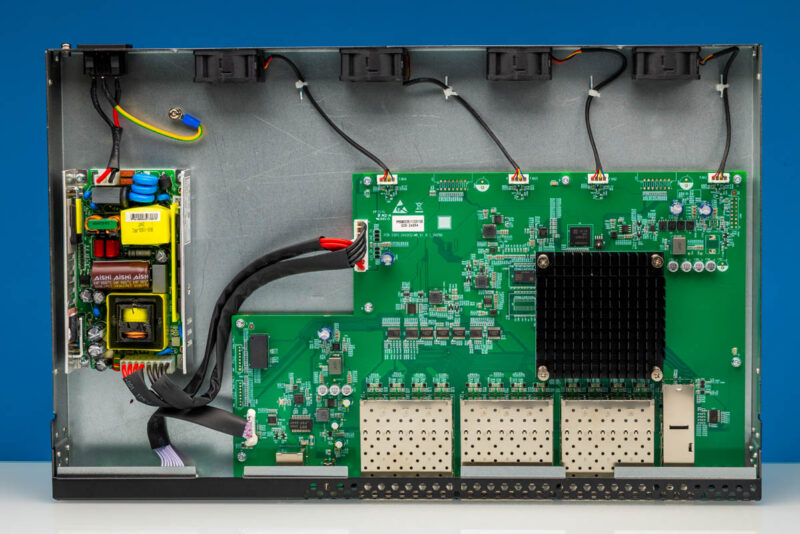
This top-down view shows three shielded port assemblies aligned with the front-panel openings. The metal cages that hold the SFP+ modules extend into the chassis and are soldered to the main board, typical of fixed-configuration switches.
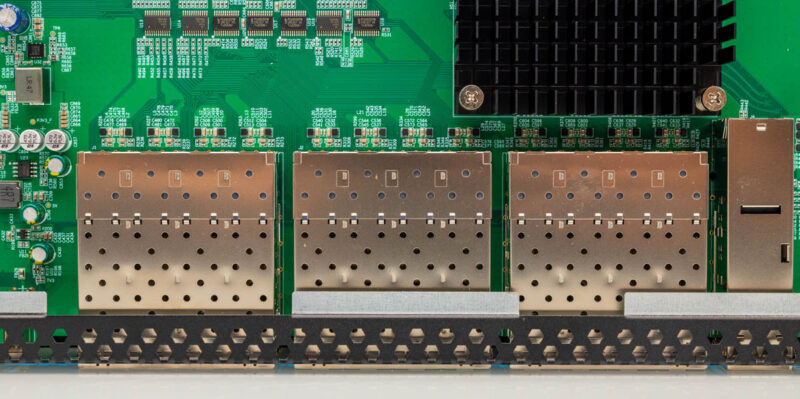
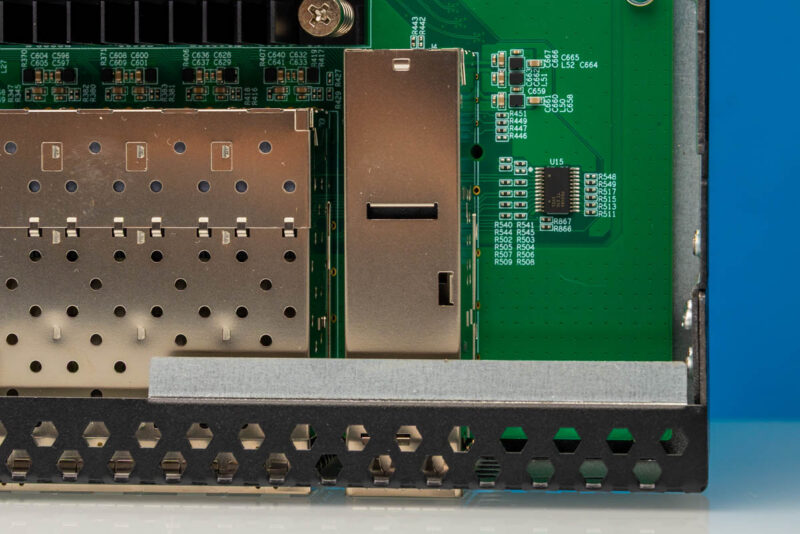
Here is a look at the QSFP28 cages.
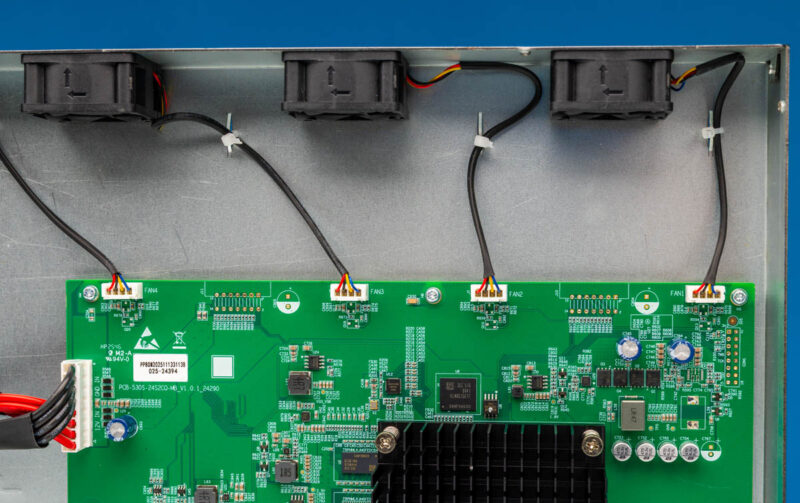
Chassis-mounted fans handle cooling, with headers labeled FAN1 through FAN4 visible near the board edge. This view shows three black cooling fans mounted to the chassis, with their wires connected to those white headers on the green circuit board rather than being soldered directly. Unfortunately, while these are 4-pin fans, they do not use the standard 4-pin PWM fan headers we see on motherboards.
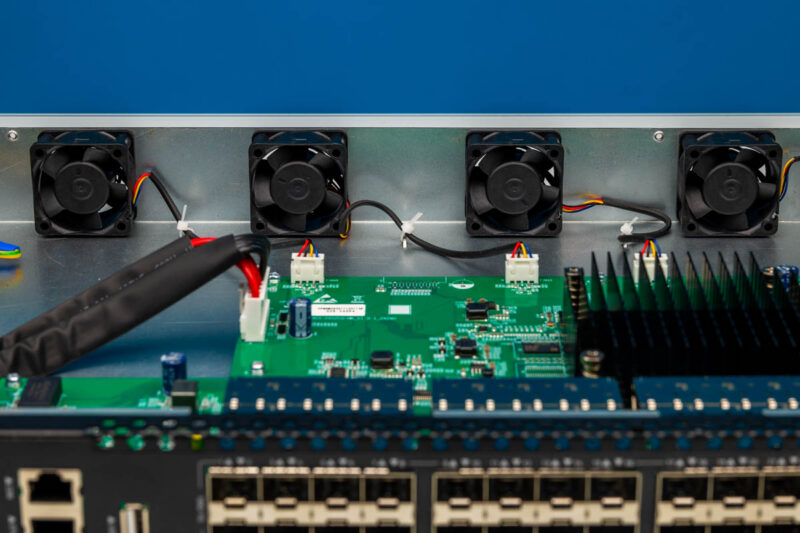
This angled close-up shows all four black cooling fans mounted to the back wall of the chassis. The green circuit board sits in front of them with the fan headers visible, and the large black finned heatsink occupies the right side of the frame.
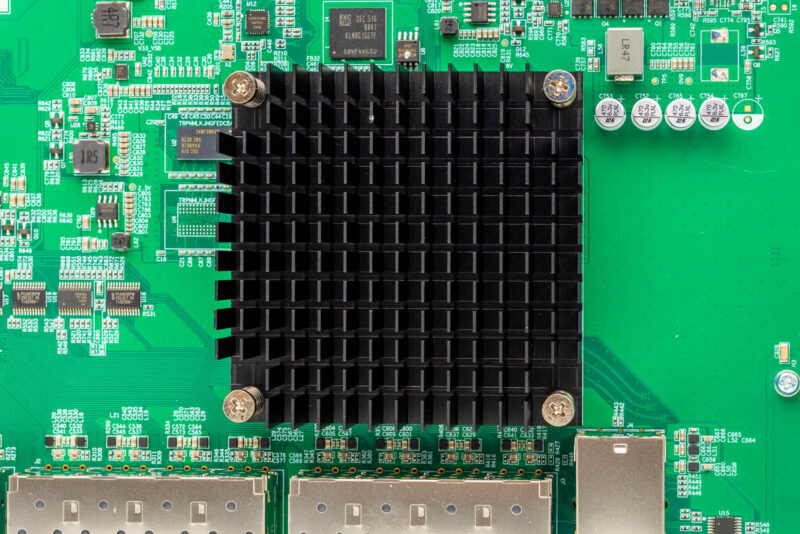
A black finned heatsink is secured over the central package area by four spring-loaded screws. This top-down view also shows a SEC-marked KLM8G1GETF storage package nearby.
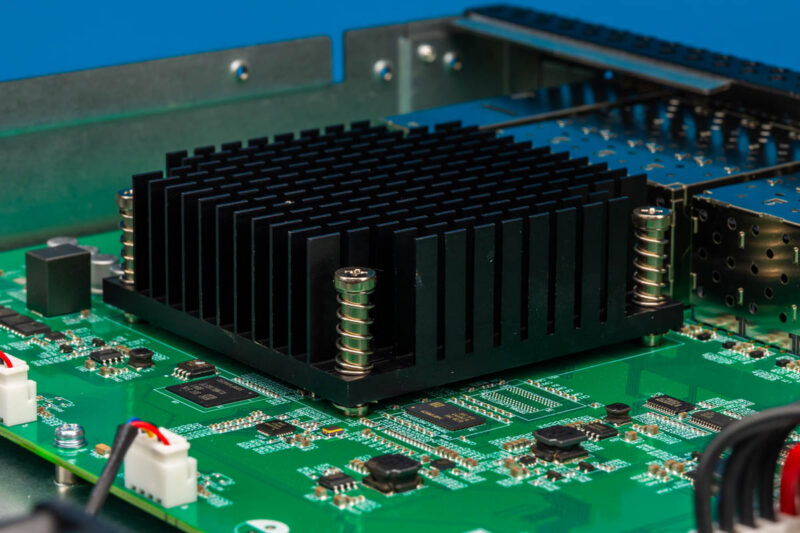
This angled close-up of the heatsink shows its vertical fins and the spring-loaded mounting screws that hold it against the switch package.
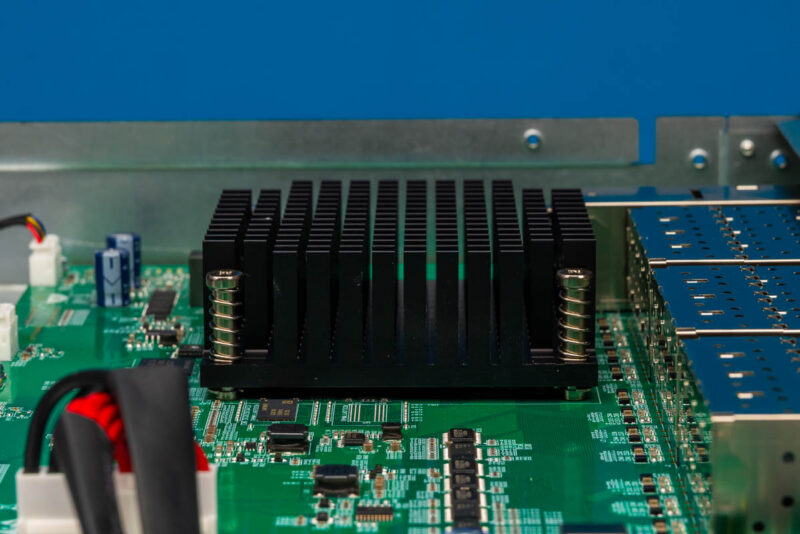
From this front-facing view we can see two spring-loaded screws on the near side of the heatsink, blue cylindrical capacitors to one side, and a white connector to the left. The spring-loaded design maintains consistent pressure on the package across temperature changes.
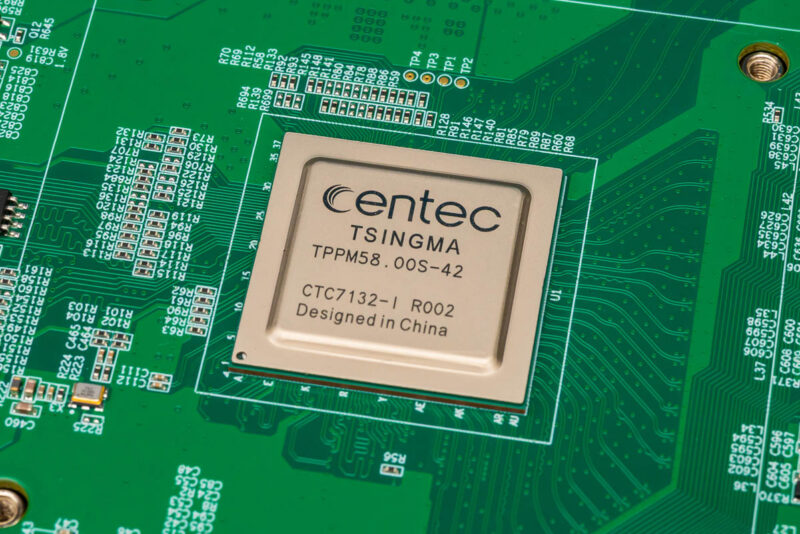
The central package is marked Centec, TSINGMA, TPPM58.00S-42 and CTC7132-I R002, with Designed in China also printed. This identification anchors the board’s silicon identity for performance analysis.
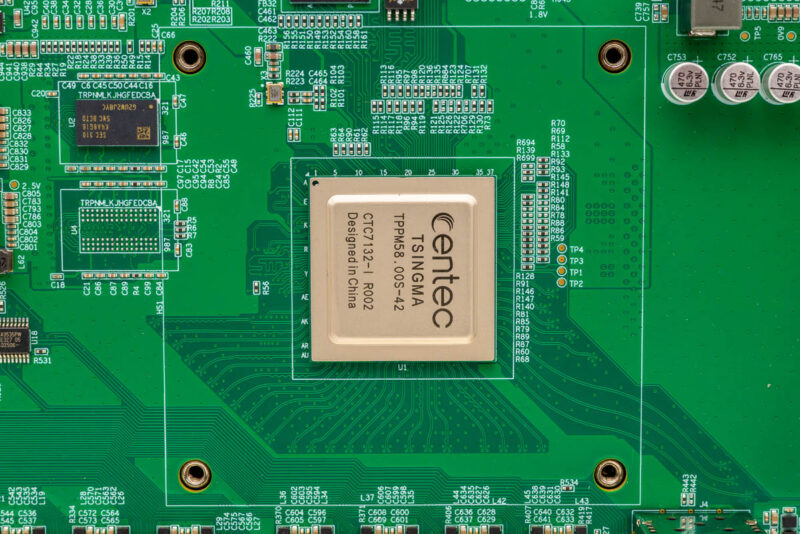
This macro view of the same heat spreader confirms the markings clearly. The package is marked Centec, TSINGMA, CTC7132-I R002.
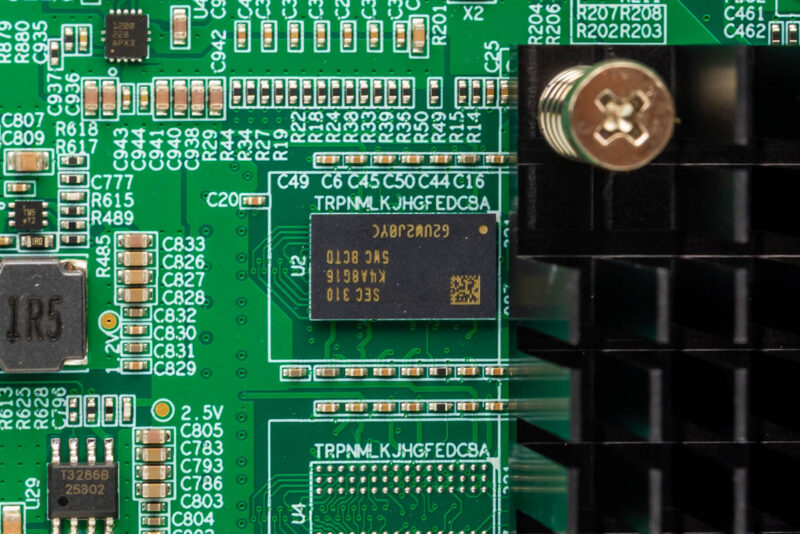
Nearby memory components include a SEC-marked K4A8G16 package adjacent to the heatsink fins. The marking identifies this as a Samsung DDR4 device.
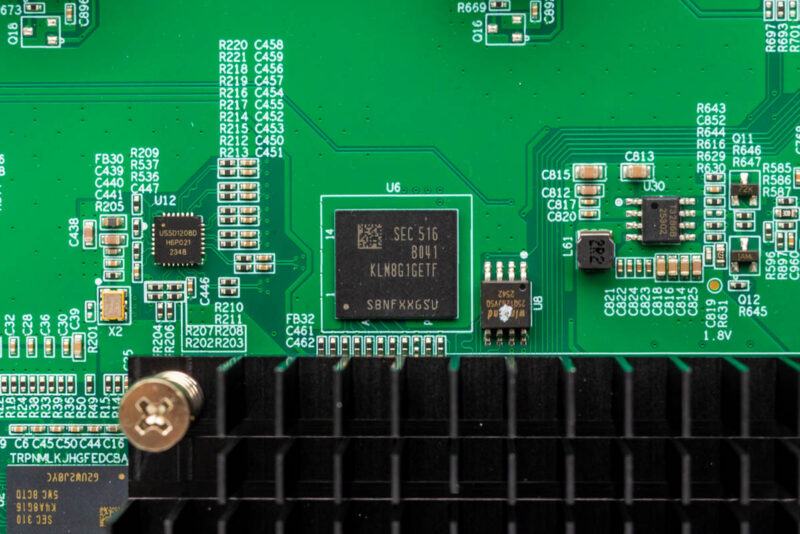
This storage package is marked SEC 516, B041, and KLM8G1GETF near the heatsink. This seems to be a Samsung eMMC module.
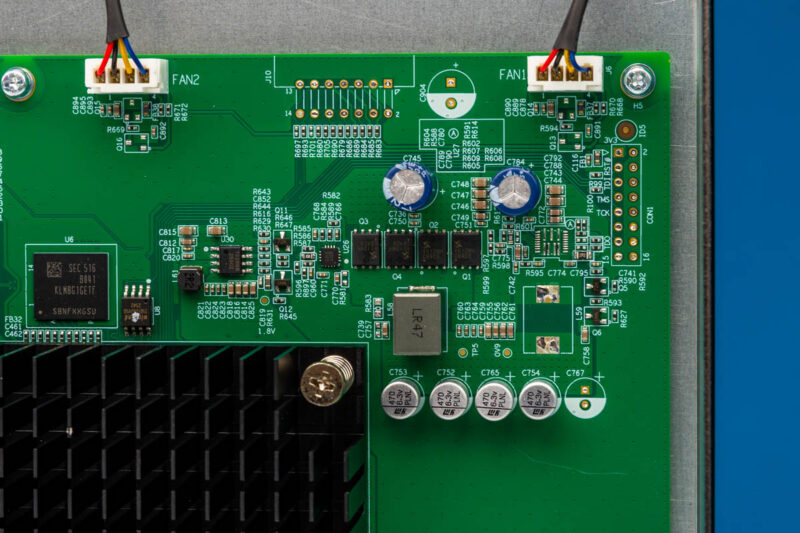
The board section here shows fan headers labeled FAN2 and FAN1 with connected wires alongside a partial view of the SEC 516 package. This layout keeps the fan control circuitry close to both the cooling devices and the main processor area.
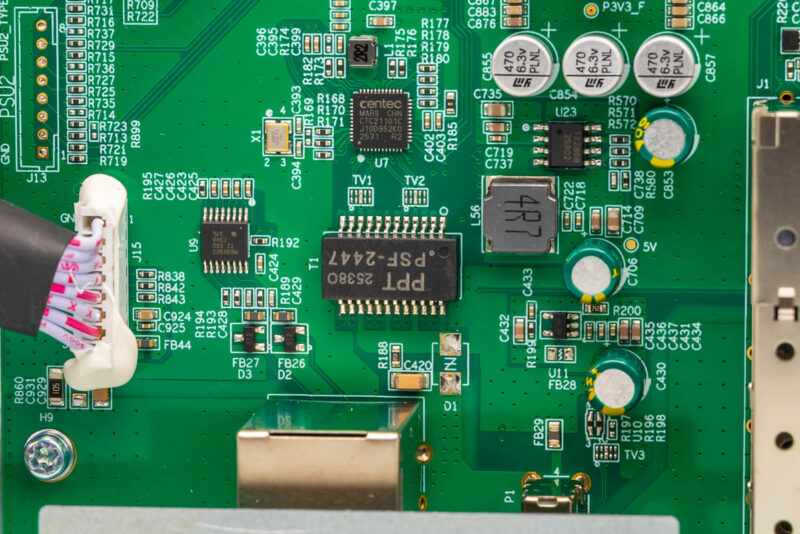
Other board markings identify parts that support the switch silicon. A secondary Centec part marked CTC21101C sits next to a PPT PSF-2447 package, with an attached ribbon cable visible in this macro view. That Centec package seems to be a 1GbE PHY for the management interface. A second Centec chip!
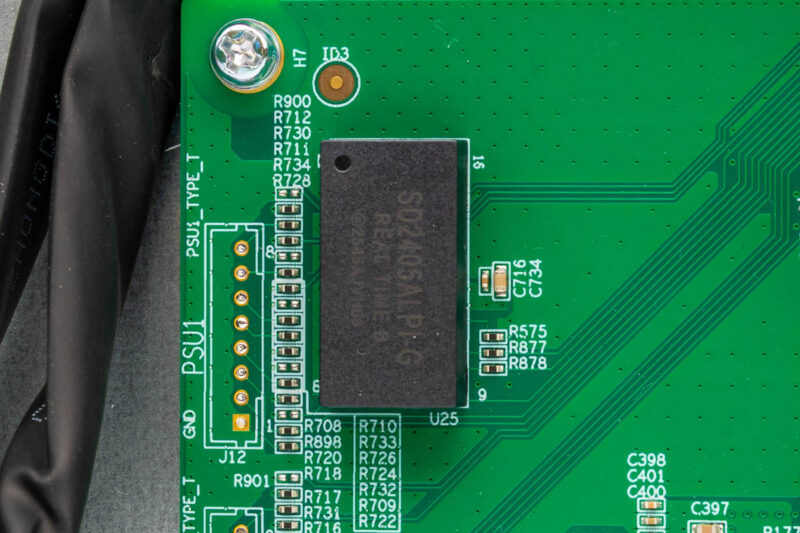
A black module marked SD2405ALPLG with REALTIME and ZEROHIO text sits beside a header labeled PSU1.
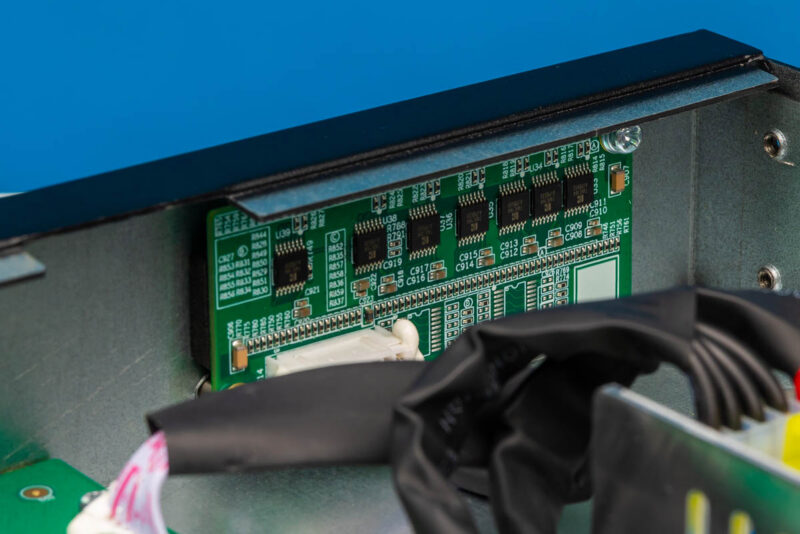
A small vertical PCB holds additional surface-mount parts inside the chassis, tied into the main assembly by wire bundles wrapped in black tape. This is for the front panel status LEDs.
The internal power supply module uses AISHI capacitors and bundled power wiring connecting to the main board. This top-down view shows the yellow transformer alongside the capacitor bodies.
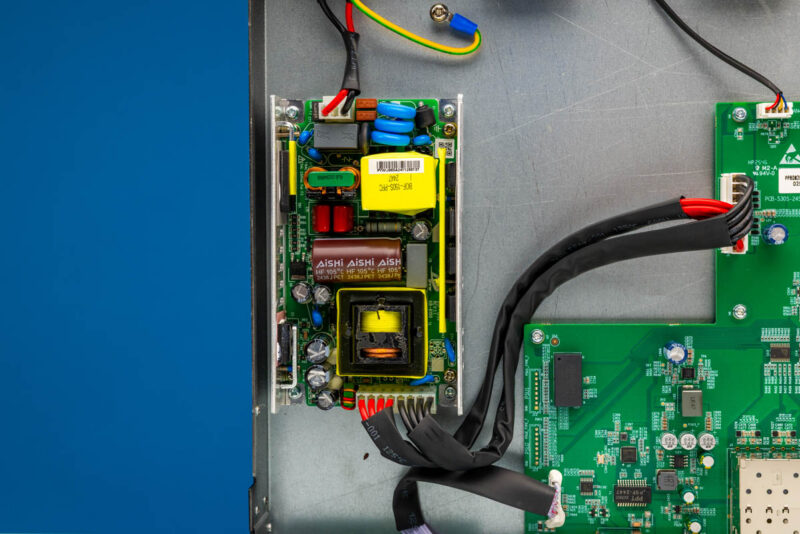
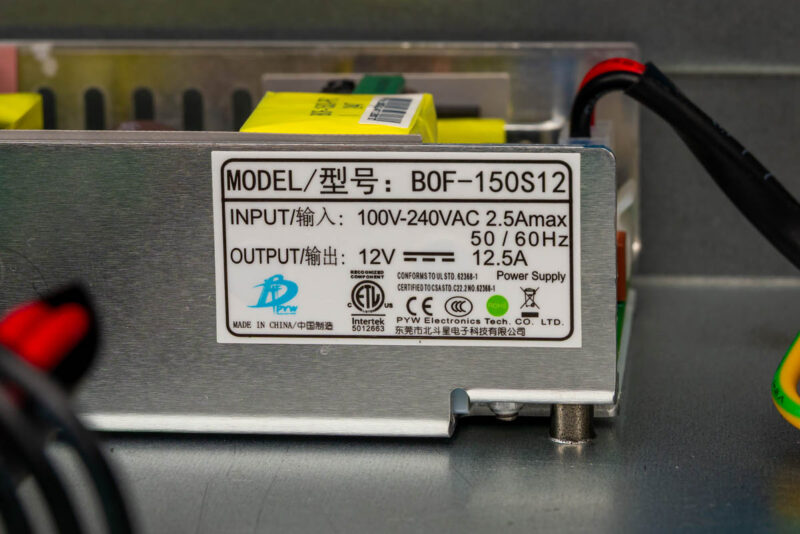
The power supply unit inside the Centec ZX530S is a PYW Electronics BOF-150S12 model. Its nameplate specifies an input range of 100–240 VAC at 50/60 Hz, drawing up to 2.5 A max. On the output side, it delivers a steady 12 VDC at 12.5 A.
The internal layout is clean and serviceable for this class of hardware and looks like many other switches we have seen, just with two Centec chips.
Next, let us get to the management.
Centec ZX530S-24S2CQ Configuration and Management
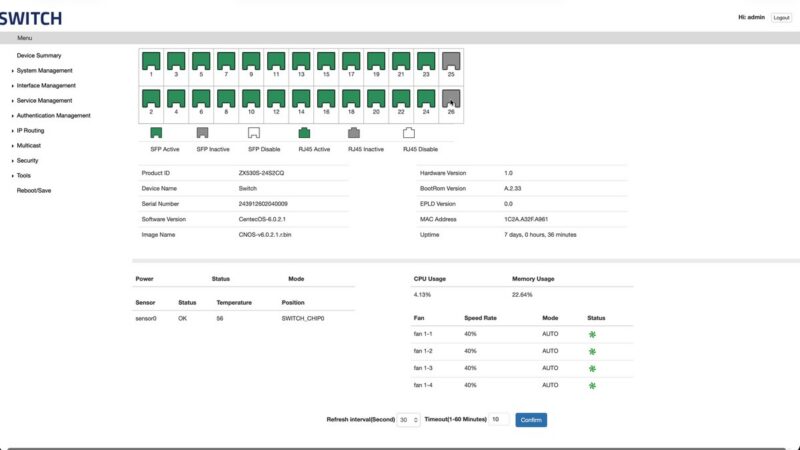
Nothing says you got a generic switch like the management interface’s top-left logo branding being simply “SWITCH”. The dashboard shows Product ID ZX530S-24S2CQ, software version CentecOS 6.0.2.1, a 26-port map with ports 1 through 24 active and ports 25 and 26 inactive in this capture, plus CPU, memory, temperature, and fan status indicators.
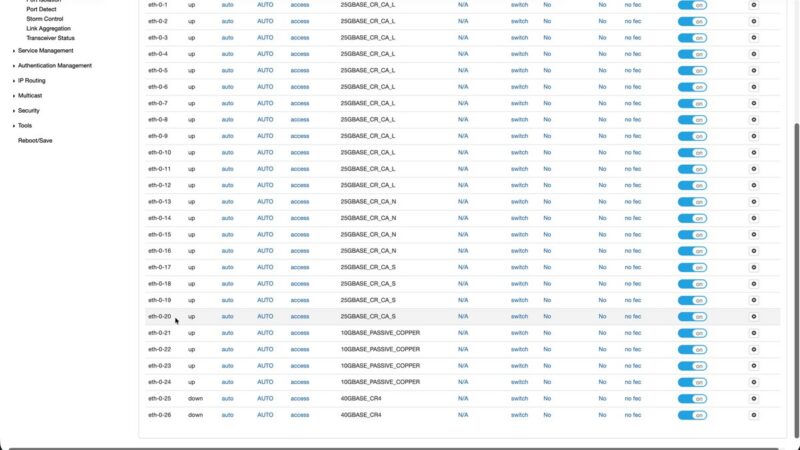
The Interface Status page lists eth-0-1 through eth-0-26 with columns for status, duplex, speed, and PHY-type strings such as 25GBASE_CR_CA_L and 40GBASE_CR4.
Along with the web management interface, there is a CLI which you can access over the serial console or through the management network port.
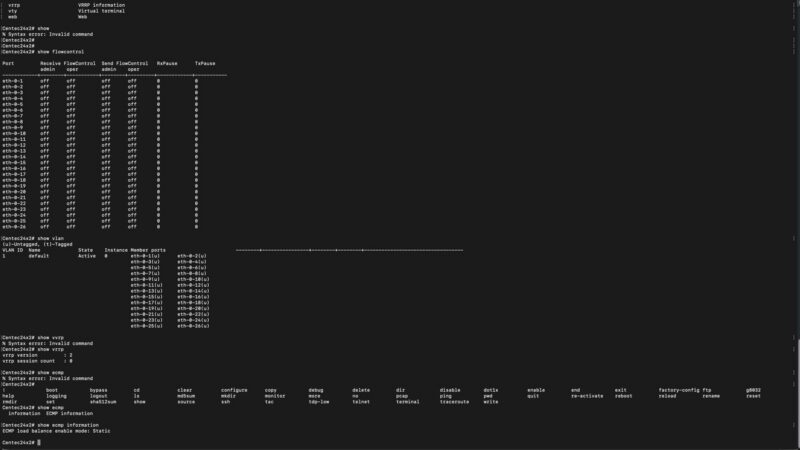
While CentecOS provides a management surface through both its web interface and SSH CLI, I would not blame you if you did not want to learn either these days. You can just point an AI agent at either, and it will learn the interface and configure it for you. That makes the CLI more useful these days since you do not have to learn something new. You can just point an agent at it and tell it what you want done. That is also scary, but Qwen3.6-35B-A3B was more than enough to set up VLANs and such.
Next, let us get to the performance.