The BrosTrend S1-V2 is an 8-port 2.5GbE fanless switch. In many ways, it is similar to the class-leading BrosTrend S3 that we have as a current top pick in our Ultimate Cheap Fanless 2.5GbE Switch Buyers Guide. It offers a few more features and a premium on the price tag, coming in at around $69 with discounts (prices vary.) We purchased one and thought we would take a look.
If you want to check pricing or to buy one of these, here is an Amazon Affiliate link to what we purchased.
BrosTrend S1-V2 Hardware Overview
The BrosTrend S1-V2 is a small desktop unit, and importantly, it is not meant for rackmount mounting. This is a switch designed for either sitting on a desk or mounting on a wall (or perhaps under a desk.)
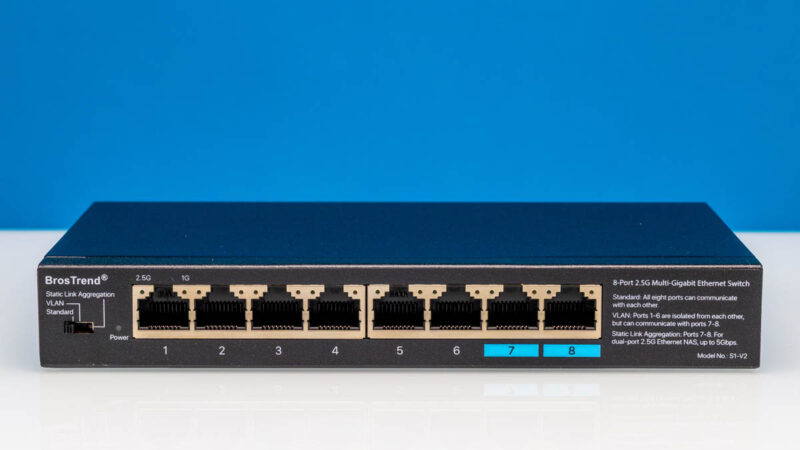
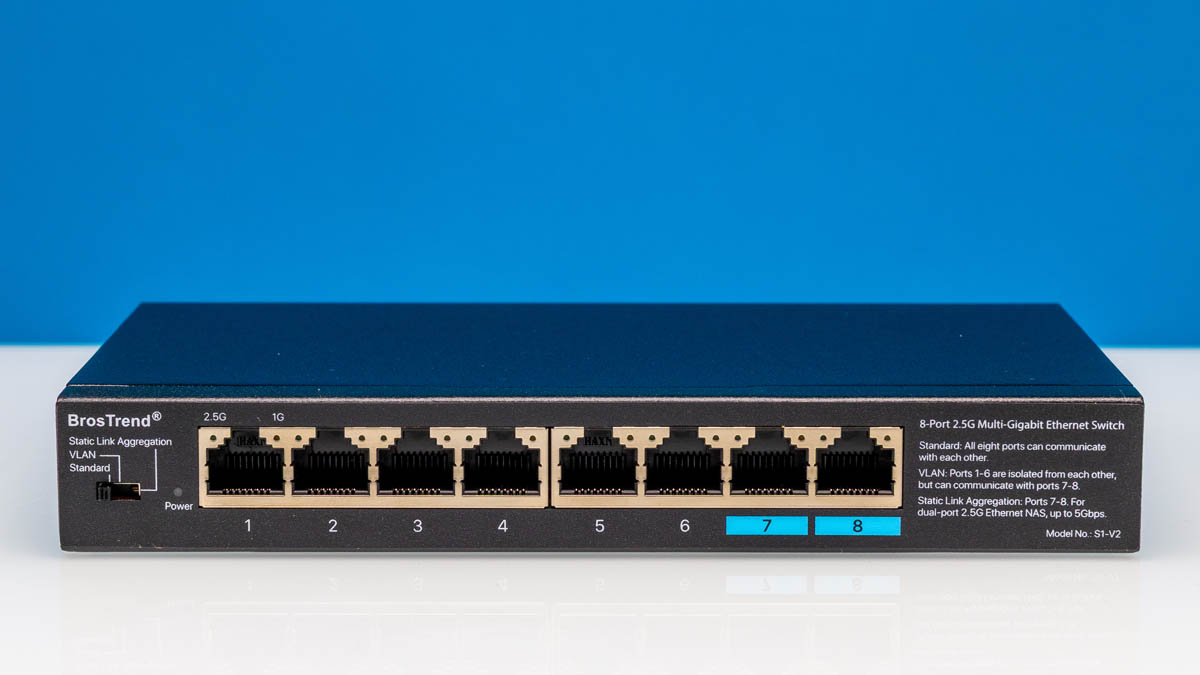
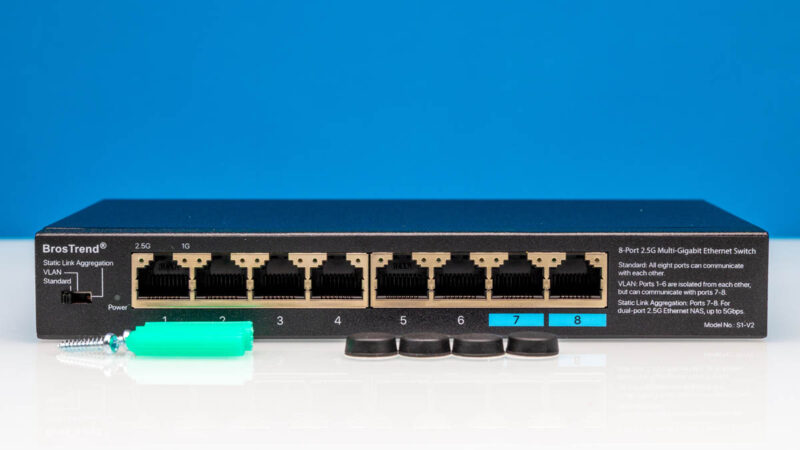
On the left hand side we get a Sandard, VLAN (aka port isolation), and Static Link Aggregation mode. Something nice that BrosTrend is doing here is actually putting the information on what this switch does on the right hand side of the faceplate. I know that sounds like a small detail, but it is tremendously useful if you just want to know what the switch does without having to look something up online. This is a small feature, but also one that we do not see often, but documentation is good.
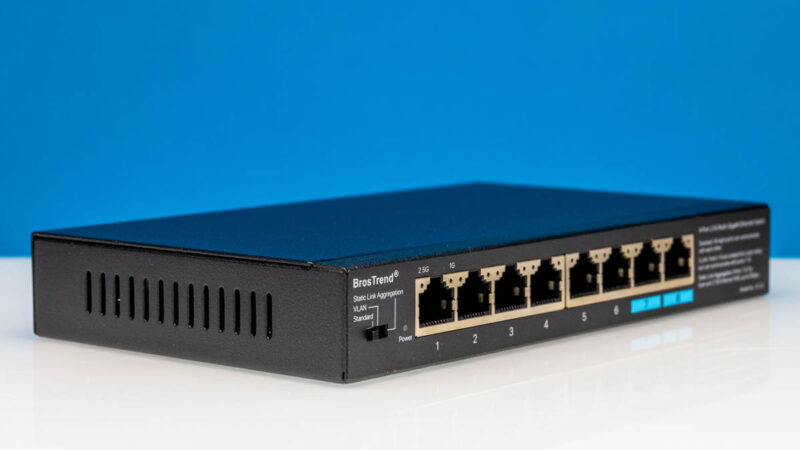
In the middle, we get our eight 2.5GbE ports.
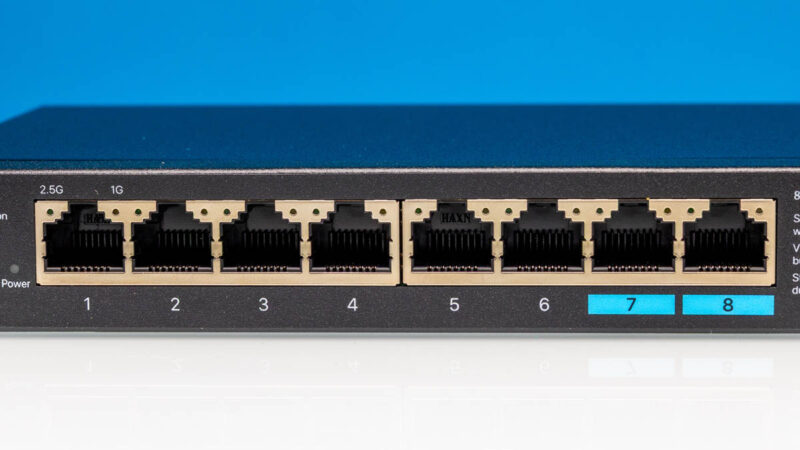
Ports 7 and 8 are labeled differently because they can have a different personality when the switch is toggled to either VLAN or Link Aggregation.
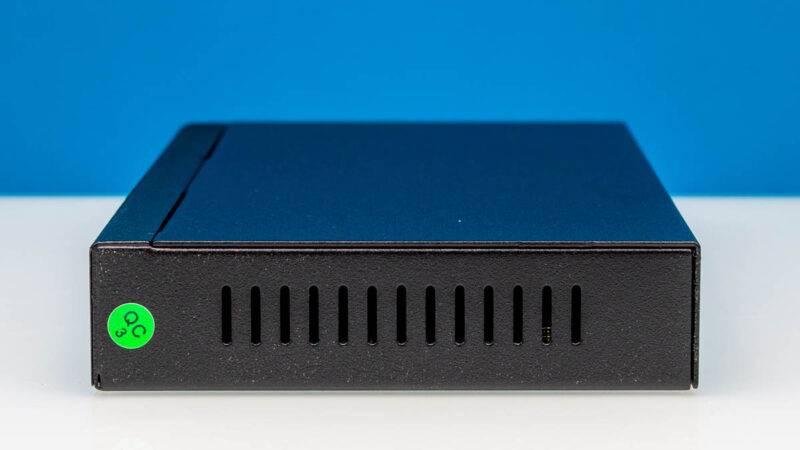
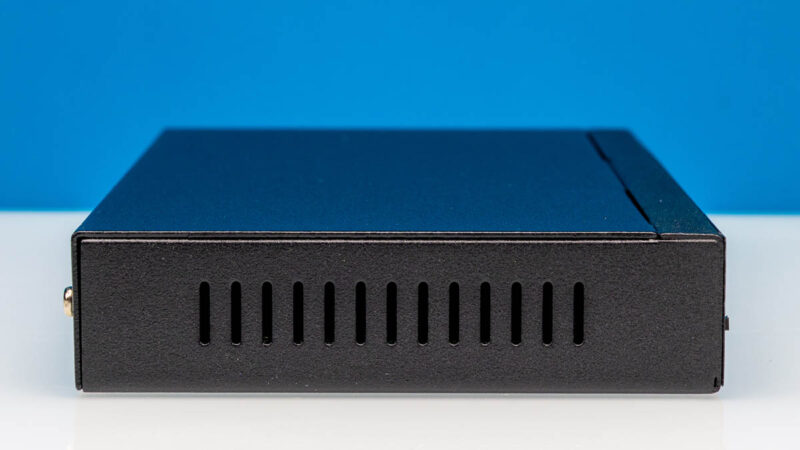
On the sides of the case we get vents.
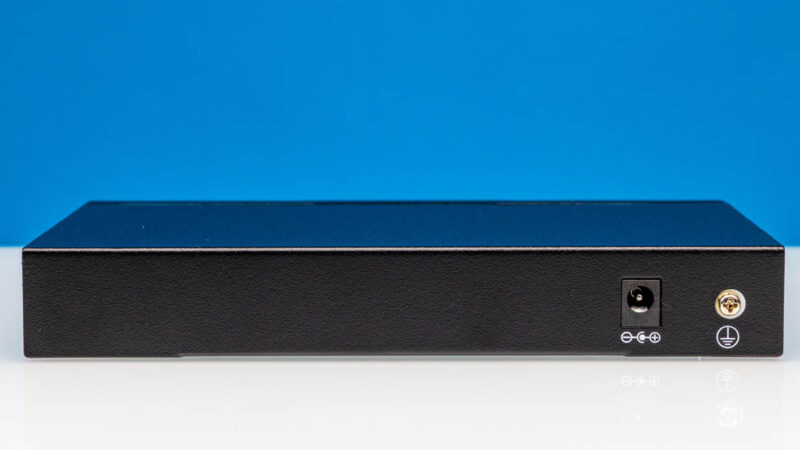
At the rear we get a DC power input and a grounding point.
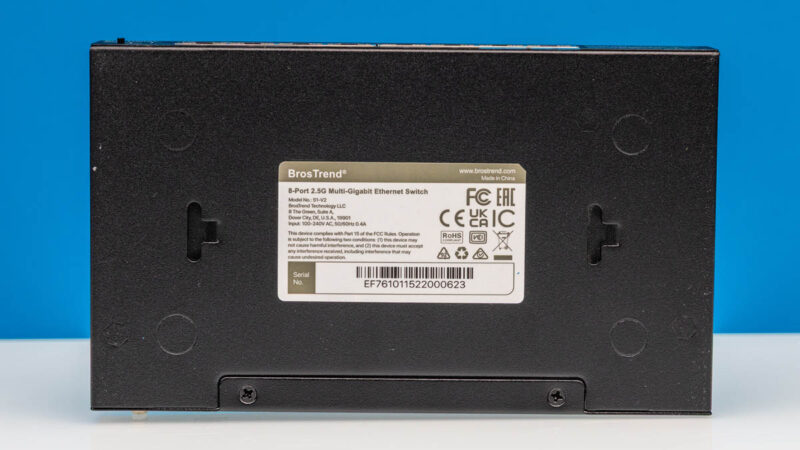
On the bottom, we get a label and some mounting points.
Inside the box, we also got four rubber feet and mounting hardware. It is likely folks will use one of these two options with the switch.
Getting inside, we see a very simple layout.
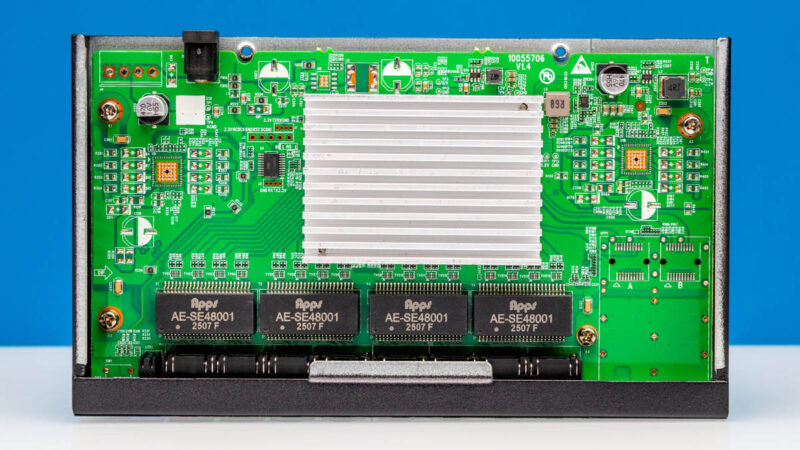
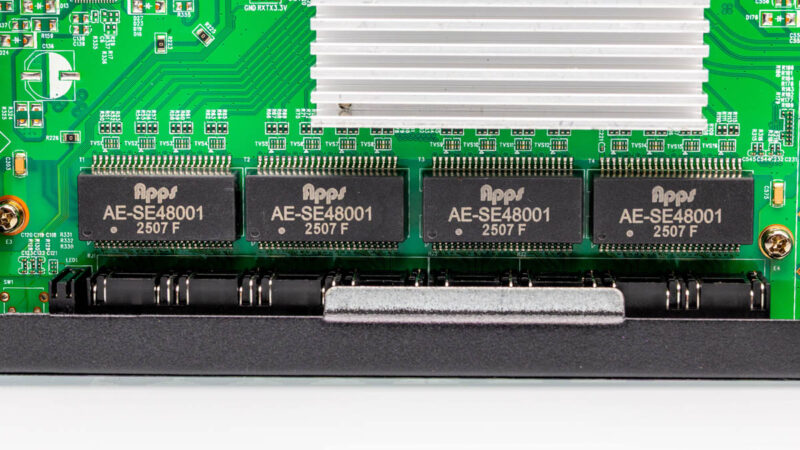
Between the ports and the switch chips, we have Apps AE-SE48001 transformers. These are dual-port 2.5GbE transformers, so there are four of them for eight ports.
The heatsink, unfortunately, was one that we could not remove without damaging the unit. On the other hand, the documentation says that this is a MaxLinear chip, not a Realtek chip. Also, our testing shows that the performance and power consumption are similar to the other MaxLinear designs. That was something neat since we can use power and performance confirm.
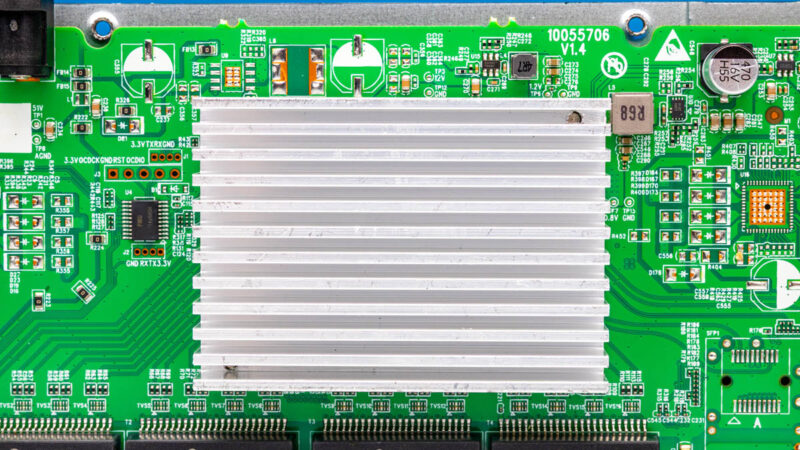
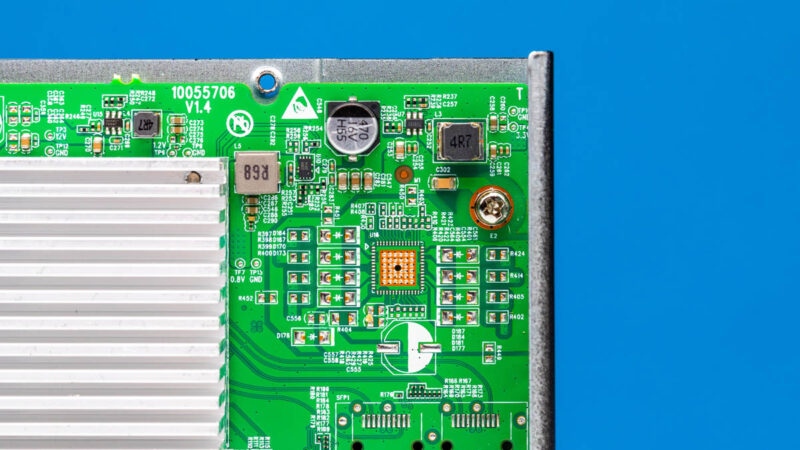
The board has some extra bits that are not placed. On the right side of these photos, you can see two pads for the placement of SFP cages that are not populated on this PCB.
Next, let us plug the switch in and see how it works.