

Blackmagic Cloud Store Mini Performance and Setup
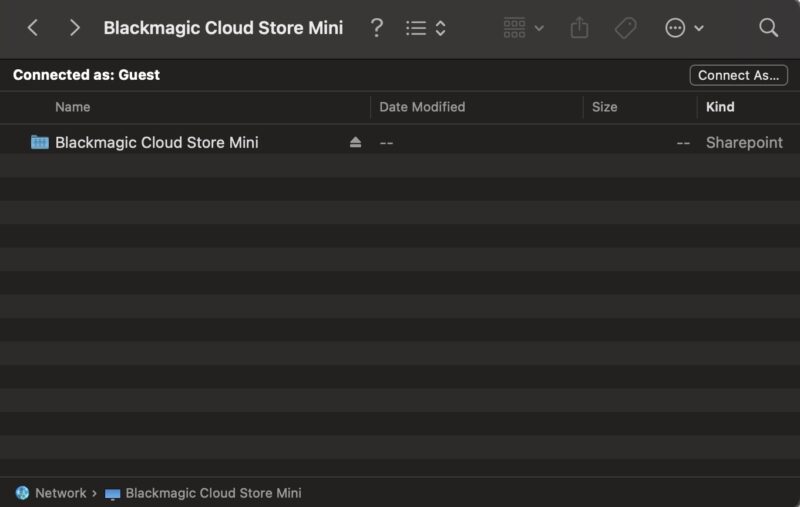
First off, the Blackmagic focus here is on simplicity. Realistic “setup” involved plugging in the power, then connecting a 10Gbase-T cable to a MikroTik CRS304-4XG-IN that had a Mac Studio M3 Ultra and a Mac Mini on it, and we had a network share up and running. You can see that we are logged in as a Guest user and have full access to the device.
Something that is worth noting is that the Blackmagic Cloud Store Setup is not small. The download was over 1.6GB, and the installed application was 2.8GB. In precious Apple Mac storage pricing, that is a lot of space for an application that does so little.
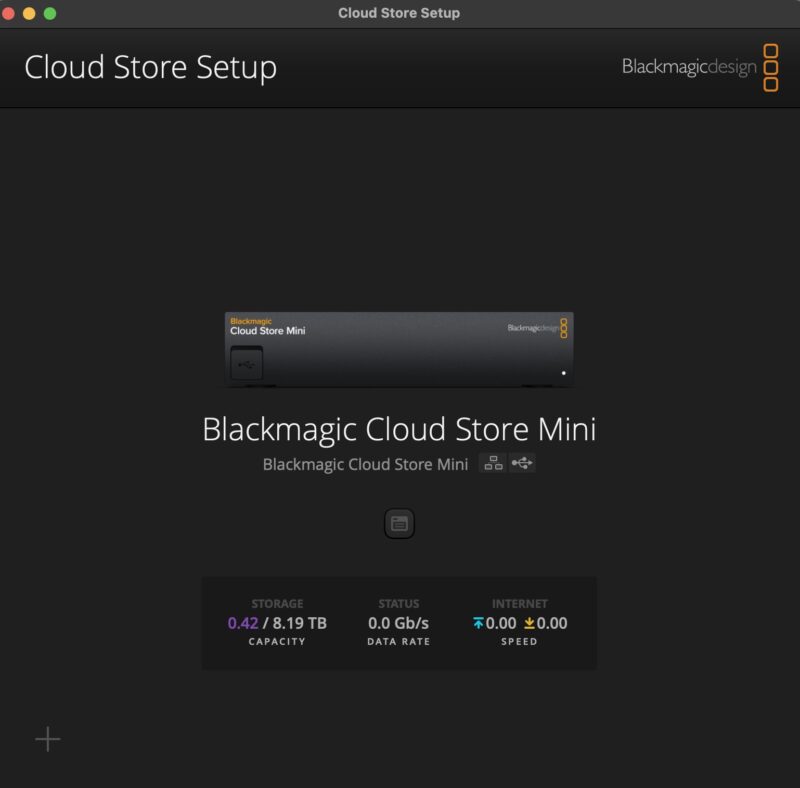
Here you can see the setup application with the Cloud Store Mini and we can set a name, a time provider and time zone, and then network settings like the IP address or DHCP acquisition.
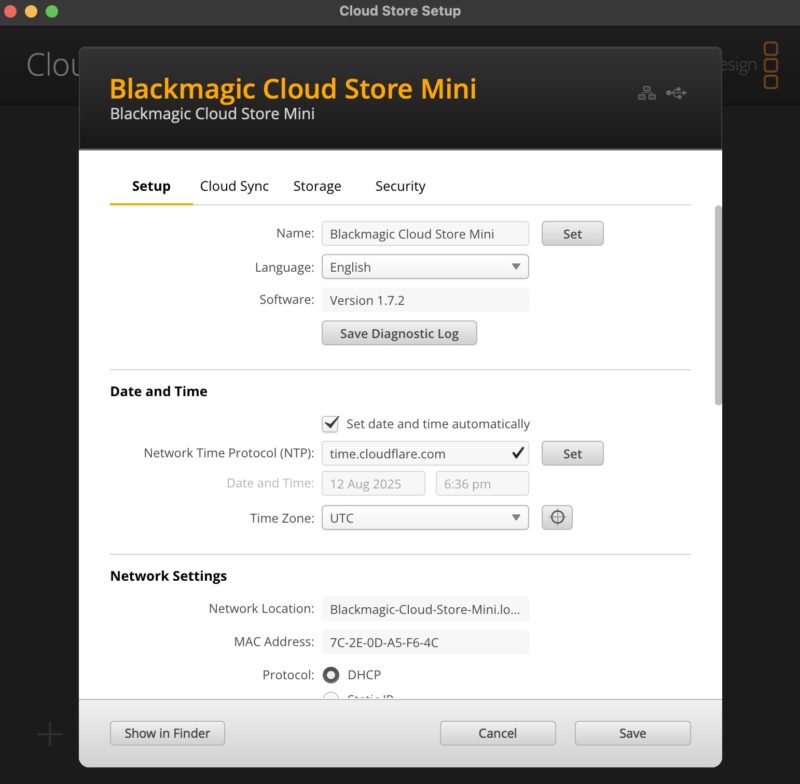
Blackmagic can sync to clouds such as its own cloud which works great with DaVinici Resolve Studio, but also Amazon S3 or Dropbox. There is also an option for an external backup to a USB drive, perhaps like the Seagate Expansion 28TB External Hard Drive and the HAMR HDD Within Mini-Review.
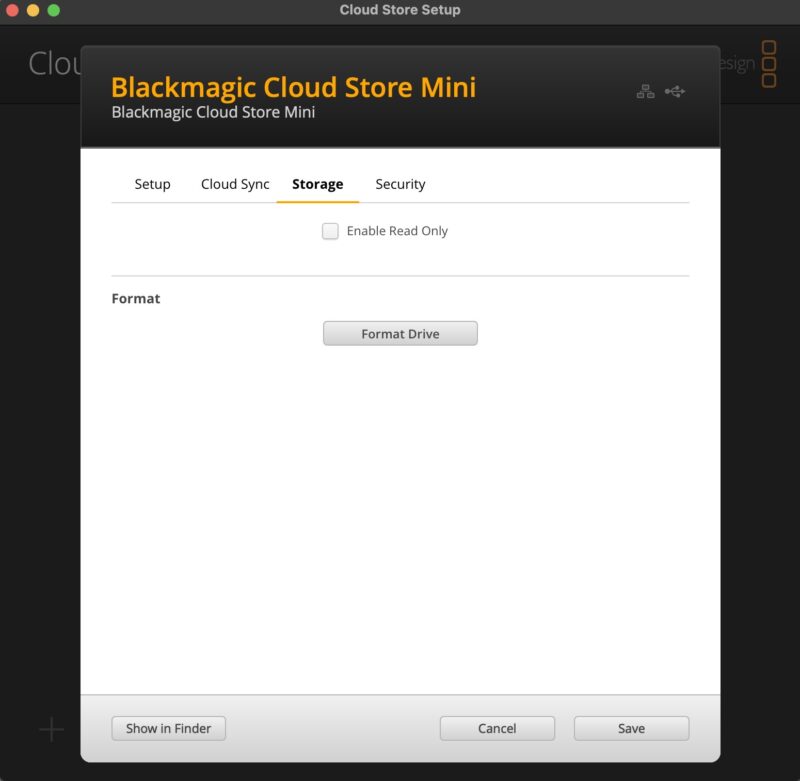
On the storage tab, there is an option to read-only the storage or to format SSDs that are added.
Then, there is a new tab, for “Security.” We previously noted how Blackmagic did not even have basic security, and so this seems to be an update.
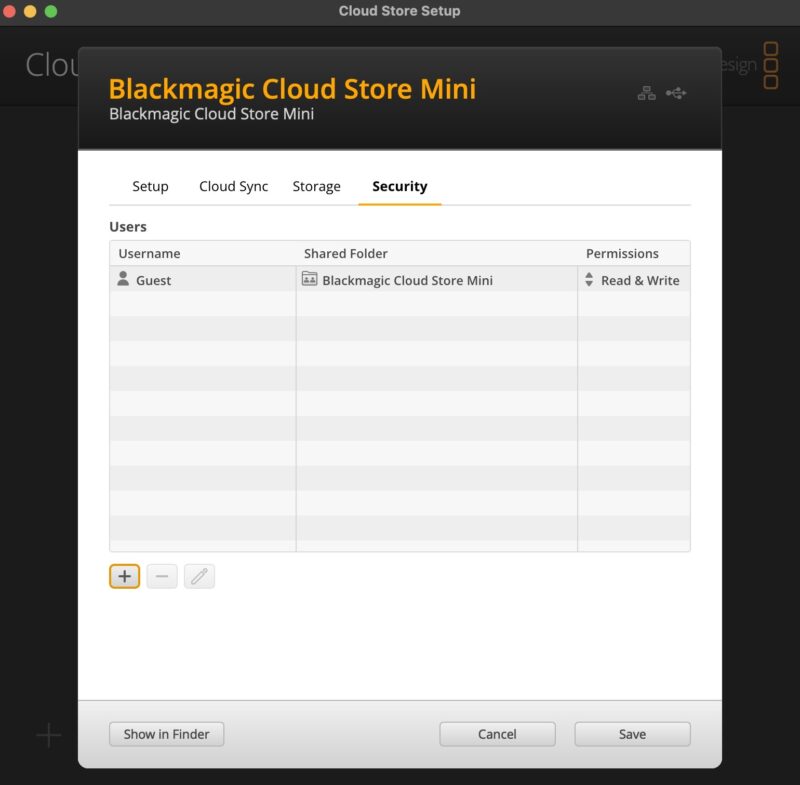
Aside from the default Guest user, there was also the ability to add a user. You can make those users administrators. Perhaps more importantly, you can assign them to shares and assign permissions. For example, if you wanted to limit who could upload new files to the NAS, but then have many be able to access footage in read mode, then this would be how to do that.
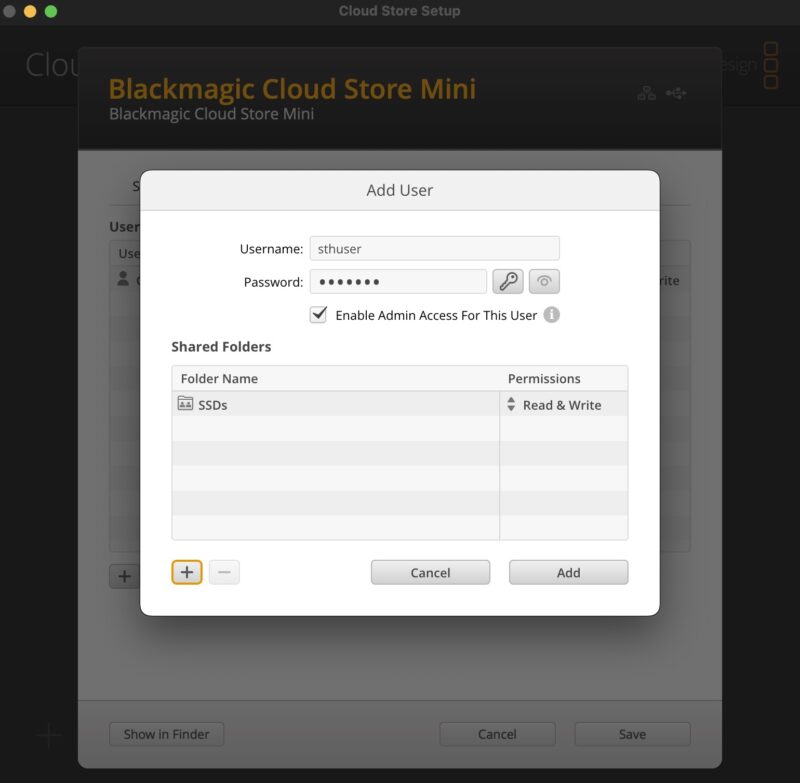
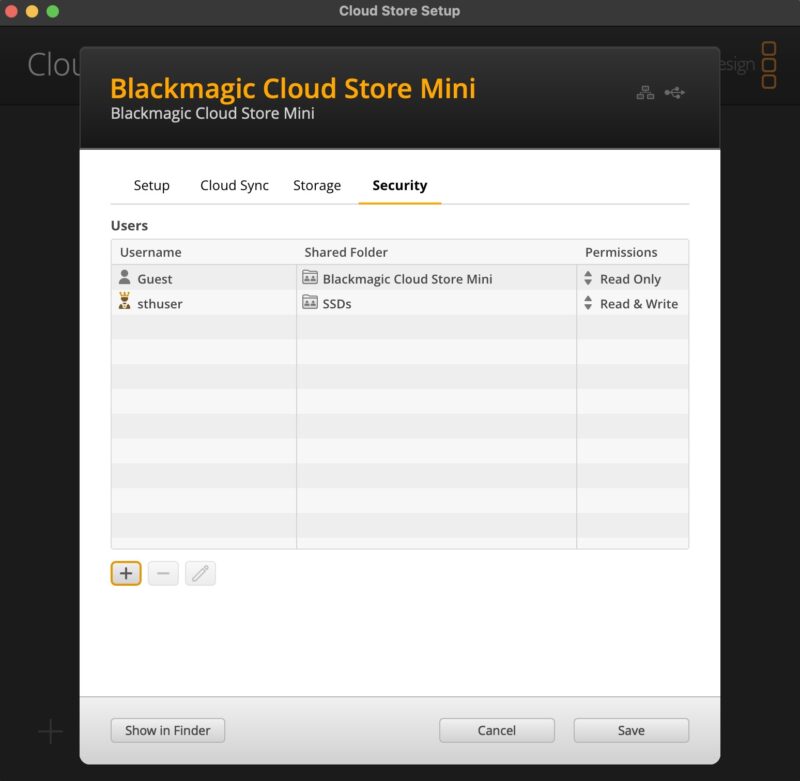
Here is the system with the default Guest user and the new sthuser admin user. You might have noticed when we added the sthuser, Guest was automatically set to Read Only. That was a fun one to troubleshoot when that permission changed without us changing it manually.
Still, just to give you a sense of how far we have come, here is a screenshot of Blackmagic Cloud Store Setup from the Cloud Dock 2 review. Storage only had the Read Only option and there was no Security tab even.
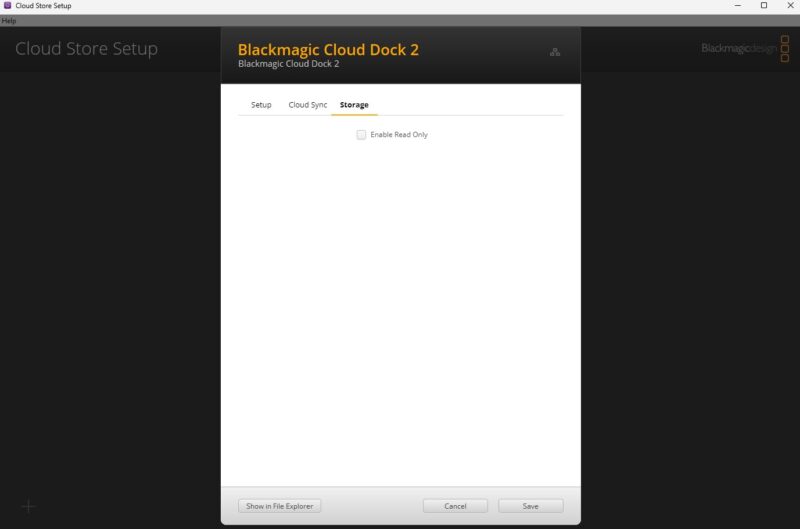
This may not seem like a big deal, but adding the users and permissions feels like a huge upgrade to this line. The drives are still in RAID 0, and there is no way we can find to change that to RAID 10 or RAID 5 for example. So that is a major difference between this and other NAS units. Again, this is simple, so it seems as though Blackmagic is banking on SSD reliability to ensure that RAID 0 does not encounter a drive failure and data loss.
In terms of performance, we got 112MB/s on the 1GbE interface, around 920MB/s on the 10GbE interface, and then around 230MB/s stepping down the 10GbE through a switch to a 2.5GbE client. We also tried a higher-end Thunderbolt NIC (ATTO) and saw around 930MB/s. All told, this is plenty.
Next, let us discuss power consumption and noise.

8TB Raw for $990, which includes the hardware and software? This seems like an excellent deal for anyone looking for NAS-lite or DAS style system.
If you aren’t in video prod, you may not know them, but BMD is a big US co so this isn’t some fly by night Chinese NAS. I’d want more, but the user and shares is a huge factor now
18W at idle? That’s way too much for a tiny SoC, 4 SSDs, even with 10GbE. Either they didn’t bother with proper power management or the components are extremely old (like Intel X520 which doesn’t support EEE). It’s a shame you didn’t take off the heatsinks to check which components are used.
Are there screwholes and room for rack ears for a 10″ or even a 19″ rack?
Paul – to rack mount you need BMD’s shelf which can be split to house several different bits of their kit on the same shelf. The thermal design is designed to pass the heat sideways through all the devices on the shelf. BMD kit is known for running hot though, so I’d probably put the NAS as the first one in the chain.
Also Reed – BMD is Australian.
BMD a huge US company? You obviously don’t work in video production! A fantastic AUSTRALIAN company, always has been
I looked at the manufacturer’s website. The four SSDs are configured as RAID0.
May issue with BMD gear is reliability. I’ve had 21 of 22 pieces of a product have their internal power supplies fail over the course of a few years. The warranty process for them was a pain and in the end it was simply easier to mod their gear to use external 12V power supplies which permitted them to run cooler and surprisingly more reliable.
Outside of that one major blip, they’ve been decent. What has gotten me excited is that they have a video production focused 10 Gbit switch out.