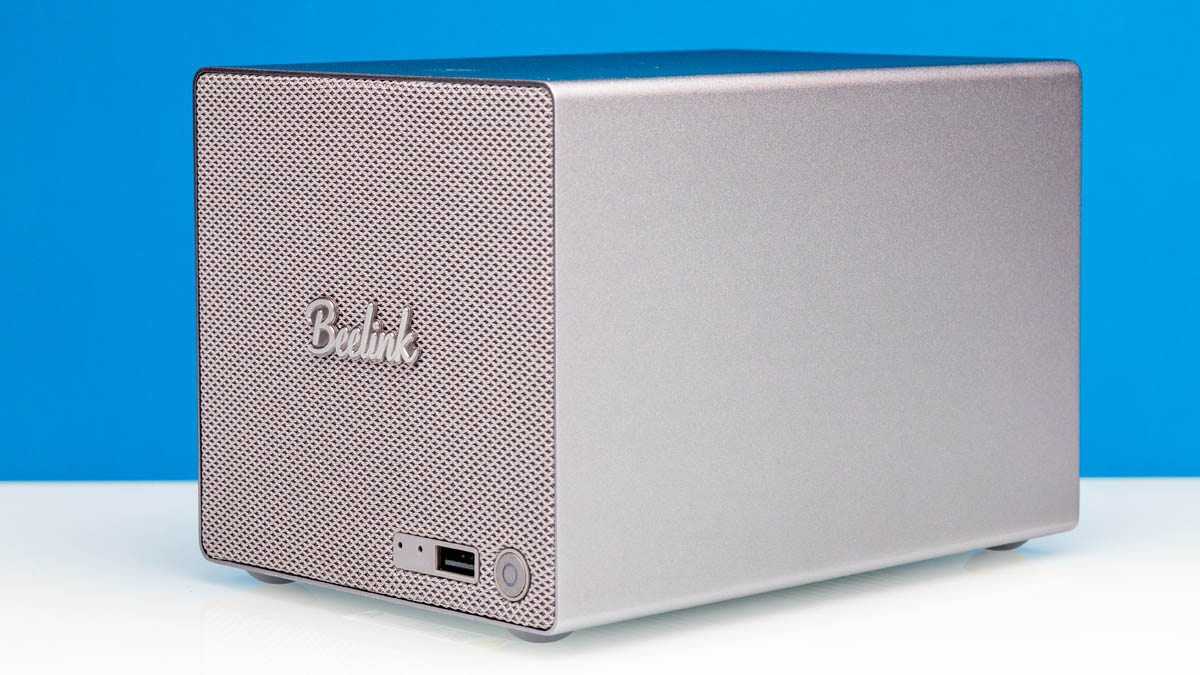
Over the years, we have taken a look at a number of network-attached storage systems, both big and small, and today we are looking at a unit from Beelink that is well on the smaller side of that spectrum. The Beelink ME Pro NAS is a pint-sized box that pushes the boundaries for how small a dual 3.5-inch drive bay NAS can be, with Beelink’s chassis only being slightly bigger than those drive bays themselves. Still, the company has managed to squeeze in a trio of M.2 SSD slots and a full computer into a silver box only 6.5 inches tall.
| Beelink ME Pro Key Specs (As Configured) | |
| Processors | Intel Processor N95, 4C/4T (3.4GHz) |
| Operating System | Windows 11 Home |
| Memory | 12GB LPDDR5-4800 Soldered |
| Drive Bays | 2x 3.5-inch SATA 1x M.2 2280 PCIe Gen3 x2 (SanDisk SN540 512GB) 2x M.2 2280 PCIe Gen3 x1 |
| GPU | Intel UHD Graphics (Xe-LP, 16 EUs) |
| PSU | 100W External PSU |
| Form Factor | Mini-NAS |
| Dimensions | 166 x 121 x 112 mm (6.53 x 4.76 x 4.41 in) |
| Weight | 2.1kg (4.6 lbs) |
| Wireless | Wi-Fi 6 + Bluetooth 5.4 |
| Color | Silver |
| Ports | Front: 1x USB-A 10Gbps Rear: 1x HDMI 2.0, 1x USB-C 10Gbps, 2x USB-A 480Mbps, 1x 2.5GBE LAN (RJ45, I226-LM), 1x 5 GbE LAN (RJ45, RTL8126) |
The end product is an ultra-compact NAS that is primarily aimed at the entry-level NAS market, particularly home users. With its small size, low power consumption, and by current standards very modest performance from an Intel N-series (Alder Lake-N) processor, this is a box that is meant to quietly serve up files and handle other simple tasks – but not much else. Similarly, the two hard drive bays allow for basic RAID 1 redundancy for the rotating rust, but this is not a system that will be running complex drive pool configurations, and thus does not need powerful or expensive hardware to fulfill its mission.
As it turns out, it does not require much human input to fulfill its mission, either. As part of our experimenting with this NAS for this review, we let OpenClaw take a crack at configuring the box to run as a Linux-based NAS and homelab node, and the results blew us away. In short, the AI agent software handled the task (almost) flawlessly, turning the relatively complex setup process for a Linux NAS into little more than just saying what we wanted to happen. If you want to learn more about that, we have got a video for this one as well, which you can see below:
We always suggest opening this in its own tab, browser, or app for the best viewing experience. Beelink sent us this unit to review. If you wanted to find the Beelink ME Pro online, here is an Amazon Affiliate link. Also, we were using 28TB hard drives with this that we shucked. You can find an Amazon Affiliate link to those as well.
Just as a preview, this was the prototype for when we had agents set up a full 8-node NVIDIA GB10 cluster, including the networking and storage.
Beelink ME Pro External Hardware Overview
The small silver box that is the Beelink ME Pro is a rather unassuming design from the outside. If not for the Beelink branding on the front side of the chassis, you may not even give it a second thought when scanning a room. Inside the 6.5-inch-tall box is a complete low-end computer with room for two hard drives and a trio of SSDs.
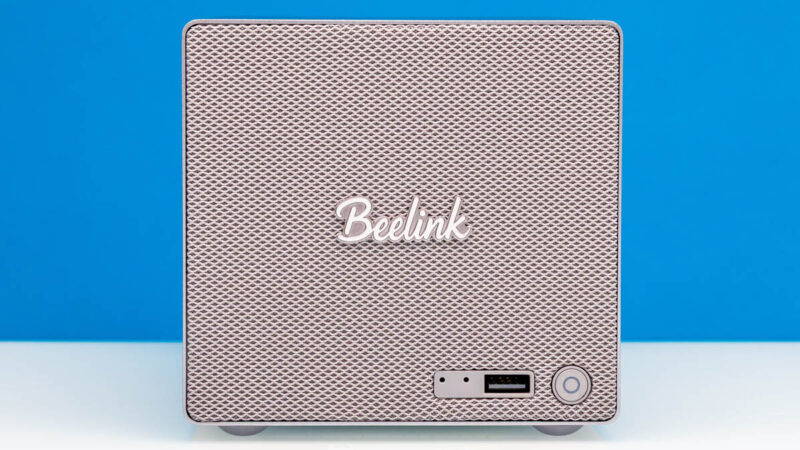
The minimalist design means there is not much on the front of the NAS. Or to the sides, for that matter. Besides a power button and status LEDs, Beelink has put a single USB-A port on the front of the system. Thankfully, this is a 10Gbps port, so the easy-to-reach port is also among the system’s fastest. Otherwise, the front of the system is one big stylish weave.
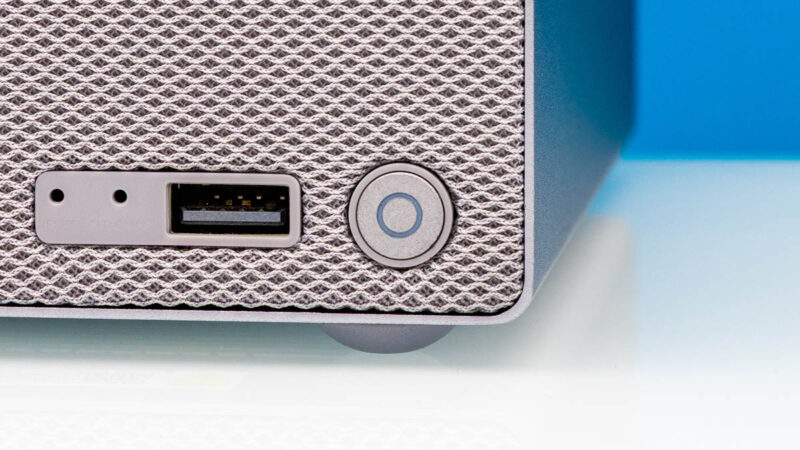
Instead, almost every component and port of note is either located on the rear of the system or accessed from that side.
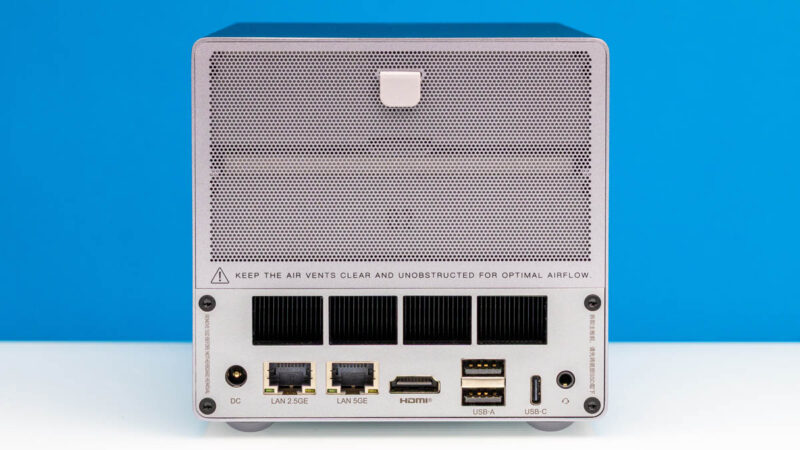
A removable magnetic grate and intake air filter just barely hide a pair of 3.5-inch drive bays.
Pulling away the grate, we can see both bays, which are helpfully labeled “01” and “02” (though sadly missing an obvious opportunity to use 01 and 10).
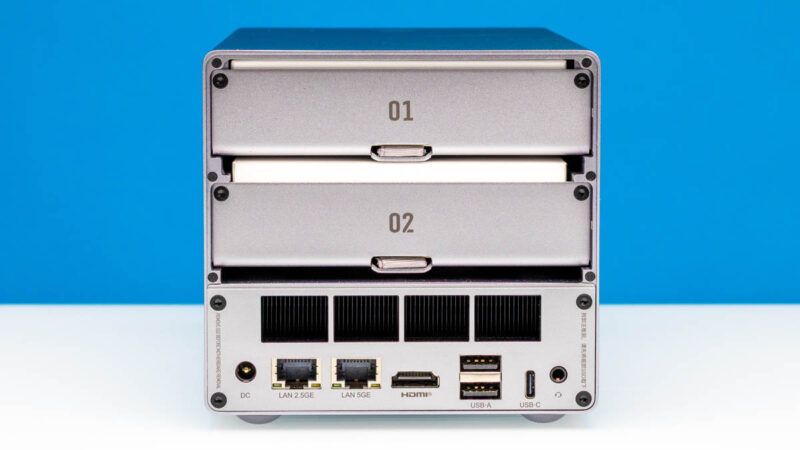
Below those, essentially occupying the space equivalent to a third drive bay, are the guts of the system itself, where all the compute hardware resides.
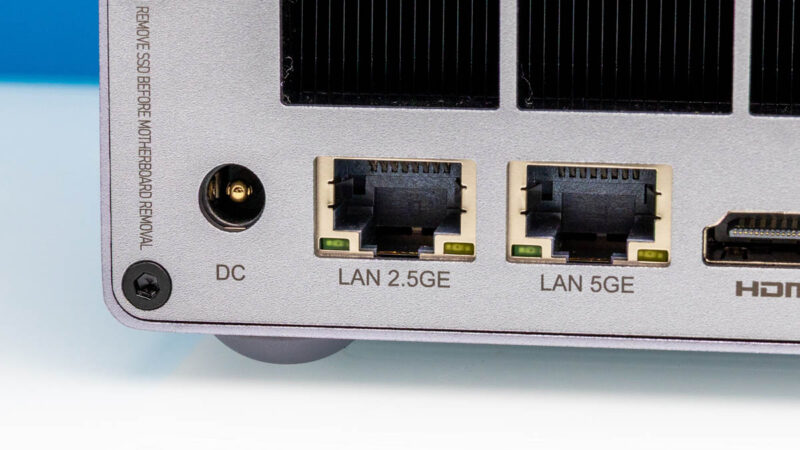
Being a NAS, Beelink has splurged on some above-average networking hardware for the ME Pro. The system not only comes with a pair of RJ45 Ethernet ports, but the fastest of the two ports is a rather speedy 5GbE port, backed by Realtek’s RTL8126 controller. Even the second port is no slouch, running at 2.5Gbps thanks to Intel’s i226 controller.
To the right of that, we find an HDMI port for dedicated display usage. The Alder Lake-N platform driving the system is quite basic, so this is a simple 18Gbps HDMI 2.x port, but it is more than sufficient for a NAS.
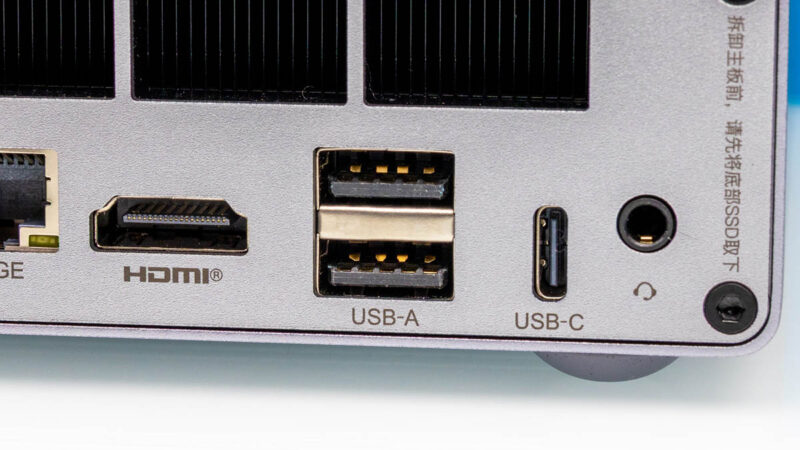
Further to the right, we have a trio of USB ports. With a limited amount of native I/O on this Intel platform, Beelink has opted to wire up the final high-speed port as a 10Gbps USB-C port, ultimately giving the system one each of a 10Gbps USB-A port and a 10Gbps USB-C port. The USB-C port also supports DisplayPort Alt Mode, so it can be used as a DisplayPort output as well, albeit at the cost of eating up a precious 10Gbps USB port. Meanwhile, the USB-A ports on the left are both 480Mbps (USB 2.0) and are primarily intended for hooking up a mouse and keyboard.
Finally, to the far right is a single audio combo jack. Just in case you are using the box as a desktop PC.
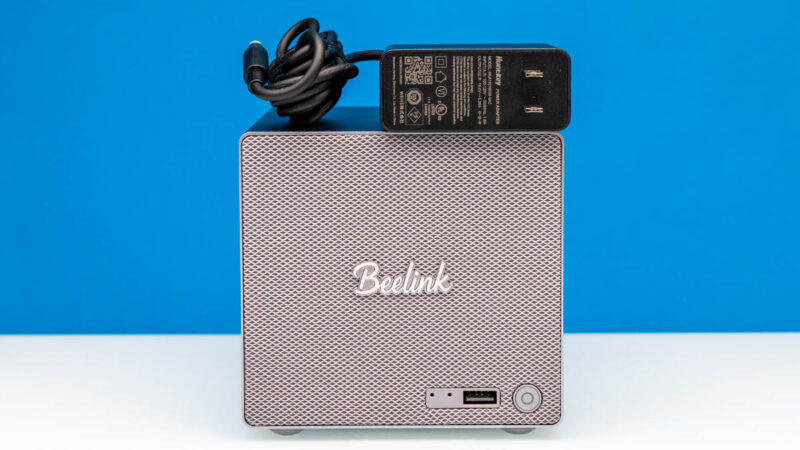
Otherwise, with the small size of the system, Beelink has opted to go with an external power supply for the NAS. The included 100 Watt power adapter is your standard 19v DC barrel connector wall wart, and is easily far more powerful than what the system needs to run.
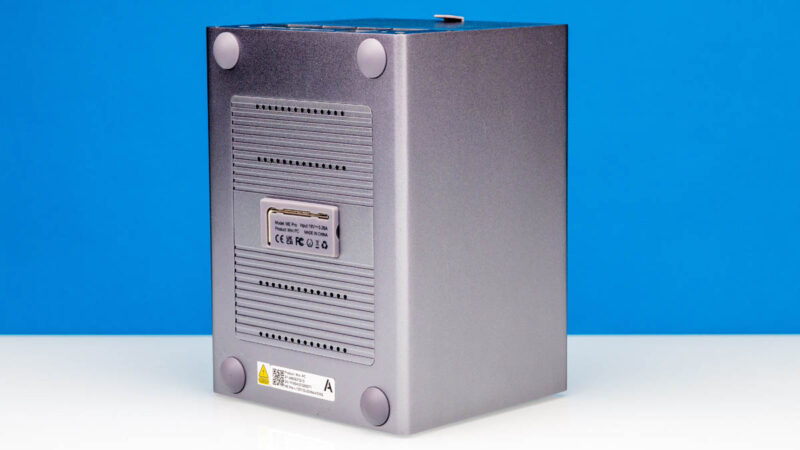
Finally, on the underside of the NAS, we find the key to getting inside the box. In the middle of the bottom plate for the chassis, Beelink has placed a tiny Allen wrench, which is needed to manipulate the hex screws that hold the system together.
And with the key in hand, it is time to dive into the internals of the ME Pro NAS.