

ASUS RT-BE58 Go Management
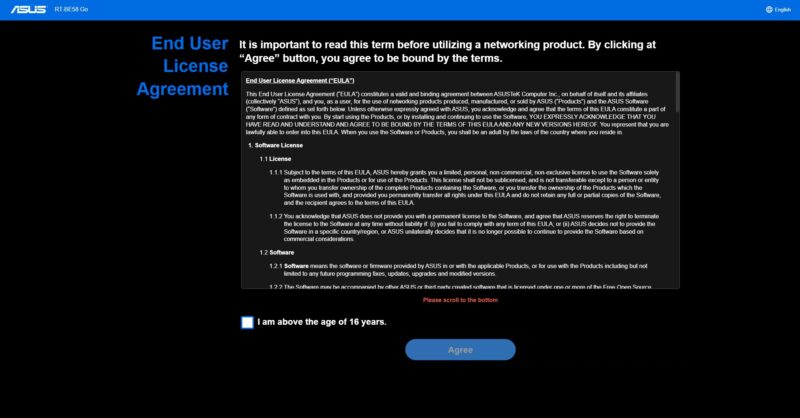
Since this is ASUS, not some small Chinese company, we have many items to click through as we go through the setup. For example, we have a EULA.
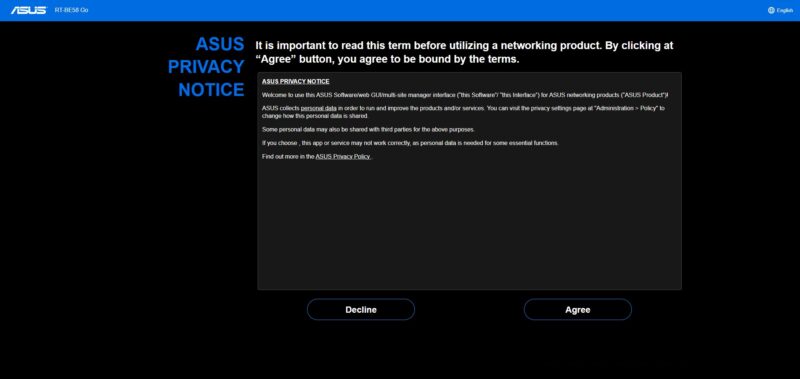
Then we have a privacy notice.
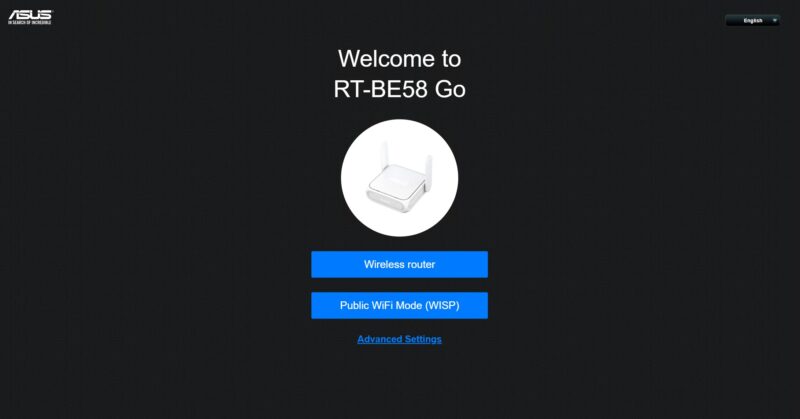
Then we can start the setup. The two main options are for a wireless router, which we will use, but there is also a WISP mode here.
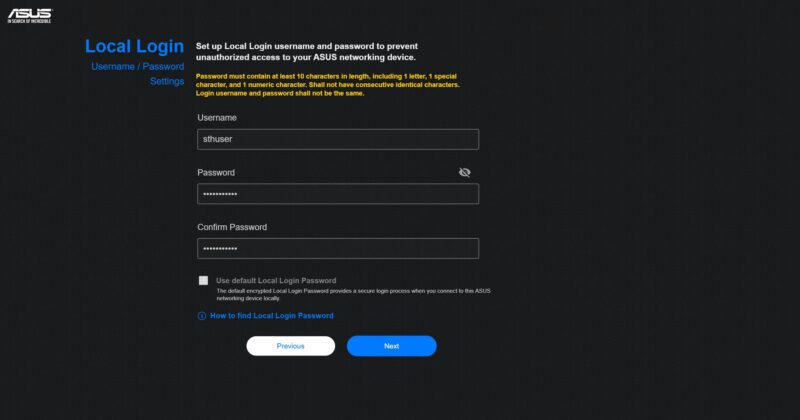
Next, we create a local login.
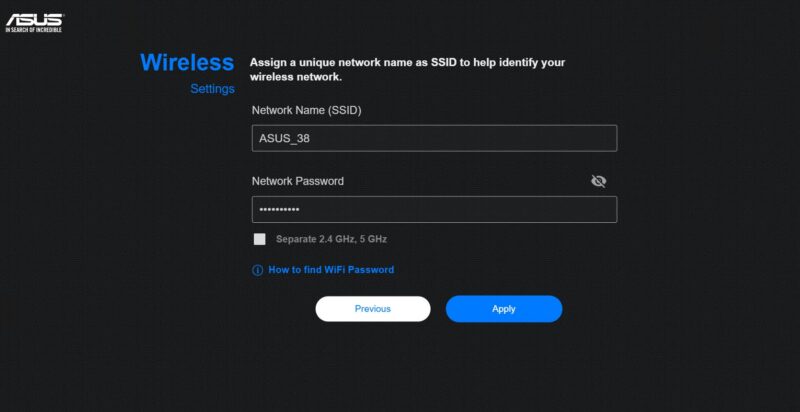
Then we setup our WiFi networks.
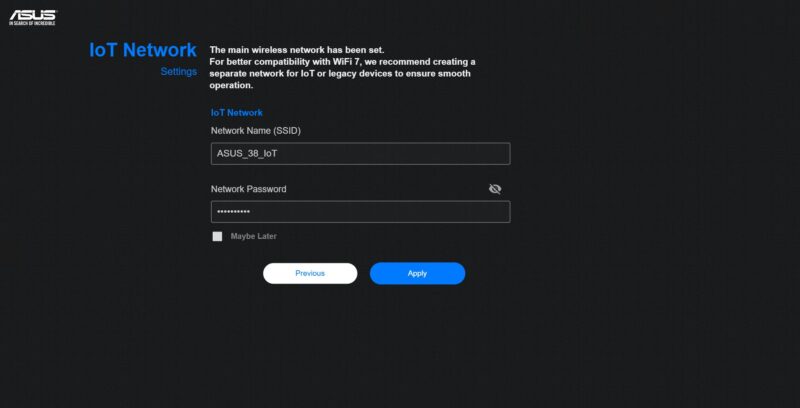
ASUS directly in the starting flow has an IoT network creation section. That is something many folks will make anyway, so this is good.
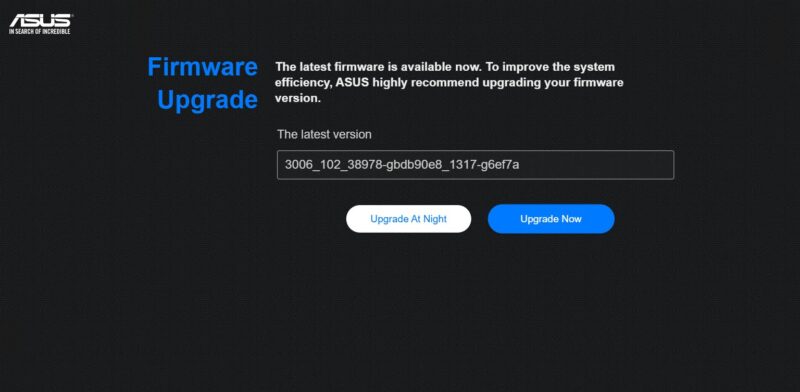
Next, we are prompted for a firmware upgrade. This is checked automatically during setup.
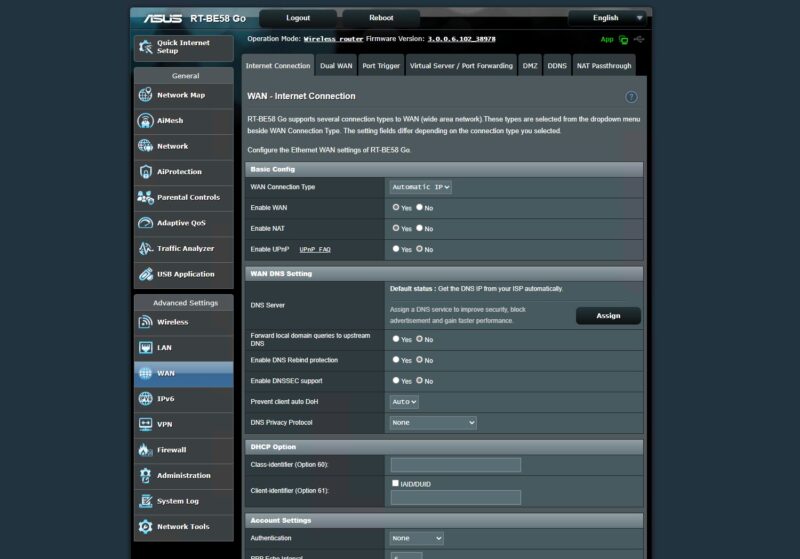
Once we did the update, we were into the dashboard. I am going to say this once. My first thought upon seeing this screen was that it was a fancy 1999 website design.

Still, unlike some other options, there is a lot here. For example, you can setup the WAN.
Then there are many wireless settings.
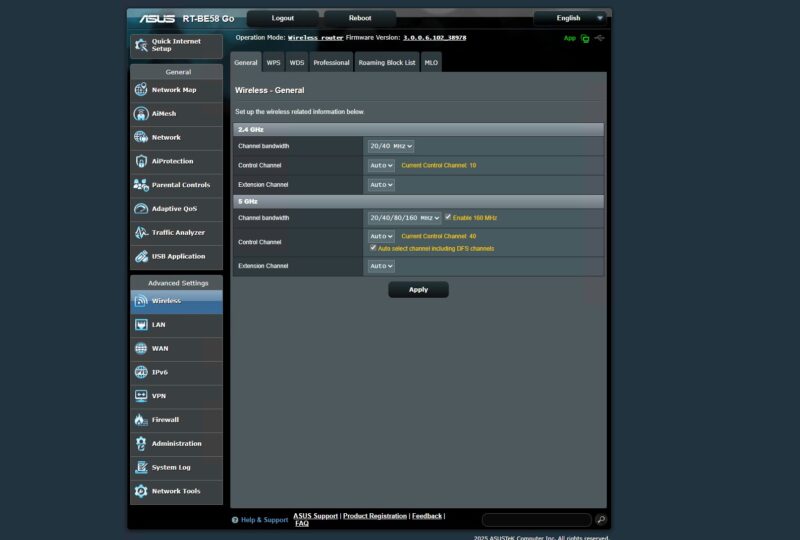
ASUS has a nice GUI for setting up different types of networks. For some, that will be very useful on a portable device like this.

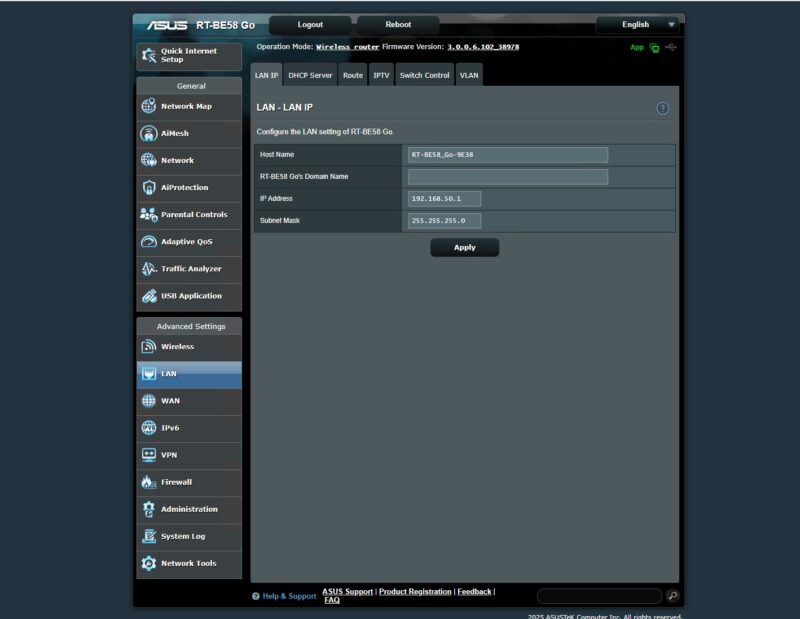
There are various LAN settings.
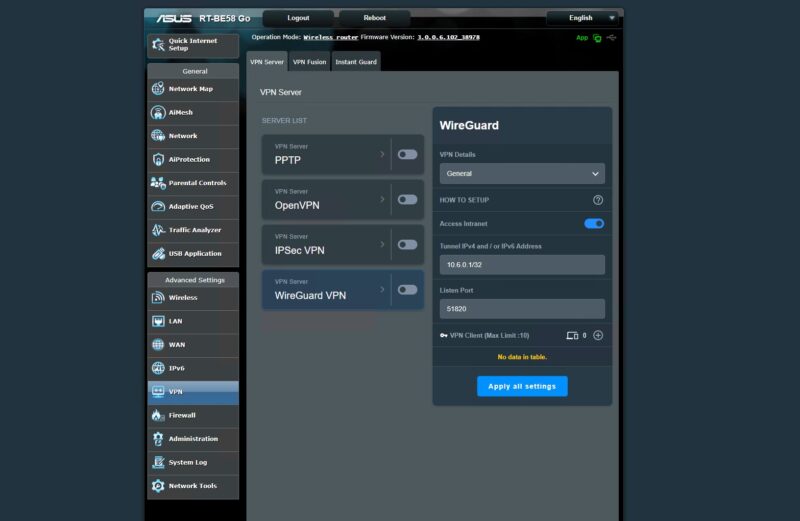
For the VPN, we have WireGuard, which is modern and useful.
We clicked VPN Fusion, and that is what let us setup various VPN providers directly on the router. Since this can change, we are just going to tell folks to look for a current list if they are interested and have a preferred provider.

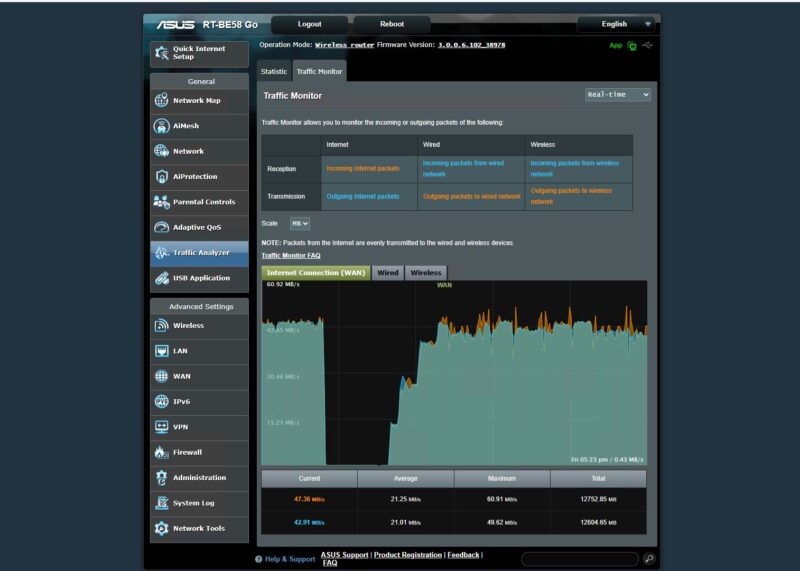
There is a feature to monitor traffic.
You can also change the mode. ASUS has six modes to choose from. We are not going to get to them all since there are so many.

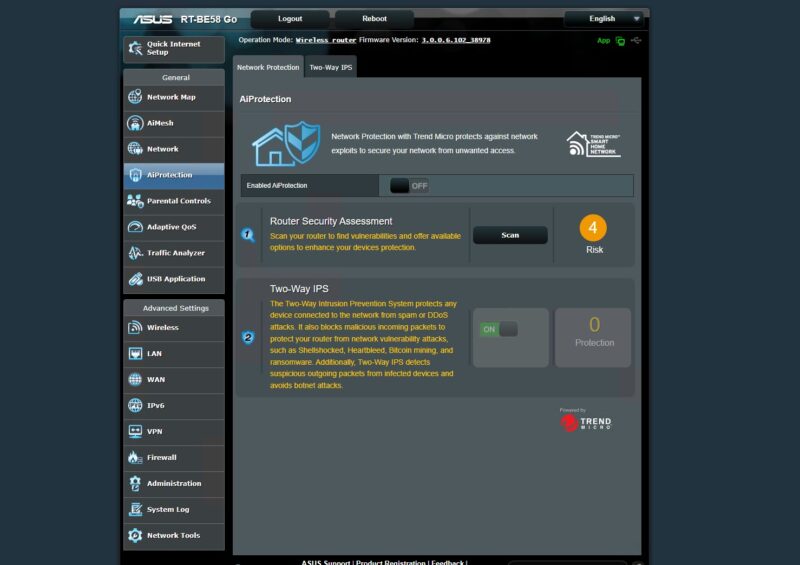
ASUS has an AiProtection feature.
Here is also a Fireweall feature.
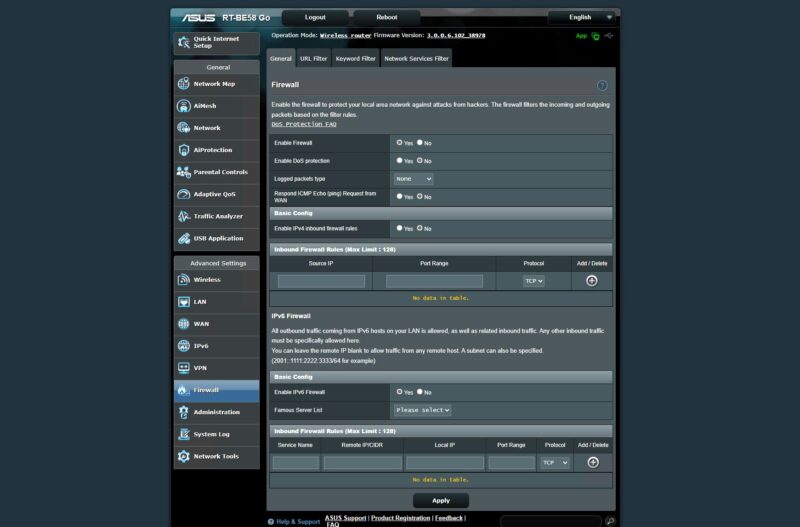
You will see why in our performance testing, but we focused on the firewall off settings. Let us get to the Keysight CyPerf performance testing.




this review is pretty basic, no mention of how to use it as, you know, an actual travel router (what i assume in the settings is “wisp” mode) since most people might take one of these and use it at a hotel or something
Can we get info on the insides? Looks like these devices might all be based on the same hardware.
The UI is the same that ASUS uses with their high end routers too and seems to have the same rich feature set. Their router OS is regarded as being very stable. As is OpenWRT which the Gl.iNet is based on.
No reviewer has published the SOC but it has 1GB of DRAM and 256MB of flash.
Send it to Mikrotik guys as a reference.
mAP devices need a refresh !