

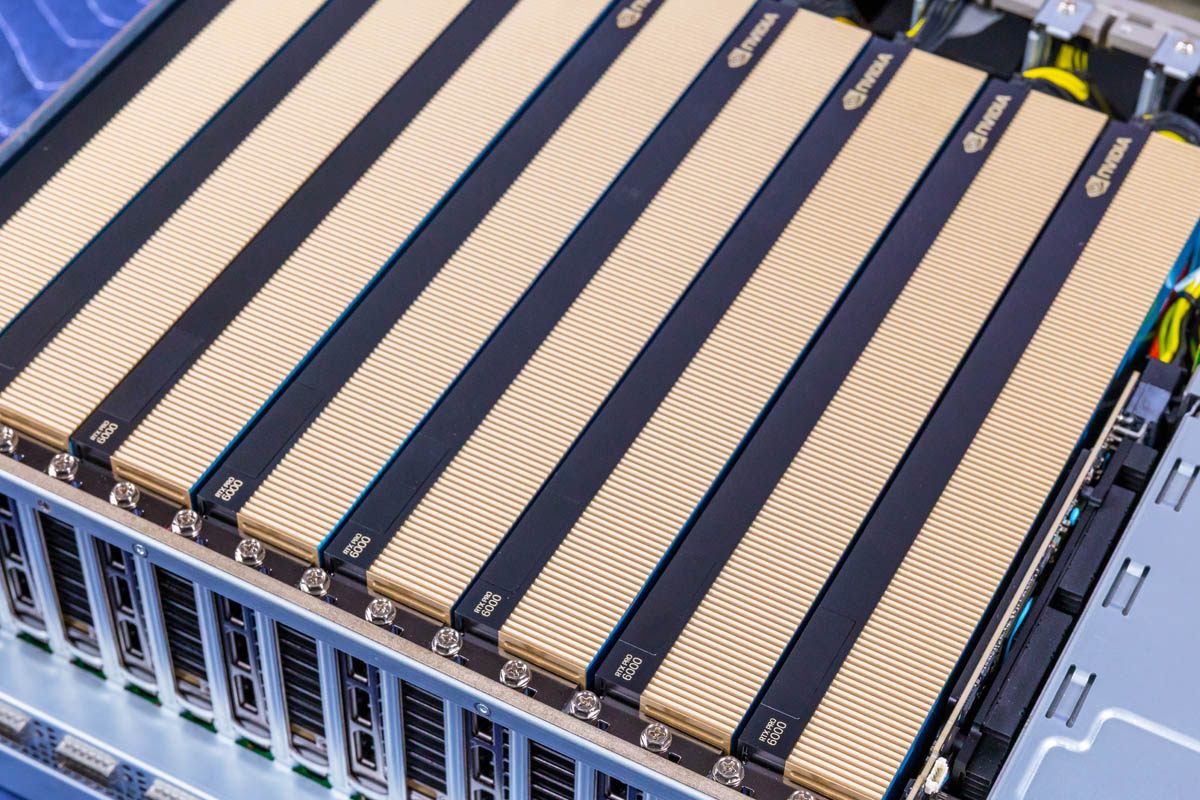
The ASRock Rack 4UXGM-GNR2 CX8 is nothing short of a paradigm shift. For over a decade, we have reviewed servers that would use two PCIe switches and handle eight GPUs with some amount of networking. In 2015-2018, that was commonly eight GPUs and a 40GbE NIC or two. With the new NVIDIA MGX design and its ConnectX-8 PCIe switch board, each GPU now gets 400Gbps of network bandwidth to help scale out to large clusters. In this review, we are going to go into the revolution that is enabled by the PCIe switch that is part of the NVIDIA ConnectX-8 architecture.
ASRock Rack 4UXGM-GNR2 CX8 External Hardware Overview
As the name suggests, the ASRock Rack 4UXGM-GNR2 CX8 is a 4U server measuring 800mm or 31.5″ deep.
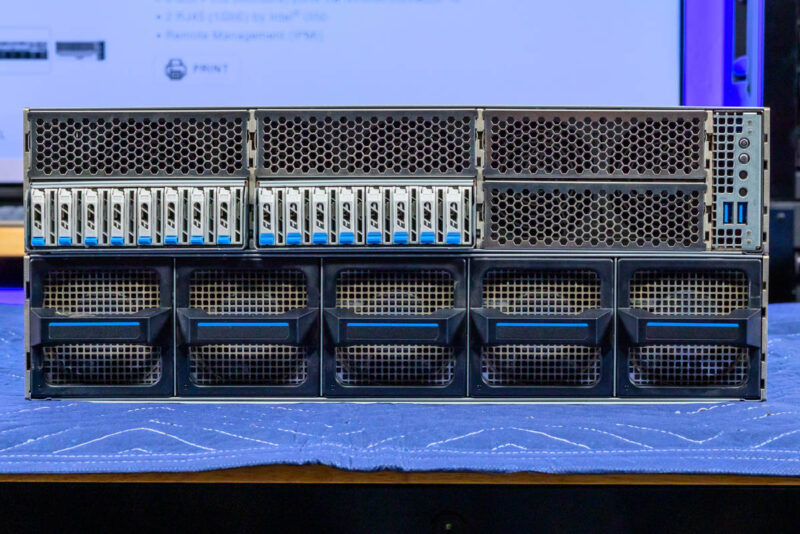
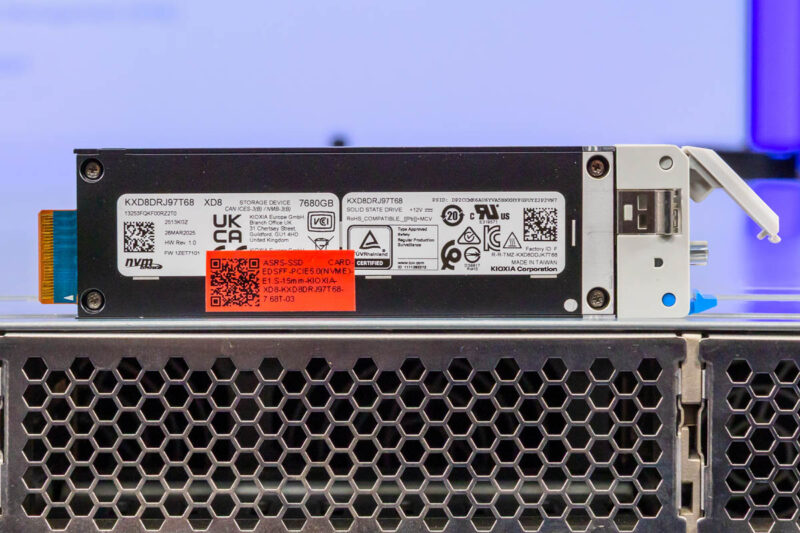
Another newer part of this architecture is the E1.S SSD array, totalling 16 in this server.
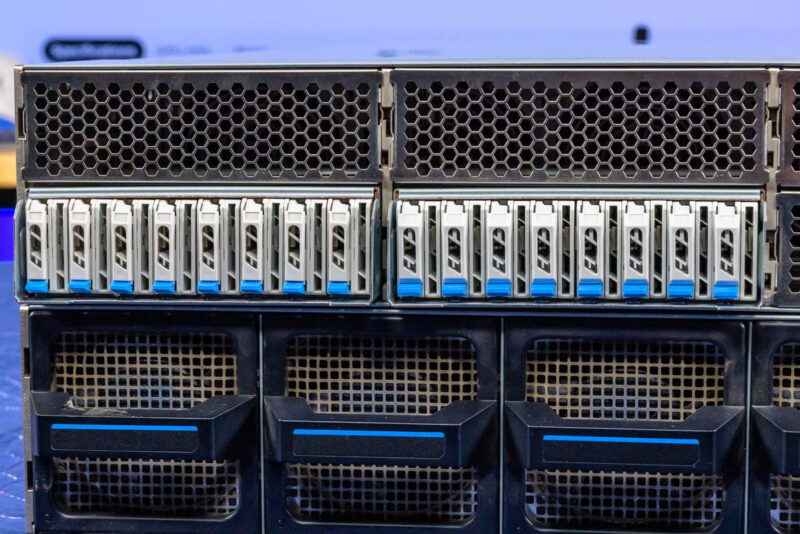
E1.S SSDs can pack capacities that are often used in these types of AI servers into small form factors that allow for extra area for cooling the rest of the server. Having 16 drives would normally take up around 2U full of faceplate space, just to give you some idea of the impact of this design change.
On the subject of cooling, the bottom 2U of the faceplate is made up of five hot swappable fan modules.
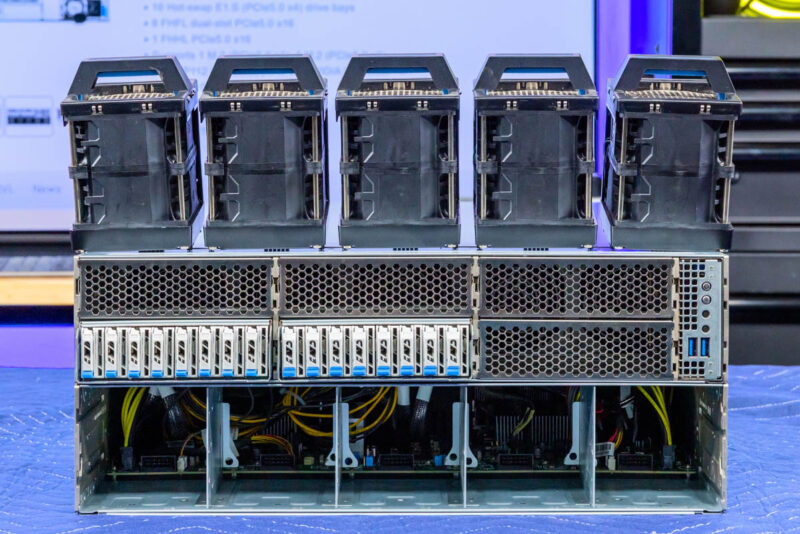
Although most of the front faceplate is dedicated to cooling and storage, we still get a power button and a few status LEDs.

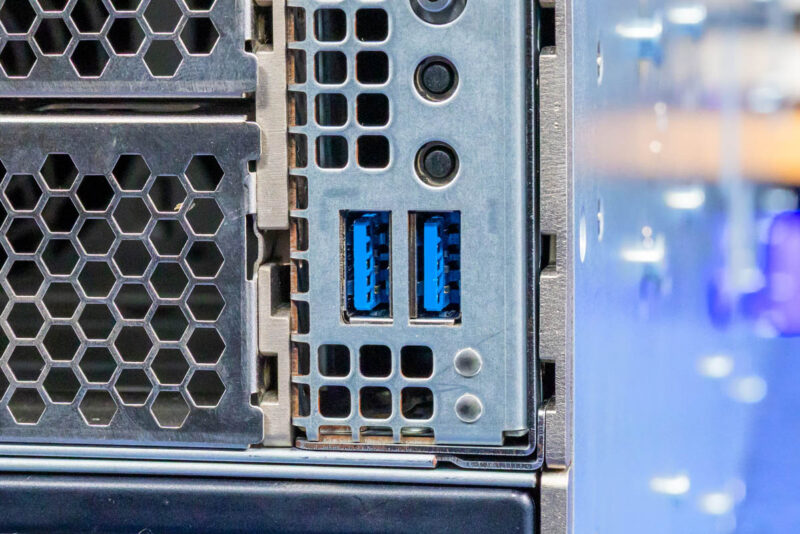
There are also two USB 3 Type-A ports on the front.
Moving to the rear, we can start to see the big change. This is a 4U MGX design like we have seen many times previously on STH, except with a massive change regarding how the networking is implemented.
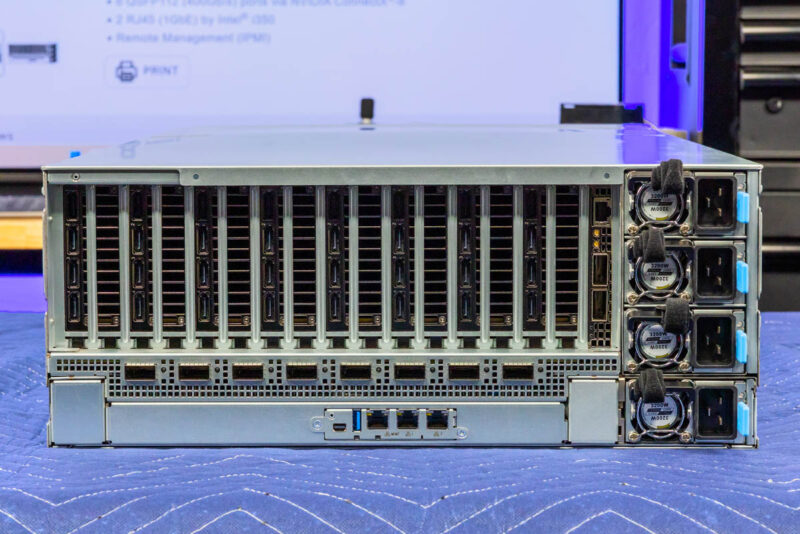
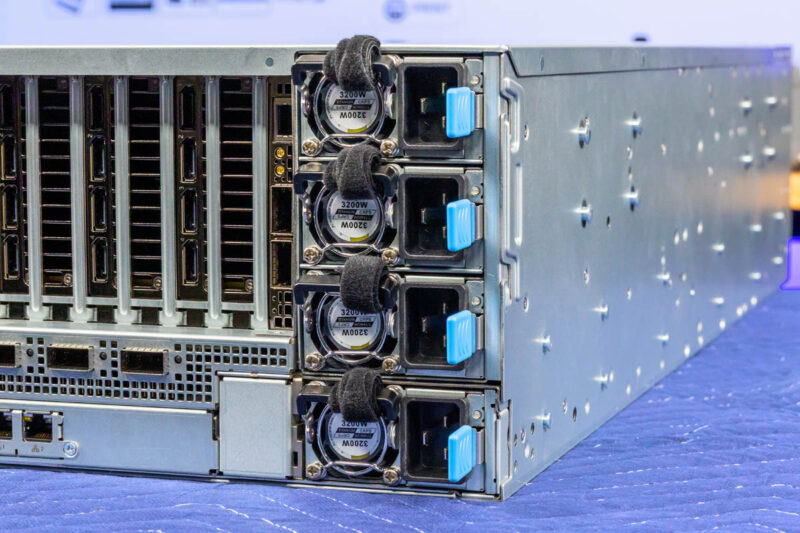
First, we have four 3.2kW 80Plus Titanium PSUs.
In the rear we also can see a massive number of display outputs. That is for eight NVIDIA RTX Pro 6000 Blackwell Server Edition GPUs.
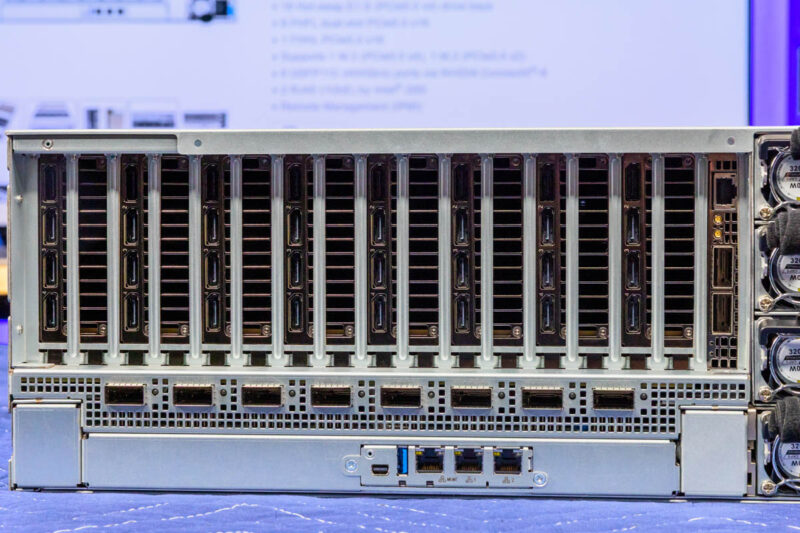
A few years ago, we would also see our primary network interfaces along with these GPUs, but not in this generation.
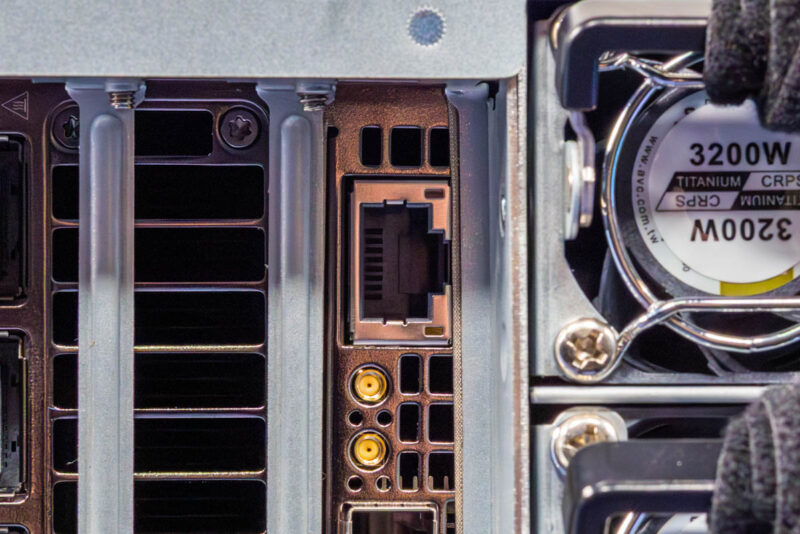
Instead, we have an NVIDIA BlueField-3 DPU for our North-South traffic. This gives us 400Gbps of bandwidth to the rest of the network, storage, and more.
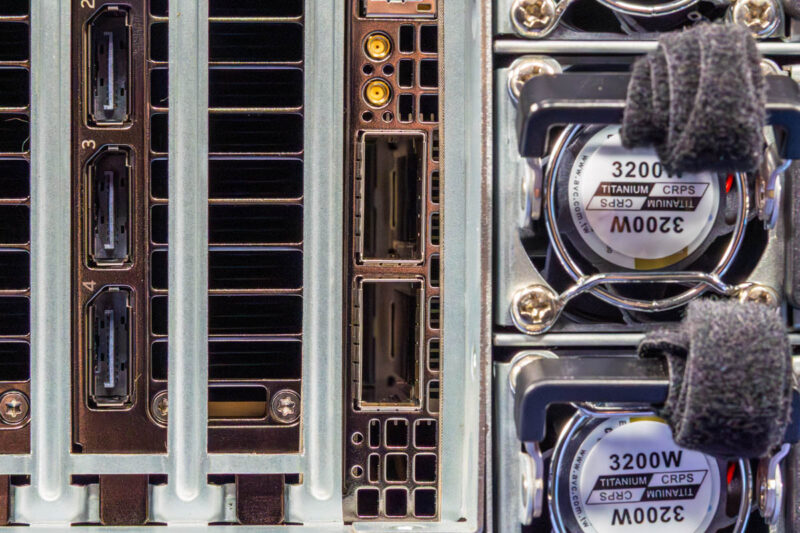
The BlueField-3 DPU can also be used for security applications and helping to provision this server, among many others, for cloud providers.
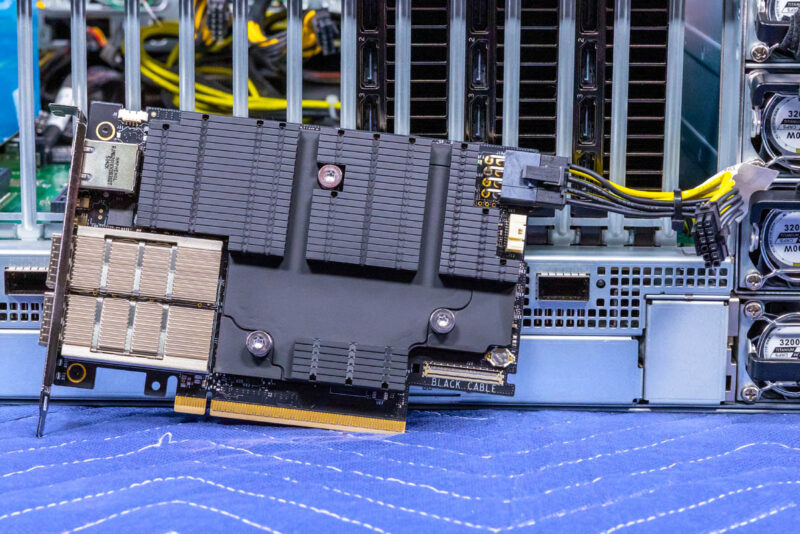
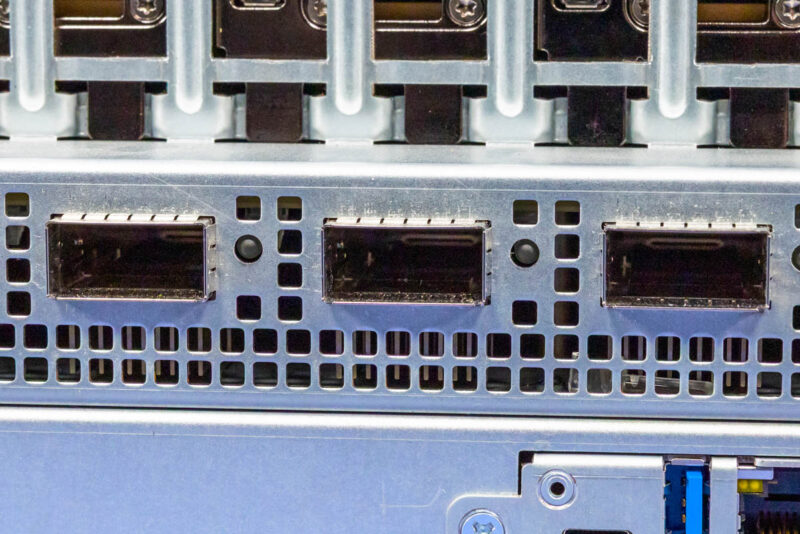
The big change is the NVIDIA ConnectX-8 PCIe switch board. Below the GPUs, we get a PCB that has four NVIDIA ConnectX-8 NICs installed. These are in a similar configuration to the PCIe NVIDIA ConnectX-8 C8240 800G Dual 400G NICs we reviewed where each NIC has a QSFP112 400Gbps port. That aligns with NVIDIA Spectrum-4 networking, like the NVIDIA SN5610 51.2Tbps switch so you can use breakout cables like the NVIDIA 800G OSFP to 2x 400G QSFP112 Passive Splitter DAC Cable and give up to 128 GPUs each a 400Gbps connection to a single switch. That is roughly the bandwidth of a PCIe Gen5 x16 interface for some sense of scale.
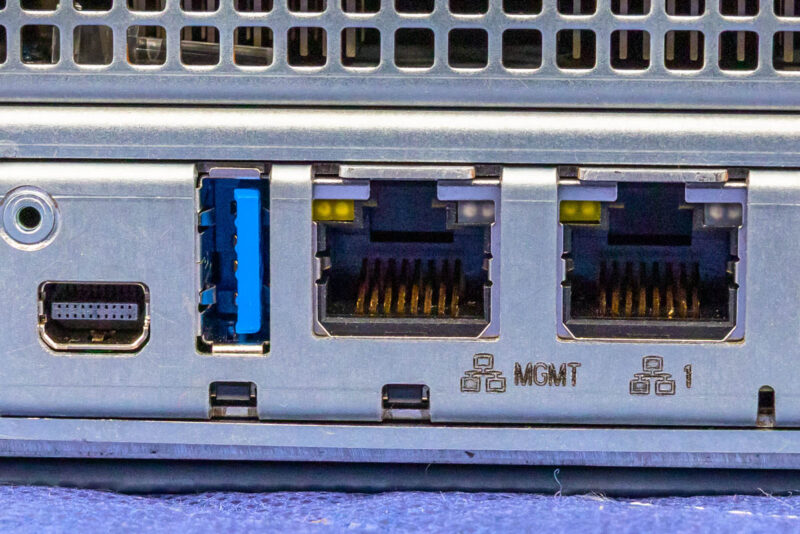
In previous generations, you would have seen PCIe slots in this lower area for many NICs, but integrating them means we simply have our rear I/O that starts off with a mini DisplayPort and a USB 3 Type-A port.
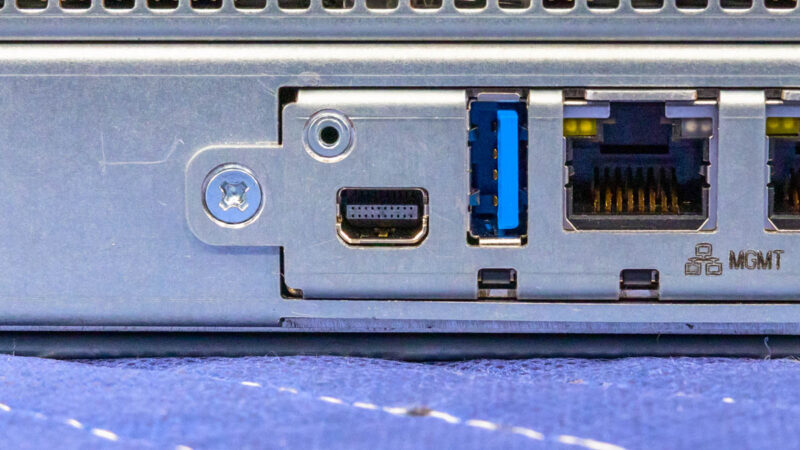
Next to those, we get a management port, then two 1GbE ports via an Intel i350. You may wonder what the 1GbE ports are for in a server with 8x 400GbE and 2x 200GbE ports. The answer is simple. These ports are for OS and application management above the IPMI layer.
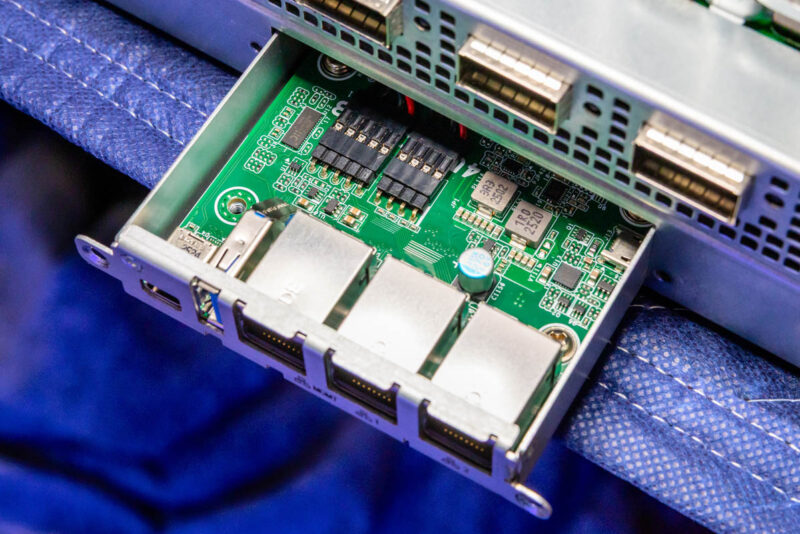
Something neat here is that this is all connected via a little board that you can pull out to service.
Next, let us get inside the server to see how it is put together.




It looks like the storage backplane blocks airflow. If this is true, how are the SSDs cooled?
I think not anyone will connect 32 monitors to the 32 display ports in this system. So what is the purpose of so many display ports?
None of the DP outputs may be used if the cards are utilized for virtualization or AI workloads.
The cards have DP outputs because they could also be used in desktops or workstations and they also share the same PCB as their actively cooled variants, NV just did away with the fans, but decided to keep the same ports as the other versions.
You could, of course, also hook up a giant video wall, but I don’t think this is the right system for that purpose.
If I’m understanding this correctly, the GPUs are not directly used by the server? They’re just powered by the chassis and goes through the 400Gb link to the switch, which then goes back to the server? So you could have a rack full of these, and expose ~80x GPUs to a single 1U system? (Or more likely, a SLURM setup?)