

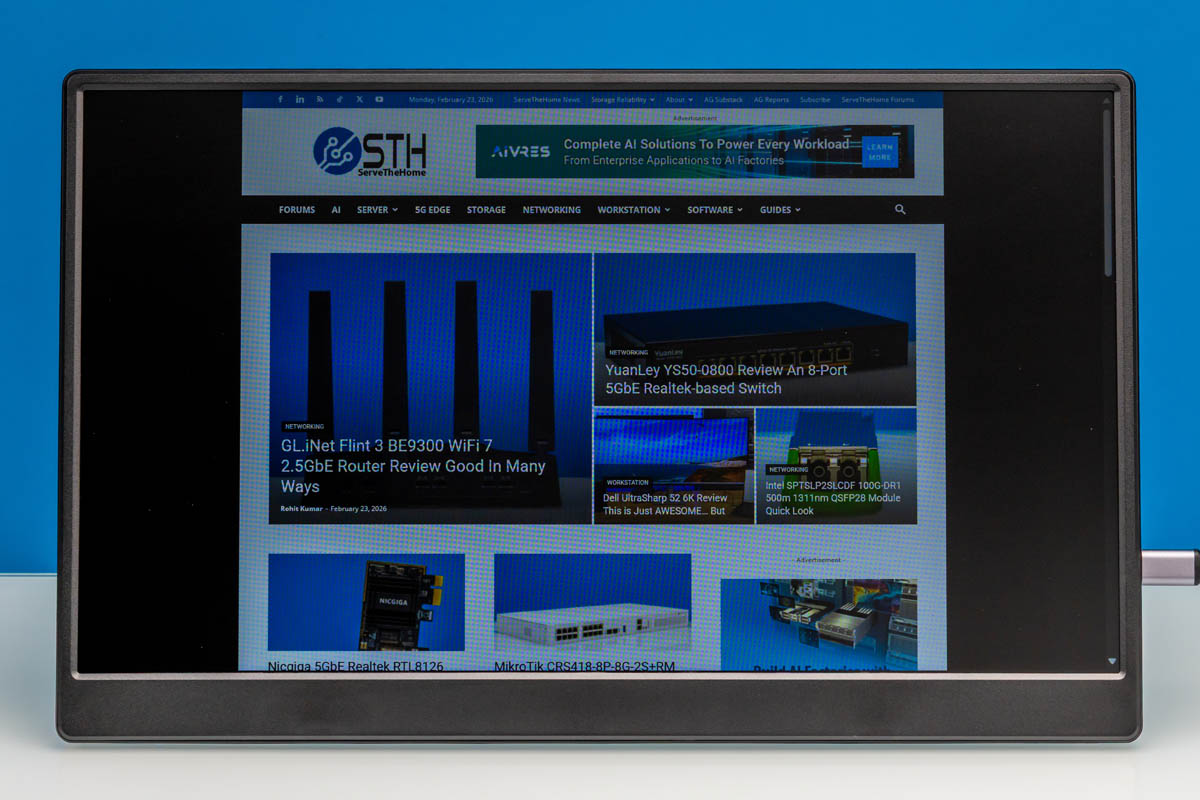
Recently, we purchased a handful of portable flat-panel monitors. Among the more interesting of these was the UFYQL F156P02 15.6in Portable Monitor, a display that is exactly what the name says on the tin. We are not really sure how they came up with this brand name. Currently priced at just $49 on Amazon (at the time of writing), the F156P02 is one of the cheapest portable monitors on the market. Let us get into our review of the monitor.
Here is the Amazon affiliate link to where we purchased this unit.
UFYQL F156P02 Hardware Overview
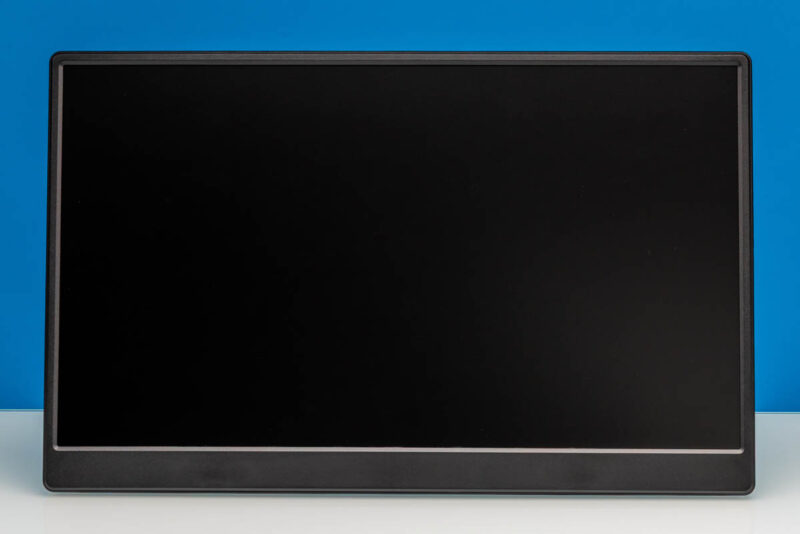
UFYQL F156P02’s monitor has a 15.6-inch IPS panel with a Full HD (1920×1080) resolution.
Here is a look at the rear of the monitor and kickstand. It is around 14.1in (Width) x 0.52in (Depth) x 8.8in (Height) with the foldable kickstand. It also features the standard 75mm x 75mm VESA mounting holes.
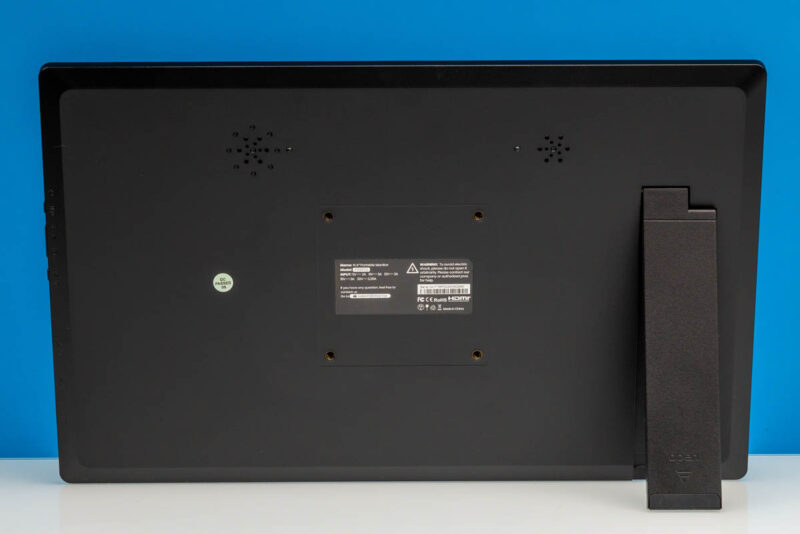
With the versatile kickstand, you get full flexibility for the most viewing angles.
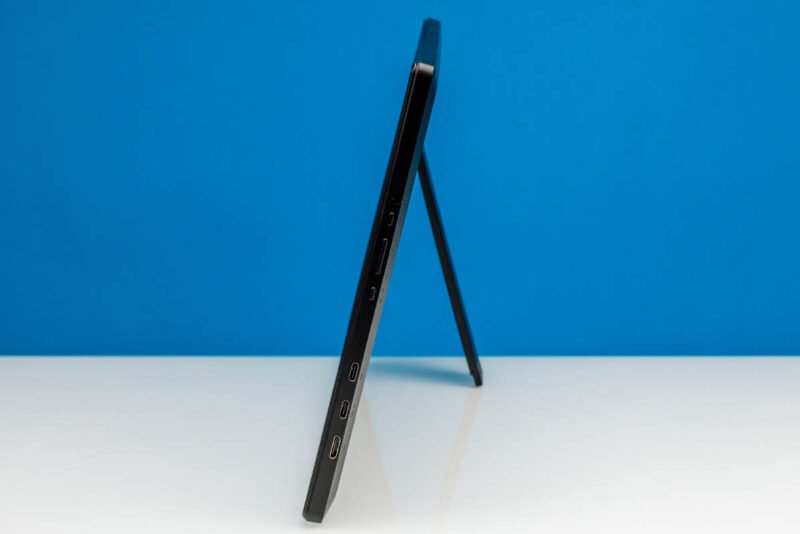
For display inputs, the monitor has two full-feature USB Type-C ports with DisplayPort Alt Mode capabilities, as well as a Mini HDMI port.
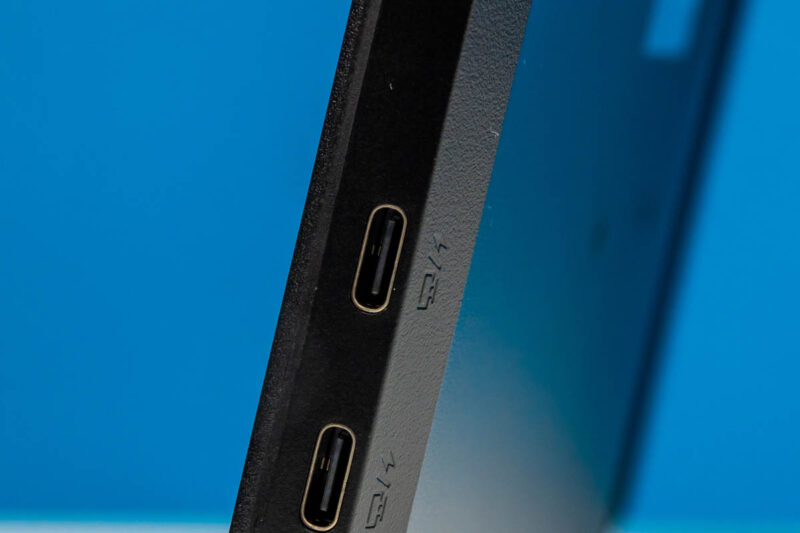
Between these three ports, this gives you a few different options for hooking up and powering the F156P02. The most straightforward option is driving the monitor via a single USB-C cable carrying both power and display – though this does require a host port that can provide enough power. Otherwise, one USB-C port can be used for a dedicated power input (along with a dedicated power adapter), while either the second USB-C port or the Mini HDMI port is used as a display input.
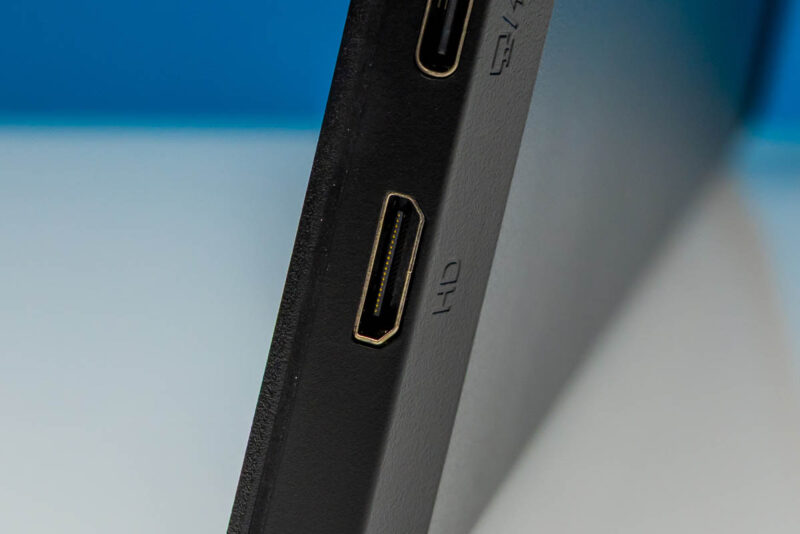
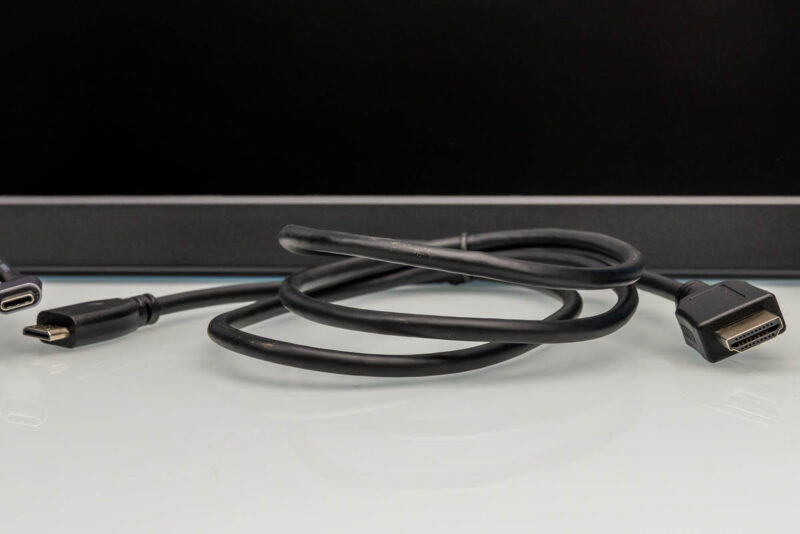
The downside of the latter option is that Mini HDMI is not as widely used as its full-sized sibling. So you likely do not have any kind of Mini HDMI cable lying around. Thankfully, UFYQL has you covered there by including a Mini HDMI-to-HDMI cable with the monitor, so you can connect it directly to a standard HDMI port.
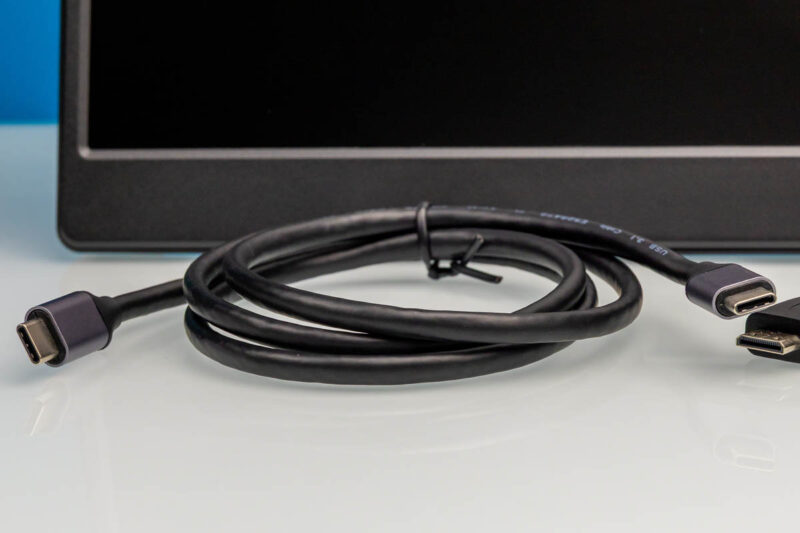
And one way or another, you will need a USB Type-C cable to provide power to the monitor, so UFYQL includes one of those as well. If you are just using HDMI, then you will need to still power the monitor via a USB Type-C power input.
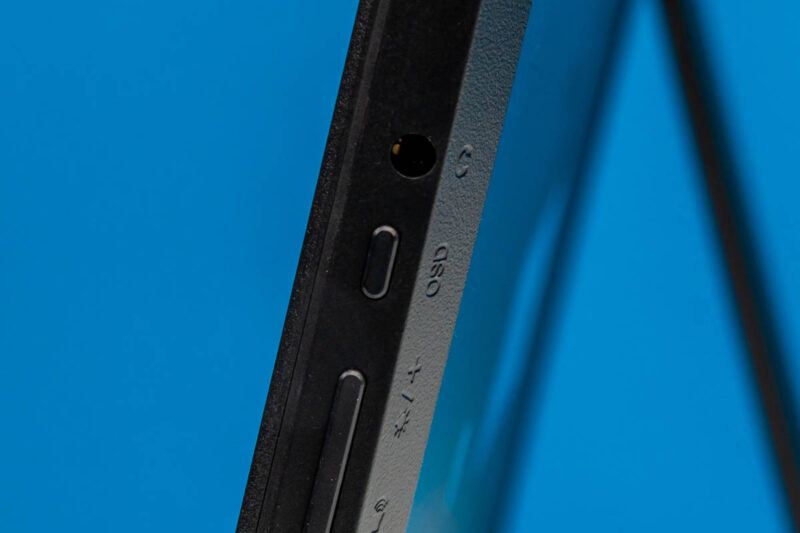
On the same side of the monitor, we find a power/back button, a track wheel for controlling monitor brightness, and a button that takes you to the OSD menu.
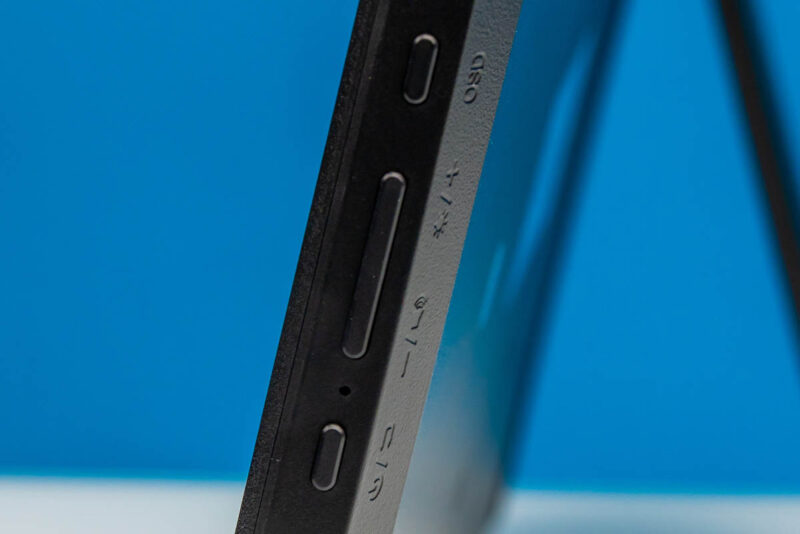
It also has a 3.5mm audio output jack.
The variable kick-stand option makes it great for viewing at various angles. However, this option does not provide the portable monitor with a built-in case, which can be important when traveling.
Next, let us see how the $49 monitor performs.


“We are not really sure how they came up with this brand name.”
It’s pretty easy to explain.
1. When registering a company in China, the area for international names that accepts Latin characters requires a minimum of 5, and the combination must not already be in use.
2. When registering as an Amazon seller, you must provide a company name.
This name must be at least 5 characters long, or it will require extra steps to get the seller account approved.
All those 5-6 letter names that feel like randomly chosen letters?
They ARE randomly chosen letters.