

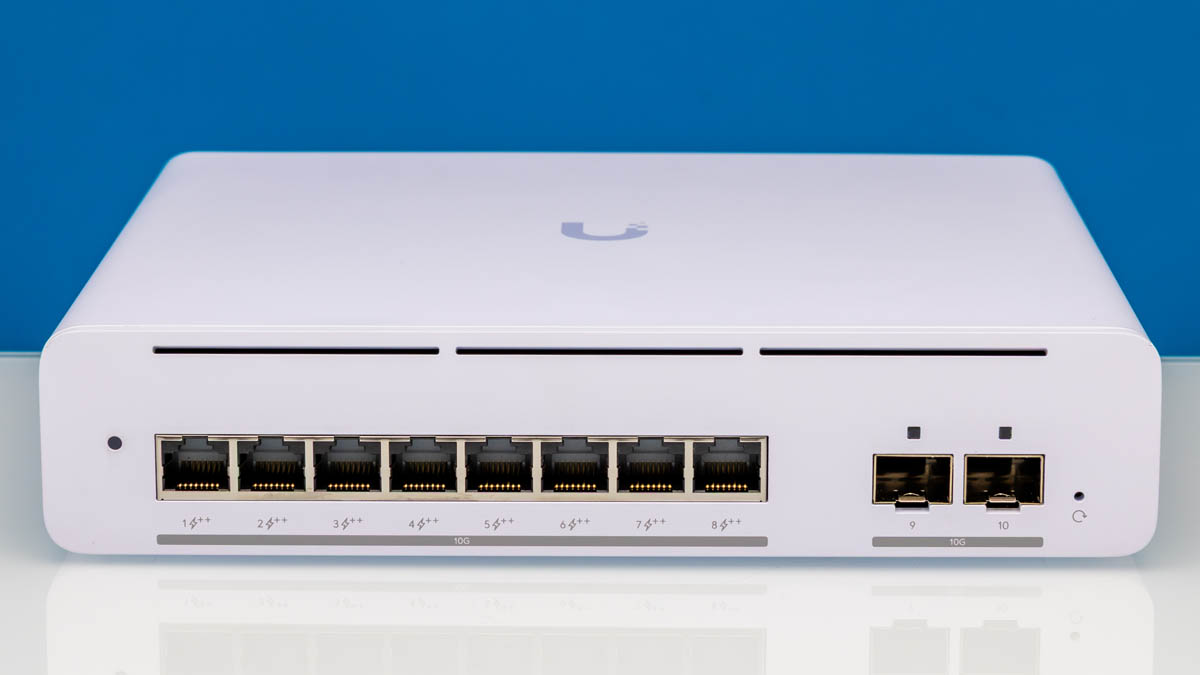
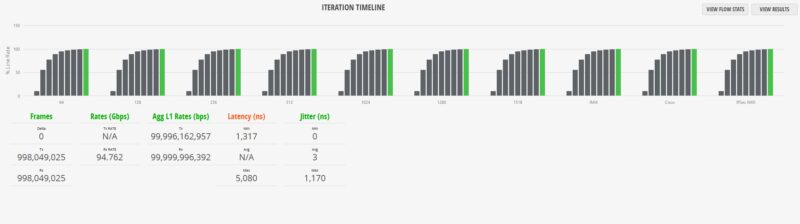
The Ubiquiti UniFi USW-Pro-XG-8-PoE is a neat switch. It has 10 10Gbps ports, with eight 10GBase-T and two SFP+. For many, the key feature is that it also supports PoE++ with a total power budget of 155W. If you have higher-end WiFi 7 APs that you wish to both power and provide high-speed data connectivity to, then this provides a good option. While it is far from the highest throughput switch we have seen with this switch chip, it performed reasonably well in our high-end network testing, but we found a neat difference there.
If you wish to purchase one, here is a B&H affiliate link.
Ubiquiti UniFi USW-Pro-XG-8-PoE Hardware Overview
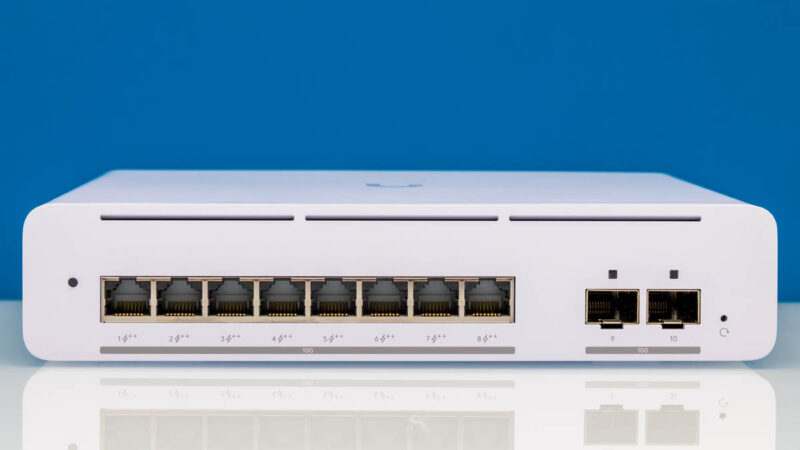
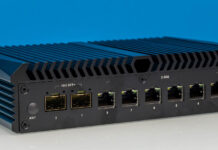
The front of the unit has air vents at the top, and looks relatively great for a switch of this class. We have seen so many 8-12 port black or white boxes, that this is just refreshing to see a rounded corner.
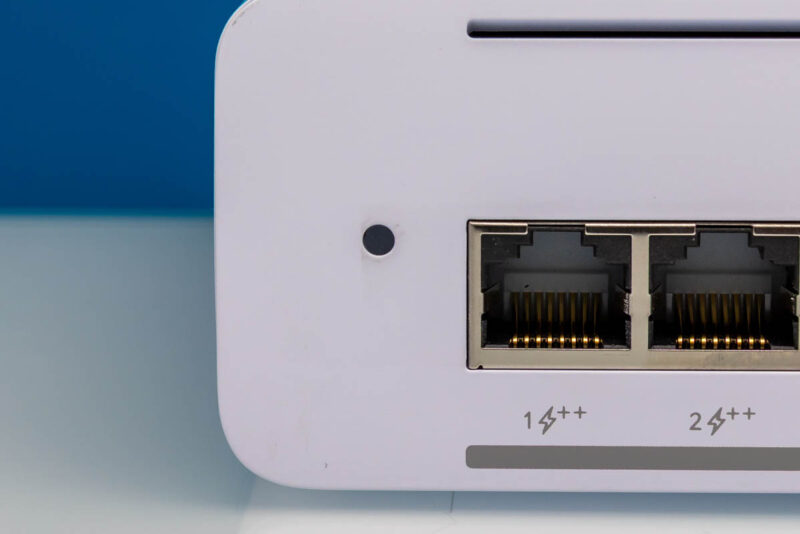
One major feature you will notice is that, instead of the status screen, as we get on higher-end devices (we are getting to those in our series), we instead get a status LED to save on costs.
Next, though, is the exciting part. We get eight ports of PoE++. These are also 10Gbase-T ports that can support slower speeds like 1GbE, 2.5GbE, and 5GbE. In total, we get 155W of PoE++ power to split among these ports, which is welcome if you are running higher-power Wi-Fi 7 APs.
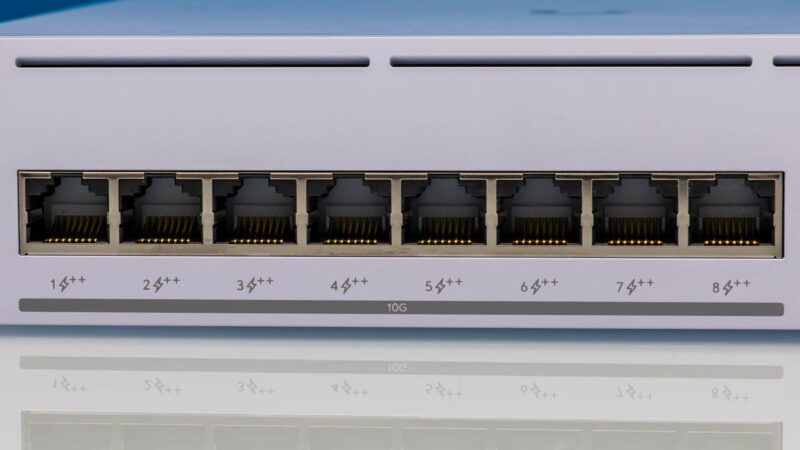
These ports also support Ubiquiti’s “Etherlighting,” which lets the ports provide colored status for each port. This is just a neat feature.
In addition to the 10Gbase-T ports, there are two SFP+ ports. An important note here is that these are not combo ports, as we have seen many 8-port switches where two are combo ports. Instead, these are ports 9 and 10. That may seem insignificant, but it means that Ubiquiti needs to use a higher port-count switch chip inside since it is not just an 8-port switch.
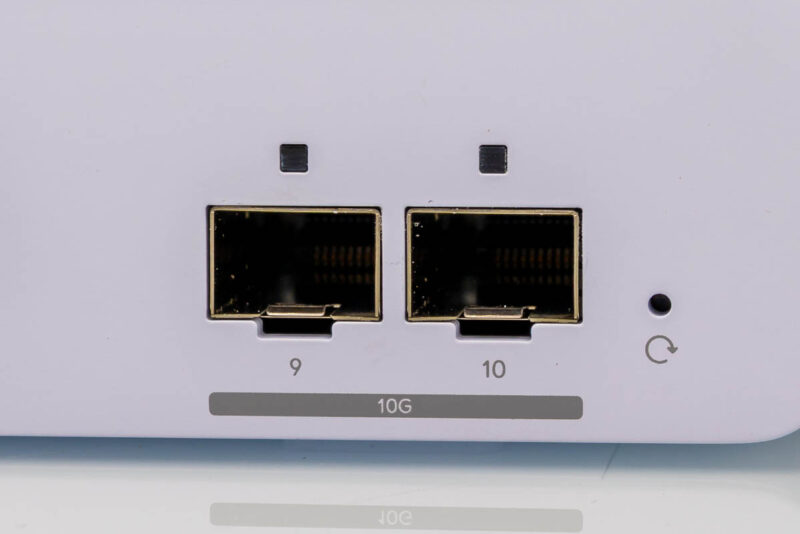
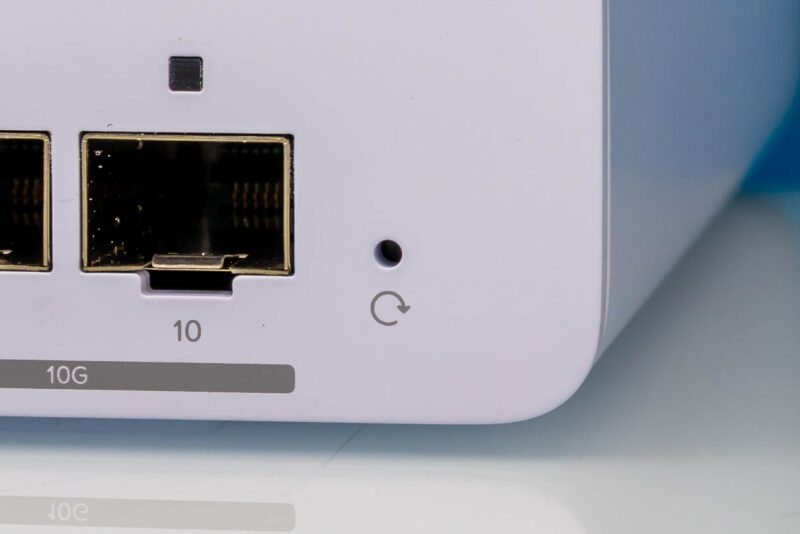
Here is the reset button.
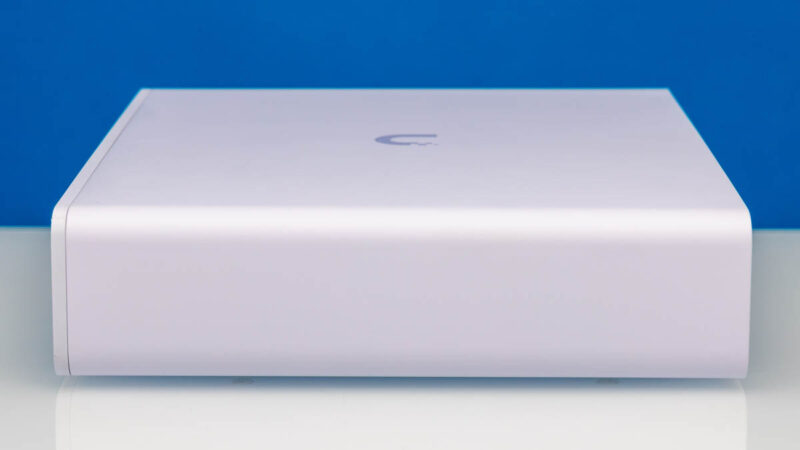
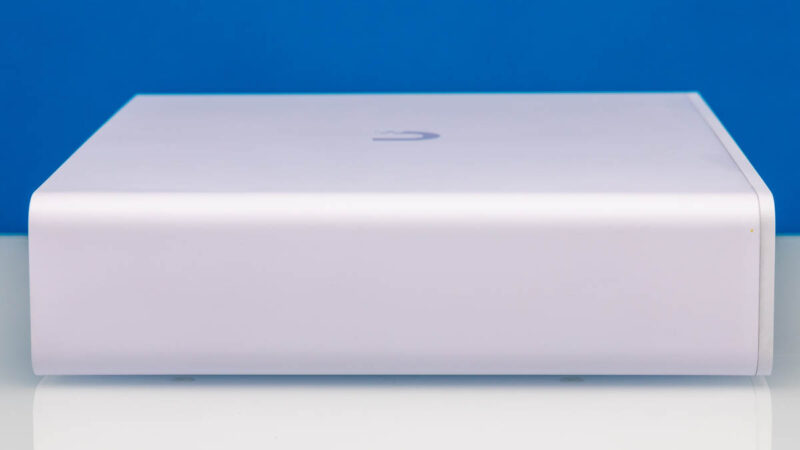
The top of the unit has the Ubiquiti logo.

The side of the unit is smooth.
So is the other side.
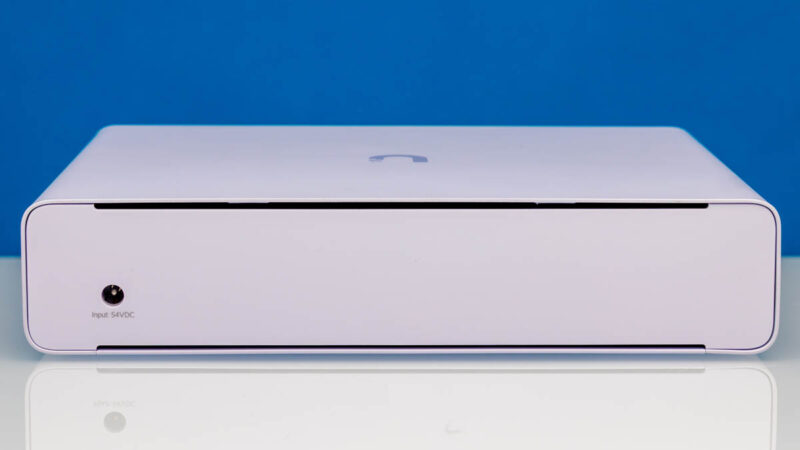
In the rear, we get air vents and a 54V DC power input. On PoE switches, 54V DC is very common since it makes the internal power situation easier.
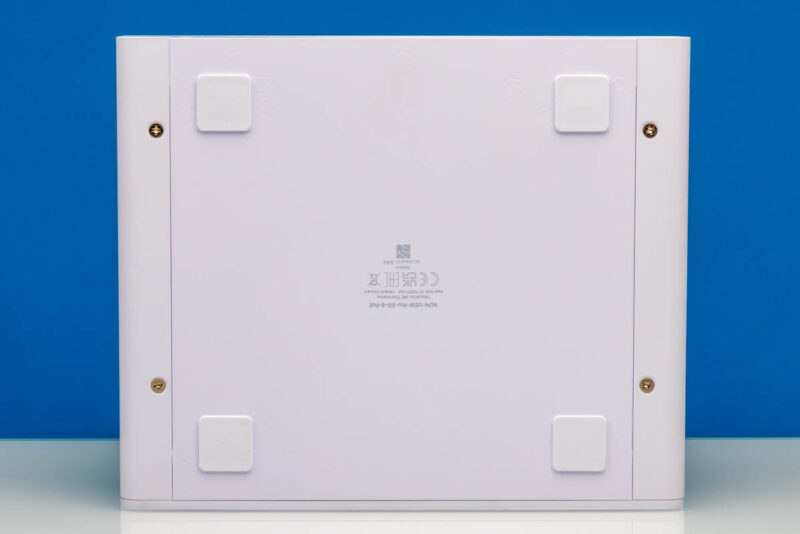
On the bottom, we get nice feet to place this on a desk.
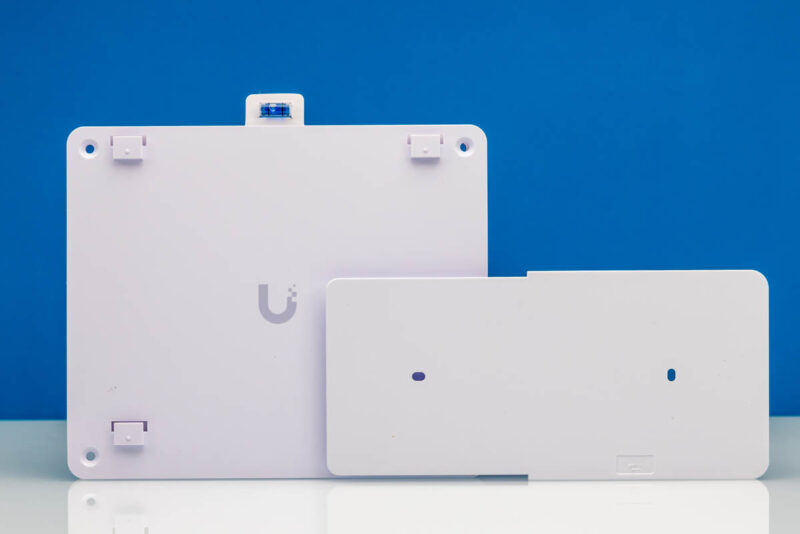
We should also note that in the box, we get mounting hardware and a level.
Next, let us get inside the switch to see how it is made.
 and test it using a high-end traffic generator)
Would be really nice if the L3 performance could be tested as Ubiquiti advertises with this.
The world waits while STH conjures up it’s next Ubiquiti review. Your network reviews don’t have any peers now.
That’s a really nice switch for desktop! There isn’t a lot of market for 8 port tx + sfp+ 10g switches, even the chinese switches are hard to come by like that. I was so disappointed by qnap I’ll never buy theirs again, but several network engineer friends of mine use Ubiquiti so it can’t be too bad.
I think the switch is a good deal in terms of cost per 10G port. The CRS304 has 4x 10G, and the cost per 10G is around $41~43. This got 10x 10G ports, and the cost per 10G is $49.9, slightly more than the CRS, but it gives you PoE availability.
The main thing about this switch is that it fits in a 10-inch rack. There aren’t many switches out there that have 10GBASE-T + SFP+ + POE.
I’m looking for a 10g switch for my 10-inch rack, so that’s why I’m looking at this one.
If anyone has a better suggestion, please let me know.
Yay you’re doing the good work. Best testing. Ubiquiti should have you review all they’ve got. I’m just waiting until you review from now on
Having an avg and max jitter are really not enough to tell you, for example, if your VoIP is going to annoy users. The average is 3ms, ok, great, but does that mean:
– most packets 2, some packets 20? or
– most packets 2, occasional packets 70? or
– something else?
The former is probably fine for VoIP, the latter will cause sound artifacts.
So when you say you saw unusual jitter on this box, that would be the first question I’d want answered: Does VoIP work well? Even under heavy load?
But more generally, you should be able to characterize jitter in a more interesting way, and I’d be surprised if your fancy new testing box doesn’t have software to do that already. Show a jitter CDF graph, or at least tell us the %age that comes in with latency <40ms, <50ms, <60ms since dejitter buffers are usually in that range. Alternatively you could how a jitter histogram.
BTW, "max jitter" is mostly useless info. 95th percentile is far more interesting.
Grr. “…show a jitter histogram”. Sorry.
@justsomeguy, the average jitter seems to be 3ns, not 3ms. So like 6 orders of magnitude lower. The max is <1.2us (microsecond). I don't think any human can discern such variations.
Wow. Yes, obviously, ms jitter in a 10G switch would be ridiculous. Clearly I need to focus a little better. Sorry.
…though the jitter info would still be a little interesting.
What is the black protection around SFP+ ports ? It-is in plastic or in metal ? If it in metal it can help a little bit to dissipate heat
I have this model sitting on my desk at home, powering our main floor AP and providing connections for a pair of desktops (yes, they’re on 10Gbps connections because I’m silly) and a printer, and I’ve been quite happy with it. I will note one minor thing; it does not seem to support 10Mbps connections. The old alarm system in my home uses a 10Mbps connection, and would not establish a link with this switch. It probably won’t affect anyone looking to support multiple multi-gig connections, but it caught me off guard for a few moments.
@ Michael Butash. “I was so disappointed by qnap I’ll never buy theirs again”
What was your disappointment with the qnap switch you mentioned. Which model were you referring to and what was your problems ?
I just wish this little switch had the front panel LCD like some other Ubiquiti gear. Surprisingly handy.
155W of PoE++ is not much at all given that PoE++ can go all the way up to 90W per port but this switch tops out at 60W per port. That equates to two ports at the power level with a bit left over for another 30W or two 15W pieces of gear. Many of the higher end Wi-fi 7 access points are going toward 60W. Then there is the trend of supporting PSE pass through where 30W or 15W PoE devices can start to be daisy chained off of a 90W or 60W capable switch port. (Daisy chain PoE speakers are awesome.) Speaking of power, being able to support a second power supply would be nice.
The variable latency here could be explained by the PoE addition on the ports. There is logic here to account for power delivery that SFP+ ports don’t need to do. What would be interesting is if this switch also supports 802.1Qav or 802.1Qbv for deterministic networking. That amount of variable latency would be troublesome in that scenario.
Overall seemingly a good switch for the price, especially if you’re already a Ubiquiti user.
Ubiquiti actively evades sanctions to sell tech to Russia for use in war. Boycott.
@joachim source? If so, then yes, boycott.
I imagine that source would be the two recent Pablo Torre Finds Out episodes on same-name YouTube channel, about Robert Pera.
J’ai constaté quel que chose d’extrême ment grave appler moi de toute urgence je vous explique tout par téléphone SoS Tel :418-647-2222