

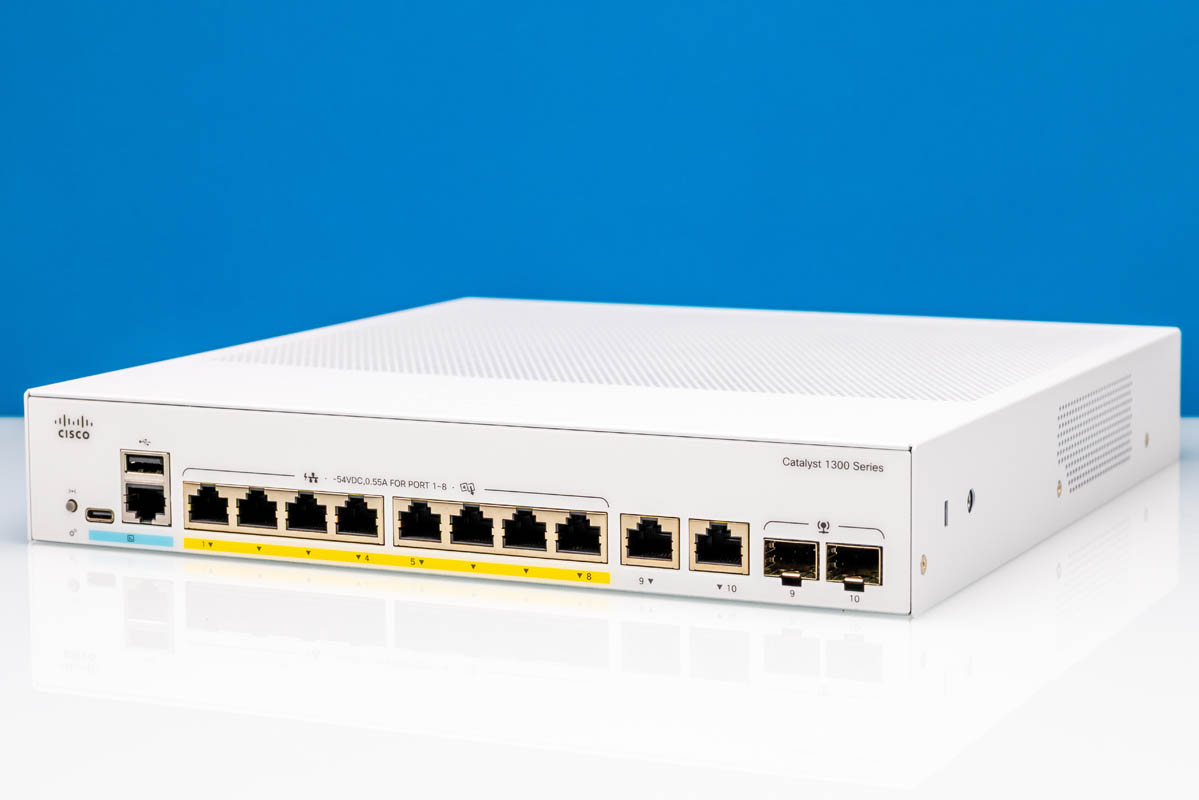
Today, we are doing something we have not done since our 2019 Cisco UCS C4200 review: we are reviewing a Cisco product. The Cisco Catalyst C1300-8FP-2G is the company’s managed 1GbE switch that offers PoE+ capabilities, a CLI, a web management interface, and much more. We are taking this one for a spin. It is one of the lower-cost C1300 switches, but it is also very different from the ultra-low-cost switches we have seen. We are generally going to focus on 10G options next in the C1300/ C1300X stack, but we wanted to start with this one.
If you want to purchase one, here is an Amazon affiliate link.
Cisco Catalyst C1300-8FP-2G External Hardware Overview
First off, this is a 1U rackmountable switch. At this point, you might think it is just a standard-looking 1U switch box, but give it a few seconds.
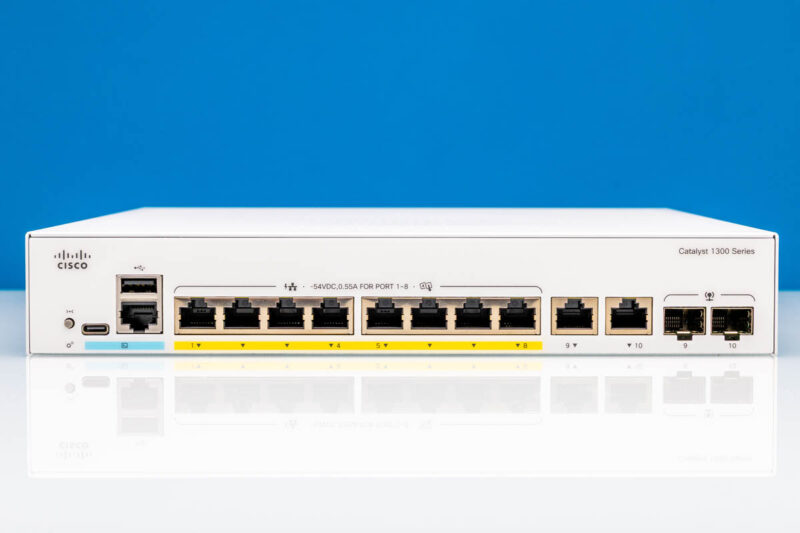
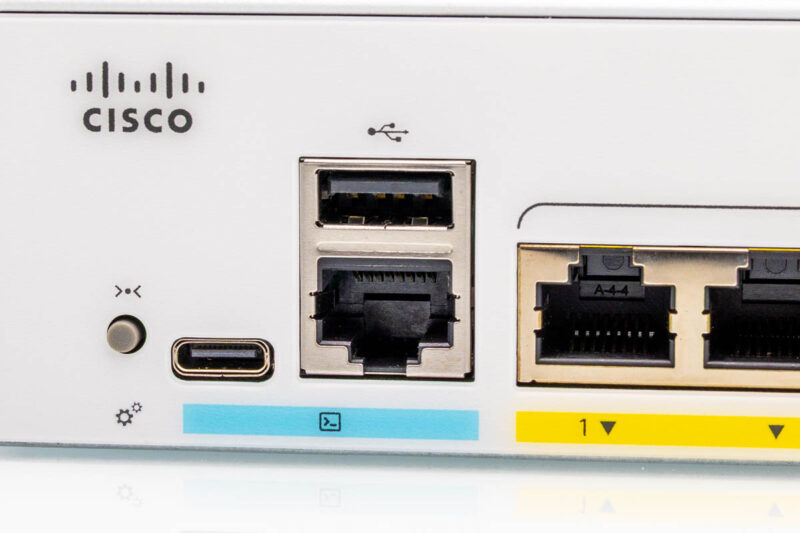
On the front, we have many ways to get to a CLI, because this is a Cisco switch. On higher-end C1300 models, we have seen out-of-band management ports. On this one, we get many CLI interfaces. Also, it should be noted that this is a major difference between this switch and lower-end options, as well as switches like the HPE Aruba Instant On 1960 24G 2XGT 2SFP+ switch we reviewed.
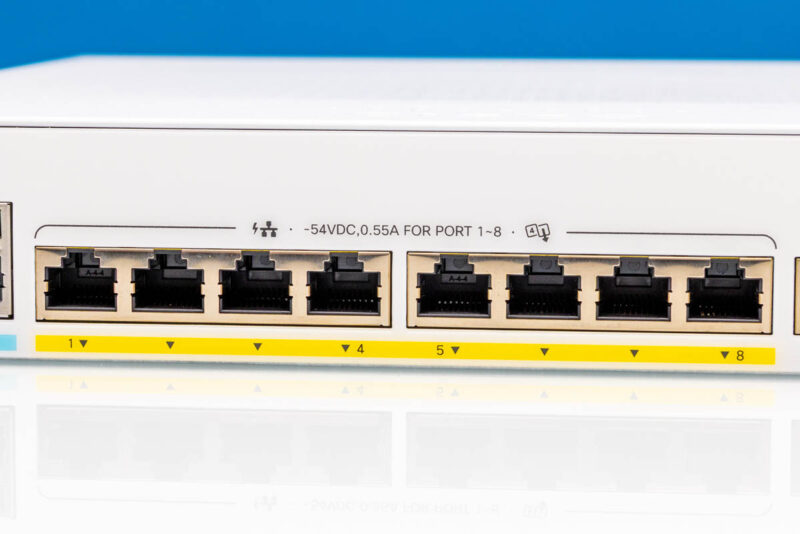
The next eight ports are 1GbE ports with PoE+ capabilities. We will test these later in the review.
Next, we get ports 9 and 10, which are non-PoE+ ports and are also wired a bit differently, as we will show in our internal overview.
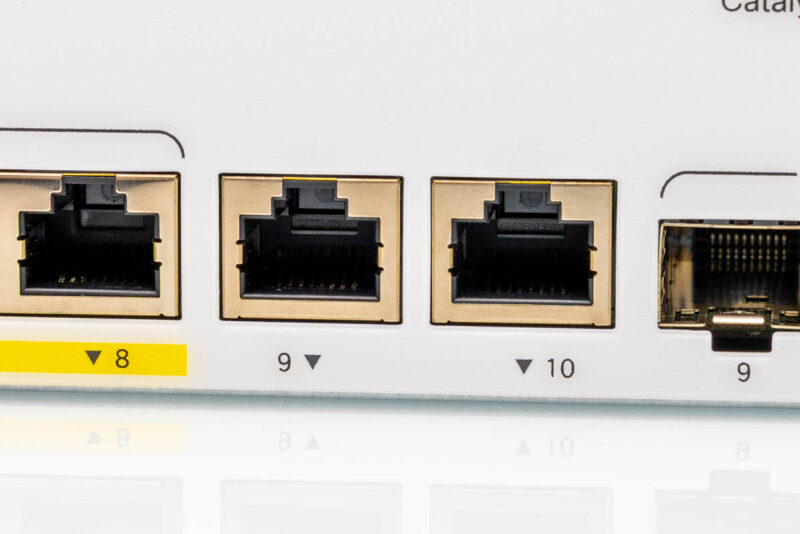
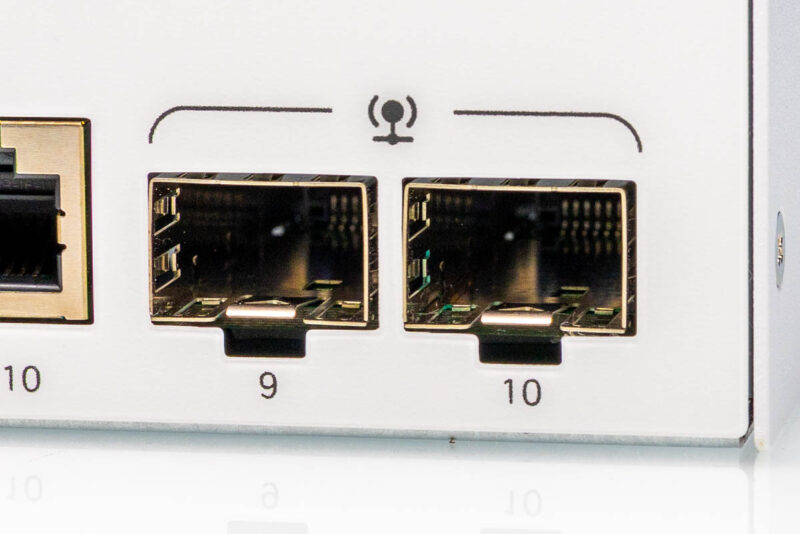
Another big difference with these ports is that they are combo ports with SFP options.
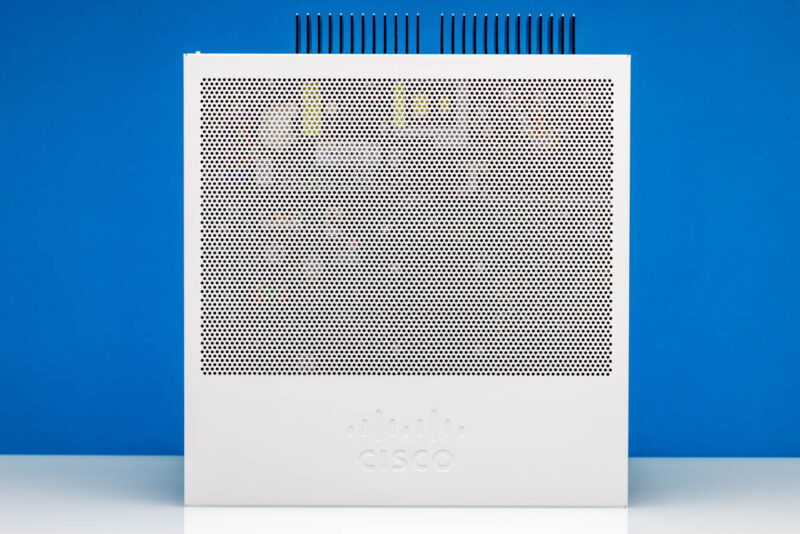
Let us get to why this not just a simple 1U switch. You might be able to tell by the vent on the side.
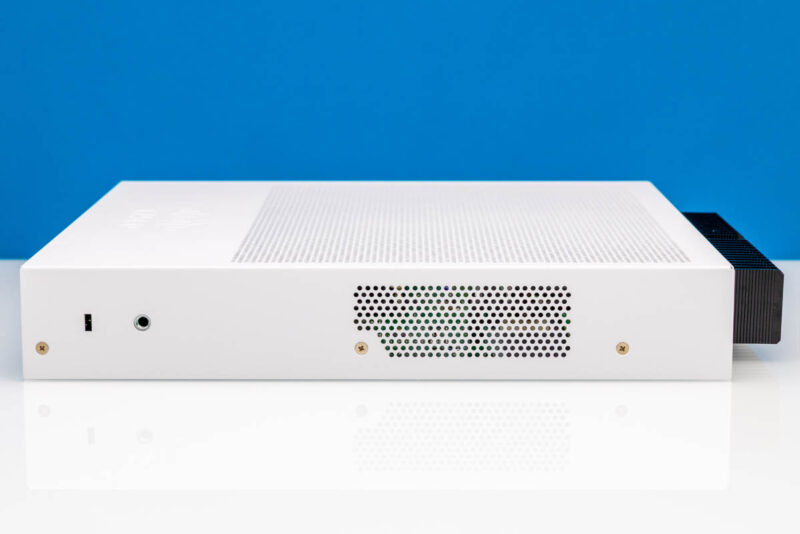
Or perhaps the vent on the other side.
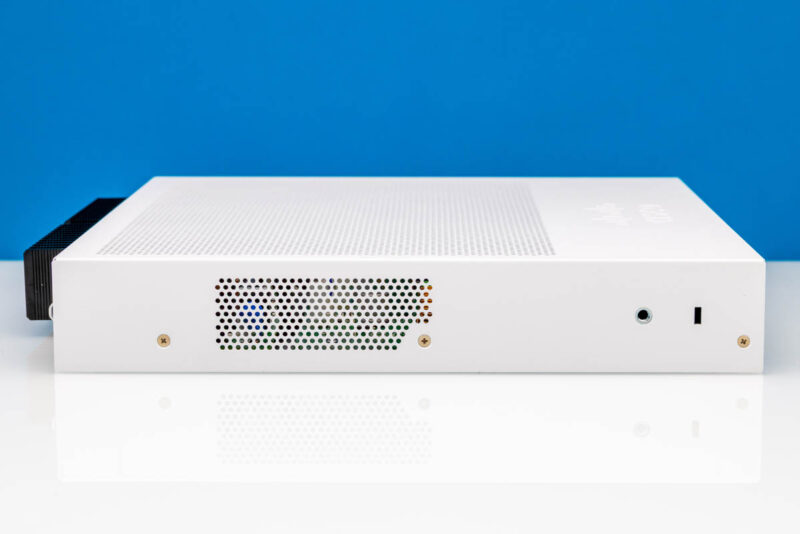
If not those, then certainly in the rear, you can see something different.
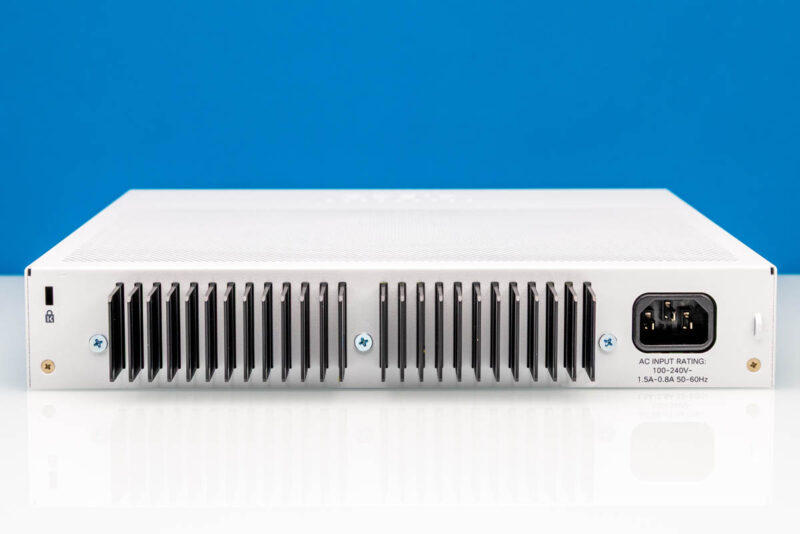
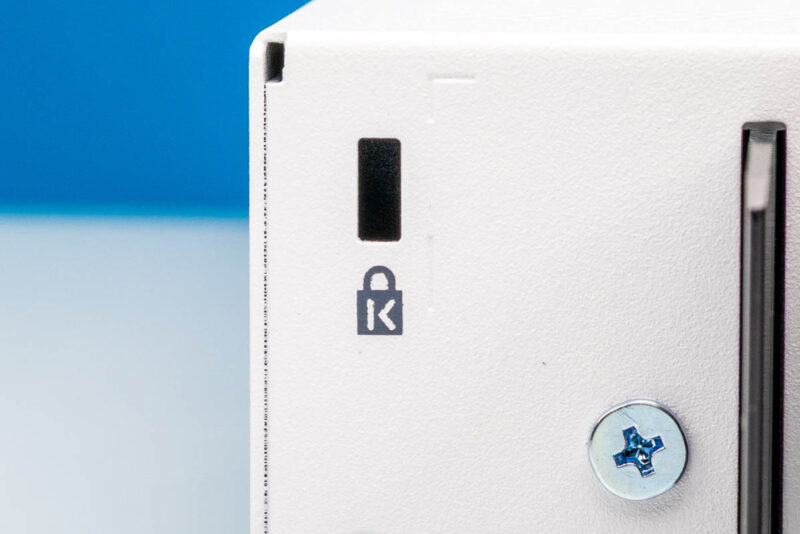
First, there is a lock point since these are edge switches.
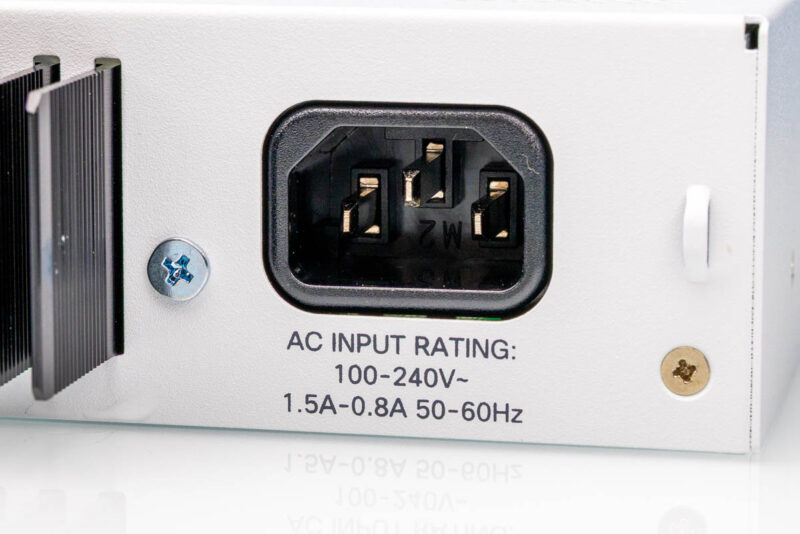
There is also an AC input for an internal power supply. The PSU is quite neat, so we will get to that as we get inside the switch.
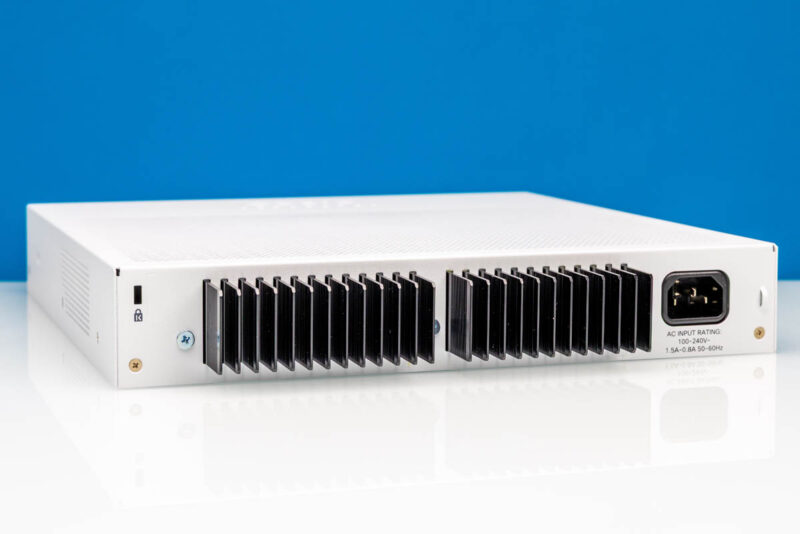
Then there is the rear heatsink. This is actually really cool. The white top cover comes off and is fitted around these fins. If you were thinking that these fins were to cool the switch chip, you would be incorrect.
On top, we can see a large vent.
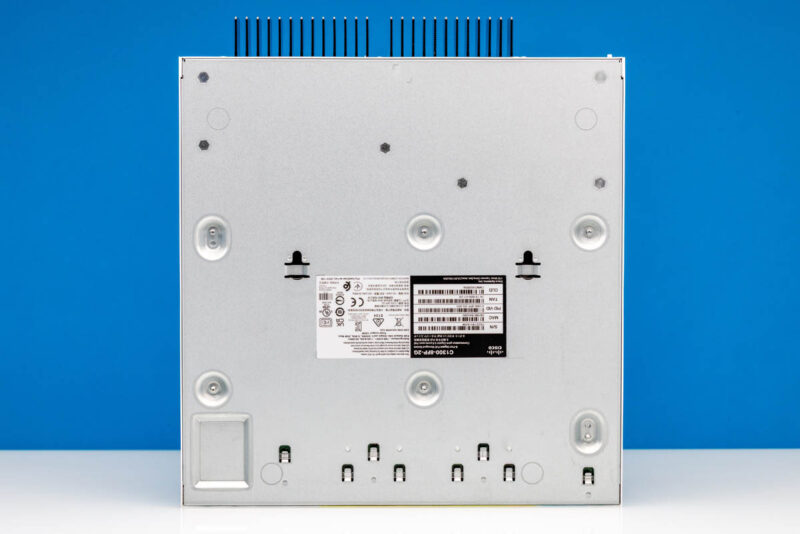
On the bottom, we get a few mounting options. You can certainly imagine this hanging on a wall and being a silent switch.
Next, let us get inside the switch where Cisco’s engineers did some cool things.

It’s amazing you’re doing Cisco reviews. There’s jack all of information on these. I hope Arista and Juniper follow. We need this. This is the best review of a Cisco switch in? Forever? I’d like to see more features tested surly others too, but I hope you’re testing more of the C1300X
REVIEW ALL CISCO PRODUCTS LIKE THIS
nice to have poe+
it is crap having 1gbe ports, even sfp is 1gbe
would be nice to compare this to Mikrotik Netpower 16p
Both fanless, cli + web management and POE. Main difference is the Mikrotik has two SFP+ ports and double the POE ports and cost almost half the Cisco does?
Can you do this for the bigger Cisco models? Most Cisco reviews I’ve seen don’t have any good testing
I’m amazed that it has a default username and password, given they’re based in California and it’s not legal to have a default password for internet-connected devices (SB-327). A switch isn’t internet-connected, but I would have thought they’d remove default passwords across their whole lineup.
The lower-priced SOHO 1300/x Ciscos are interesting and not prohibitively expensive. Its regreattable there does not seem to be a 8X 1gb poe – 8x 2,5 poe – 2-4 sfp+ uplink. It would fill a lot of needs for IP-cams, and mesh Wifi7 APs.
Could be STH should check out these as well:
C1300-8MGP-2X
C1300-24MGP-4X
Add to above:
In EU the tested one costs 350-400€.
The C1300-8MGP-2X is more interesting if you have Wifi7 & future-proof. Around 500€. It has 4x 1G poE, 4x 2.5 PoE & 2 SPF+. Passive. I think this has layer 3.
A 8x 1G PoE, 4×2.5 PoE & 4x SFP+ be interesting.
There is an 10x 10gb port. C1300-12XS 1000€.
Cisco C1300X-10NU-2X is 16x 5gb PoE. Funny. 830€.
Would be great to see the Arista (and Juniper/HPE) desktop switches reviewed as well.