

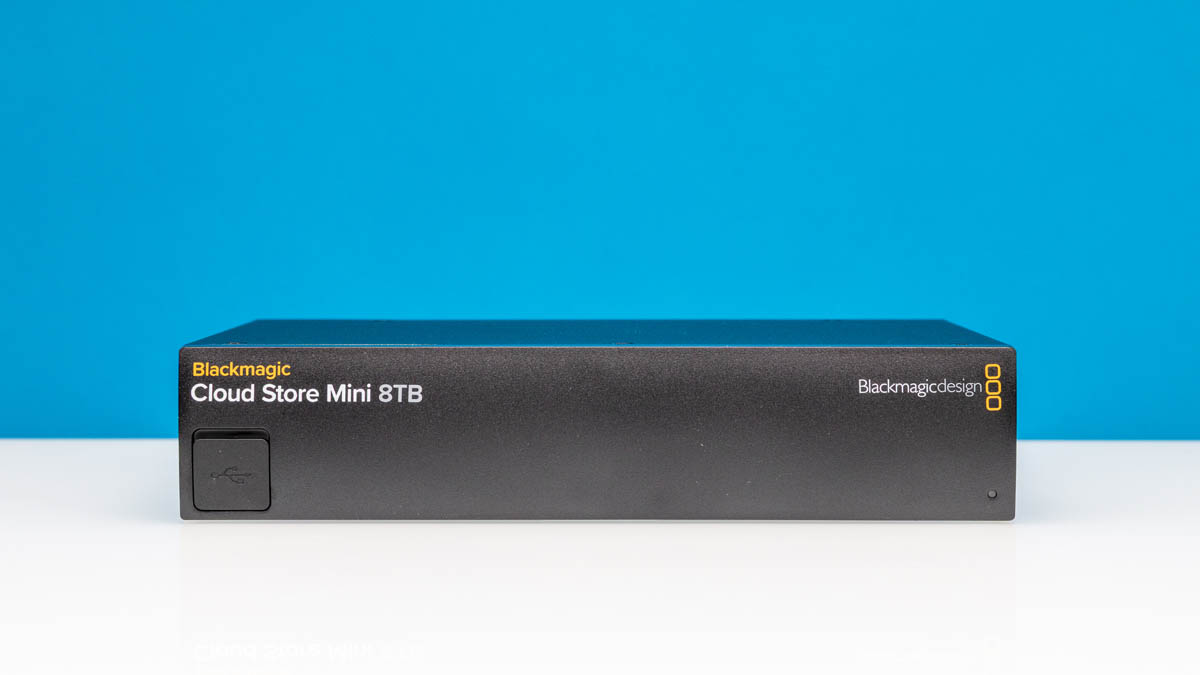
A few weeks ago, we snagged a deal on a Blackmagic Cloud Store Mini 8TB. This device takes four 2TB M.2 SSDs that are pre-installed and turns them into a super easy to use network storage device. It is so easy that it might also be too easy. At the same time, Blackmagic seems to have taken feedback from our previous reviews and there is a feature in this one that we found missing in our previous reviews. If you just want the quick overview, here is the 30-second short:
Blackmagic Cloud Store Mini External Hardware Overview
The first, and important attribute of the Cloud Store Mini is that it is, well, mini. At 8.3 x 6.1 x 1.74 in or 21.1 x 15.5 x 4.42 cm and around 2.6lbs or 1.2kg, this is the kind of NAS that can be thrown into a gear bag or Pelican case for travel.
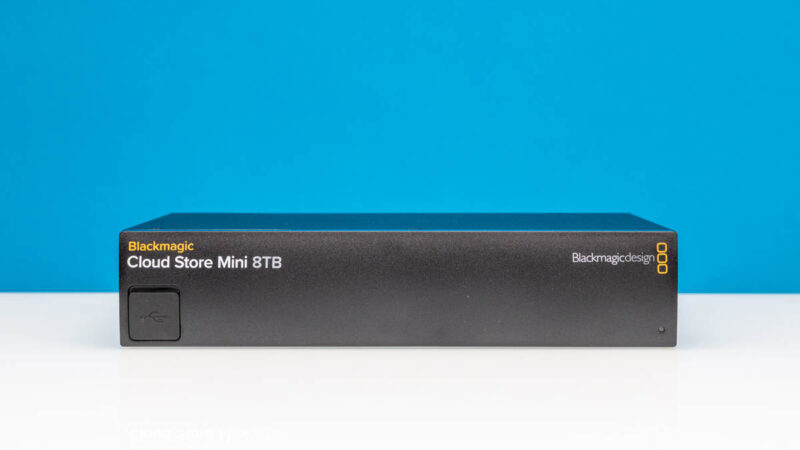
As a quick note, under that rubber USB plug at the front is something even though it is not well labeled on the Blackmagic website and mentioned in specs. It is a USB Type-C port that you can use to plug into a computer.
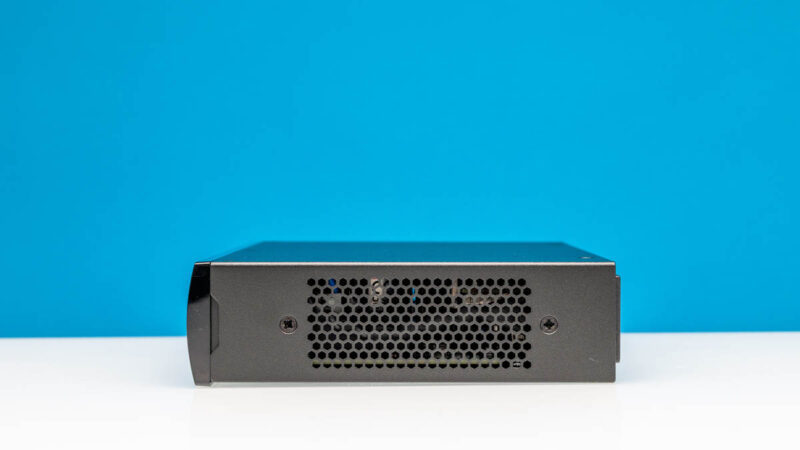
On the sides, we get vents.
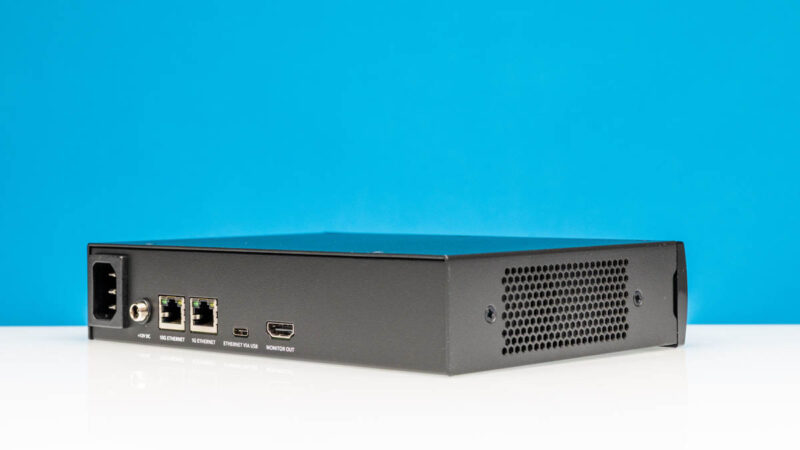
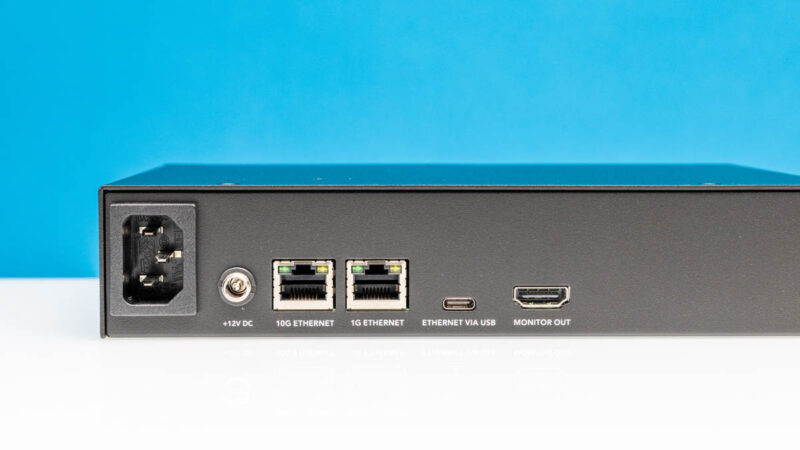
On the rear, we get an AC power input and a DC input for power.
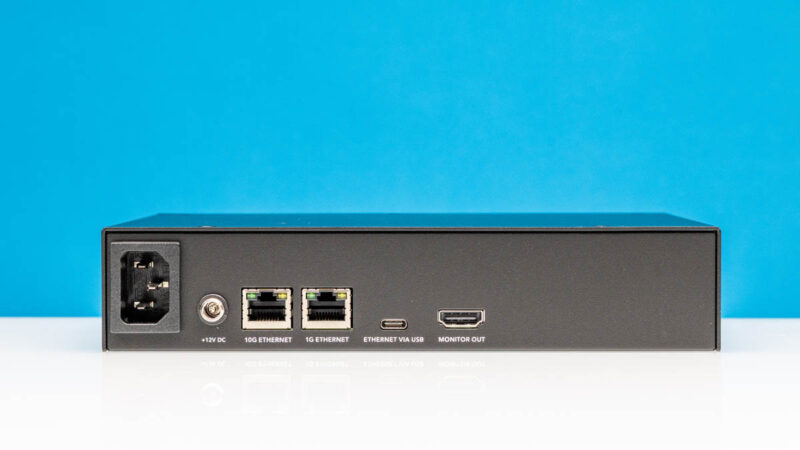
For networking, we get a 10Gbase-T port for 10GbE and a 1GbE port. Like the Blackmagic Cloud Dock 2 A Dual 10GbE NAS we get a USB Type-C port that can present the internal NIC. So instead of needing a dongle to get to Ethernet if you have a Macbook, as an example, you can just plug into this USB Type-C port, have a NIC presented, and then access the NAS.
There is also a 1080p HDMI output. Instead of having a nice web interface like most NAS units we review, the idea is that you hook this up to a HDMI TV, monitor, or other device, and can monitor basic activity from that monitor.
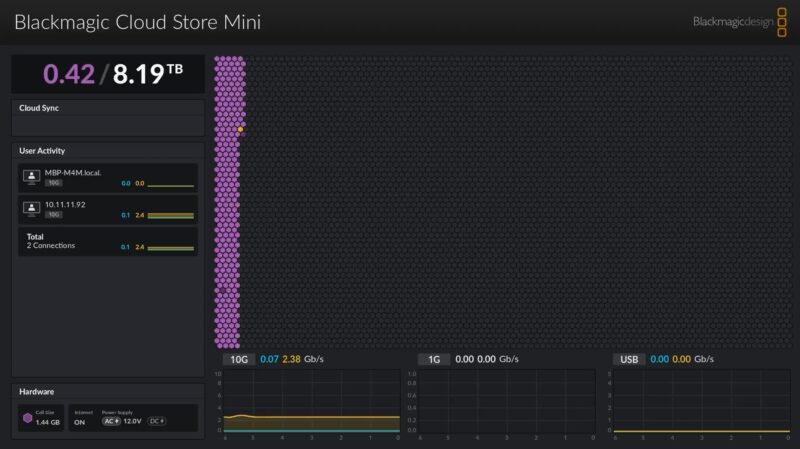
While this dashboard is improved over previous ones we have seen, the big change on the management side is adding security which we will go over in our management section.
Next, let us get inside the system.


8TB Raw for $990, which includes the hardware and software? This seems like an excellent deal for anyone looking for NAS-lite or DAS style system.
If you aren’t in video prod, you may not know them, but BMD is a big US co so this isn’t some fly by night Chinese NAS. I’d want more, but the user and shares is a huge factor now
18W at idle? That’s way too much for a tiny SoC, 4 SSDs, even with 10GbE. Either they didn’t bother with proper power management or the components are extremely old (like Intel X520 which doesn’t support EEE). It’s a shame you didn’t take off the heatsinks to check which components are used.
Are there screwholes and room for rack ears for a 10″ or even a 19″ rack?
Paul – to rack mount you need BMD’s shelf which can be split to house several different bits of their kit on the same shelf. The thermal design is designed to pass the heat sideways through all the devices on the shelf. BMD kit is known for running hot though, so I’d probably put the NAS as the first one in the chain.
Also Reed – BMD is Australian.
BMD a huge US company? You obviously don’t work in video production! A fantastic AUSTRALIAN company, always has been
I looked at the manufacturer’s website. The four SSDs are configured as RAID0.
May issue with BMD gear is reliability. I’ve had 21 of 22 pieces of a product have their internal power supplies fail over the course of a few years. The warranty process for them was a pain and in the end it was simply easier to mod their gear to use external 12V power supplies which permitted them to run cooler and surprisingly more reliable.
Outside of that one major blip, they’ve been decent. What has gotten me excited is that they have a video production focused 10 Gbit switch out.
Comments are closed.