

Recently, we had access to check out KAYTUS MotusAI. This is an enterprise AI DevOps platform that is designed to manage inference and training compute clusters, storage, models, frameworks, and users all in one interface. We had multiple logons set up as different roles just to see how different types of users would interact.
KAYTUS MotusAI for Enterprise AI DevOps
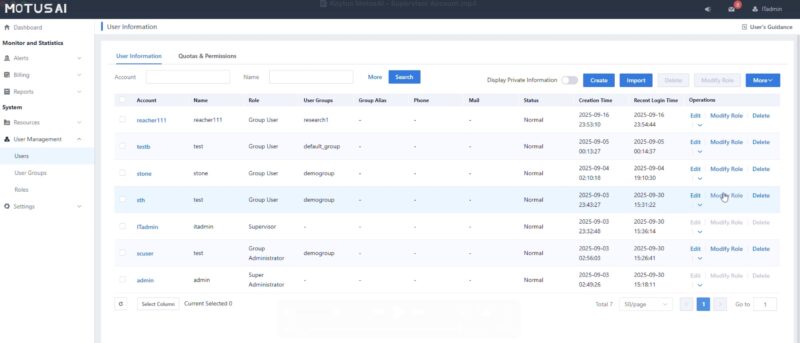
We had four users set up for MotusAI. One was a general user, or someone designed to perform day-to-day AI work in the system. Then we had general admin, admin, and supervisor roles that ranged in capabilities. Those capabilities include defining high-level capabilities, managing resources, and even a supervisor role that was defined more for a manager to see what their direct reports are running and to manage costs.
We did not get to setup thousands of users in MotusAI, but this looks familar for managing users.
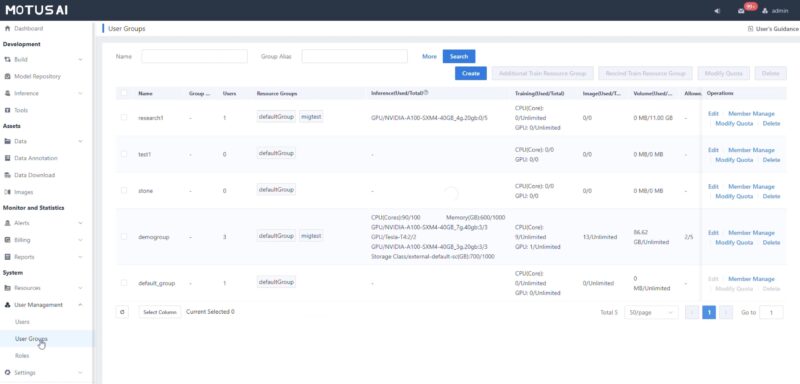
You can also define roles and setup groups. This is important since you may have different sets of capabilities depending on the group.
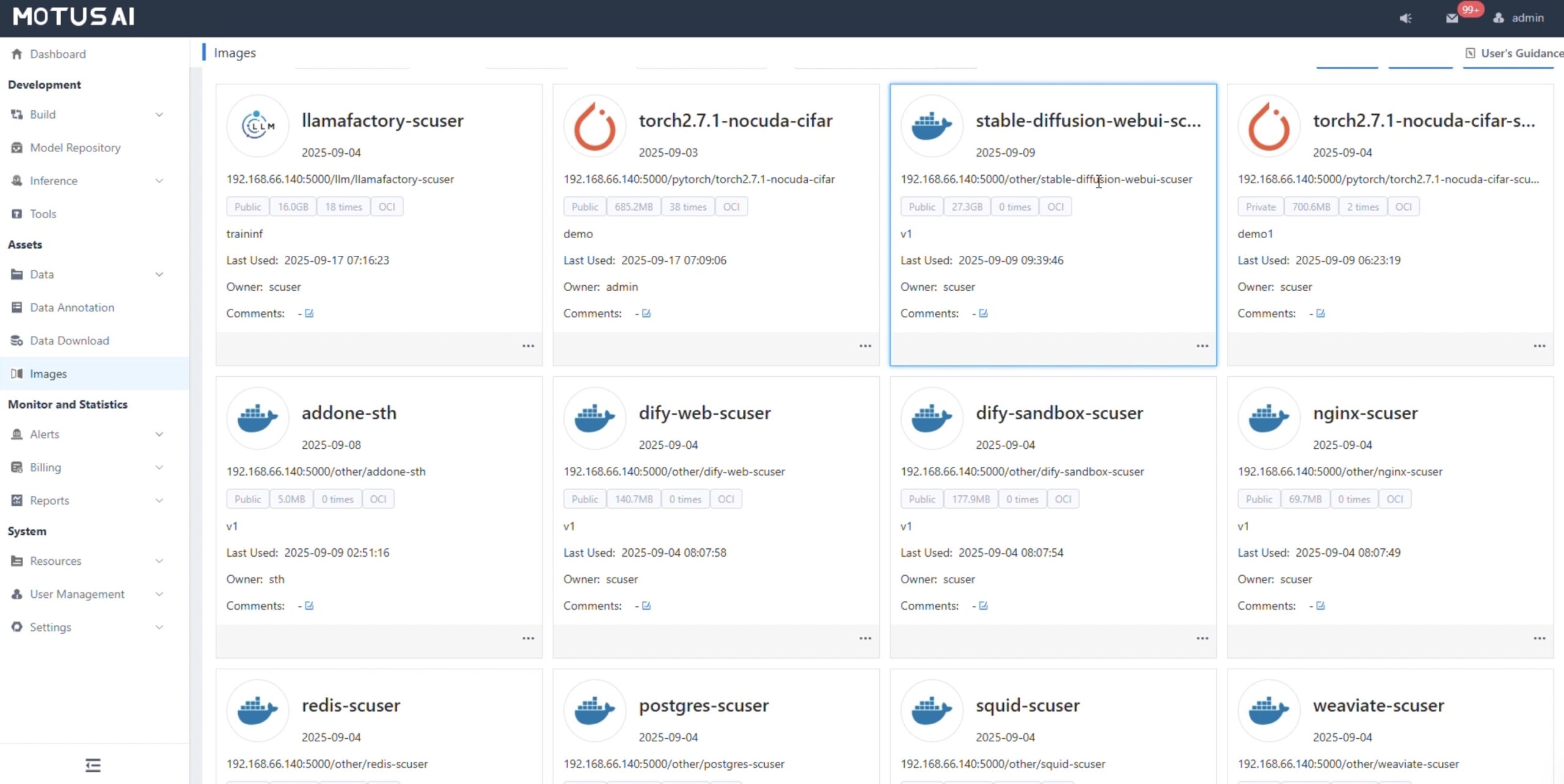
Admins can set container images with different capabilities and have them available in the catalog for users to pick from. The system supports kubernetes to scale applications. It is also deployed in a three node high-availability cluster.
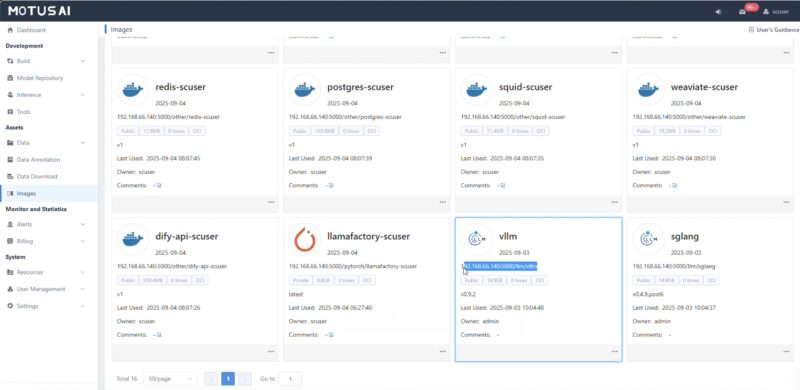
Another task is setting up storage for the images, data sets, and more.
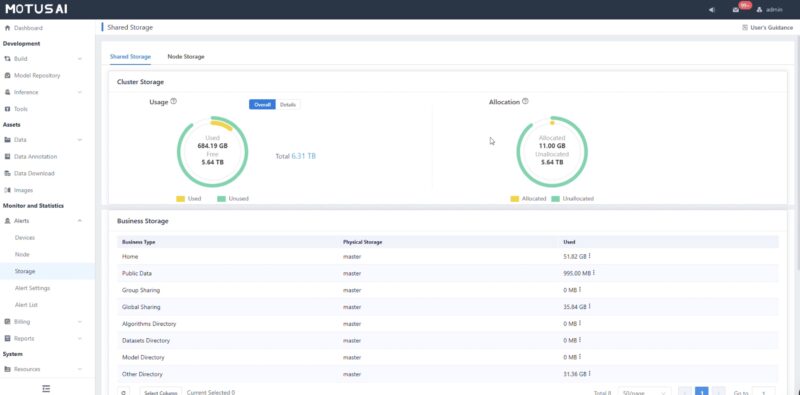
While we focus on GPUs often in AI compute clusters, it also matters where the data is stored. In an enterprise, that also means you may have some groups with data that other groups do not have access to.
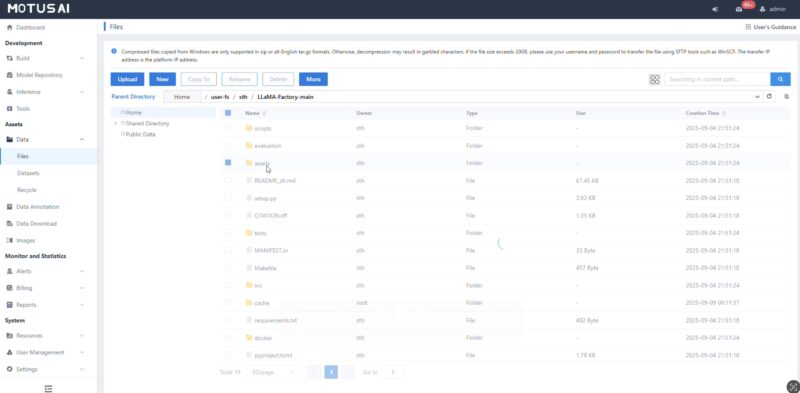
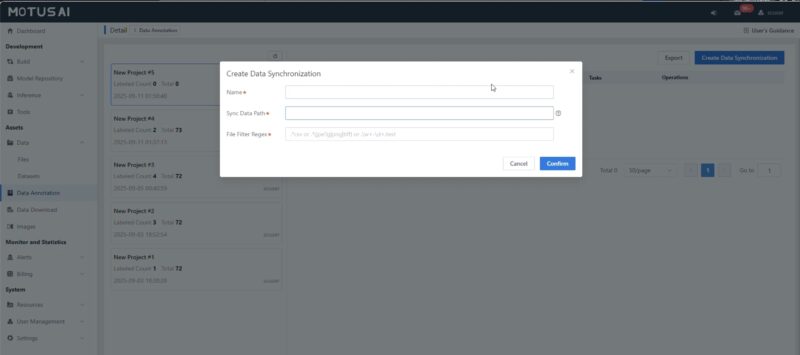
The system has other a capabilities built-in like the ability to launch data synchronization tasks.
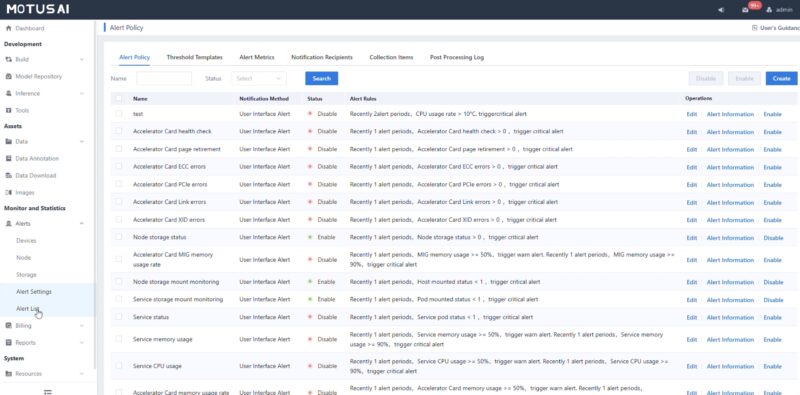
Another common admin task might be monitoring alerts which can be setup in the dashboard.
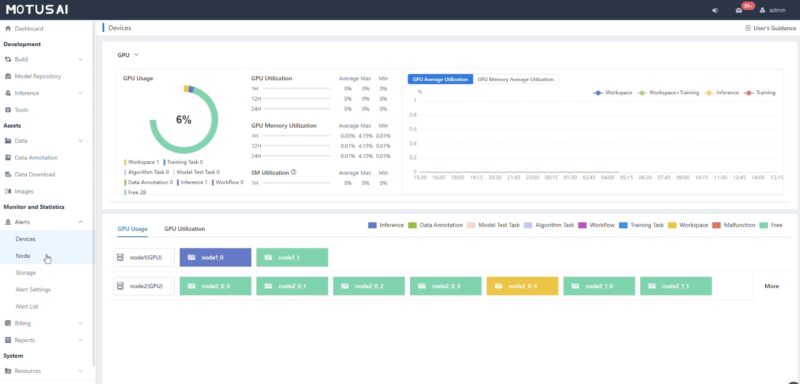
Administrators can also monitor device utilization. Just as a quick one, we only have a few GPUs in our test cluster. Still, it gives you some idea of what this looks like.
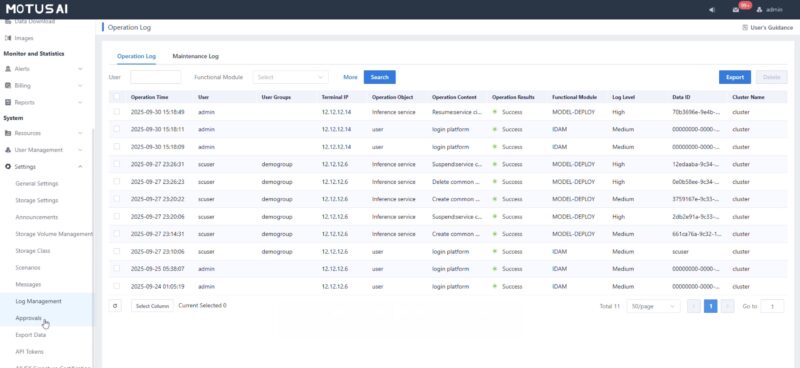
There are also logs that you can monitor as an admin.
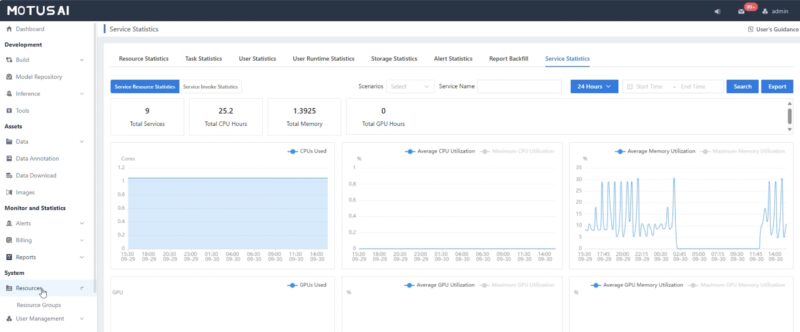
Admins also have access to the cluster health and statistics.
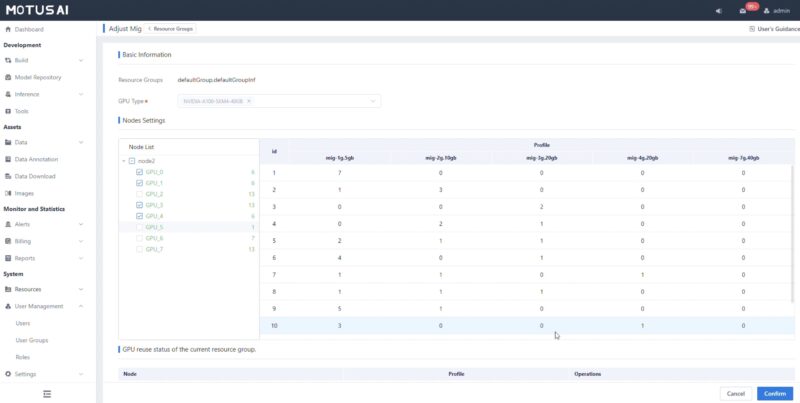
A cool feature we found while poking around is that you can setup MiG, or Many instance GPU. There is an interface for setting up how modern NVIDIA GPUs can be partitioned and then shared as clustered resources.
Next, let us get into some of the user setup and billing.




This whole thing reads like an advertorial and doesn’t seem to match the same quality STH usually offers.
Not to mention the typo at the end where it looks like the copy/paste was cut off:
“These are the
Final Words”
The normally high quality of STH is lacking here, and the entire thing comes off as an advertisement.