

Alta Labs Route10 Management
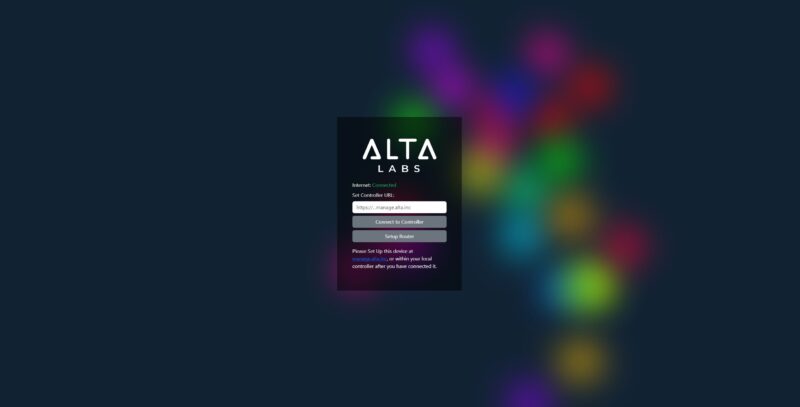
There are three options for running the Alta Labs controller. You can use the cloud-hosted controller, a hardware controller, or a self-hosted controller. For this, we just used the cloud-hosted controller. We fired up the gateway, and we were greeted with a login page.
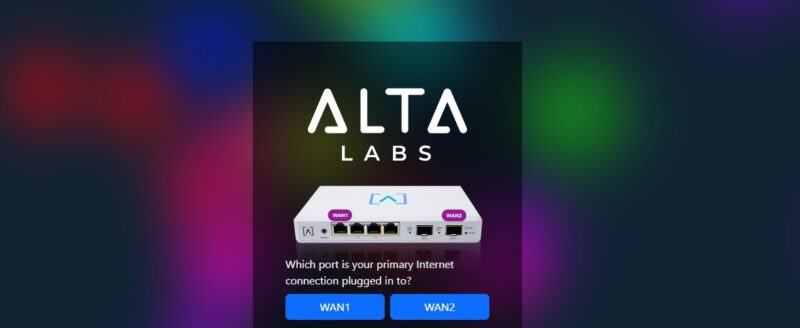
That let us select whether we wanted to use a 2.5GbE port or a SFP+ port as the WAN.
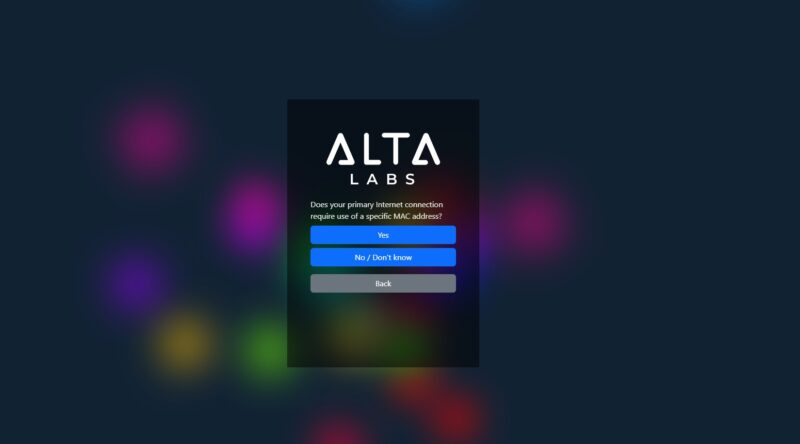
It also asked if we needed a WAN specific MAC address.
The unit then asked us to set up the default LAN and VLAN information.
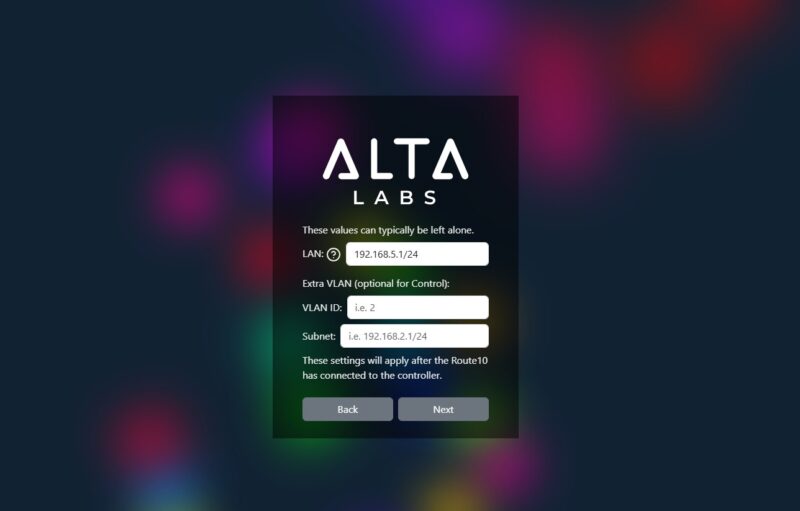
All of this setup was to get the unit online and connected to the controller. Alta Labs has both a hardware version and a cloud-hosted version. We did not have the local controller hardware, which would be analogous in some ways to the Ubiquiti CloudKey Gen2 Plus UCK-G2-SSD we reviewed. Instead, we connected to the cloud option.
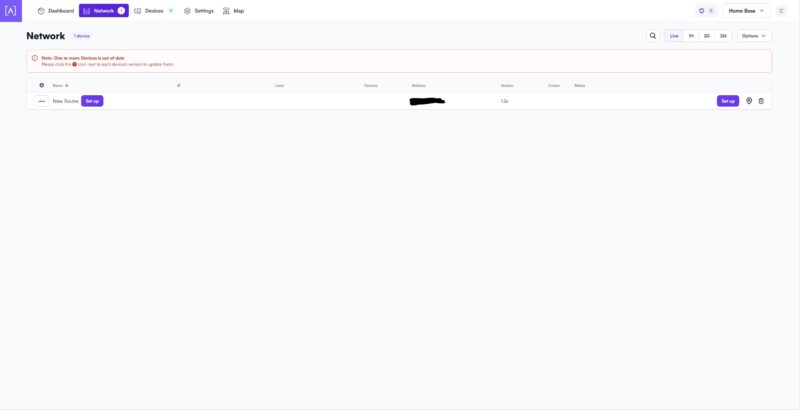
Here we could do our basic configuration.
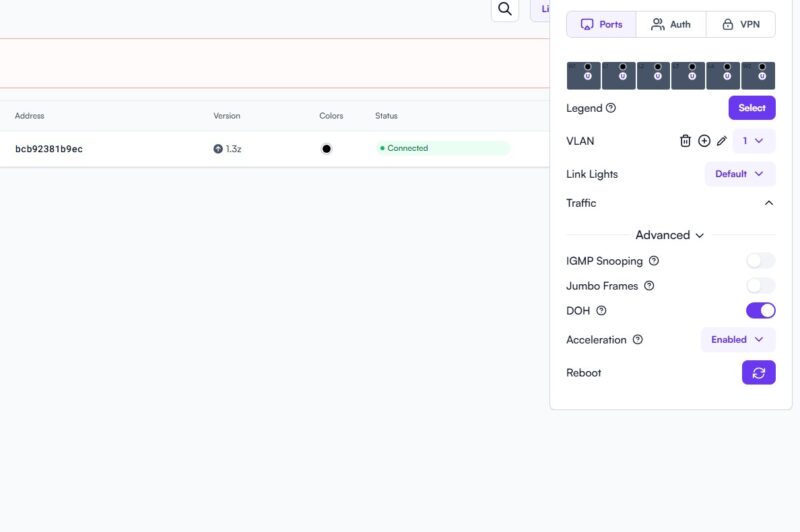
We could also set up our WAN to be static so we can hook it up to our Keysight CyPerf peformance testing box.
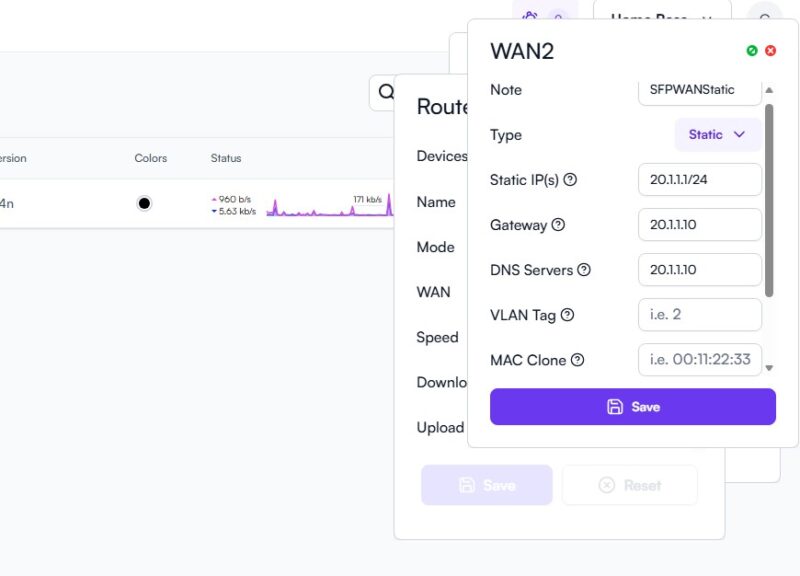
Here is the advanced settings.
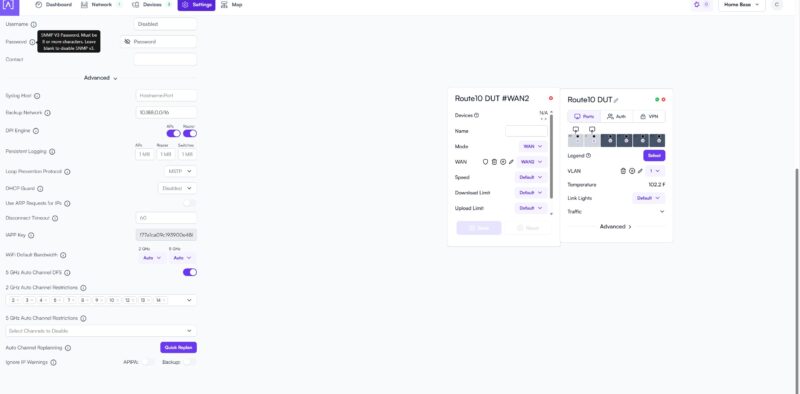
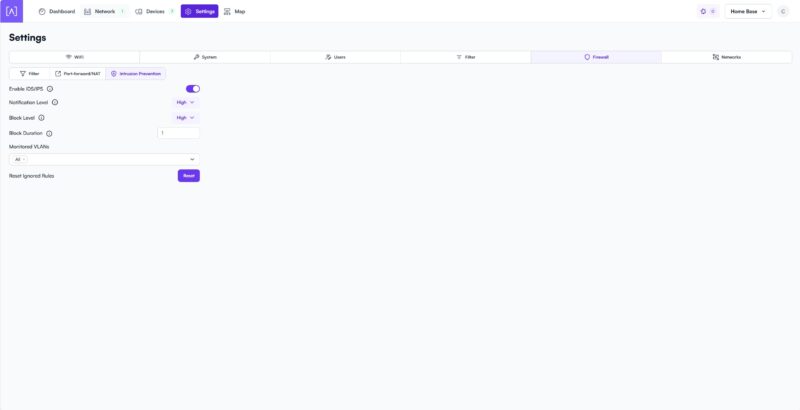
Here are the IDS/ IPS settings.
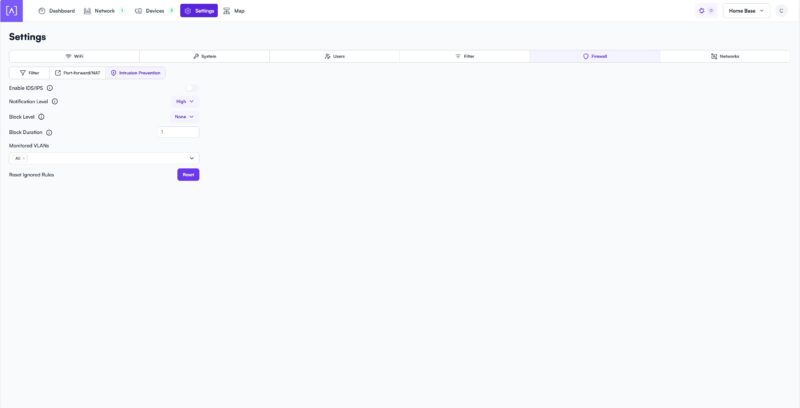
For our testing, we turned these on.
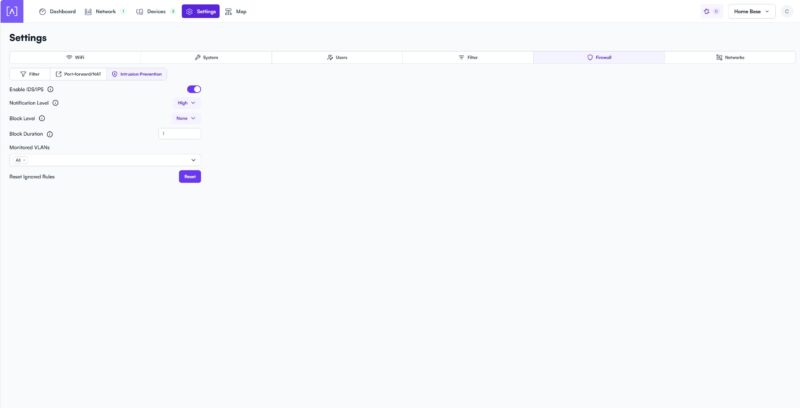
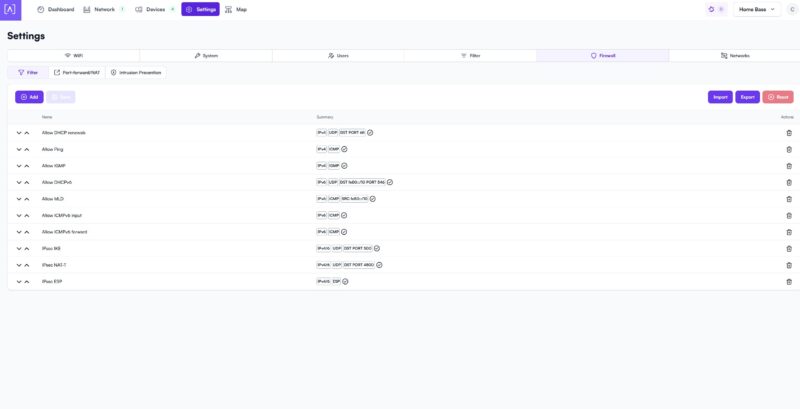
There are also firewall settings that you can edit.
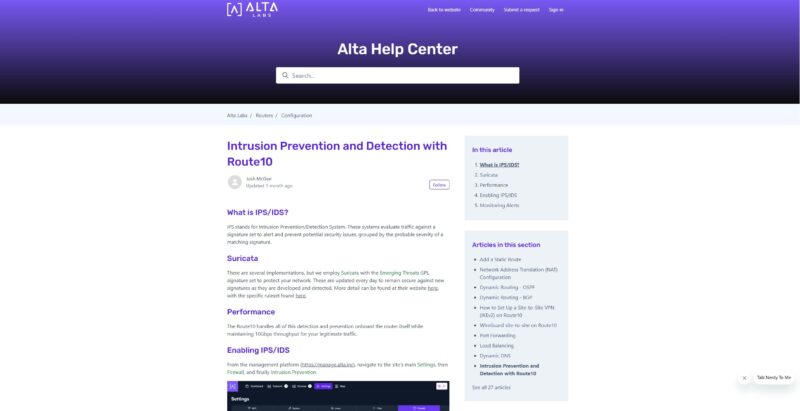
We were curious, so we found that Alta Labs says they use Suricata for their IDS/ IPS function.
We decided to use the high setting, but of course, there are plenty of knobs that we could turn in the solution.
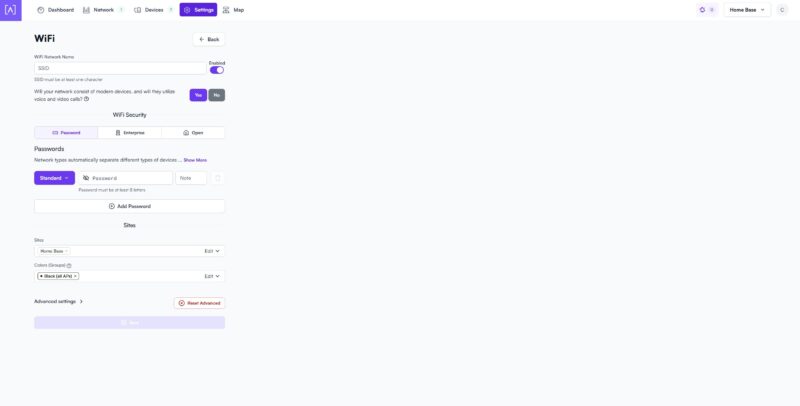
Alta Labs also has many WiFi solutions. We noticed this setting, but we were not connecting the company’s WiFi products.
Longtime readers may notice, we turned the IDS/ IPS features on high, and so our performance results are going to be interesting. Let us get to those next.



There’s now such a gap between STH and other sites on their testing of gateways. I wish you’d do wifi too.
Also I’d like to see regular updates of the vulnerabilities tested.
I have one of these and in general it’s good. I like that it’s silent. As a home user I don’t really seem to tax it and I can utilise pretty much all of my 10Gb connection.
For me the big let down is the self-hosted container for the controller, I wish this had been covered in the review. It’s a rather older version of the controller and doesn’t get updated very often. To update you need to let the controller software itself do the update and not by pulling a new container. Moreover, the container doesn’t save state so you end up having to update the controller and restore the backup if anything happens.
Speaking of backups, it’s also currently a manual process to take a backup so you have to remember do it each time you make changes.
I hope they fix this as for me it spoils an otherwise good system.
STH reviews continue to be odd.
You cover some really great things that other sites don’t. But then you leave great big gaping holes. Why no discussion of the self-hosted controller option?
I will say, I really appreciate that you didn’t just ignore the security features this time, as you’ve done in previous reviews. That’s a big improvement.
great hands on coverage of both the physical design and how the ports are laid out. good read if you are considering a high speed network upgrade.
Might want to mention who is behind Alta beyond mentioning it as a company you haven’t heard of.
https://chrisbuechler.com
ex pfSense and UBNT
I am evaluating a new gateway, and this (along with the far mode expensive UXG fiber) could be a candidate.
A really nice-to-have feature is having redundant links to my home switches, either via a L2 portchannel, or via L3 dynamic routing.
Ubiquiti UXG/UCG line are missing LAG, but support OSPF, so I can have 2 interfaces upstreaming the same subnet advertisement.
Anyone can confirm whether either method is available on this Route10?
I’ve just looked and I couldn’t see any options in the Controller GUI. It might be possible from the CLI, but this goes beyond my knowledge to answer.
The forum is usually quite helpful, you could ask on there for a more definite answer.
Nice review! I’m kinda curious what firmware version the router was tested on. Looking through their forum it looks like there’s been some hardware offload changes/improvements on later firmware versions.
And to answer Ivan’s question, going through the release notes it looks like they added support for OSPF (and BGP) back in November if that helps at all.
Can-it be used as a switch ?
For those wanting a more comprehensive write-up on the people behind Alta (as pointed out above, former PFSense / UBNT engineers), here’s a link to Alta’s own spiel:
https://www.alta.inc/blog/why-alta-labs-is-not-a-startup