

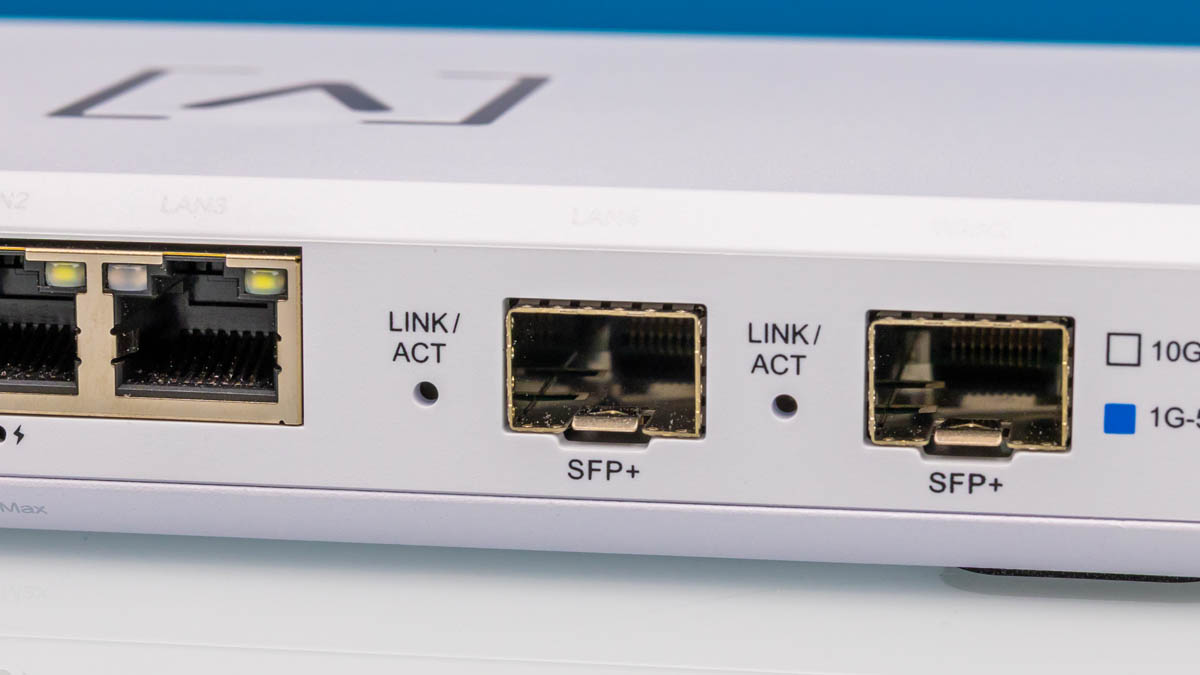
A few months ago, we reviewed the Ubiquiti UCG-Fiber and stumbled upon the Alta Labs Route10. A number of folks pointed out that the Route10 offers two SFP+ 10G ports and four 2.5GbE ports, with two of the 2.5GbE ports PoE+ for powering downstream devices, and it’s available for only $199. We purchased one and thought we would take it apart and put it through our testing suite.
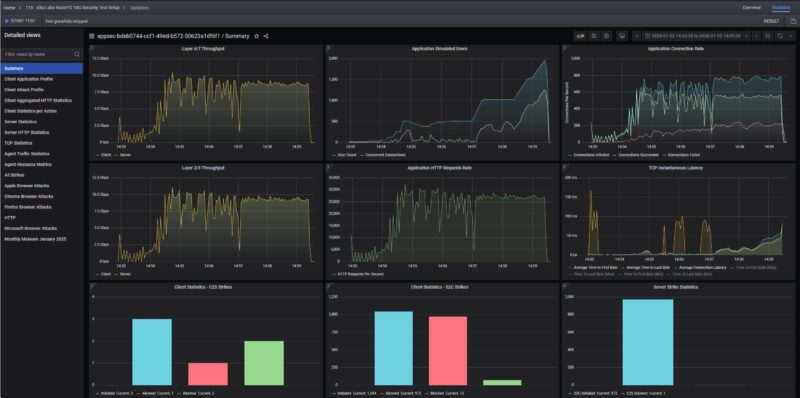
What is more, we looked at what happened when we enabled security features on the Route10 gateway using our high-end testing platform. This is a fun review.
Here is an Amazon Affiliate link to what we purchased.
Alta Labs Route10 Hardware Overview
The Route10 is 180 x 110 x 29.8mm or 7.09 x 4.33 x 1.17″ and looks very slick. Most of the chassis is plastic with a metal bottom, so it weighs roughly 0.46kg or 1lb.
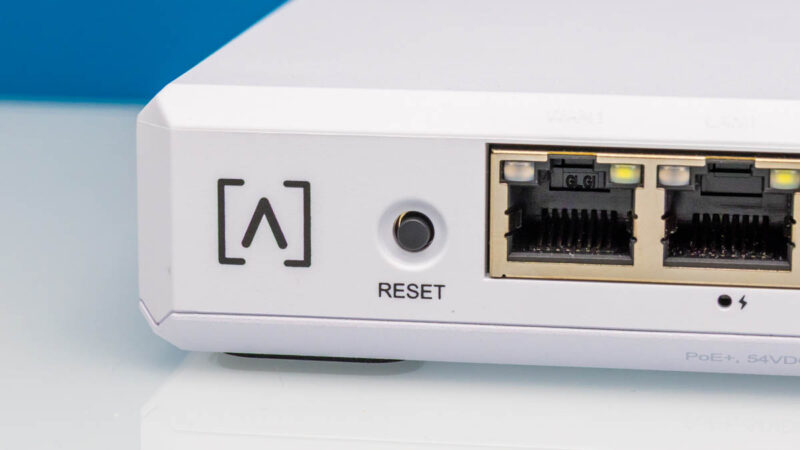
On the left, we get a logo and a reset button.
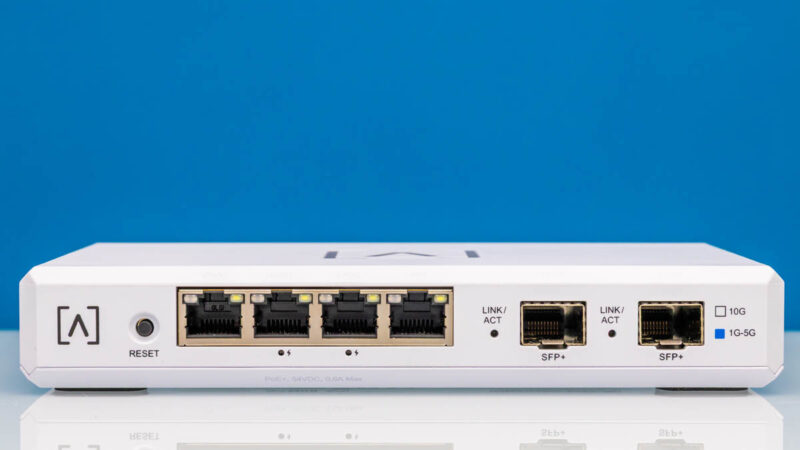
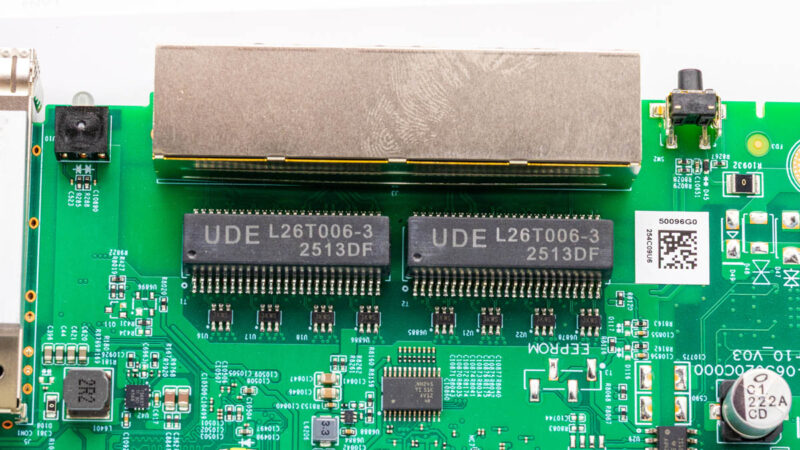
Then we get four 2.5GbE ports. The middle two are PoE+ ports. We tested the PoE+ ports and our Fluke MicroScanner PoE and Fluke LinkIQ Duo, and they were both showing 25.5W so we can validate that power.
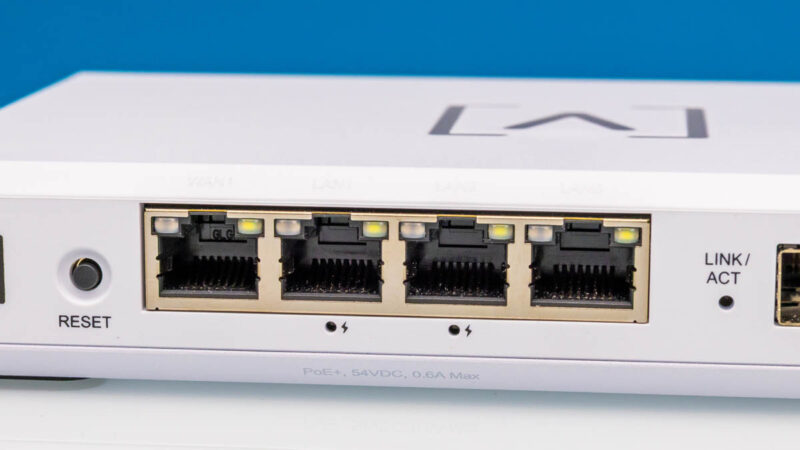
Next, there are two SFP+ 10G ports.
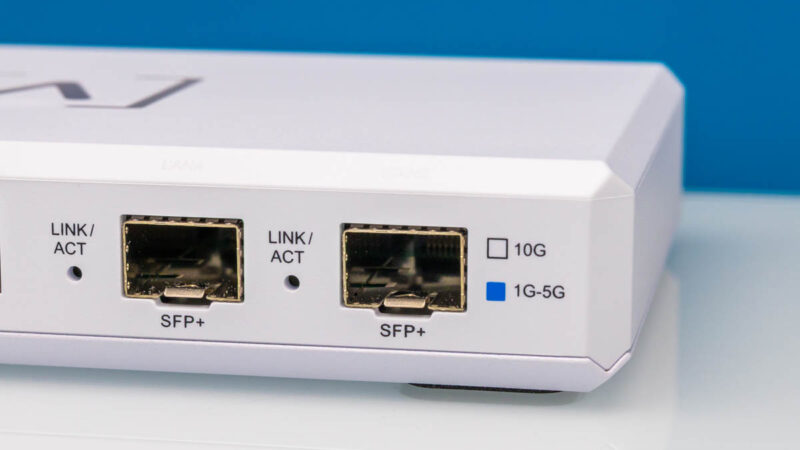
There is not much on each side of the unit.
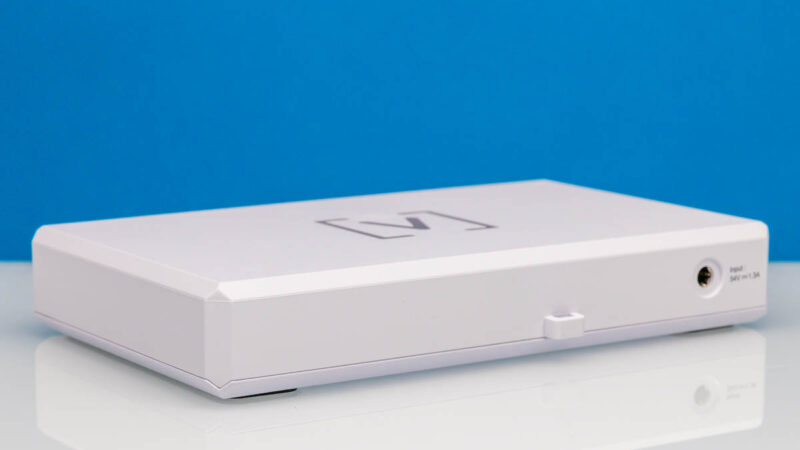
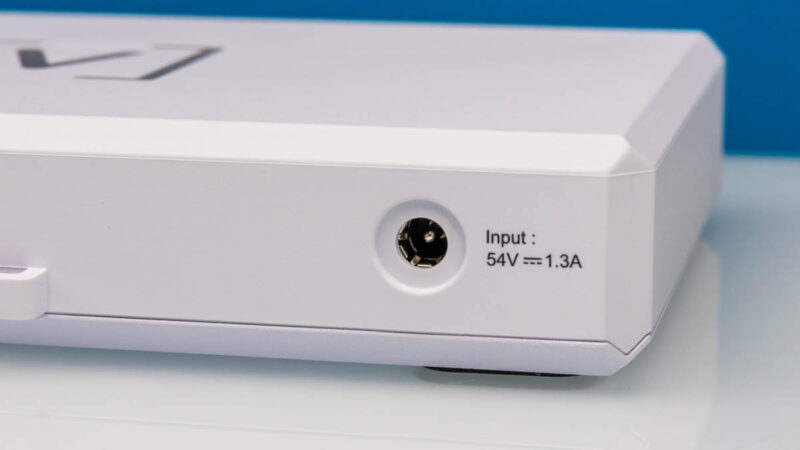
In the rear, there is a loop and a 54V power input. The 1.3A may seem like a lot, but this is also the power input for the PoE+ ports. It would have been nice to have some way to secure the DC barrel jack.
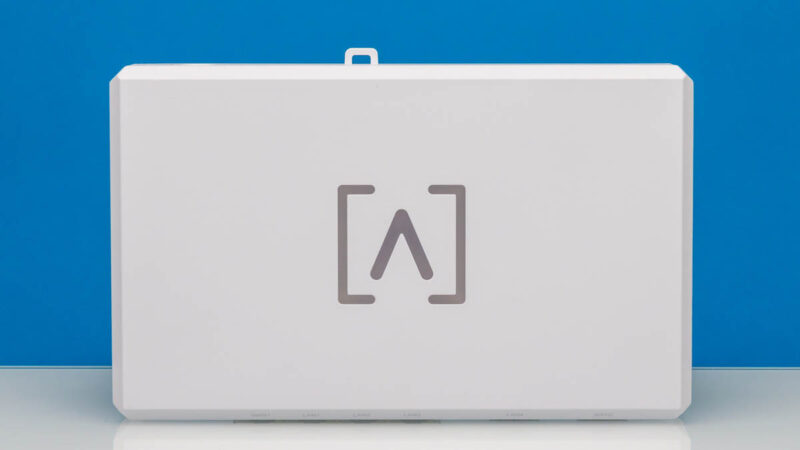
On top, we get the Alta Labs logo that lights up when it is on.
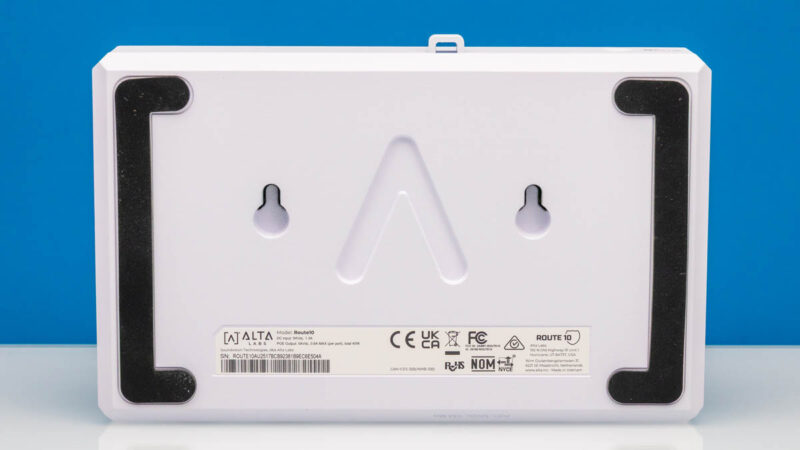
On the bottom, we get mounting points. There are also two large rubber feet.
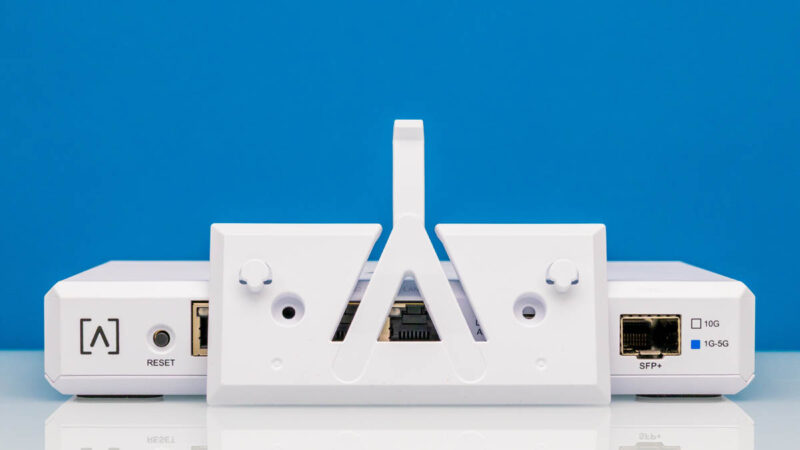
We also get a mounting bracket to mount this to a wall.
Getting inside the gateway, we see a neat design.
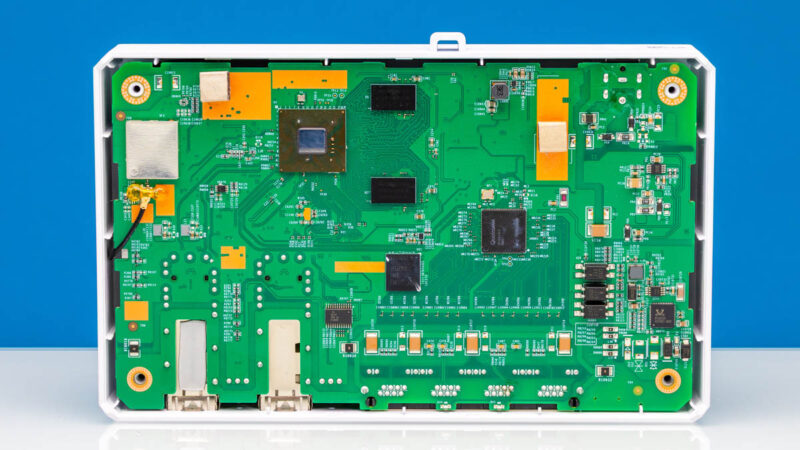
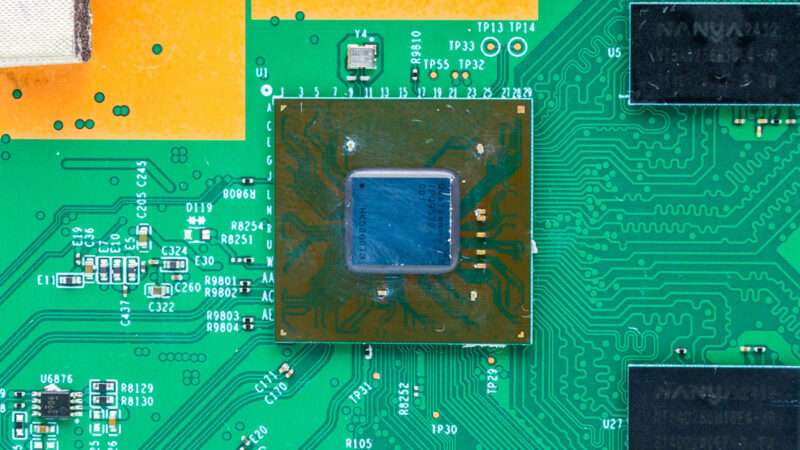
The main chip is a Qualcomm IPQ9570. This is often seen in WiFi 7 routers with its quad core Arm CPU, 10G connectivity, and hardware acceleration for networking.
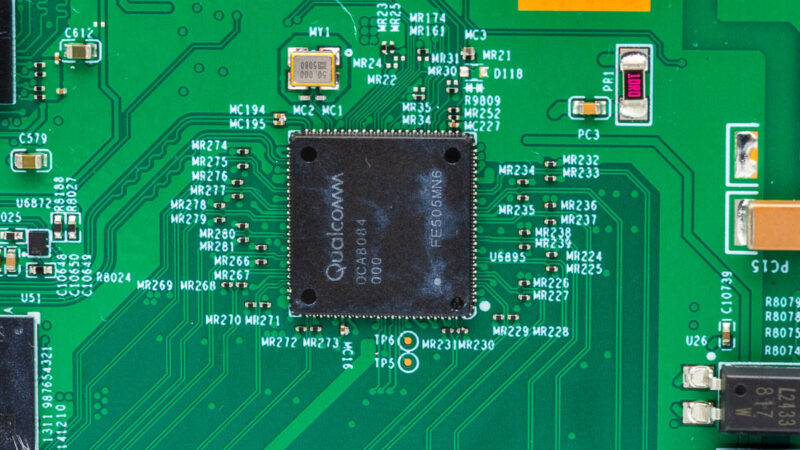
We also saw a Qualcomm QCA8084 in there for the 2.5GbE side.
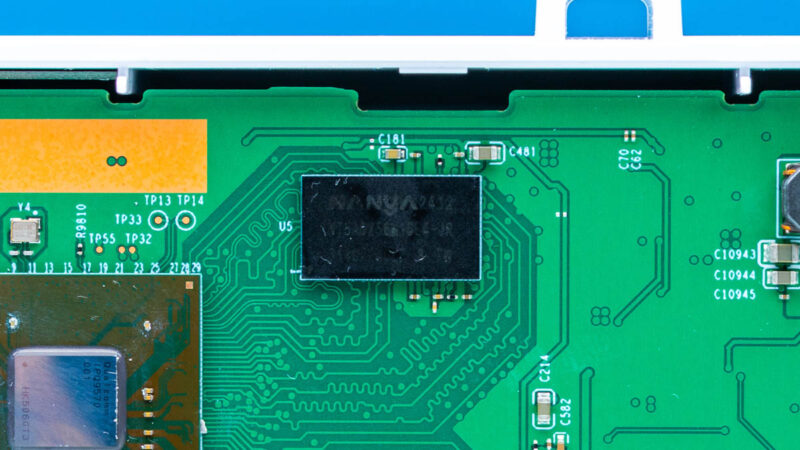
Here is one of the DRAM packages.
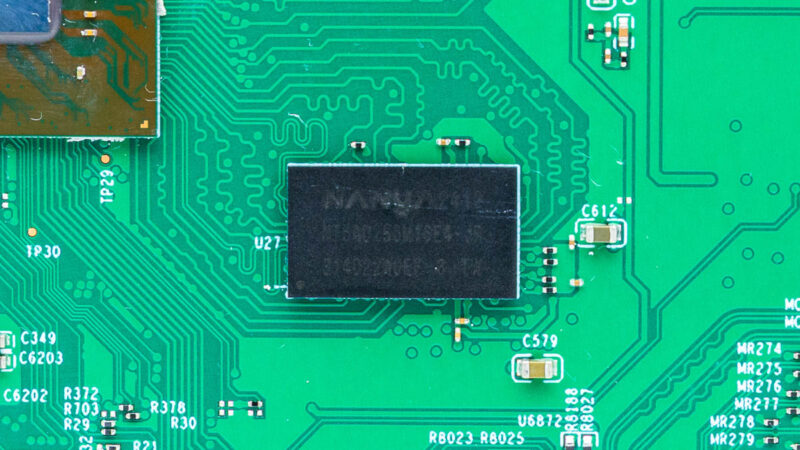
Here is another package.
When we flipped the board over, we can see the ports and the power inputs.
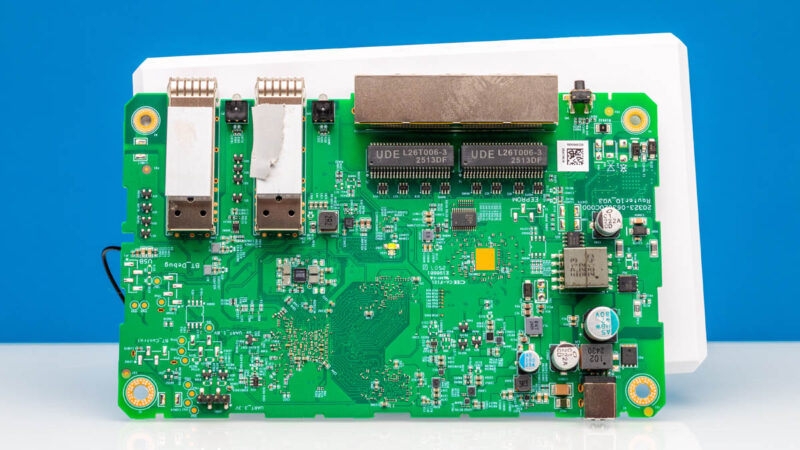
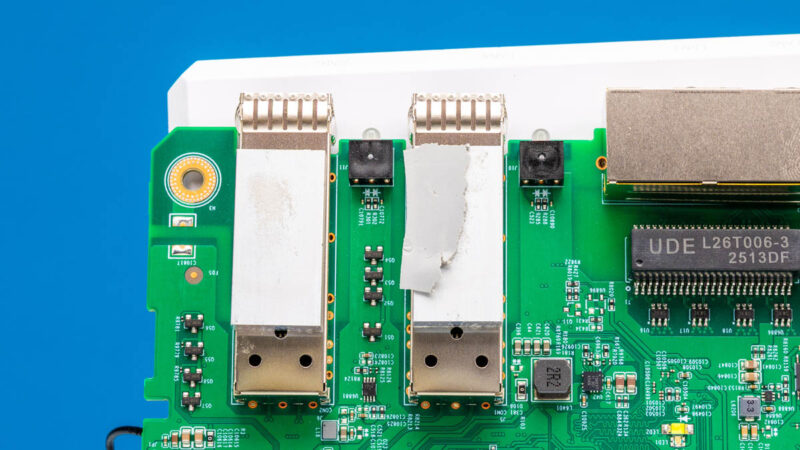
One neat part of this is that the SFP+ ports have small cooling blocks and thermal interface material, which are cooled by a metal piece at the top of the chassis.
Here is the 2.5GbE port area with the reset button as well.
Next, let us check out the management.

There’s now such a gap between STH and other sites on their testing of gateways. I wish you’d do wifi too.
Also I’d like to see regular updates of the vulnerabilities tested.