

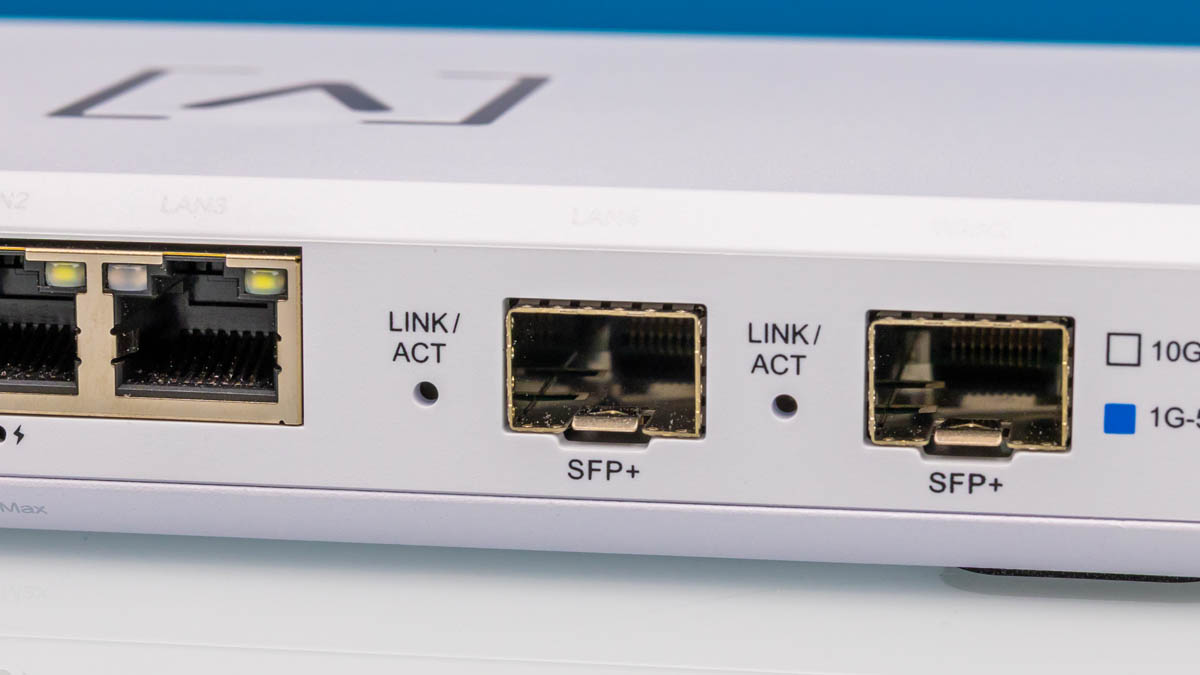
A few months ago, we reviewed the Ubiquiti UCG-Fiber and stumbled upon the Alta Labs Route10. A number of folks pointed out that the Route10 offers two SFP+ 10G ports and four 2.5GbE ports, with two of the 2.5GbE ports PoE+ for powering downstream devices, and it’s available for only $199. We purchased one and thought we would take it apart and put it through our testing suite.
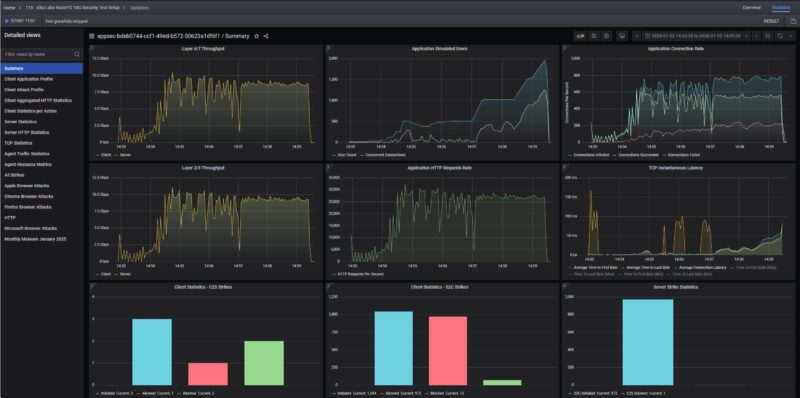
What is more, we looked at what happened when we enabled security features on the Route10 gateway using our high-end testing platform. This is a fun review.
Here is an Amazon Affiliate link to what we purchased.
Alta Labs Route10 Hardware Overview
The Route10 is 180 x 110 x 29.8mm or 7.09 x 4.33 x 1.17″ and looks very slick. Most of the chassis is plastic with a metal bottom, so it weighs roughly 0.46kg or 1lb.
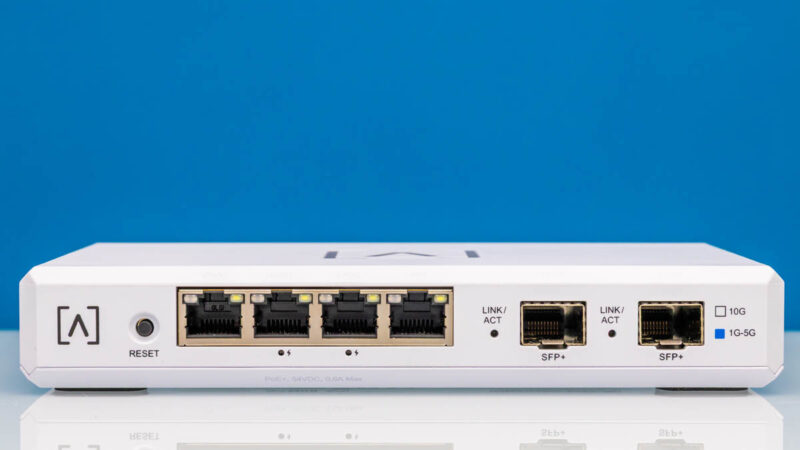
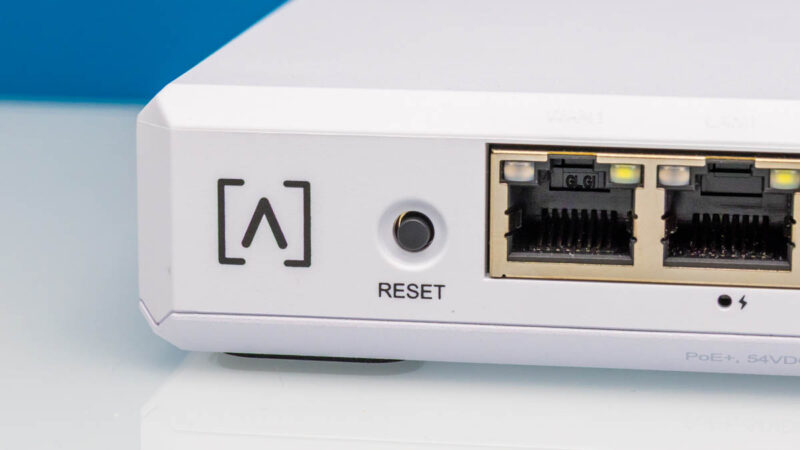
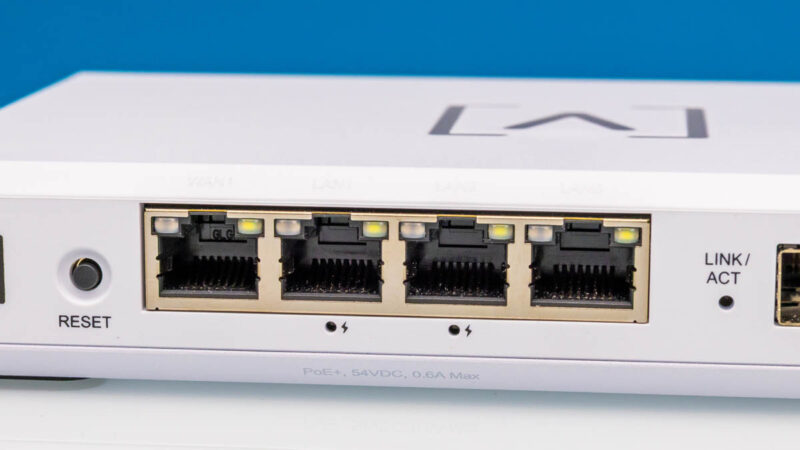
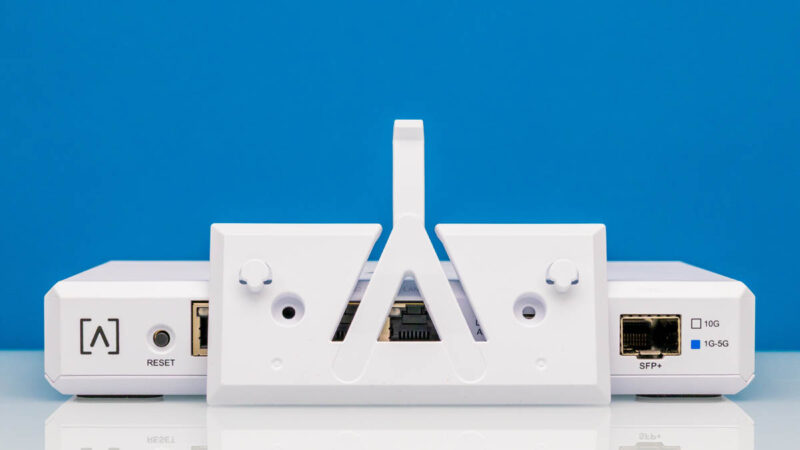
On the left, we get a logo and a reset button.
Then we get four 2.5GbE ports. The middle two are PoE+ ports. We tested the PoE+ ports and our Fluke MicroScanner PoE and Fluke LinkIQ Duo, and they were both showing 25.5W so we can validate that power.
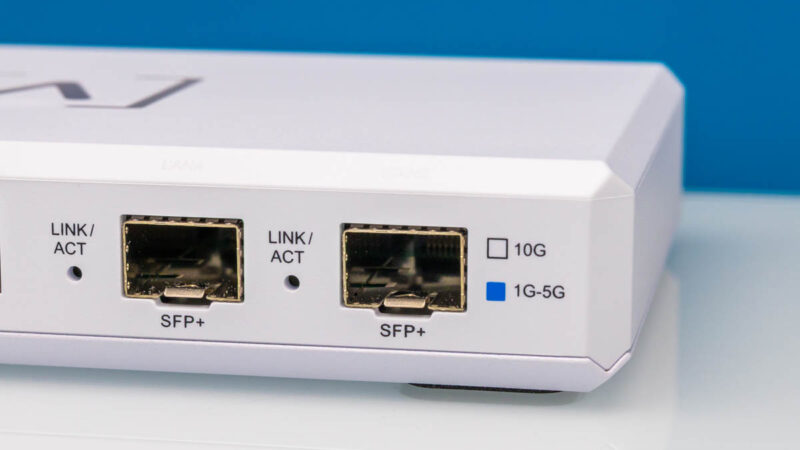
Next, there are two SFP+ 10G ports.
There is not much on each side of the unit.
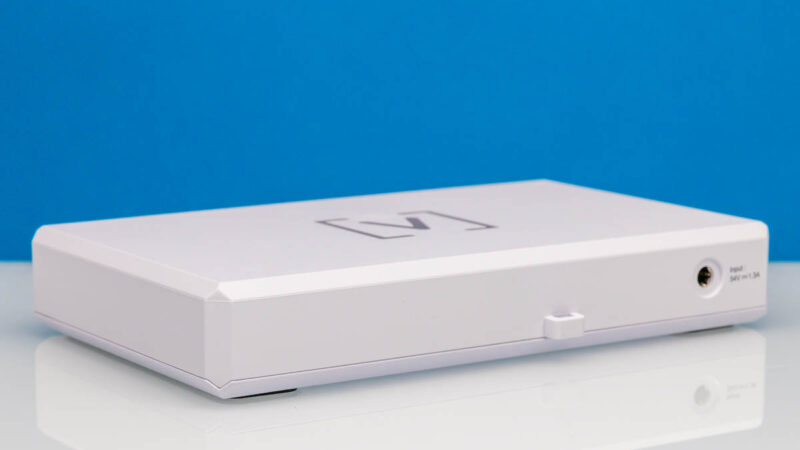
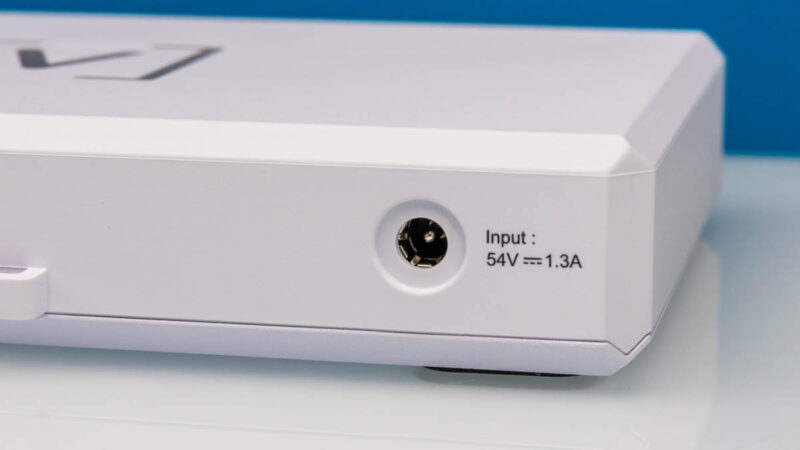
In the rear, there is a loop and a 54V power input. The 1.3A may seem like a lot, but this is also the power input for the PoE+ ports. It would have been nice to have some way to secure the DC barrel jack.
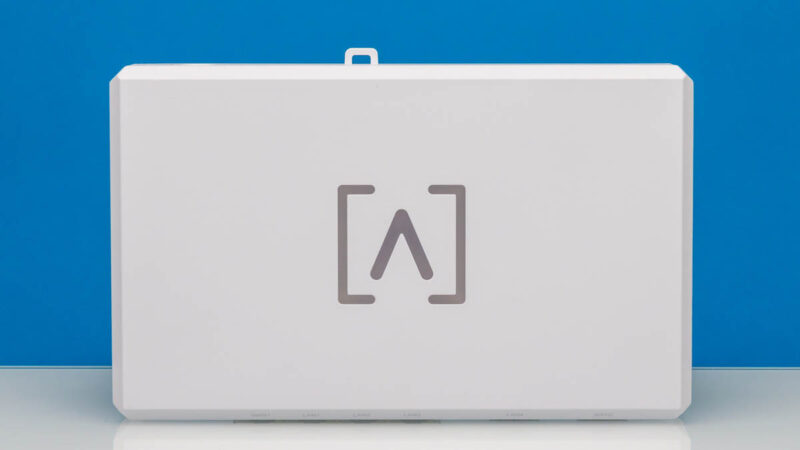
On top, we get the Alta Labs logo that lights up when it is on.
On the bottom, we get mounting points. There are also two large rubber feet.
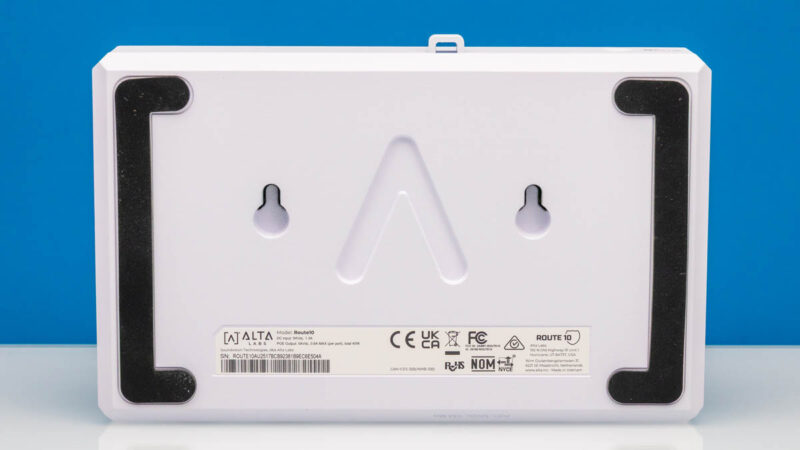
We also get a mounting bracket to mount this to a wall.
Getting inside the gateway, we see a neat design.
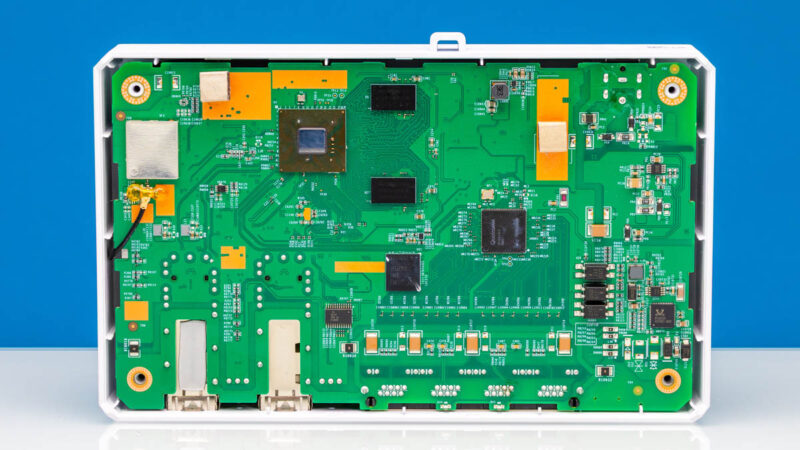
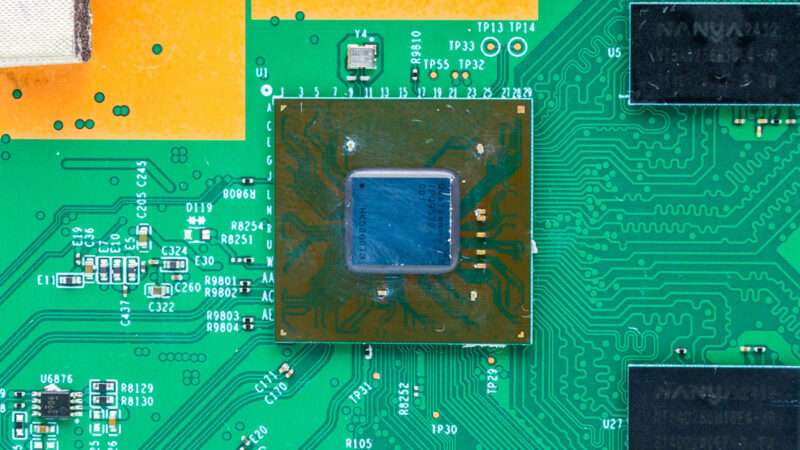
The main chip is a Qualcomm IPQ9570. This is often seen in WiFi 7 routers with its quad core Arm CPU, 10G connectivity, and hardware acceleration for networking.
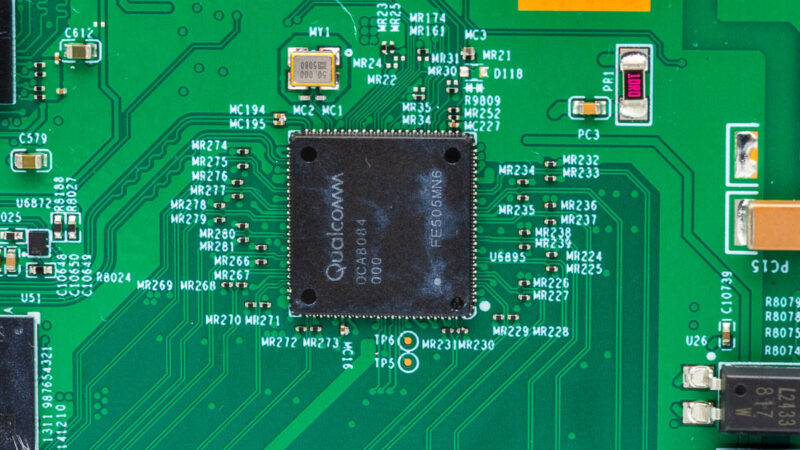
We also saw a Qualcomm QCA8084 in there for the 2.5GbE side.
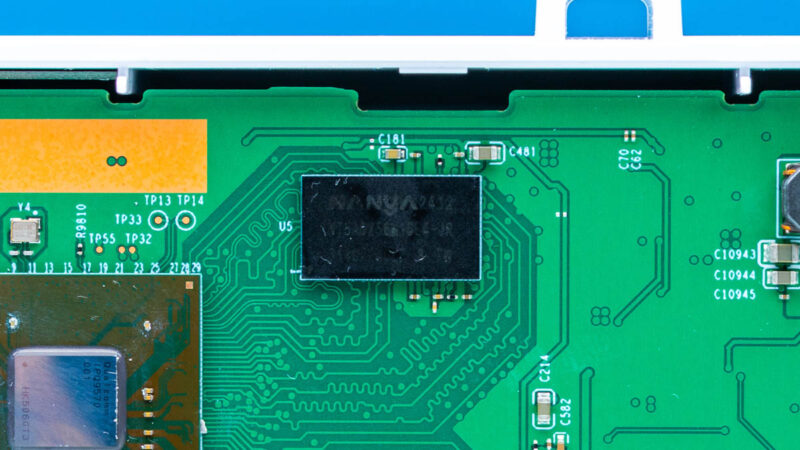
Here is one of the DRAM packages.
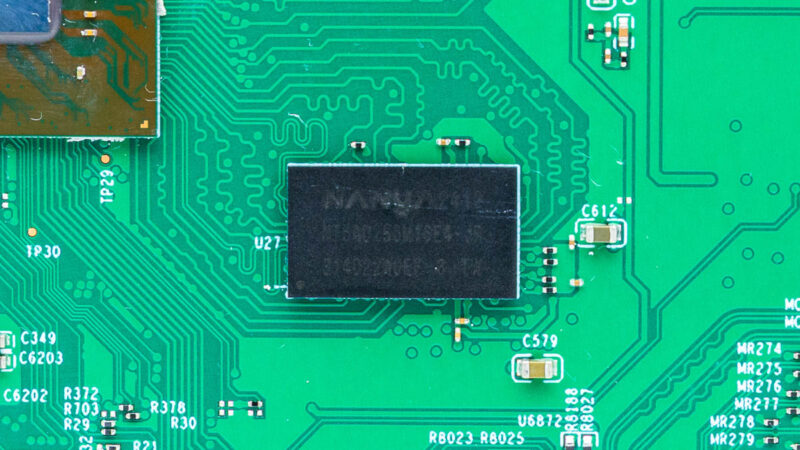
Here is another package.
When we flipped the board over, we can see the ports and the power inputs.
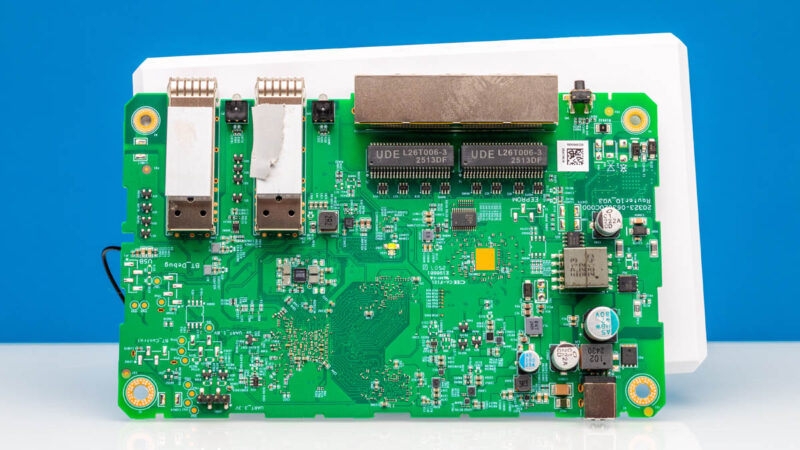
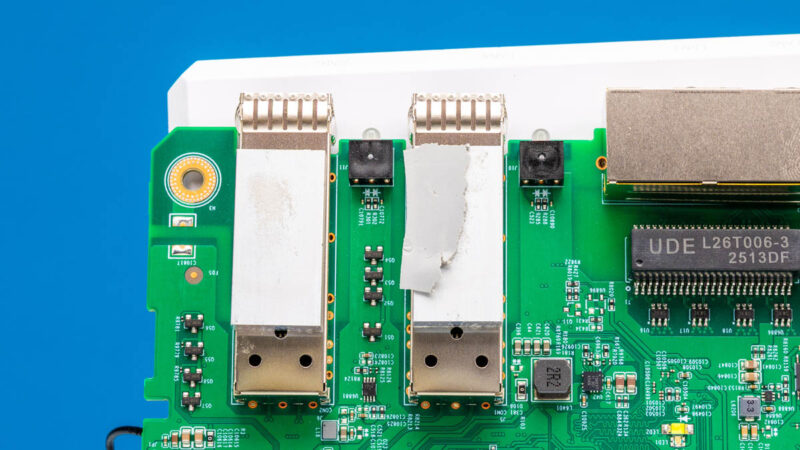
One neat part of this is that the SFP+ ports have small cooling blocks and thermal interface material, which are cooled by a metal piece at the top of the chassis.
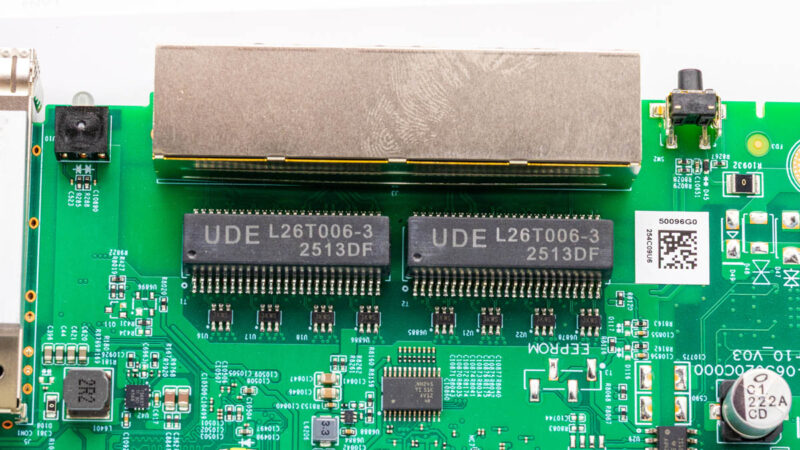
Here is the 2.5GbE port area with the reset button as well.
Next, let us check out the management.

There’s now such a gap between STH and other sites on their testing of gateways. I wish you’d do wifi too.
Also I’d like to see regular updates of the vulnerabilities tested.
I have one of these and in general it’s good. I like that it’s silent. As a home user I don’t really seem to tax it and I can utilise pretty much all of my 10Gb connection.
For me the big let down is the self-hosted container for the controller, I wish this had been covered in the review. It’s a rather older version of the controller and doesn’t get updated very often. To update you need to let the controller software itself do the update and not by pulling a new container. Moreover, the container doesn’t save state so you end up having to update the controller and restore the backup if anything happens.
Speaking of backups, it’s also currently a manual process to take a backup so you have to remember do it each time you make changes.
I hope they fix this as for me it spoils an otherwise good system.
STH reviews continue to be odd.
You cover some really great things that other sites don’t. But then you leave great big gaping holes. Why no discussion of the self-hosted controller option?
I will say, I really appreciate that you didn’t just ignore the security features this time, as you’ve done in previous reviews. That’s a big improvement.
great hands on coverage of both the physical design and how the ports are laid out. good read if you are considering a high speed network upgrade.
Might want to mention who is behind Alta beyond mentioning it as a company you haven’t heard of.
https://chrisbuechler.com
ex pfSense and UBNT
I am evaluating a new gateway, and this (along with the far mode expensive UXG fiber) could be a candidate.
A really nice-to-have feature is having redundant links to my home switches, either via a L2 portchannel, or via L3 dynamic routing.
Ubiquiti UXG/UCG line are missing LAG, but support OSPF, so I can have 2 interfaces upstreaming the same subnet advertisement.
Anyone can confirm whether either method is available on this Route10?
I’ve just looked and I couldn’t see any options in the Controller GUI. It might be possible from the CLI, but this goes beyond my knowledge to answer.
The forum is usually quite helpful, you could ask on there for a more definite answer.
Nice review! I’m kinda curious what firmware version the router was tested on. Looking through their forum it looks like there’s been some hardware offload changes/improvements on later firmware versions.
And to answer Ivan’s question, going through the release notes it looks like they added support for OSPF (and BGP) back in November if that helps at all.
Can-it be used as a switch ?
For those wanting a more comprehensive write-up on the people behind Alta (as pointed out above, former PFSense / UBNT engineers), here’s a link to Alta’s own spiel:
https://www.alta.inc/blog/why-alta-labs-is-not-a-startup