

This may sound like a strange idea, but it came as part of our HPE ProLiant MicroServer Gen11 Review. We usually utilize iLO Advanced, but our system came with iLO Essentials.
We thought it might be worth showing the before and after screens of iLO 6 Essentials with features stating they require a license, to see what happens after we installed the iLO 6 Advanced license. There are charts that show this, but the idea is to have something that people can see side-by-side of the key changes.
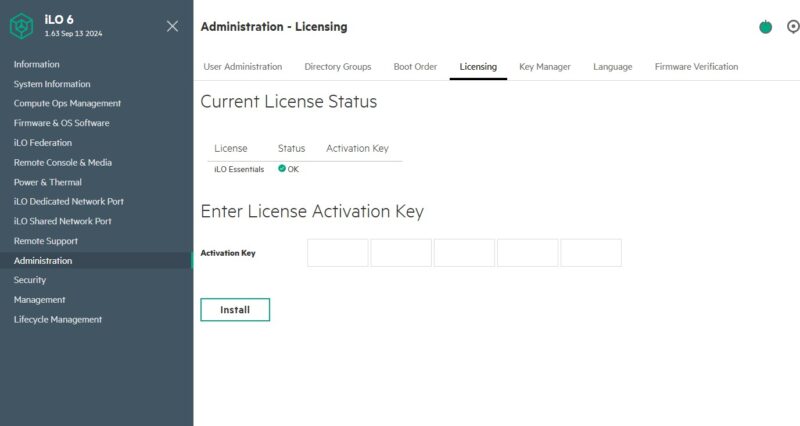
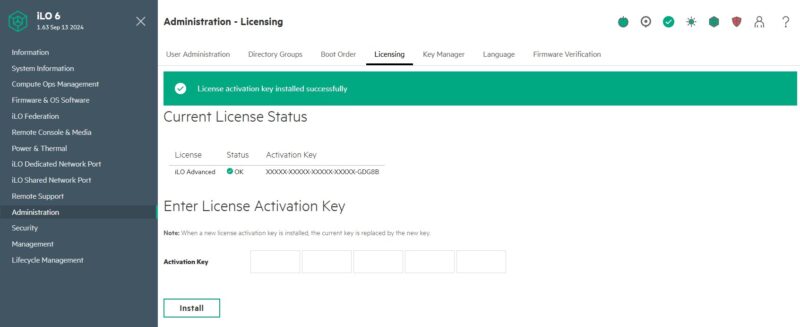
We purchased the iLO Advanced key on eBay (Affiliate Link), and then simply put it into the Advanced Licensing screen.
With that, let us get started.
HPE iLO 6 Essentials vs iLO 6 Advanced – iLO Federation
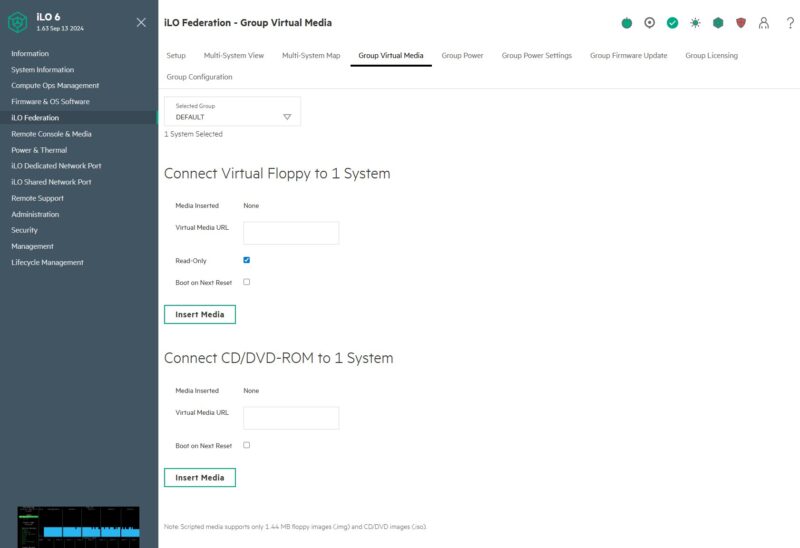
Our first stop is the iLO Federation which if often used to manage groups of servers. Here is the Group Virtual Media before the upgrade:
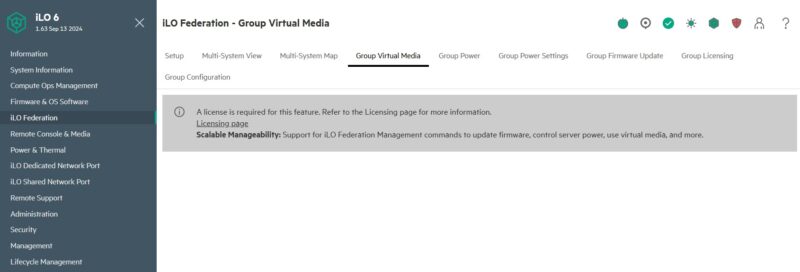
Here is the screen after where you can select virtual media to add to the group of systems.
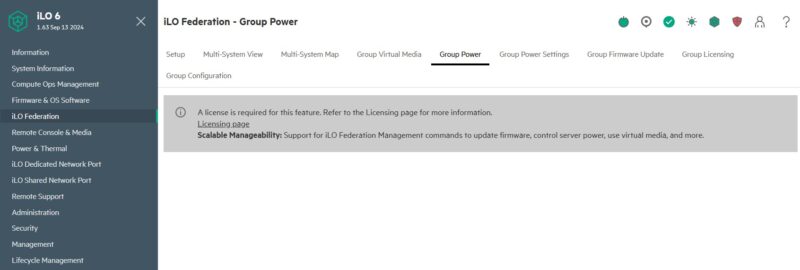
Similarly, the Group Power screen does not have anything in the iLO Essentials license level:
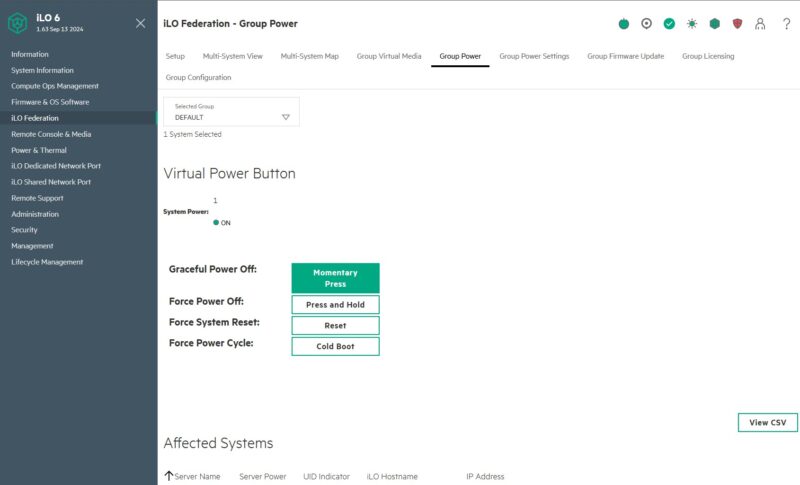
In the iLO Advanced level it has the virtual power button used to issue power commands to groups of systems.
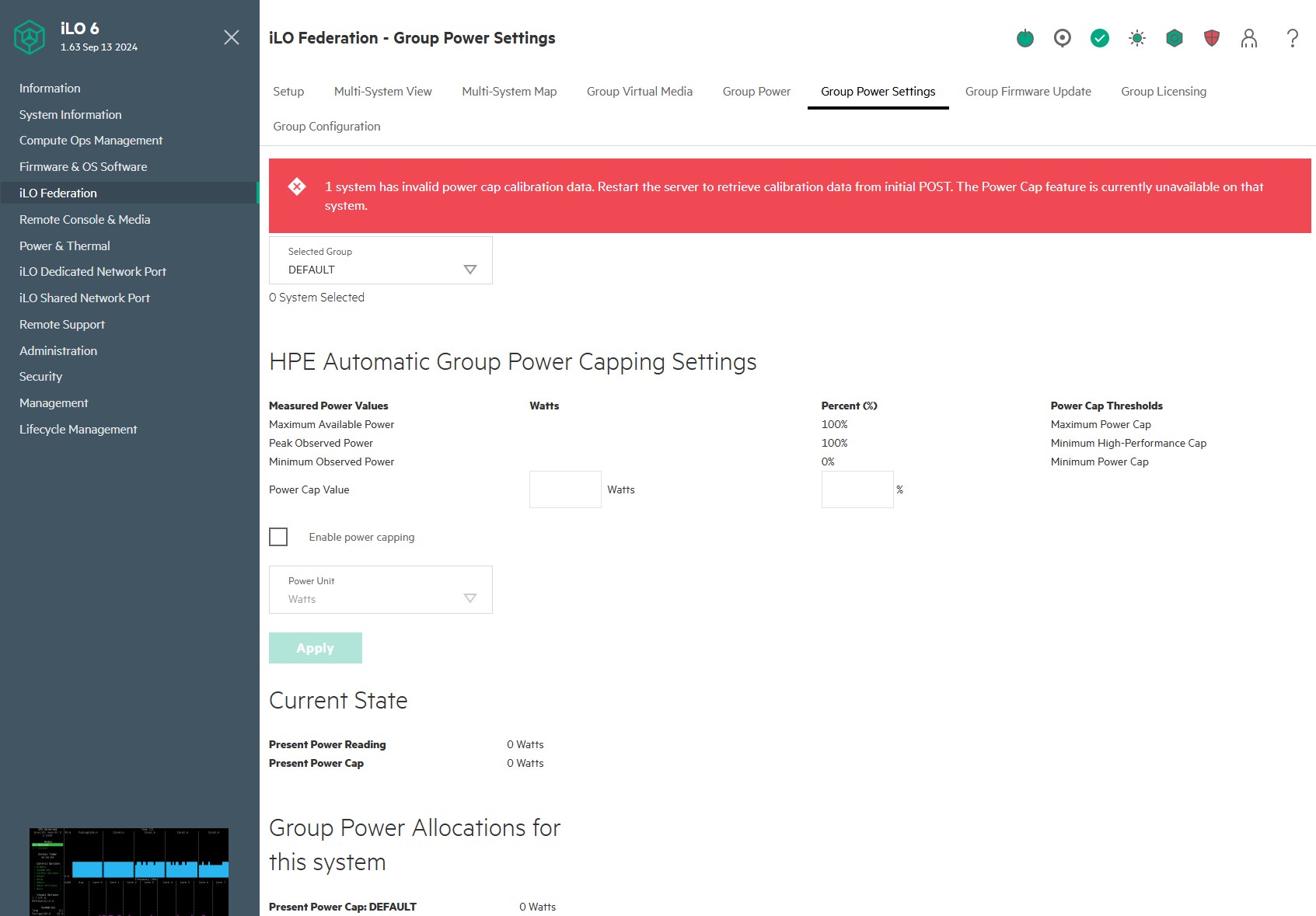
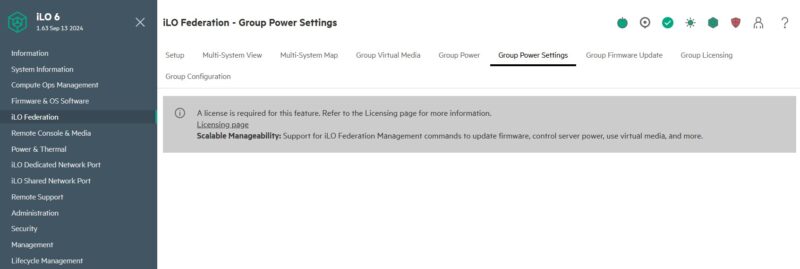
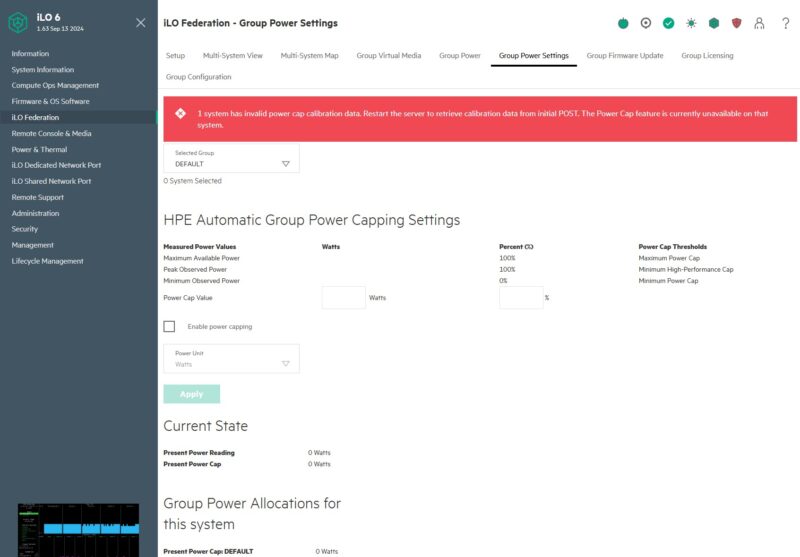
The Group Power Settings does not have any features with iLO Essentials.
With iLO Advanced we can set power capping for groups of servers.
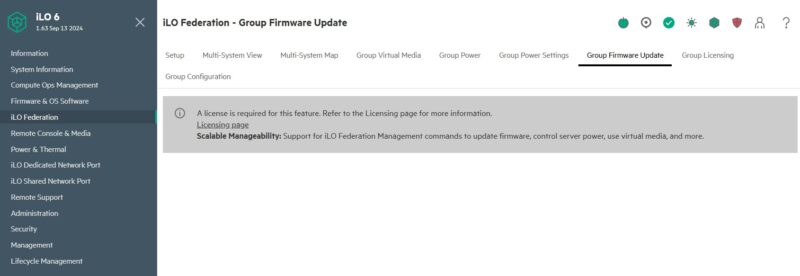
Likewise, Group Firmware Update is not available with iLO Essentials.
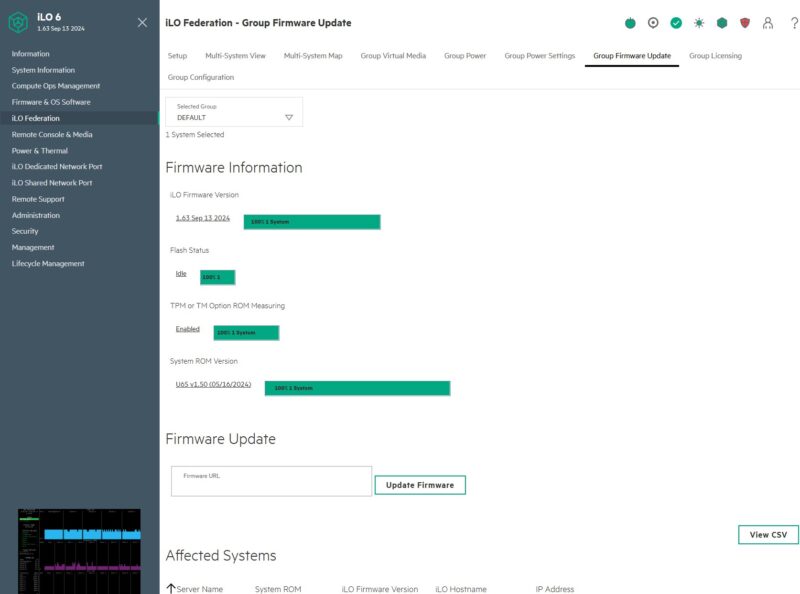
With iLO Advanced, we get teh ability to update firmware on groups of machines. This can be especially useful if there is a major security update.
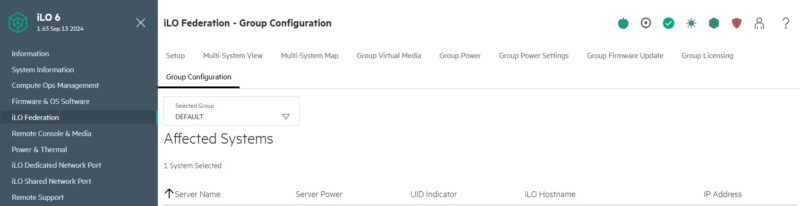
We found another screen in Group Configuration that was not available with the iLO Essentials license that was pre-installed on the system.
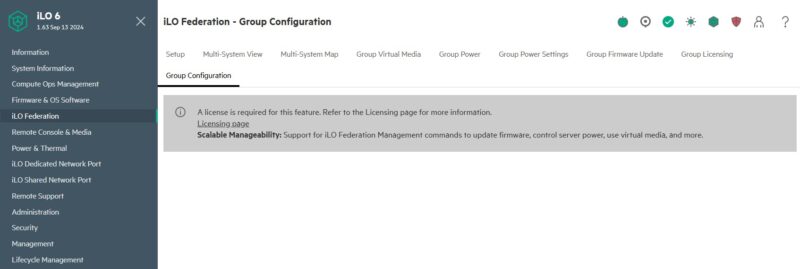
That lit up with different systems and groups when we changed to iLO Advanced.
Next, let us get to the Remote Console & media section to see what changes with the upgraded license.

We sell HPE. You don’t have any idea how useful this is. TYVM STH.
Thank you to the STH team for this level of detail on iLO.
I’m not sure whether I need any features beyond improved remote video and media capabilities, but I’ve just purchased an upgrade for our fleet of 74 MicroServer Gen11 servers.
That group firmware update and versioning was what sold me.
You buy, and pay for an enterprise solution. I’m continually amazed on how they nickel and dime you for everything. I bought the Mercedes, don’t make me pay for power windows for God’s sake. I moved away from HPE after the shenanigans with needed a current support contract to get current security updates for firmware. I know this isn’t new, but the enshittification of ILO and other remote access solutions has been decades in the making. I wonder now that we have sub $100 hardware solutions that could be scaled to racks of equipment if the calculus changes for the “big Iron” providers. Probably not, but it should.
Having only really dealt with Dell, Supermicro and a tad bit of Lenovo, and these pages skip over it, but does the essentials license give you a remote console? With the Dell iDRAC you need the higher license for this (except for blade servers as those don’t have any other way to connect a console).
In response to the “nickel and dime” comment, I think one of the reasons Supermicro has been gaining market share is exactly because they don’t extract an additional toll to enable functionality that is already built in.