
Categorized | The Big WHS

The Big WHS – Disaster Strikes, Part I

At around 1:30AM I woke up to what I believed was the fire alarm. After about 30 seconds outside in the cold, I realized that it was not a fire alarm, but rather an Adaptec controller alarm. The first hard drive has failed.

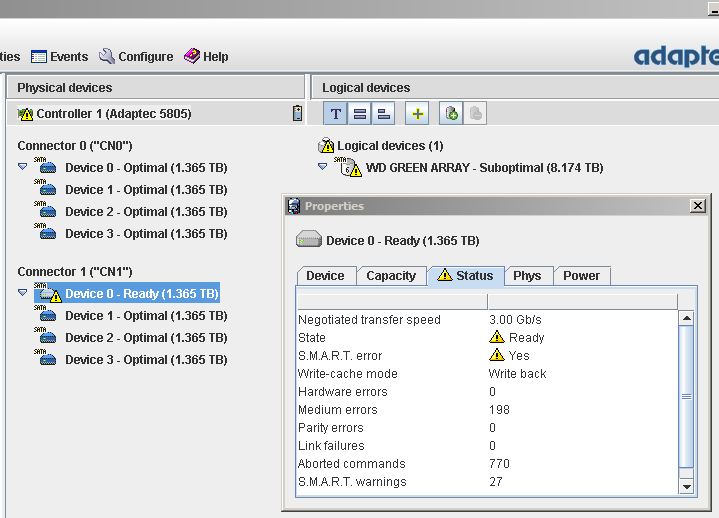
In my haste to assemble the new hardware for burn-in last evening I did not install the Adaptec Storage Manager software so I was treated to a 1:35AM download and installation. After everything was setup, I saw something all too common, but never fun. One of the new Western Digital Green 1.5TB drives started throwing bad sectors and SMART errors just after the raid 6 build verify was complete. No data was on the array, however, it is at minimum, a minor inconvenience.
First new drive to fail. WD Green 1.5TB after 36 hours.

This highlights an important point, always burn-in new drives before trusting them with your valuable data! I am debating sending the drive back to the reseller or Western Digital, will decide tonight and send it back tomorrow.
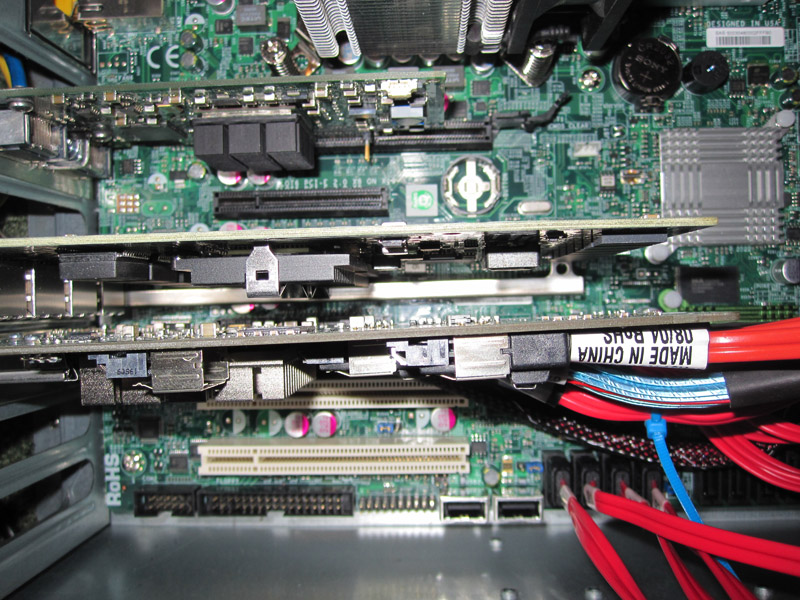
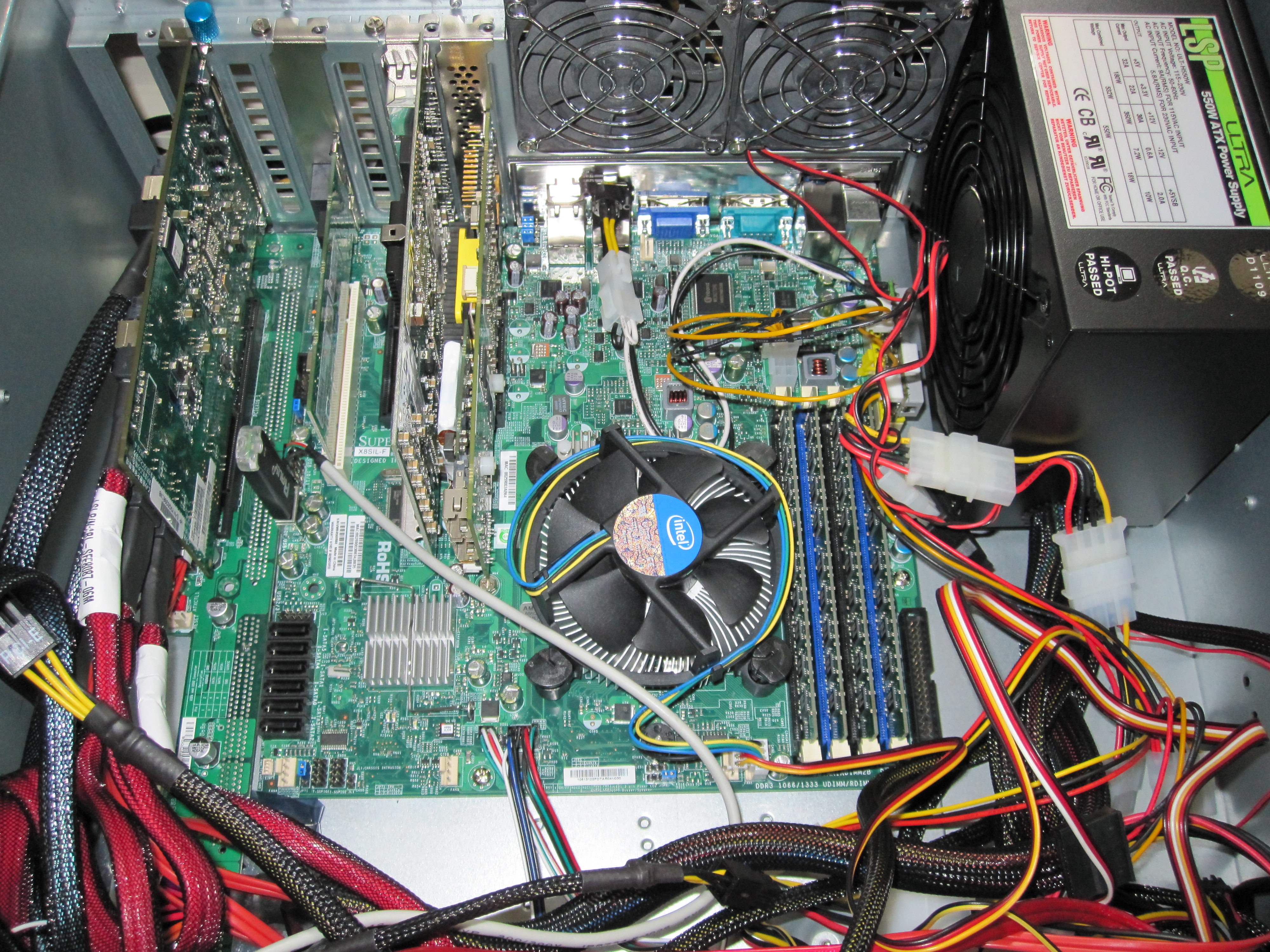
As another form of update: the new WHS is installed. Now that RDC is available, it is making life much easier.

Related posts:

  1. The Big WHS – Disaster Strikes, Part II
  2. The Big (30+ drive) Windows Home Server (Part 1)
  3. The Big (30+ drive) Windows Home Server (Part 2) Hardware Selection
  4. The RAID Reliability Anthology – Part 1 – The Primer
  5. IBM ServeRAID M1015 Part 2: Performance of the LSI 9220-8i
  6. IBM ServeRAID M1015 Part 3: SMART Passthrough on the LSI 9220-8i

This post was written by:

- who has written 281 posts on ServeTheHome.com.

Patrick has been running ServeTheHome since 2009 and covers a wide variety of home and small business IT topics. For his day job, Patrick is a management consultant focused in the technology industry and has worked with numerous large hardware and storage vendors in the Silicon Valley. The goal of STH is simply to help users find some information about basic server building blocks. If you have any helpful information please feel free to post on the forums.

Contact the author

3 Responses to “The Big WHS – Disaster Strikes, Part I”

  1. Juan says:

    Great idea about burning in the drives – the question is – HOW?
    I have two WD greens in my current system, and did not burn them prior to dumping my data on them.
    But I did, however, keep a backup in my old drives – just in case.

    So – how do you burn in new drives?

    Thanks!

  2. Patrick says:

    I use a combination of multi TB writes, raid 6 array build and verify runs, and run secure erase on the drives. That combination seems to work fairly well these days.

  3. Alex says:

    Patrick,
    do you have a script or batch for your multi writes, erases?

    Are you willing to present this here please?
    Thx
    Alex

Trackbacks/Pingbacks


Leave a Reply

Server Parts by Amazon.com

Image of Xeon Qc E3-1235 Processor Intel Xeon E3-1235
Image of Hitachi Deskstar 2 TB 3.5-Inch CoolSpin RPM SATA III 6Gbps 32 MB Cache Internal Hard Drive 0F12117 Hitachi 2TB
Image of Eye-Fi Pro X2 8 GB Class 6 SDHC Wireless Flash Memory Card EYE-FI-8PC Eye-Fi Pro X2