Tag Archive | "virtual machines"

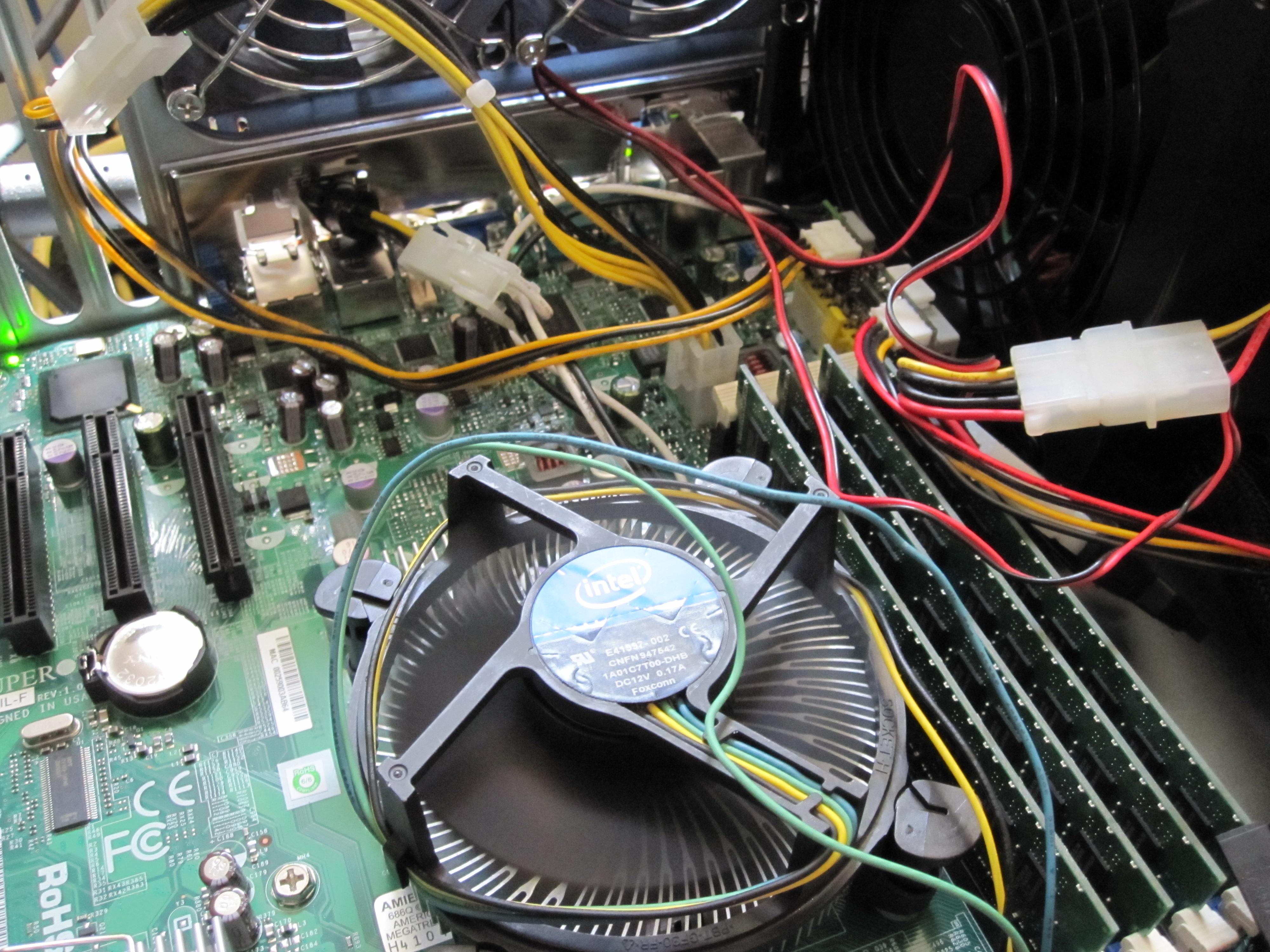
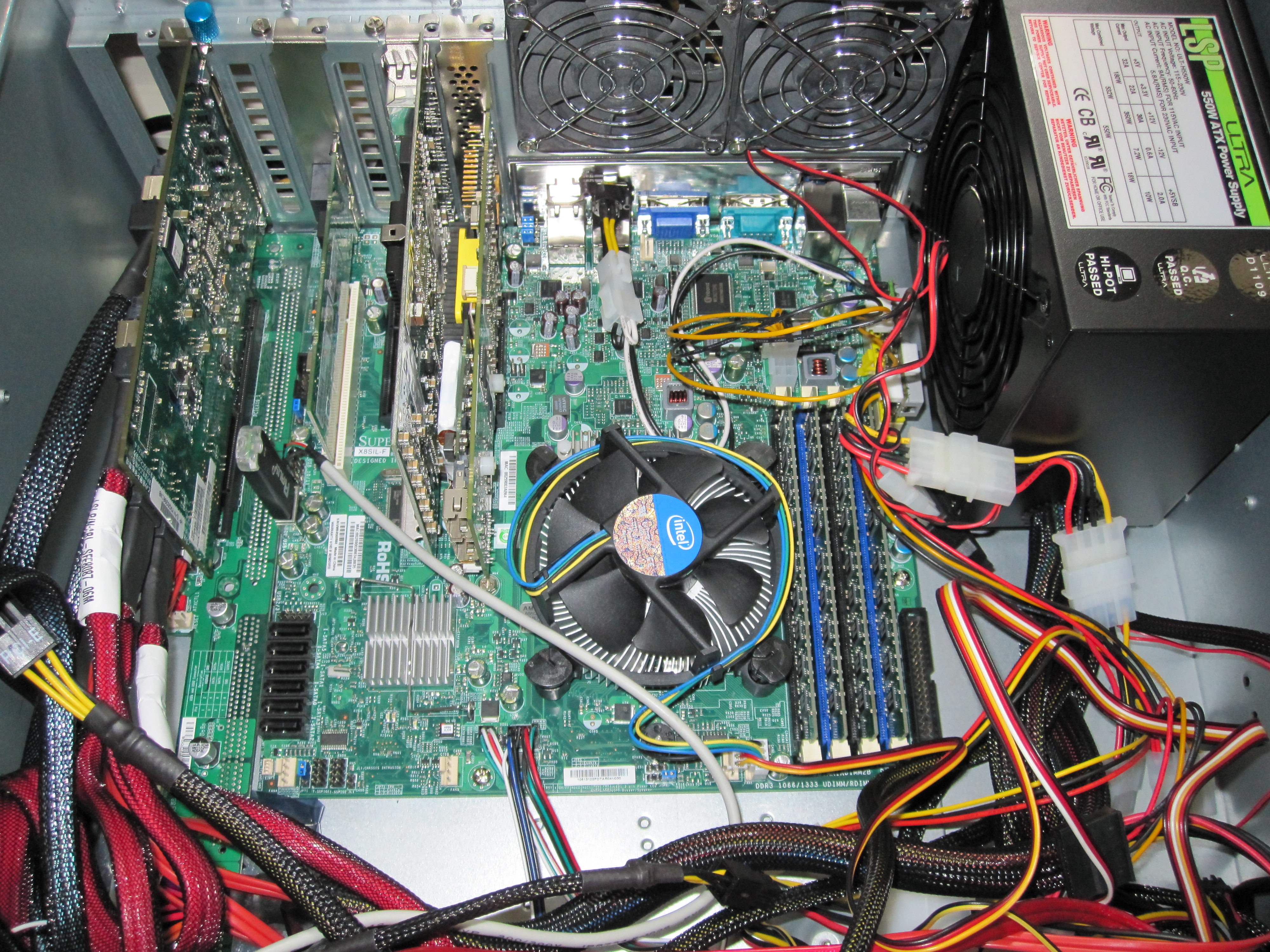
Intel Xeon X3440 135w max power consumption on a Supermicro X8SIL-F

Intel Xeon X3440 for the Windows Home Server Mini-Review

As a follow-on to the Supermicro X8SIL-F review, I had some interest in seeing power consumption figures for the CPU’s involved. I have already discussed the Intel Core i3-530′s low idle power consumption and relatively low maximum power consumption extensively. As I have a habit of doing, I decided to use an Intel Xeon X3340 in the new server for two reasons. First, I wanted to see a performance of the X3440 versus the other CPU’s I have tested for video encoding and transcoding on a Windows Home Server platform. Second, I wanted to have a server running Microsoft Hyper-V Server with Windows Home Server and Ubuntu 10.04 as guest operating systems running in Hyper-V virtual machines. In the end, I found that the Xeon X3440 provides a great feature set, relatively low power consumption, and performance all at a reasonable cost.

Read the full story

Posted in Server CPUsComments (3)

PE-2SD1-R10-1 PCMIG 1U Backplane with PCIe Slot

SAS Expanders, Build Your Own JBOD DAS Enclosure and Save – Iteration 2 – A Better Solution

After completing the first DAS/ SAS Expander JBOD enclosure project I realized that there was a major area of improvement. Using less than 30% of a large 4U case’s volume for useful purposes seemed like the key area to improve upon. As I was completing that build I soon realized that I wanted a secondary server to be able to access some of the drives for EXSi or Hyper-V virtual machines. Further, NAS operating systems that run poorly in virtual machines, such as unRaid require dedicated server for testing. I could have built another server in another enclosure, but I decided that I could improve upon the original design and access drives that are housed in the Big WHS ecosystem through a simple cable swap. This eliminates the need to physically move drives from enclosure to enclosure. The following is a slightly (approximately $20) more expensive version of the original Build Your Own JBOD DAS Enclosure with a HP SAS Expander iteration.

Read the full story

Posted in Non-drive Components, The Big WHSComments (12)

Bottom of modified PCMIG board and simple fan controller in RPC-4220 DAS Enclosure

The Big WHS: May Update 60TB Edition

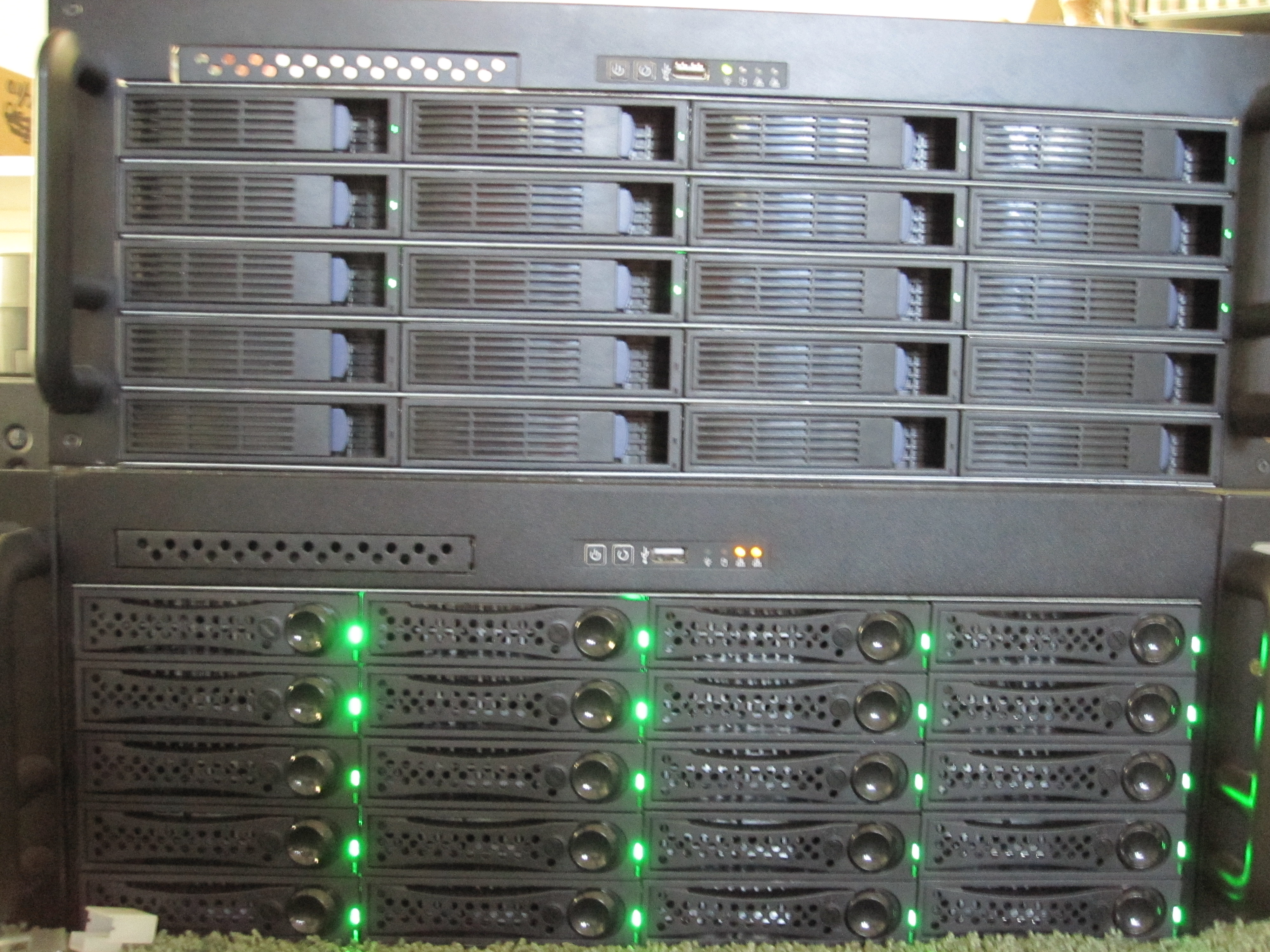
The Big WHS was originally supposed to house approximately 30TB of storage when the plans were first detailed on an Excel spreadsheet BOM in December 2009. This was a big upgrade to my first DIY Windows Home Server box that had well under 20TB. About five months later, the storage capacity has crested 60TB, with further room to expand. The Big WHS now spans two 4U Norco cases (using a total of 8U of rackspace and another 4U chassis is in the works) has over 60TB of storage, and requires well over a dozen ports on the gigabit switch.

Read the full story

Posted in The Big WHSComments (18)

2 New Jumpers on the X8SIL-F rev 1.02 PCB

Supermicro X8SIL-F v1.01 versus v1.02 differences

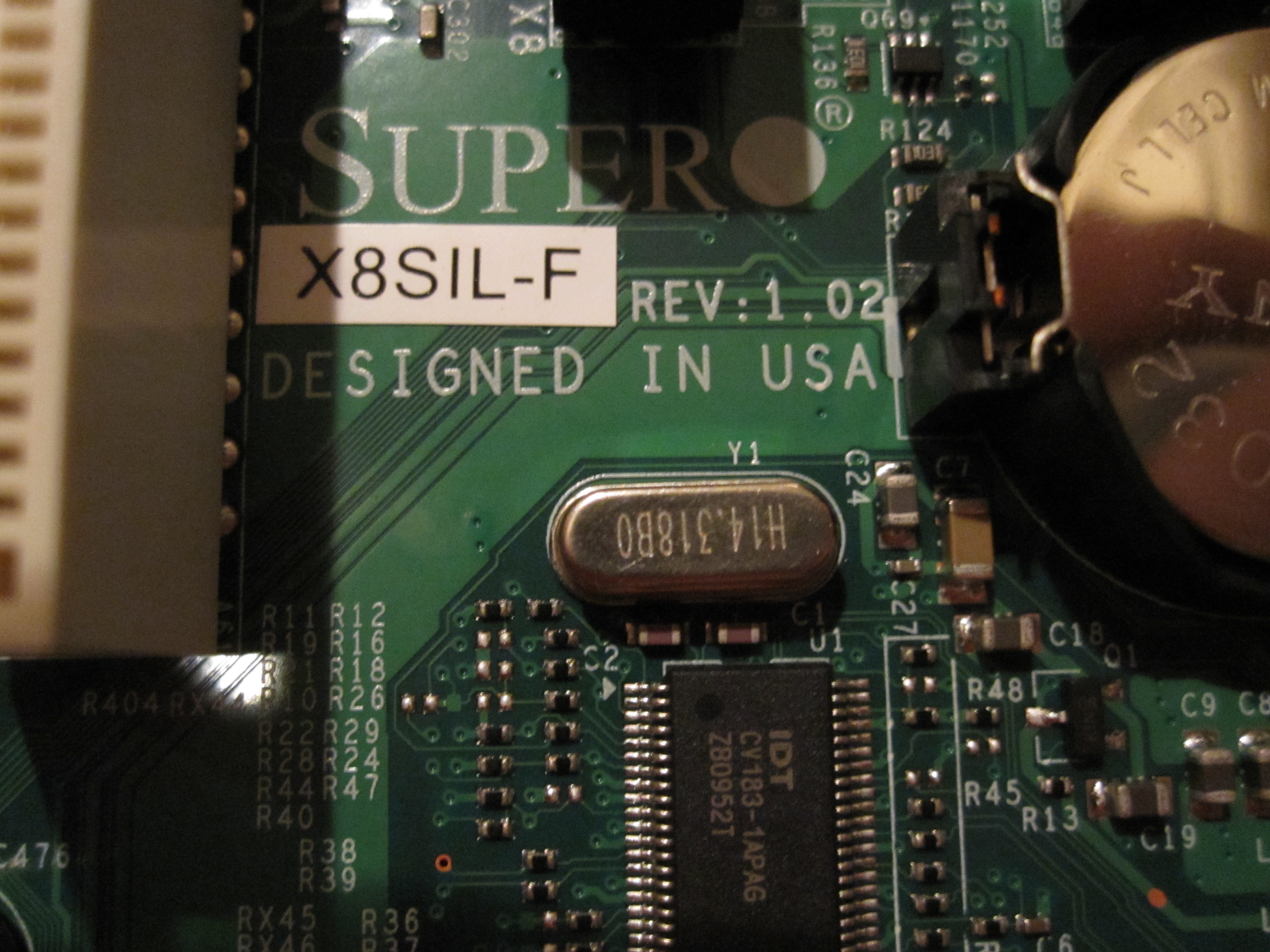
The Supermicro X8SIL-F mATX motherboard is becoming a favorite for home servers, especially those built upon Core i3′s and Core i5′s because it provides lots of expandability in a small form factor, and has IPMI 2.0. The Supermicro X8SIL-F’s supported processors can easily handle a network attached storage (NAS) virtual machine as well as additional virtual machines for other purposes. As I eluded to in my previous post, the major difference between the revision v1.01 and v1.02 boards, at least as far as I have seen, is the support for the Intel Core i3 and i5 CPU’s as well as the Intel Pentium G6950 in the v1.02 X8SIL-F versus support only for Intel   CPU’s in v1.01. With the virtualization support and hyperthreading in the Intel Core i3 and i5′s as well as the low power consumption of Intel’s 32nm process, it is a great, low cost and low power combination.

Read the full story

Posted in MotherboardsComments (12)

Supermicro RMA Support for the X8SIL-F

As I mentioned in the previous post on the compatibility issue, I had to RMA my Supermicro X8SIL-F (mATX LGA 1156 server board with IPMI 2.0 and dual Intel gigabit NICs) last week because it was version 1.01 PCB instead of v1.02. The difference being support for Clarkdale CPU’s.

Just to give an idea of why Supermicro’s support is so good here is the timeline:

  1. Sunday (day 0) - Sent a note to Supermicro tech support explaining my problem.
  2. Monday morning (day 1) - Received a confirmation that I needed v1.02 PCB of the X8SIL-F to use with my Intel Core i3-530.
  3. Monday afternoon – submitted my RMA request online
  4. Tuesday mid-day (day 2) - was contacted by Supermicro RMA support, I gave the requried information for advanced RMA. Later that day I got a follow-up e-mail saying that the advance RMA request had to be approved and that it may take until the next day.
  5. Wednesday (day 3) – confirmed that I accepted the Supermicro advance RMA policy, and that ground shipping would be fine (I live only a few miles from a Supermicro facility).
  6. Thursday (day 4) – New X8SIL-F shipped.
  7. Friday (day 5) – X8SIL-F was at my doorstep. I was not home to sign for the delivery, so made arrangements to pick up at the UPS facility. Bottom line is that Supermicro had the replacement board at my doorstep within 96 hours of submitting my RMA request.

Overall great service from Supermicro! I have also decided that I will house this in the Norco RPC-4220 that serves as the DAS box for the Big WHS. That way I can use it to add drives for the test environments. Odds are I will either run ESXi with a few Linux/ FreeBSD/ OpenSolaris virtual machines or just run OSes directly on the PC. I am also planning to power this system independently of the rest of the enclosure and drives so that I can power cycle the server without taking the drives off of the Areca array.

Posted in MotherboardsComments (4)

Hyper-V - Create Network

Create a Hyper-V VM for FreeNAS, Openfiler, Linux, FreeBSD, OpenSolaris, and more

As many have read, I have been trying different NAS solutions on the Big Windows Home Server. This guide will show the base procedures for installing open-source NAS/ SAN appliances such as FreeNAS, OpenFiler, Ubuntu (and other Linux distros), OpenSolaris (and variants such as CentOS) into a Hyper-V VM. 

For this guide, I will be using screenshots from the Hyper-V manager in Microsoft Windows Server 2008 R2. Microsoft offers a free Hyper-V Server R2 product for those that want to try and do not have access to a Server 2008 R2 testbed. Later I will detail installing the OS’es onto the Hyper-V platforms, but I wanted a base article that showed the basics so I can link rather than duplicate later (think of this as WordPress Dedupe). It should be noted up-front this guide is for a non-Windows Hyper-V installation. Also, everything below can be changed as necessary for your environment/ installation. 

Read the full story

Posted in Hyper-V VirtualizationComments (6)

Server Parts by Amazon.com

Image of Hitachi Deskstar 2 TB 3.5-Inch CoolSpin RPM SATA III 6Gbps 32 MB Cache Internal Hard Drive 0F12117 Hitachi 2TB
Image of 4GB 1333MHZ DDR3 Ecc CL9 Dimm Kingston ECC DDR3 UDIMMs
Image of Hitachi Deskstar 2 TB 3.5-Inch CoolSpin RPM SATA III 6Gbps 32 MB Cache Internal Hard Drive 0F12117 Hitachi 5K3000 2TB