Tag Archive | "intel pro"
Posted on 24 June 2010. Tags: agility, ASSD, capacity, compression algorithm, cpu intel, drive, extreme memory, files zip, host os, intel pro, paragraph summary, performance, performance penalty, raid 0, reason, sata, sequential, SSDs, storage technology, test
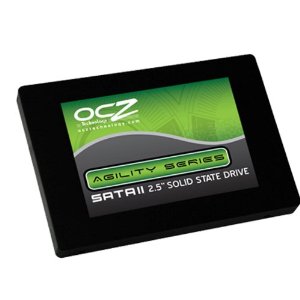
OCZ’s Agility 2 120GB is a new generation of drive based on the SandForce SF-1200 controller. Unlike the OCZ Vertex LE and OCZ Vertex 2 drives, the Agility 2′s SandForce controller has an IOP limit artificially limited in firmware. With that being said, it is also cheaper than the Vertex 2 120GB and is still a very fast SSD, especially with compressible loads.
The short story of the SandForce controller is that it uses an internal encryption/ compression algorithm to write data to NAND faster than other drives. The SandForce based Agility 2 120GB is therefore fairly fast with compressed workloads (i.e. pictures, music files, zip files, ISOs, and etc) and much faster with compressible workloads such as office documents. Another major storyline is that SandForce is a fairly new player and the controllers are of unknown reliability. Finally, originally SandForce reserved much more space on drives in this capacity range for use in wear leveling, cache and etc. OCZ Agility 2 and Vertex 2 SandForce drives were originally 100GB but after being criticized for mediocre cost per GB and with little performance penalty moving from 28GB reserved (old drives were 100GB usable 28GB reserved) to 8GB reserved (new drives are 120GB usable 8GB reserved), the choice to enable the extra capacity was clear.
Read the full story
Posted in Disk Subsystem Performance
Posted on 08 June 2010. Tags: Areca, cpu intel, differentiators, dual intel, expanders, expansion slots, intel pro, ipmi, ipmi 2.0, LSI SAS1068E, motherboard review, nics, Norco, pci slots, rpc, SSD, Supermicro, supermicro motherboard, Supermicro X8ST3-F, test configuration, WHS, x25, X8ST3-F
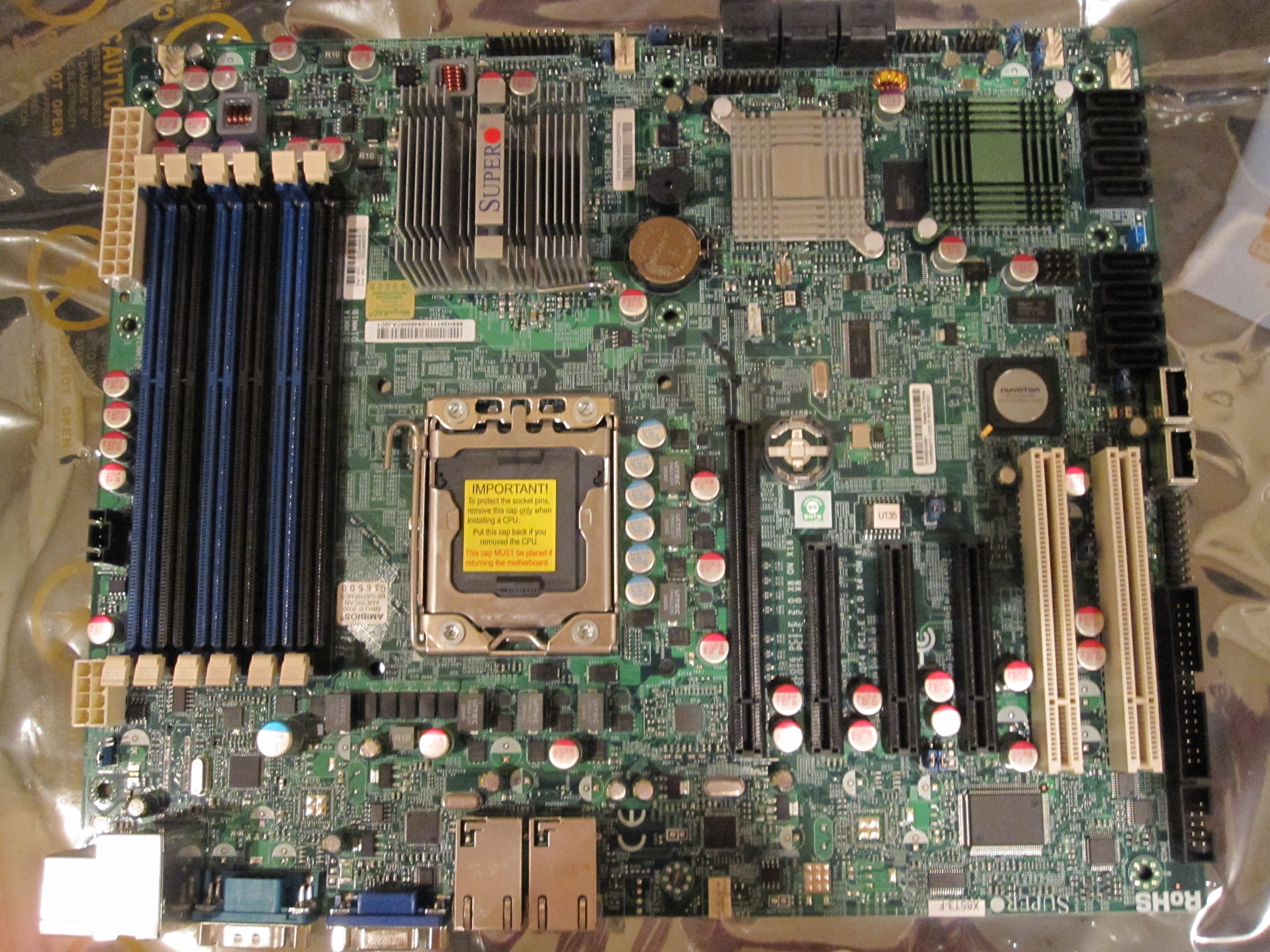
My main server, the Big WHS now houses over 60TB of storage, runs multiple VM’s, and has over 10 Gigabit NICs. At the heart of this server, is a Supermicro X8ST3-F. It was not the first motherboard I tried in the server, as I originally tried using an ASUS P6T7 WS Supercomputer in the Big WHS, but it has been running solidly since its first installation. Aside from its stability, it also comes with many PCIe slots, an onboard LSI 1068e based 8 port SATA/ SAS controller, dual Intel Gigabit NICs, onboard video, and IPMI 2.0 with KVM over IP.
Read the full story
Posted in Motherboards
Posted on 01 June 2010. Tags: amd phenom, consumption figures, home server, i3-530, i5 750, Intel, intel pro, intel xeon, intel xeon x3440, maximum power consumption, mechanical disks, n330, Norco, offshoot, openfiler, picopsu, server v1, server v2, Supermicro, Supermicro x8sil-f, vail, virtual machines, x25, x25-v, x4, x8sil-f, xeon cpu
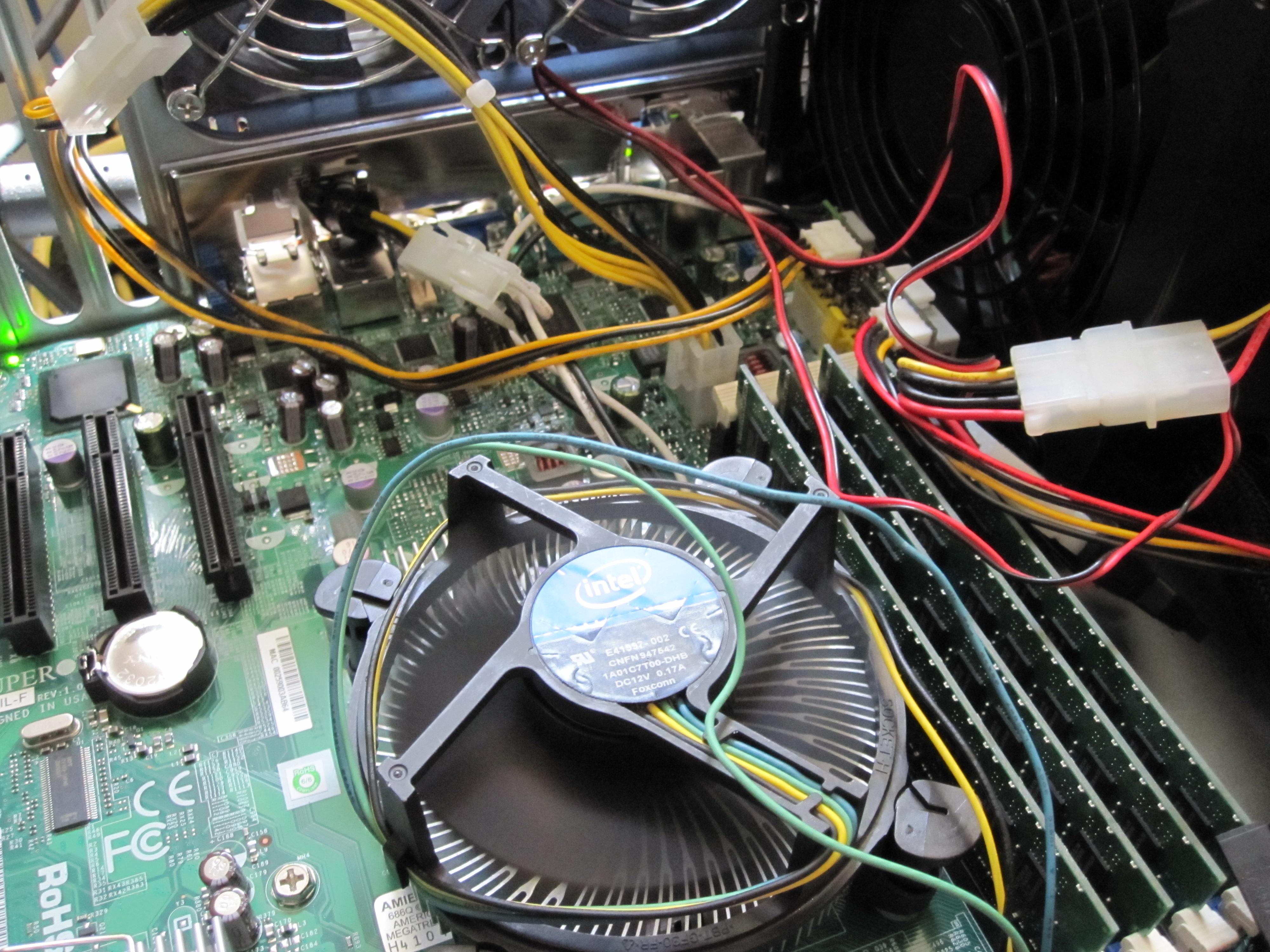
As a follow-on to the Supermicro X8SIL-F review, I had some interest in seeing power consumption figures for the CPU’s involved. I have already discussed the Intel Core i3-530′s low idle power consumption and relatively low maximum power consumption extensively. As I have a habit of doing, I decided to use an Intel Xeon X3340 in the new server for two reasons. First, I wanted to see a performance of the X3440 versus the other CPU’s I have tested for video encoding and transcoding on a Windows Home Server platform. Second, I wanted to have a server running Microsoft Hyper-V Server with Windows Home Server and Ubuntu 10.04 as guest operating systems running in Hyper-V virtual machines. In the end, I found that the Xeon X3440 provides a great feature set, relatively low power consumption, and performance all at a reasonable cost.
Posted in Server CPUs
Posted on 24 May 2010. Tags: 8u, adaptec, Areca, Core i3, Core i7, cpu intel, DDR3, Enclosure, expanders, gigabit switch, home server, host os, intel pro, main switch, Norco, rackspace, Seagate 7200.11, Server, server v2, stock fans, storage capacity, Supermicro, Supermicro x8sil-f, The Big WHS (30+ Drives), virtual machine, virtual machines, virtualization, WHS, Windows Home Server, x25, x8sil-f
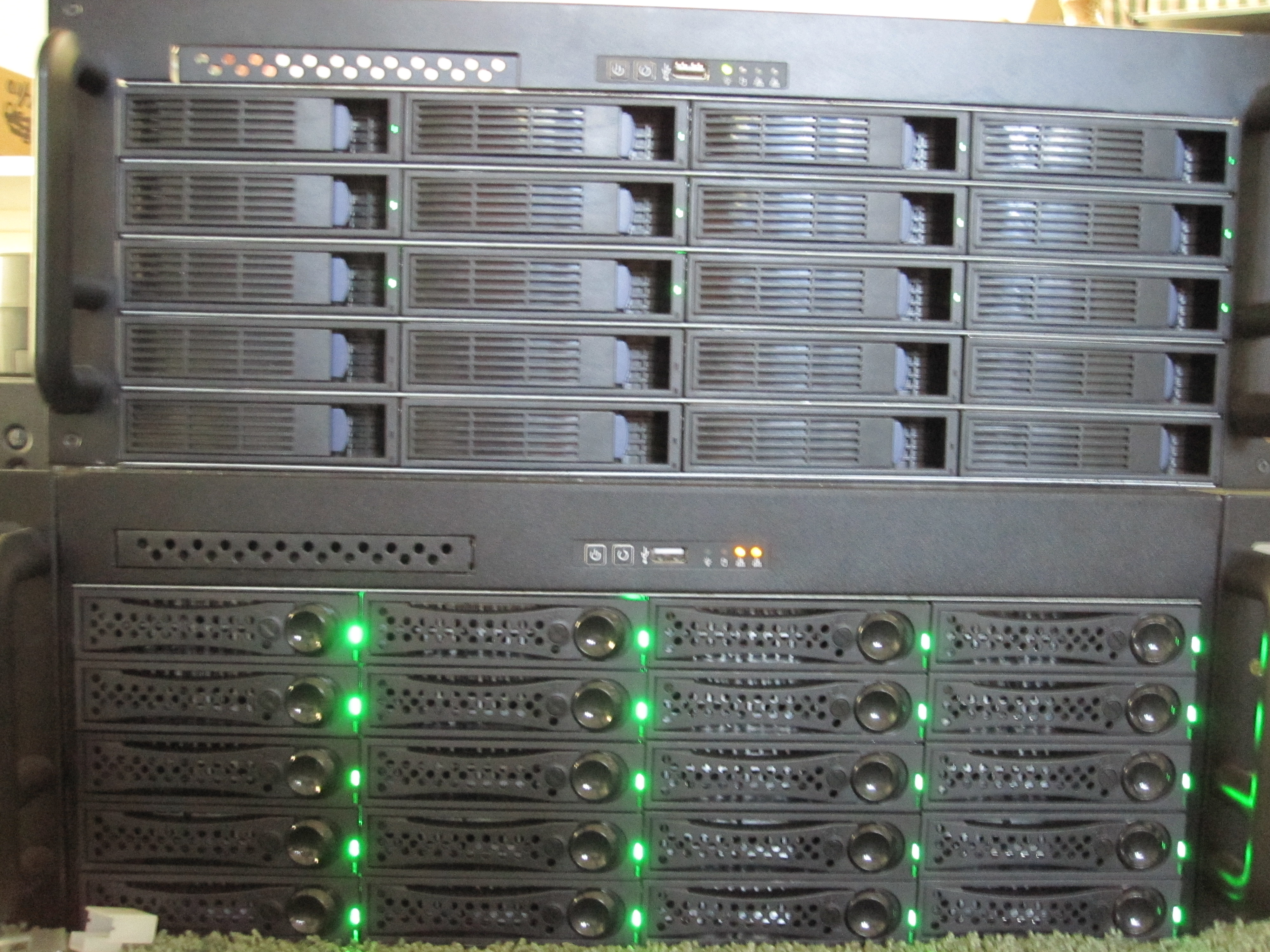
The Big WHS was originally supposed to house approximately 30TB of storage when the plans were first detailed on an Excel spreadsheet BOM in December 2009. This was a big upgrade to my first DIY Windows Home Server box that had well under 20TB. About five months later, the storage capacity has crested 60TB, with further room to expand. The Big WHS now spans two 4U Norco cases (using a total of 8U of rackspace and another 4U chassis is in the works) has over 60TB of storage, and requires well over a dozen ports on the gigabit switch.
Read the full story
Posted in The Big WHS
Posted on 03 May 2010. Tags: Areca, beep, bios update, dual intel, expansion cards, expansion slots, gigabit, google, google research, green ears, hitachi drives, home server, intel pro, lga, matx motherboard, network ports, server board, server v2, Supermicro, supermicro motherboard, Supermicro x8sil-f, x8, x8sil-f
Just as a quick note. I purchased a Supermicro X8SIL-F (mATX LGA 1156 server board with IPMI 2.0 and dual Intel gigabit NICs) last week, along with two 2TB Western Digital Green EARS drives using advanced format, and two Hitachi 2TB drives. First off, I was very excited about the X8SIL-F because it is a great mATX motherboard with IPMI 2.0, three PCIe x8 and one PCI slot with two onboard Intel NICs. My plan was to use those expansion slots for:
- PCIe #1: Areca ARC-1300
- PCIe #2: Intel Pro/1000 PT Dual
- PCIe #3: HP SAS Expander
- PCI #1: Intel Pro/1000 GT
That would give me well over 30 SATA ports (since there would be onboard SATA also) and five gigabit network ports (all Intel), and an option to expand to seven assuming I swapped the dual Intel NIC for a quad. I wanted to have a ZFS test box for FreeNAS/ OpenSolaris and for a physical or secondary Hyper-V installation of Windows Home Server v2 VAIL in the future. I had also ordered 4GB of ECC DDR3 1333 since I wanted lots of cache for ZFS.
Read the full story
Posted in Motherboards
Posted on 26 April 2010. Tags: 1tb, Areca, case 2, codename, codename vail, codenamed, cpu intel, expanders, guest os, home server, host os, hyper-v, integration tools, intel pro, keyboard shortcuts, mouse support, Norco, public preview, server v2, test configuration, vail, vhd, virtual machine, virtualization, virtualized, vm, WHS, whs v2, windows home server v2, windows home server vail
If one browses this site they will quickly see that I am a fan of Hyper-V virtualization and also Windows Home Server. On April 26, 2010, Microsoft released the public preview of the long awaited Windows Home Server V2 codenamed VAIL. Of course, I did have a test system lying around, but the WHS V2 code base is supposed to be Windows Server 2008 R2 which is why it requires a 64-bit CPU. Now, I could have installed the VAIL preview onto a physical machine, but there are probably editors at 30 sites doing that right now. So how about something interesting, and more appropriate for software labeled beta and preview, a Hyper-V installation!
Read the full story
Posted in Hyper-V Virtualization, Operating Systems
Posted on 21 April 2010. Tags: 8u, amd phenom, asoft, benchmarks, Dell PowerConnect, direct attached storage, freebsd, hardware reviews, home server, intel pro, network performance, Norco, raid 0, sata, socket am3, virtualization, x25, x4
I have decided to post a little roadmap of what’s next on the site. I am a list making person, so this will hopefully keep me goal oriented. The next few weeks I will be focusing on some Windows Home Server add-in reviews and guides, some Linux/ OpenSolaris on Hyper-V guides, and some hardware testing. Other potential thoughts I have are to write up how to get decent network performance from a WHS (i.e. over 90MB/s which it seems like there are people who can’t figure this out). I may also move into trying some ESXi virtualization guides, some FreeBSD/ OpenSolaris ZFS guides, and some hardware reviews and benchmarks.
Read the full story
Posted in Storage News
Posted on 14 April 2010. Tags: administrative tasks, asoft, basic health, cpu utilization, desktop connections, disk space usage, download speed, download speeds, health stats, home server, intel pro, manager performance, memory ram, monitoring program, nics, performance monitor, ram usage, server tab, uptime statistics
Every so often a cool plug-in comes along that is a must have. I saw AdminiMe from ASoft recently on sale for $6 as a special and decided to give it a try. The plug-in is a fairly basic monitoring program which lets you see basic health stats of your Windows Home Server (WHS), send automated notifications when something goes awry, and do simple administrative tasks like launch the task manager, performance monitor, event viewer, initiate remote desktop connections, and even shut down/ reboot your Server remotely.
Read the full story
Posted in Windows Home Server
Posted on 12 April 2010. Tags: Areca, caches, cpu intel, cpu utilization, expanders, freenas, host os, hyper-v, intel pro, livecd, microsoft windows server, Norco, os windows, rpc, select option, test configuration, vhd, virtual machine, vm, western digital
In previous articles we have shown how to set up a basic Hyper-V virtual machine that works with FreeBSD and FreeNAS as well as how to configure the Hyper-V VM and boot FreeNAS in it. The next step of course is to install FreeNAS to a vhd, so it no longer needs to run off of the LiveCD. This is primarily important so you can configure FreeNAS and save that configuration through reboots. Also, as FreeNAS seems to only work with drives attached to the IDE controllers, installing FreeNAS to a vhd allows one to free up one IDE channel for another drive (by removing the default DVD drive).
Read the full story
Posted in Hyper-V Virtualization
Posted on 08 April 2010. Tags: building diy, freebsd, freenas, gigabit ethernet, hardware resources, homemade how to, how to plans, hyper-v, intel pro, ip address, legacy network, linux, nas, network adapter, open source, openfiler, san, screens, setup, virtual machine, virtual network, virtualization
To install FreeNAS in a Hyper-V virtual machine one needs to do some configuration of the virtual machine, just as one would with a physical machine. Allocating hardware resources is much easier in Hyper-V versus physical machines because you can do it remotely through screens instead of physically taking a box offline and installing hardware. This guide will show the basic Hyper-V virtual machine setup for installing FreeNAS, an open source NAS appliance based on FreeBSD.
Read the full story
Posted in Hyper-V Virtualization